

Wemos D1 mini ( DIN rail ) mount

Đây là một gắn kết cho Wemos D1 Mini. Các Wemos D1 Mini nhấp vào gắn kết này. Ngoài ra còn có một nút nhỏ cho…
Mô tả
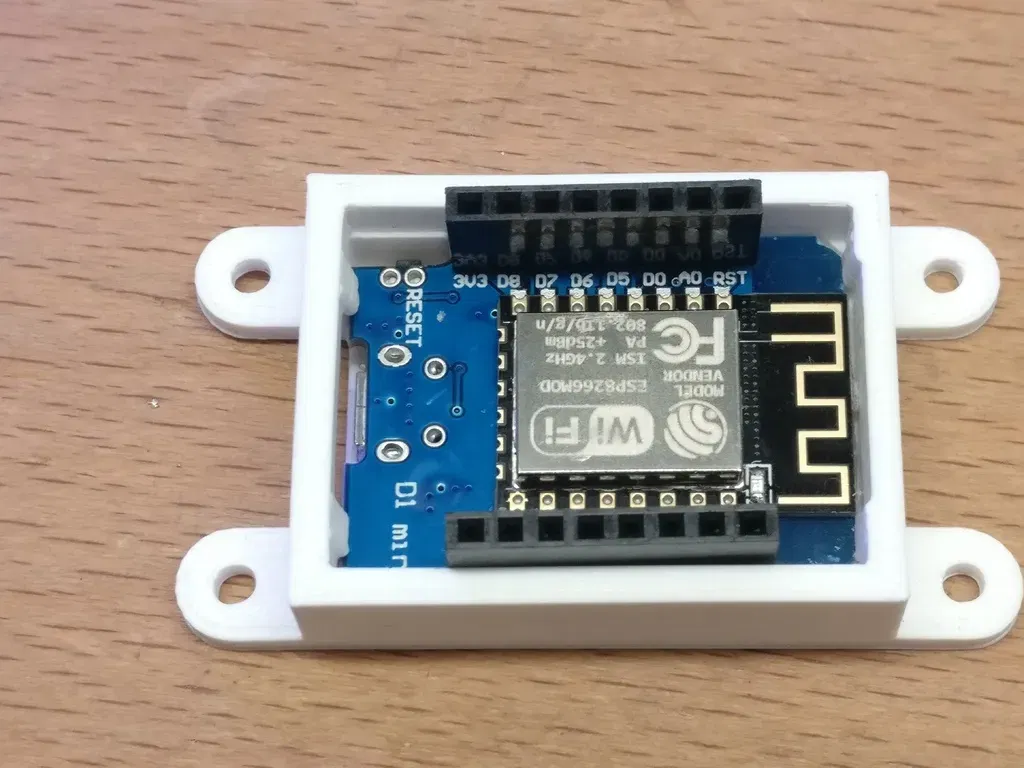
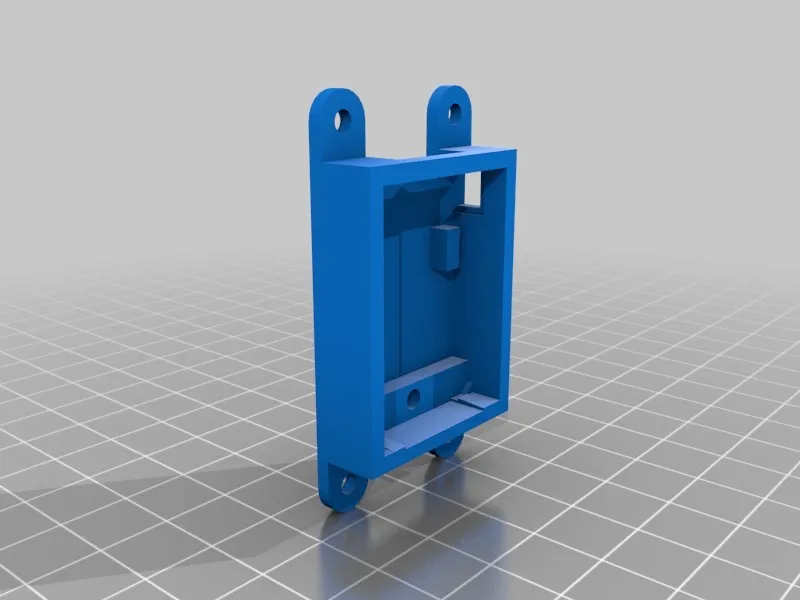
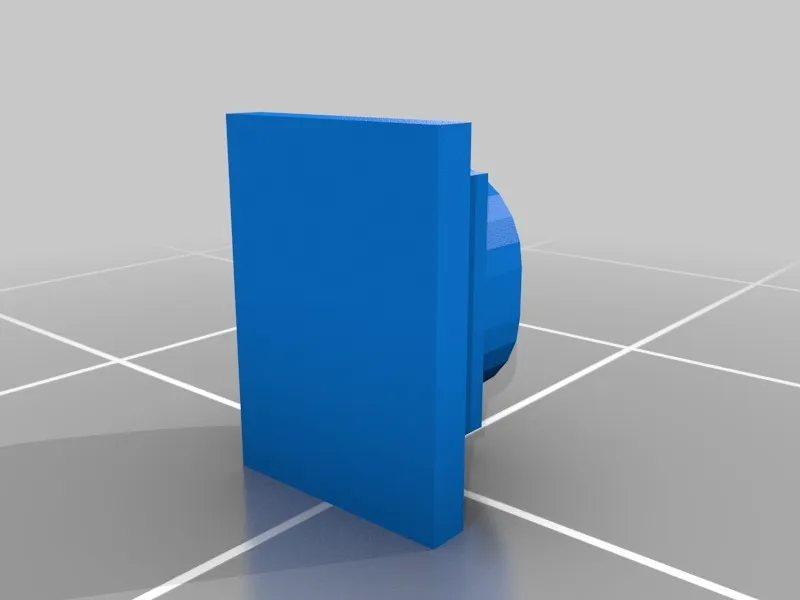
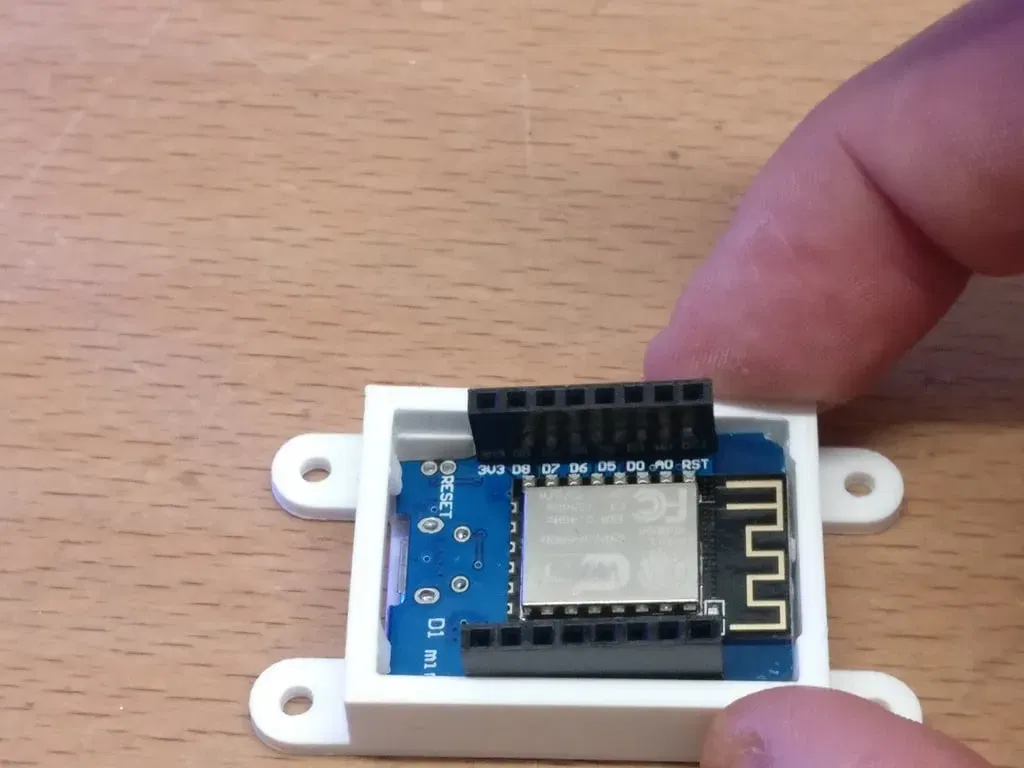
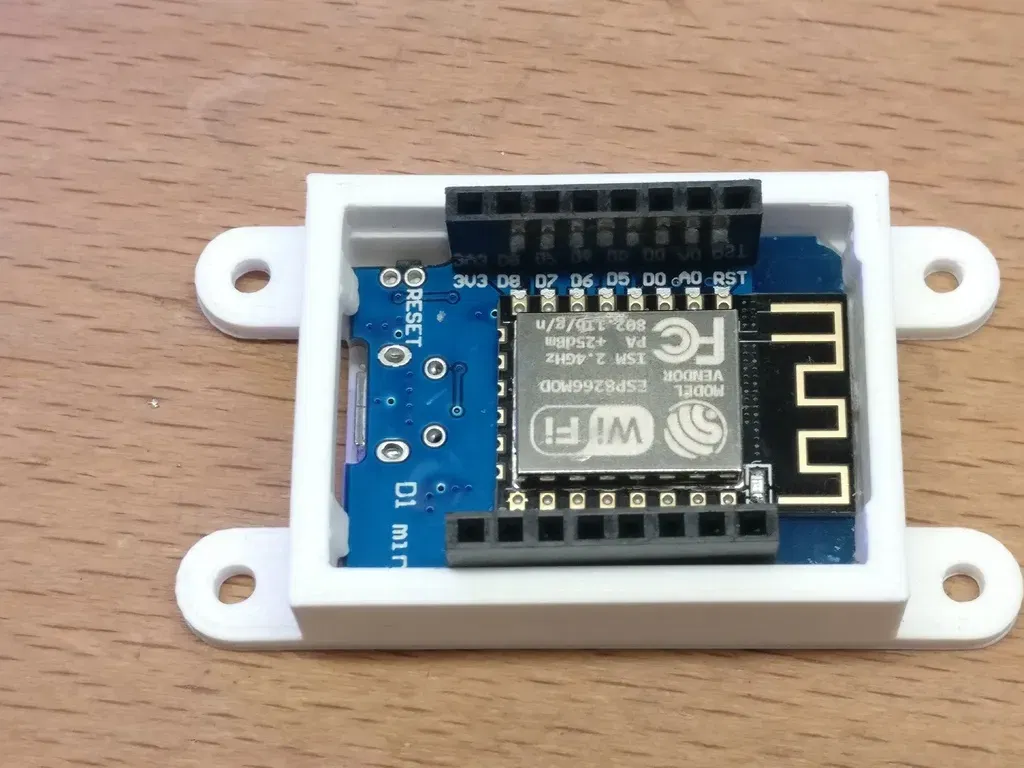
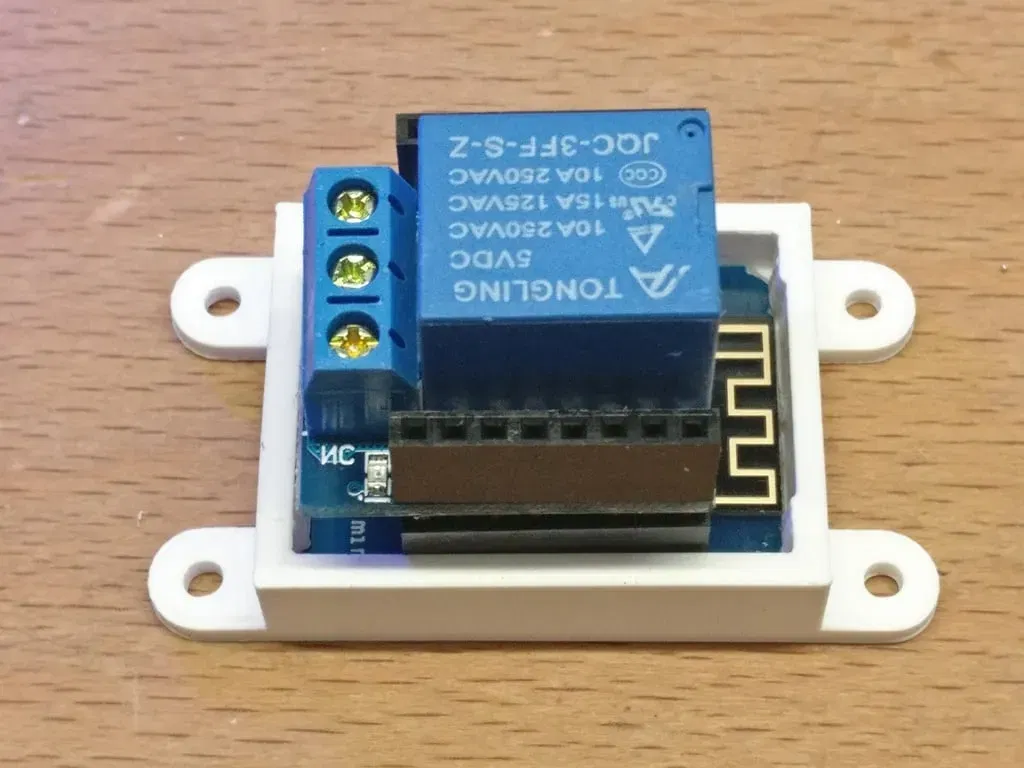
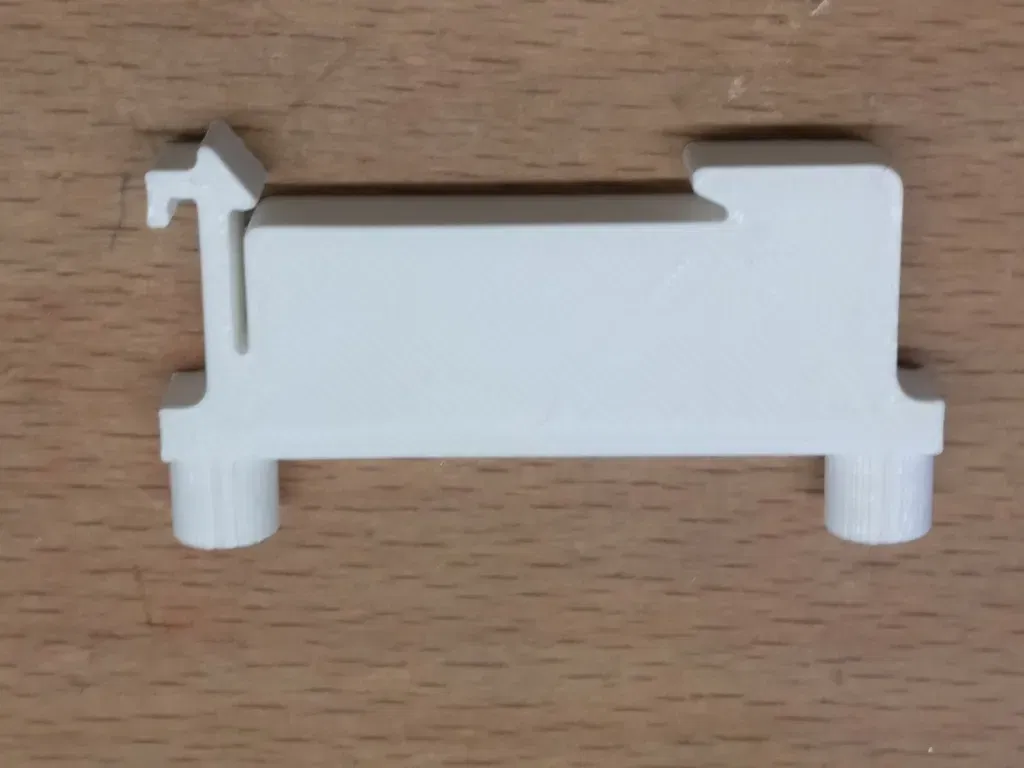
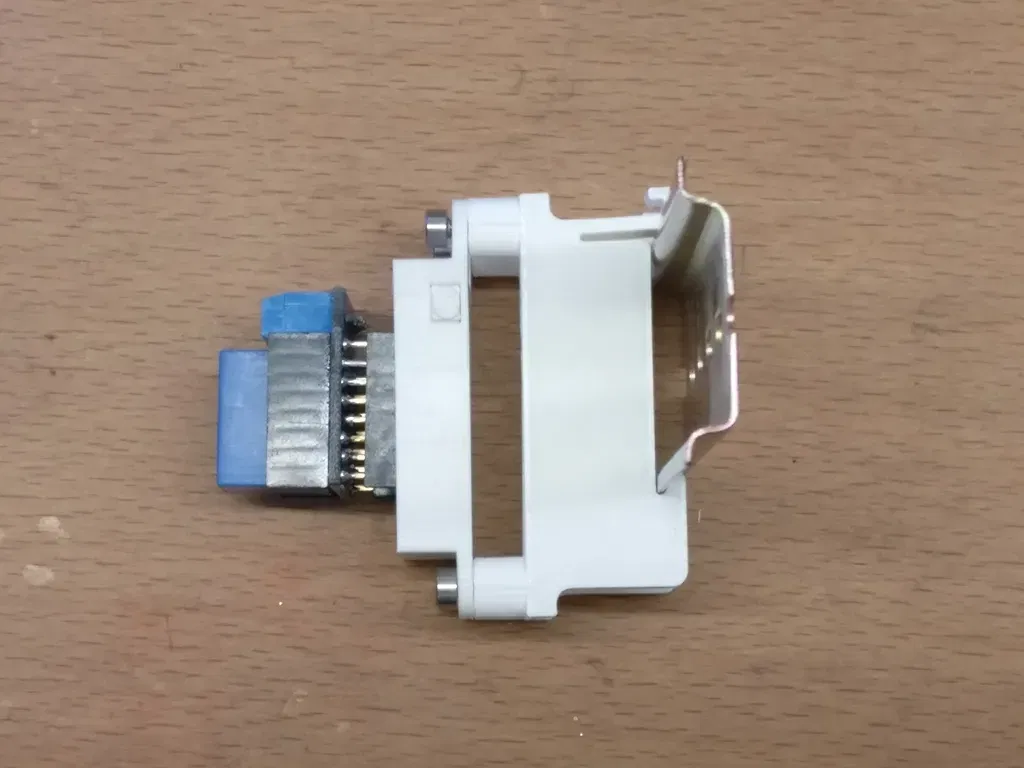
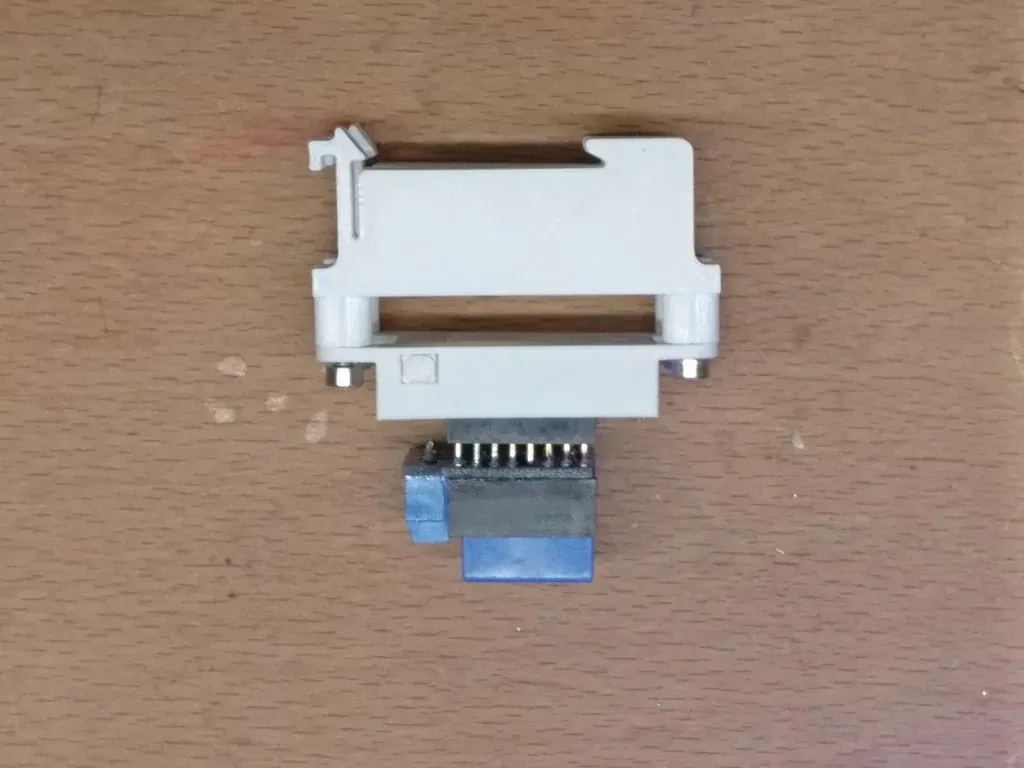
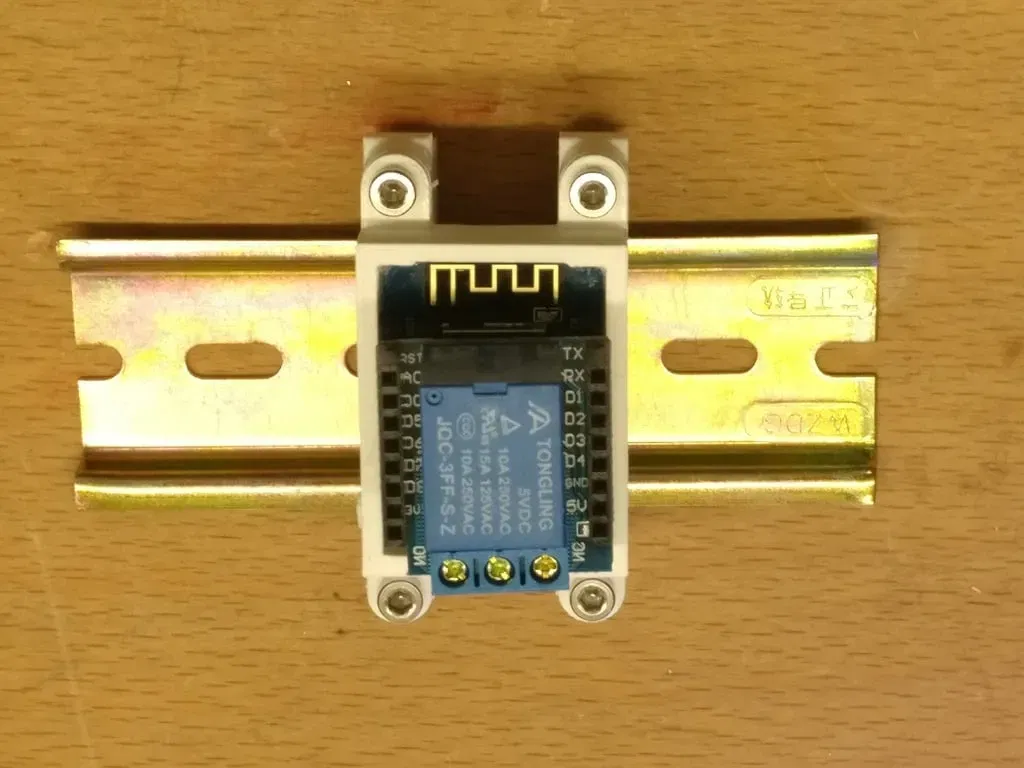
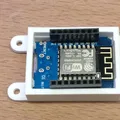
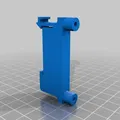
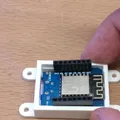
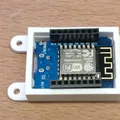
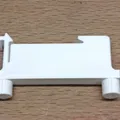
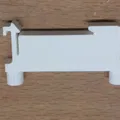
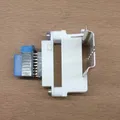
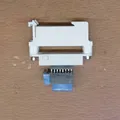
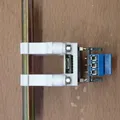
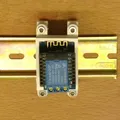
This is a mount for the Wemos D1 mini. The Wemos D1 mini clicks into this mount. There is also a small button for pressing the reset switch. It is a tight fit.
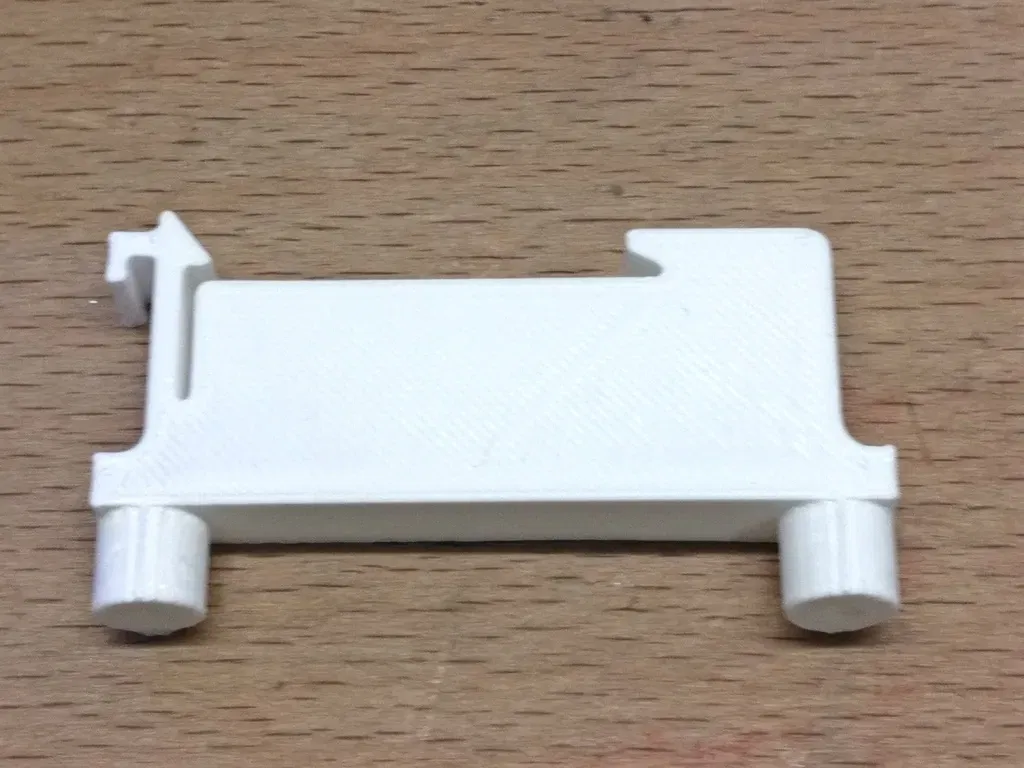
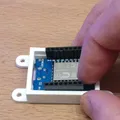
First insert the button, it has flanges on three sides, the bottom side of the button doesn't have a flange to make insertion in the mount easier.
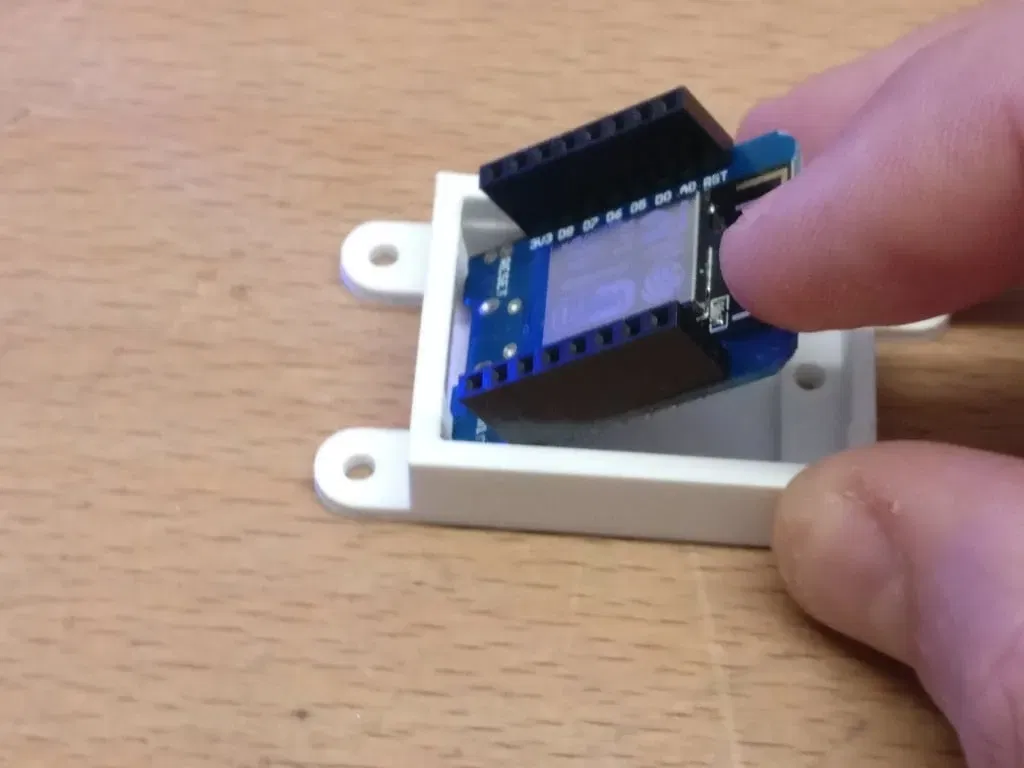
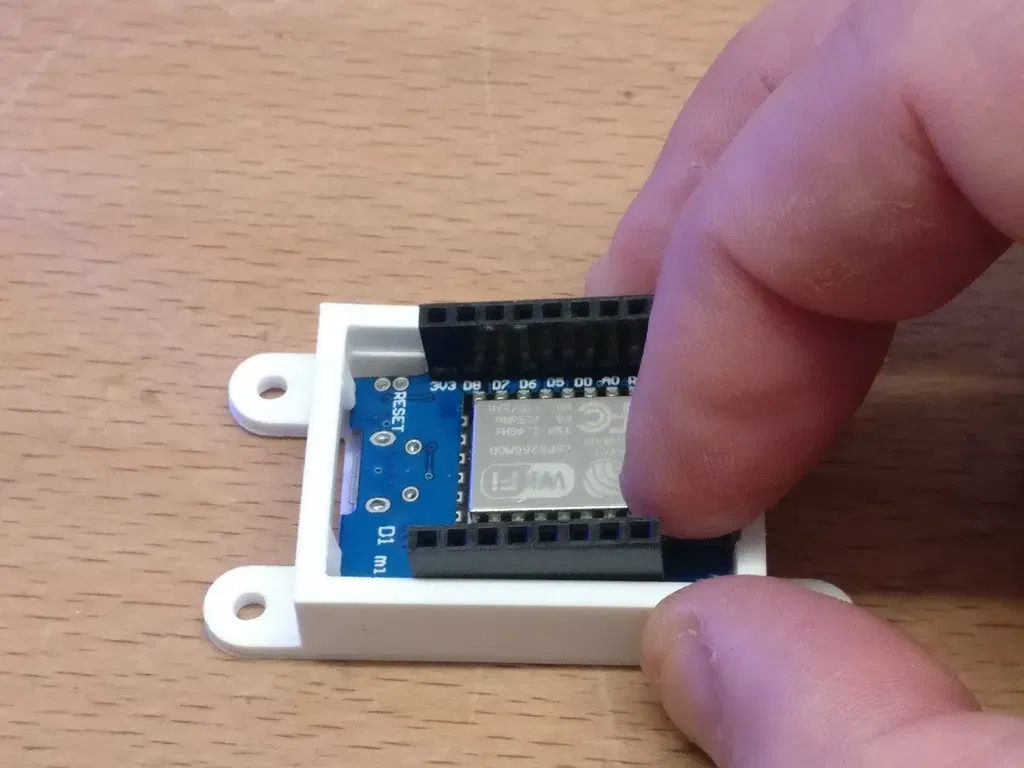
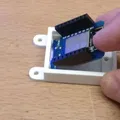
Second insert the Wemos D1 mini at an angle under the small nodges on both sides of the opening for the micro USB.
Third push down the Wemos D1 mini on the antenna side until it clicks into place.
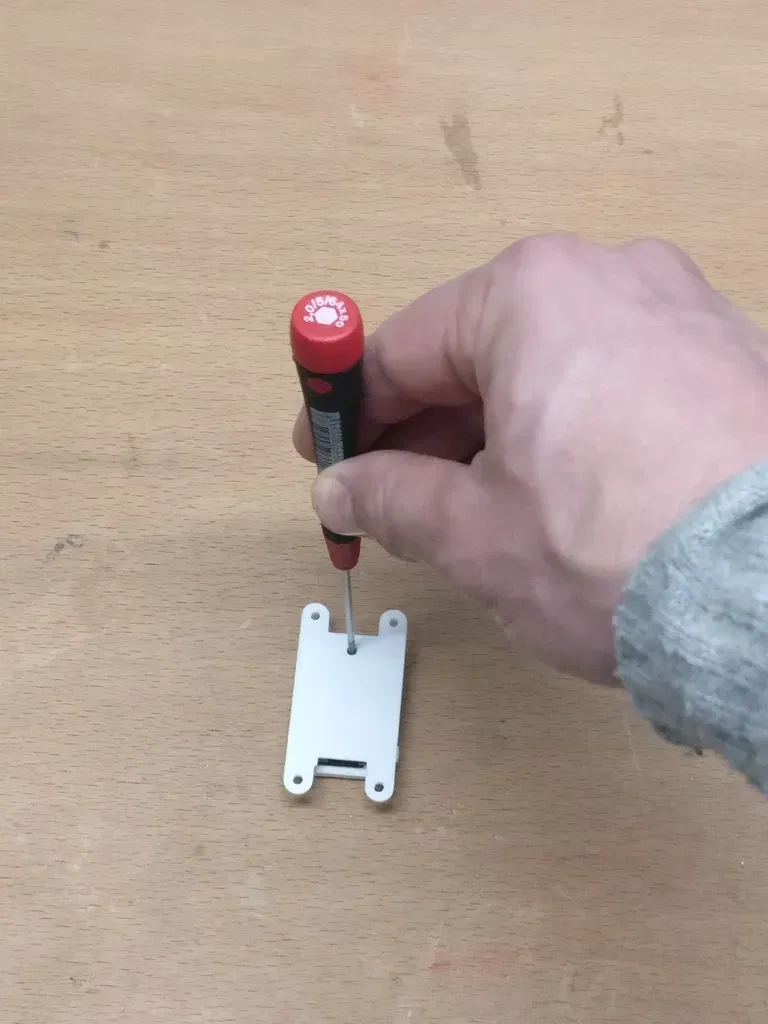
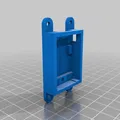
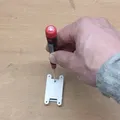
The Wemos D1 mini can be released from the mount by putting a 2mm hex screw driver (or similar object) in the hole in the back.The pressure point is on part of the pcb that has no traces. The micro USB connector is still accessible when mounted.
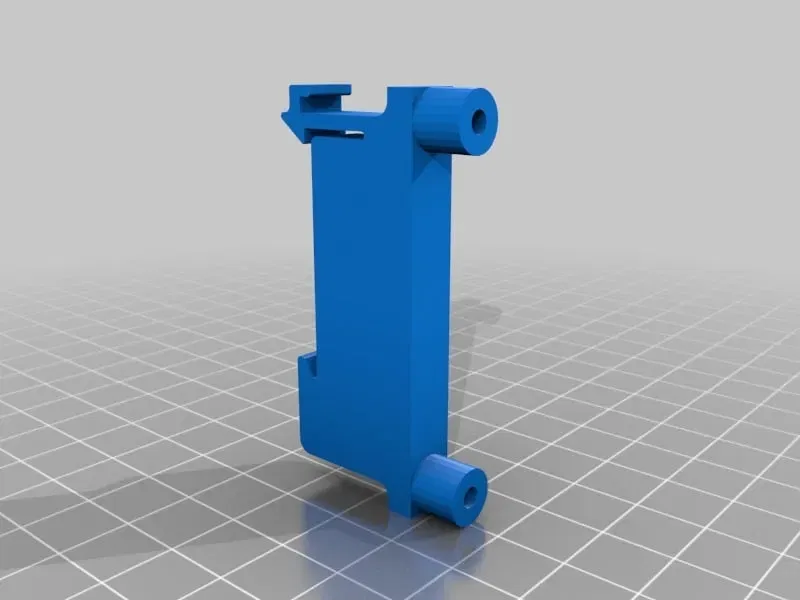
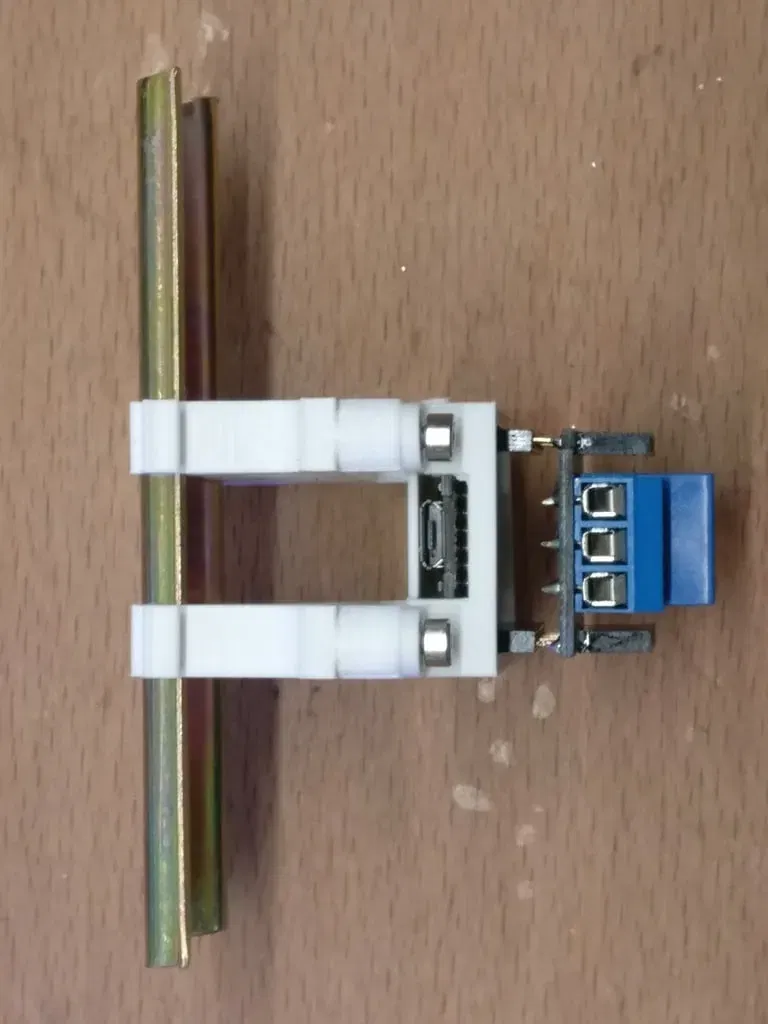
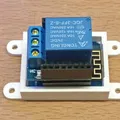
Additionally, the mount can be screwed on two DIN Rail mount brackets, with 49mm spacing between the holes (those same brackets can also be used to mount a Raspberry Pi in a landscape orientation on a DIN rail see http://www.thingiverse.com/thing:1076997 )
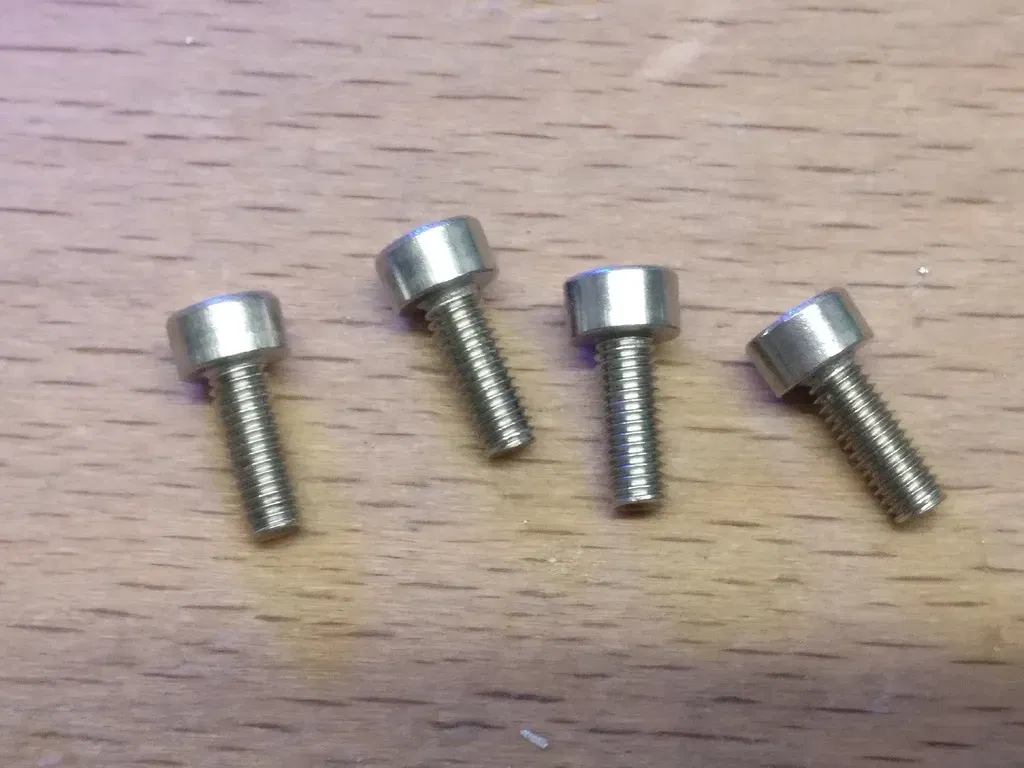
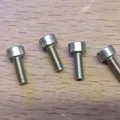
So, if you just want to use the Wemos D1 Mini DR mount, you need to print the Wemos-D1-Mini-DR-mount.stl and the Wemos-D1-Mini-DR-mount-button.stl If you want to mount it on a DIN rail you also need to print the Wemos-D1-Mini-DR-mount-49mm-bracket.stl twice. And you need M3x8 screws (anything in the range from M3x5 to M3x10 will probably work).
Print Settings
Printer Brand:
Ultimaker
Printer:
Giấy phép

File mô hình


Chưa có bản in nào được khoe. Hãy là người đầu tiên!


Chưa có bình luận nào. Hãy là người đầu tiên!