

Sign Wall Mount

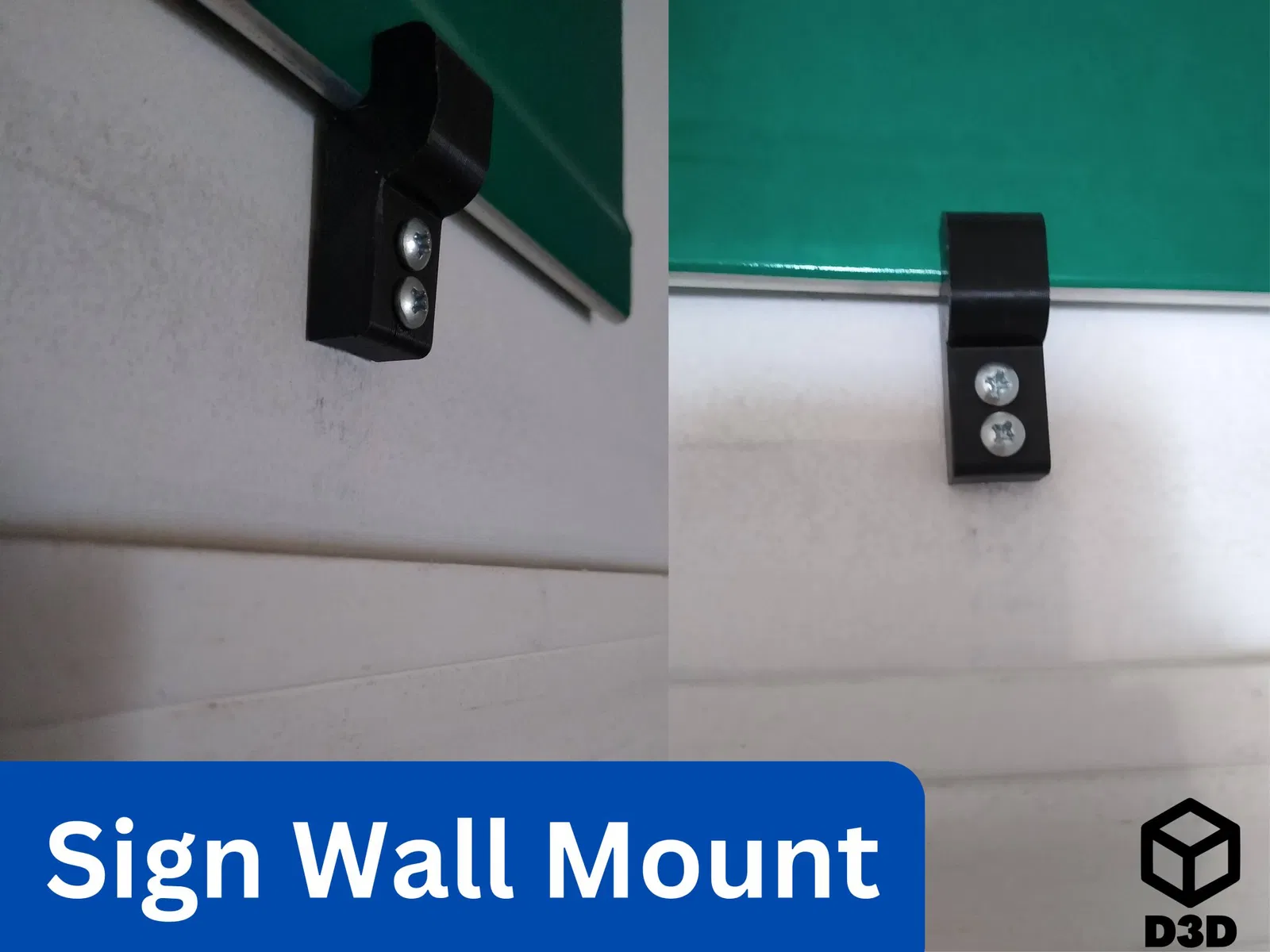
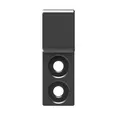
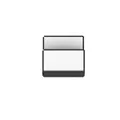
Đây là một khung dễ dàng để gắn các biển báo đường và các loại biển báo khác vào tường.
307
Lượt Xem
7
Lượt Thích
46
Lượt Tải
Cập Nhật Dec 18, 2025




Mô tả
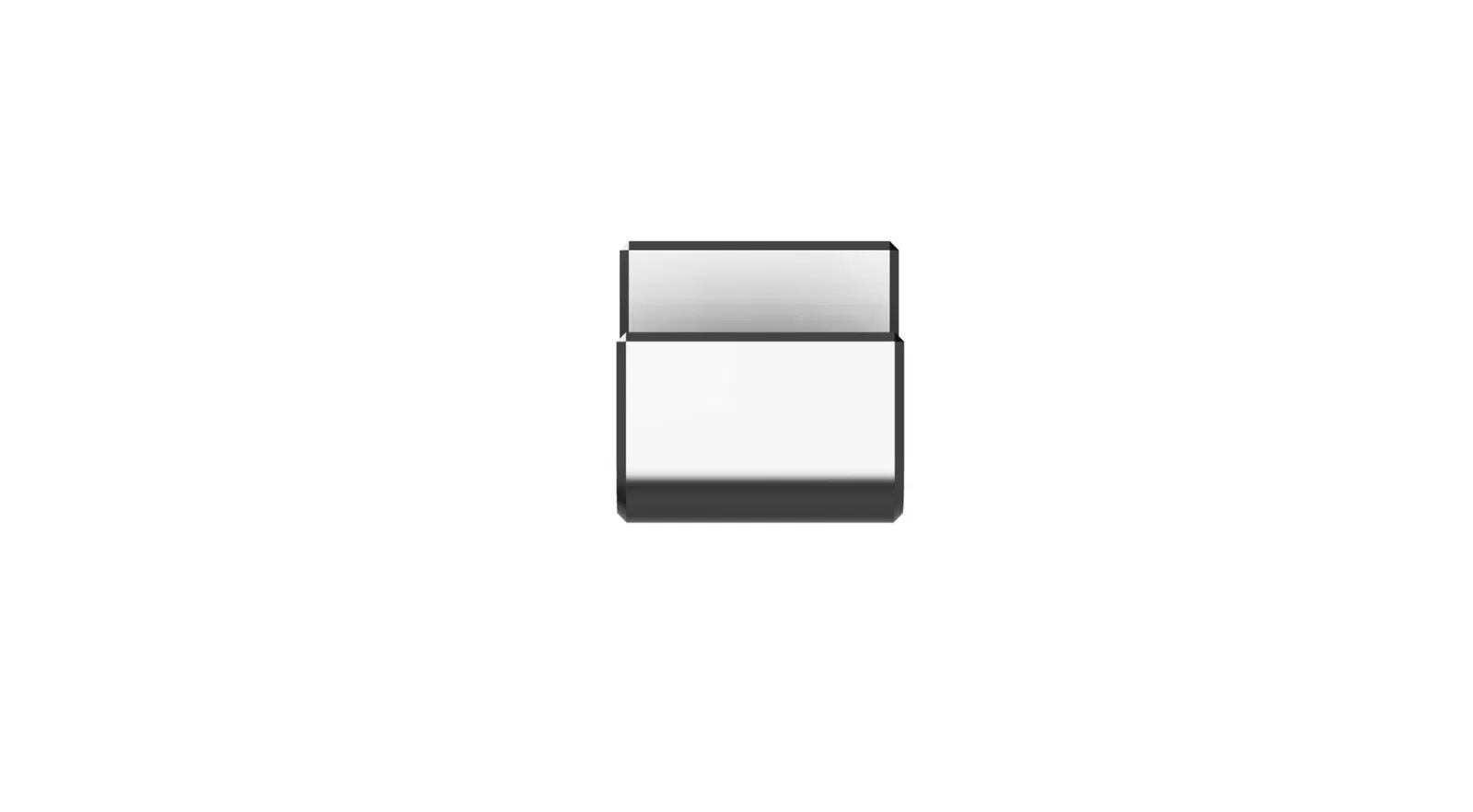
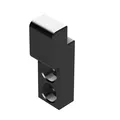
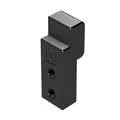
Do you have some sort of sign just sitting around? This is an easy bracket for mounting road signs and other types of signs to the wall. ### Print Instructions - Material: PLA or PETG
- Supports: No
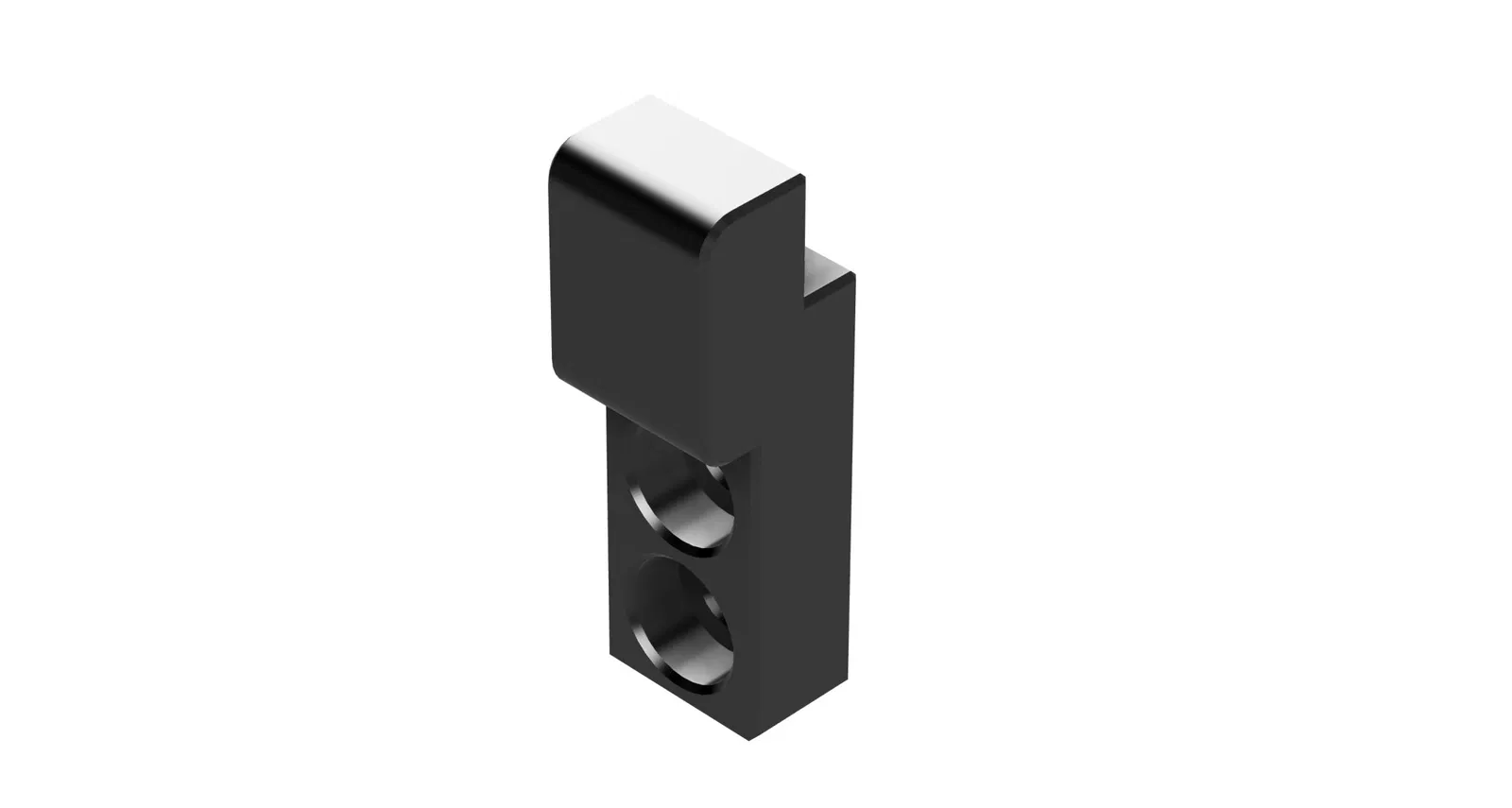
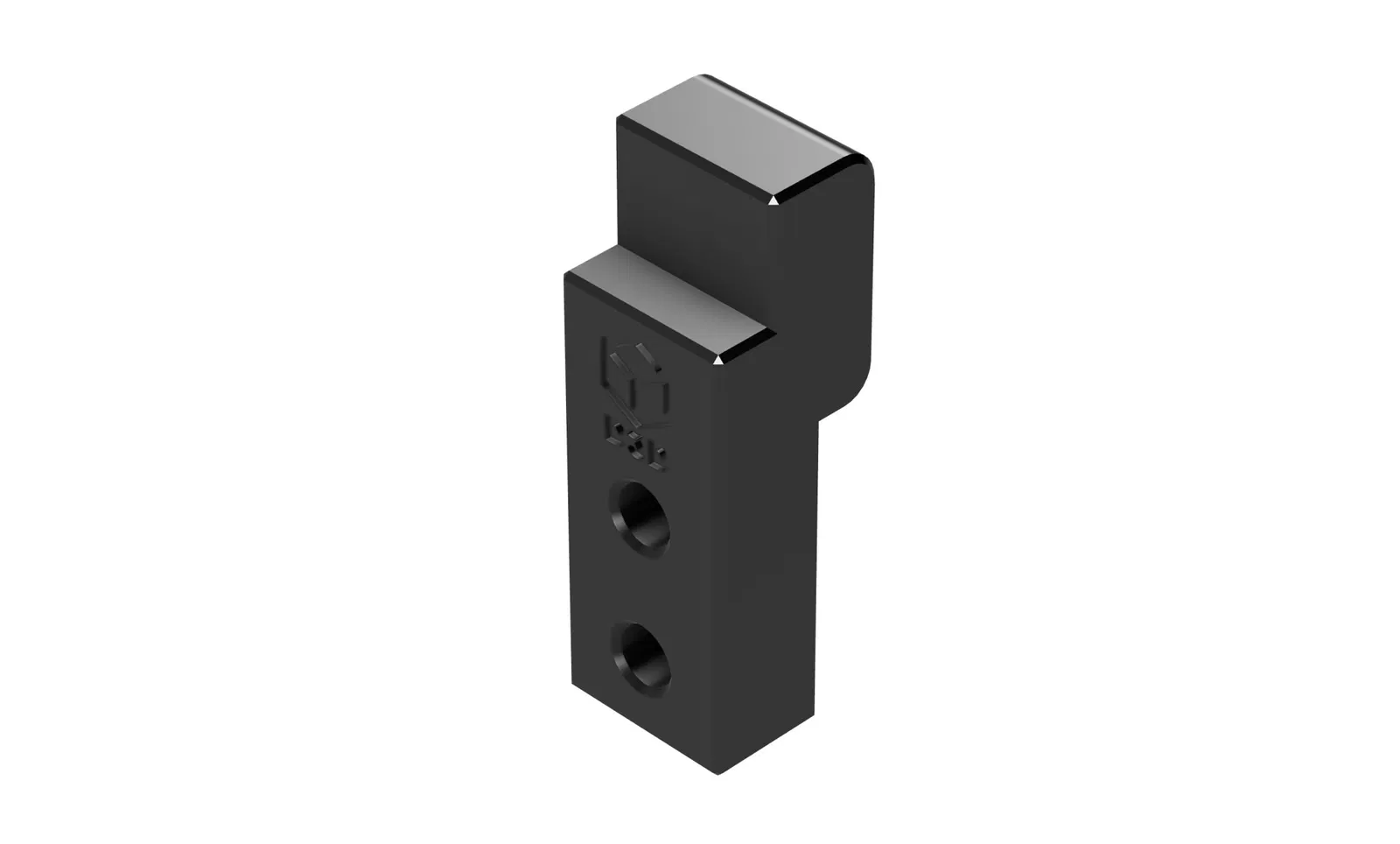
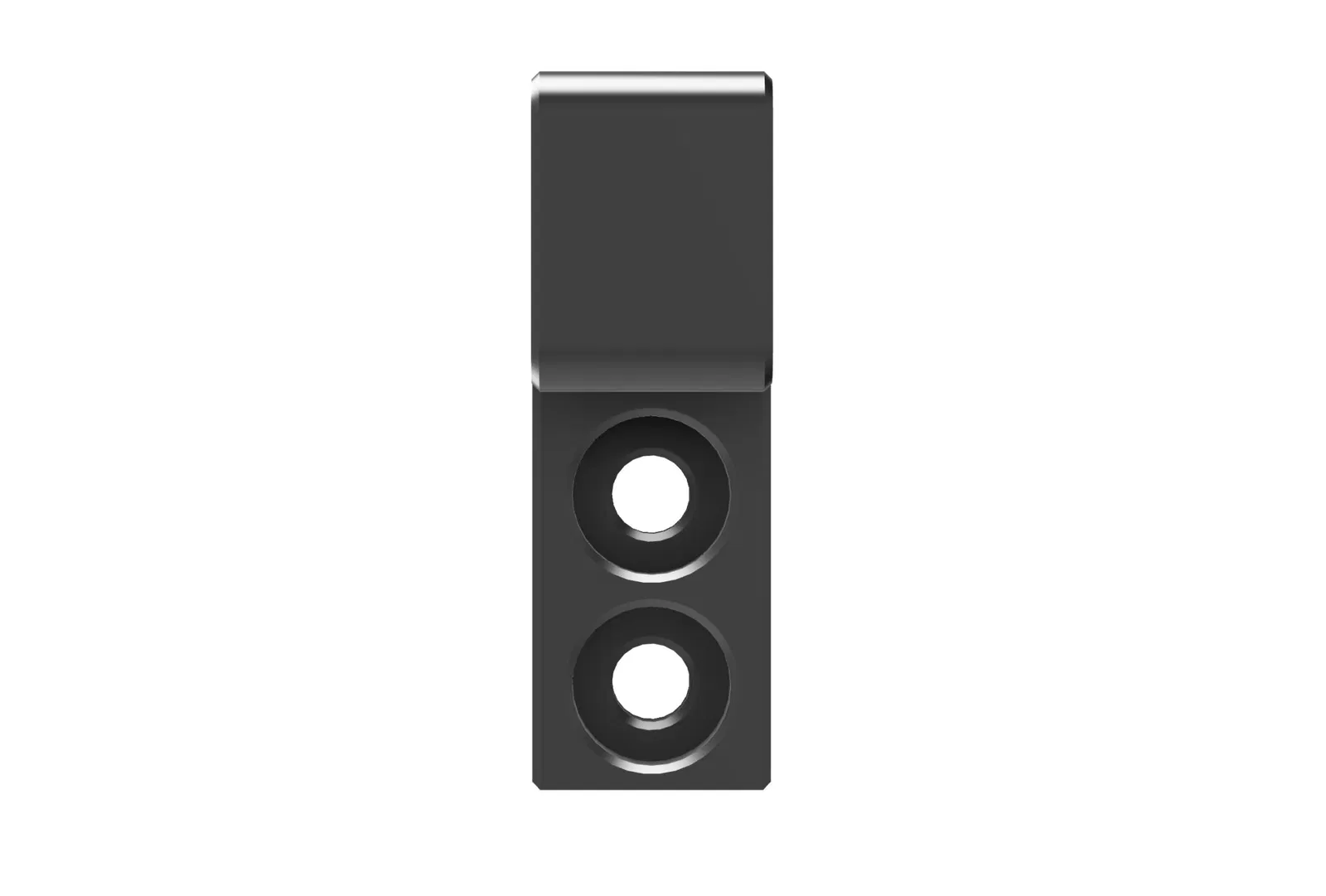
- Orientation: Place the piece on the flat side with no holes ### Pieces - 4 sign wall mount (model available for sign thicknesses of 3mm, 5mm, 7mm and 10mm) (included)
- 8 screws (in the files the shaft diameter of the required screw is 5 mm and the head diameter is 10 mm with a head thickness of 5 mm) (not included)
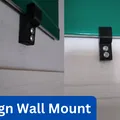
- 8 drywall anchors for the screws (not included) ### Installation Note: The best way to use these mounts is to put two mounts on the bottom of the sign and two on the top. - Place your two bottom mounts on the wall where you would like them to be, then mark the holes with pencil.
- Screw drywall anchors into the wall where the pencil marks are.
- Screw the mounts into the drywall anchors.
- Place the sign into the two bottom mounts.
- Repeat this process with the mounts for the top of the sign. If you enjoy this model, please leave a like and a comment. If you have any questions, concerns, or problems, please personally contact me. If you want to support creation of more models like this one, you can subscribe to my F3D Club (at https://www.f3d.vn/profile/devise3d#join:451) or you can purchase an individual model on CGtraitor (at https://www.cgtrader.com/devise3d).
Giấy phép

File mô hình
Đang tải files, vui lòng chờ...


Vui lòng đăng nhập để bình luận.
Vui lòng đăng nhập để khoe bản in của bạn.
Chưa có bản in nào được khoe. Hãy là người đầu tiên!


Chưa có bình luận nào. Hãy là người đầu tiên!