

roomba side brush

General I đã thử nghiệm nhiều thiết kế quét khác nhau với các hình dạng, hỗ trợ và độ dày khác nhau.
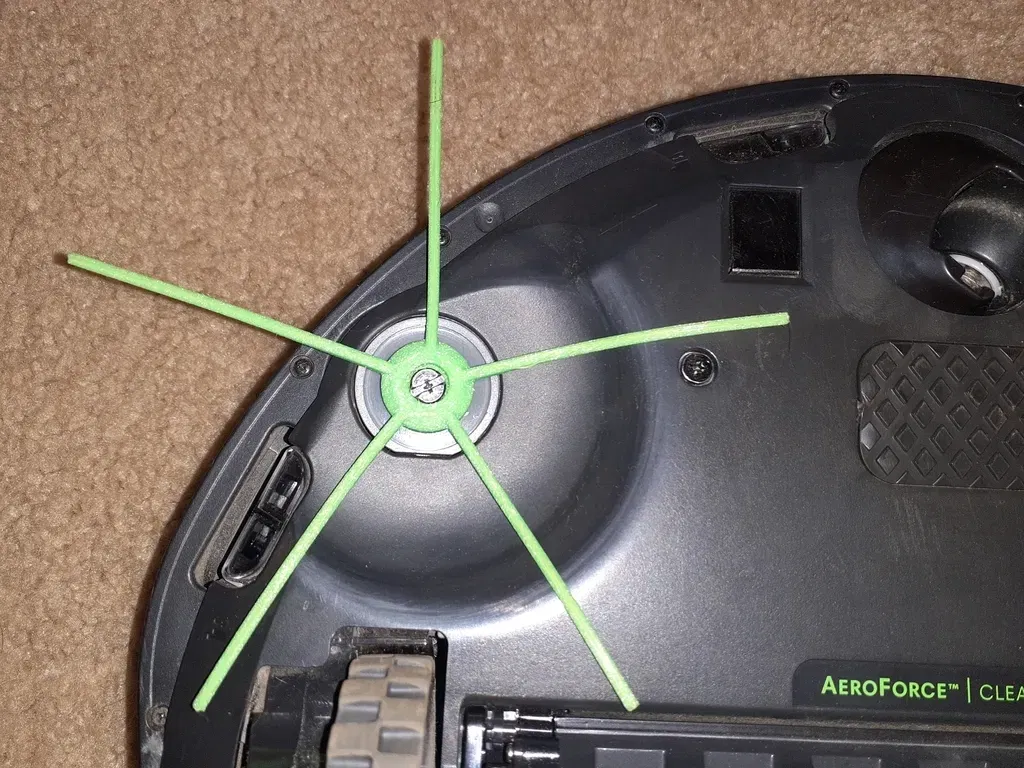
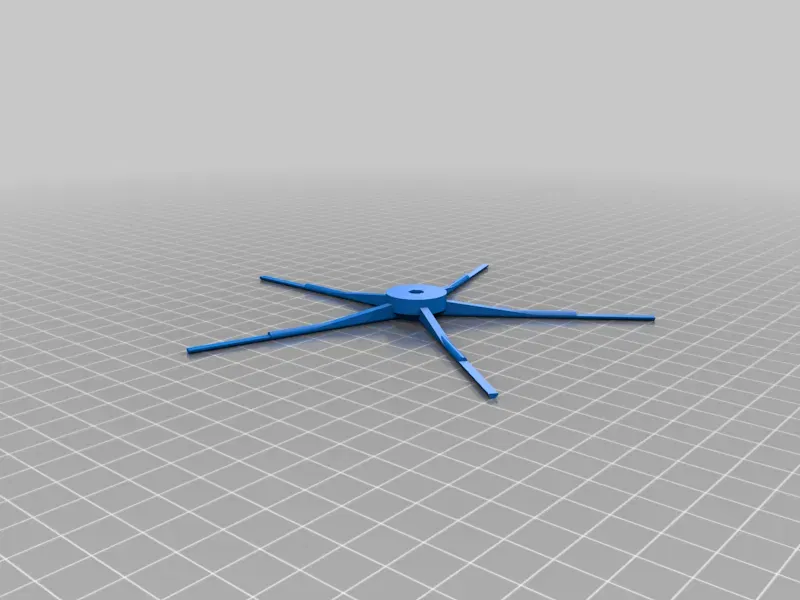
Mô tả
General
I tested many different sweeper designs with varying shapes, support, and thickness. This design is a delicate balance of:
- always keeping the brush spinning (low resistance) on carpet and hard floors
- proper stiffness of each sweeper arm so it's effective
- sweeper arms large enough to last longer than oem
- small enough so it doesn't get stuck in the wheel
Roomba Models
This should work fine with Roomba i3 i3+ i4 i6 i6+ i7 i7+ i8 i8+J7 J8/Plus E5 E6 E7 I,E &J Series. I tested it with my i4.
Openscad Settings Warnings
I'd only change the sweeper_count. Don't change other settings unless you have a good reason to do so. The more sweepers you add, the more friction and the more likely stalling on carpet.
Printing
Print this using TPU. I used 95a durometer and it works well. If you use a softer tpu, you might need to increase the sweeper_diameter. Print at 100% infill because the hex key at the bottom will slip with a low infill. Print in the given orientation... which is printing from the top of the brush to the bottom.
Installation
Unscrew the existing brush. Remove the screw and insert it into the newly printed brush. Line up the hex key with the bottom of the new brush. Pop it on. Tighten the screw.
Print Settings
Printer:
Qidi X-Max
Rafts:
No
Supports:
Yes
Resolution:
.1mm
Infill:
100%
Filament:
green Post-Printing =============
The spot where the screw head goes is the only area where support is needed. This must be cleaned out before installation.
Category: Replacement Parts
Giấy phép
File mô hình

Chưa có bản in nào được khoe. Hãy là người đầu tiên!


Chưa có bình luận nào. Hãy là người đầu tiên!