

Zenfill Coasters - 6 Versions

Zen lấy cảm hứng từ Coasters - các vật thể yên tĩnh, hấp dẫn, chức năng từ nhựa và toán học bị lạm dụng một cách sáng tạo
Mô tả
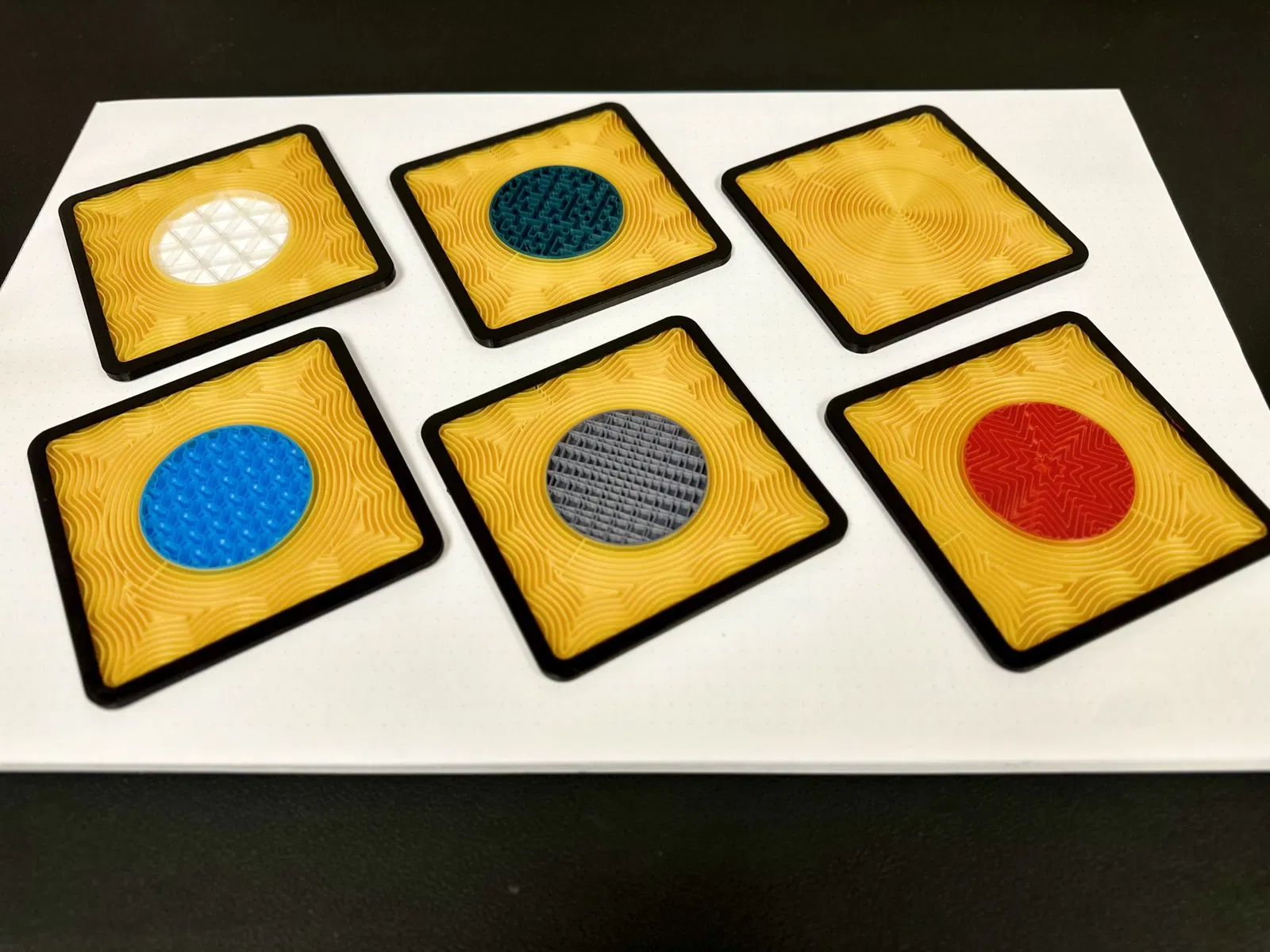
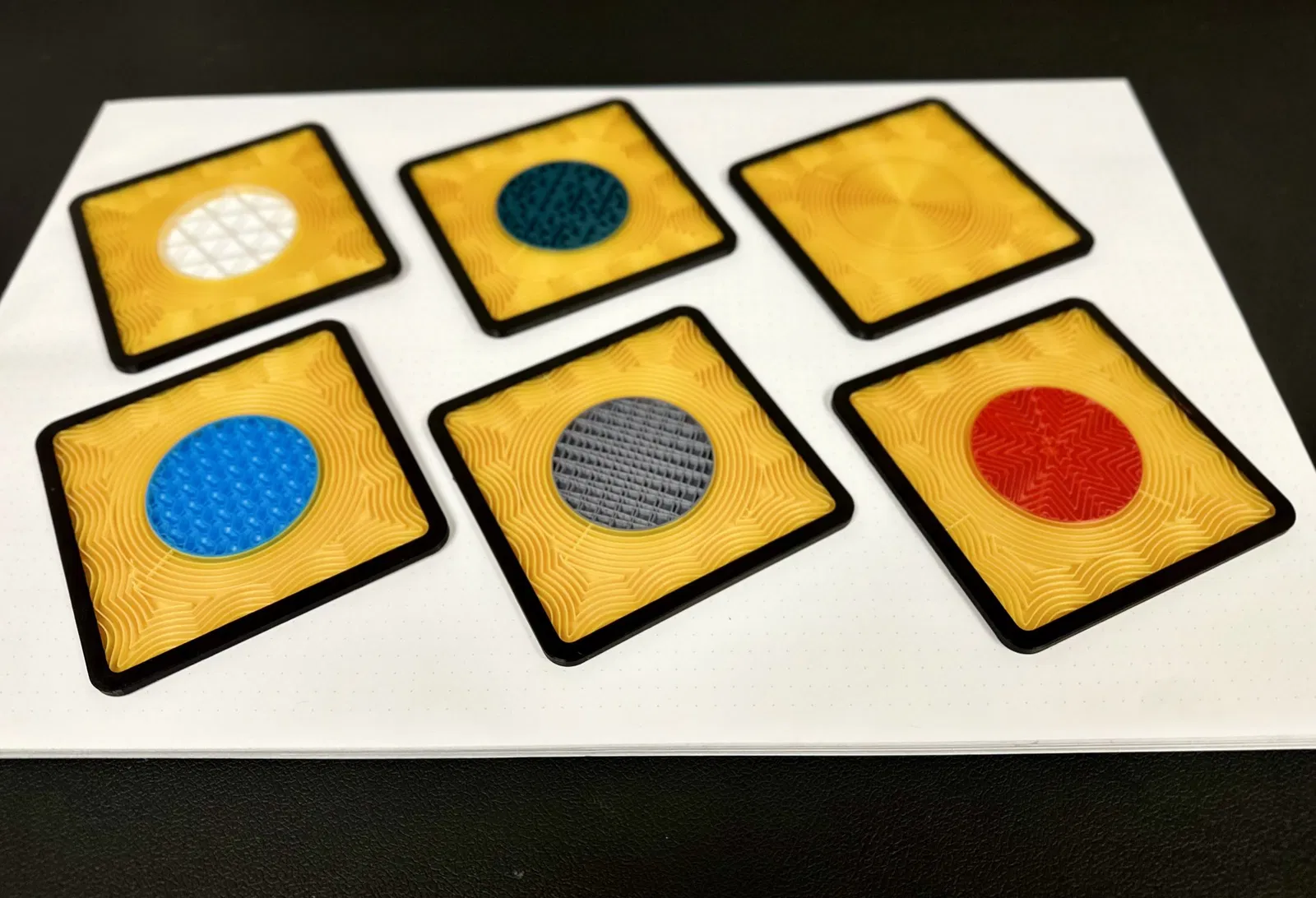
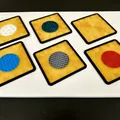
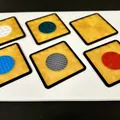
Zen inspired infill coasters - tranquil, engaging, functional objects out of plastic and creative misuse of slicer math. Desktop garden size available here
All variants are the same object with different slicer settings and filament colors. Slicer settings for creating the various scenes are at the bottom.
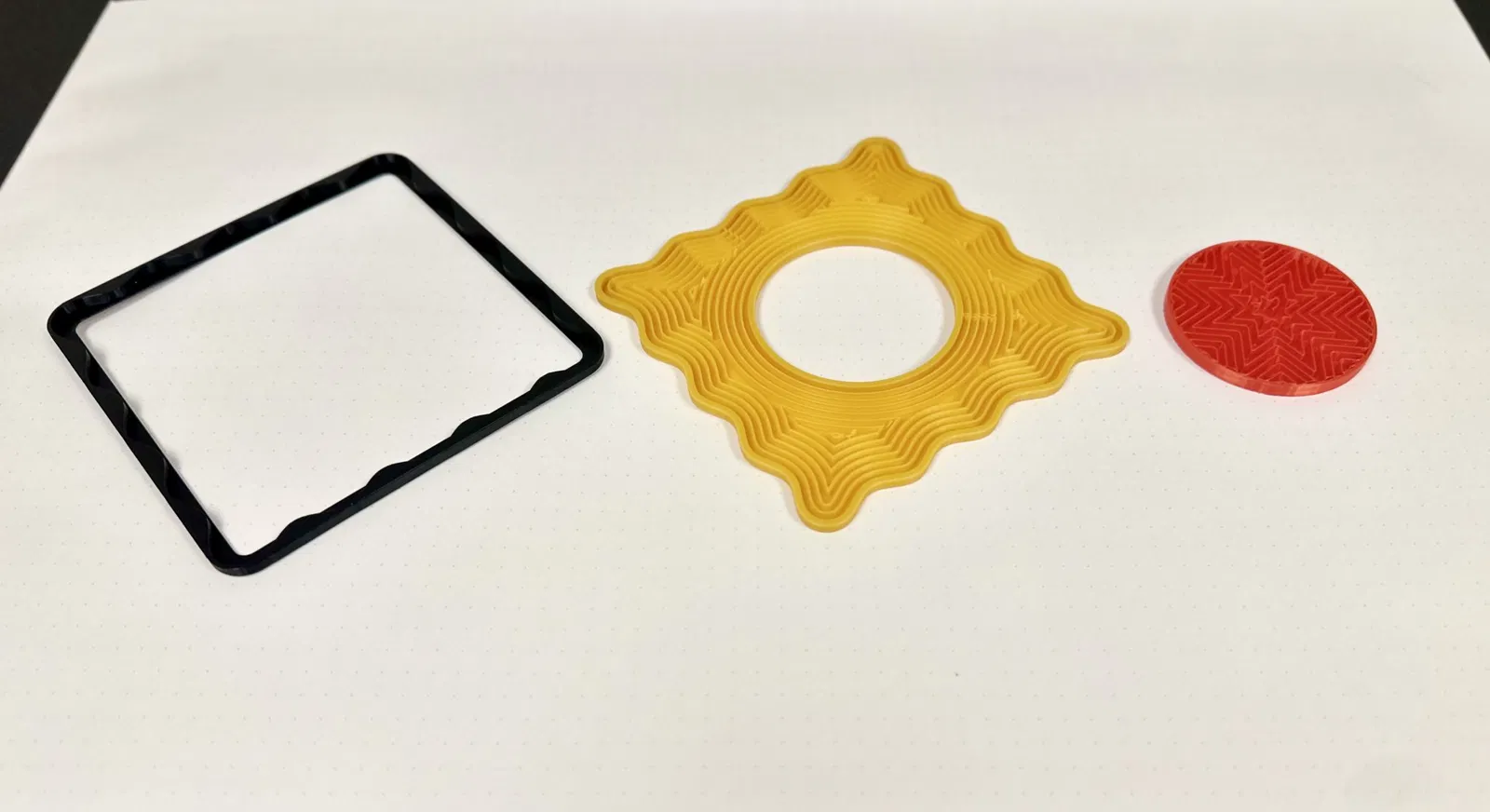
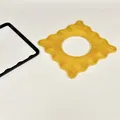
These were made using Bambu Studio and a Bambu lab AMS. But, AMS is not required - there is an STL versions scaled to print individually and glue together.
If you have an AMS/MMU, a lot of the work is done for you. The 3mf files should work with both Bambu Studio and eSlicer, they were not compatible with Prusaslicer last time I checked.
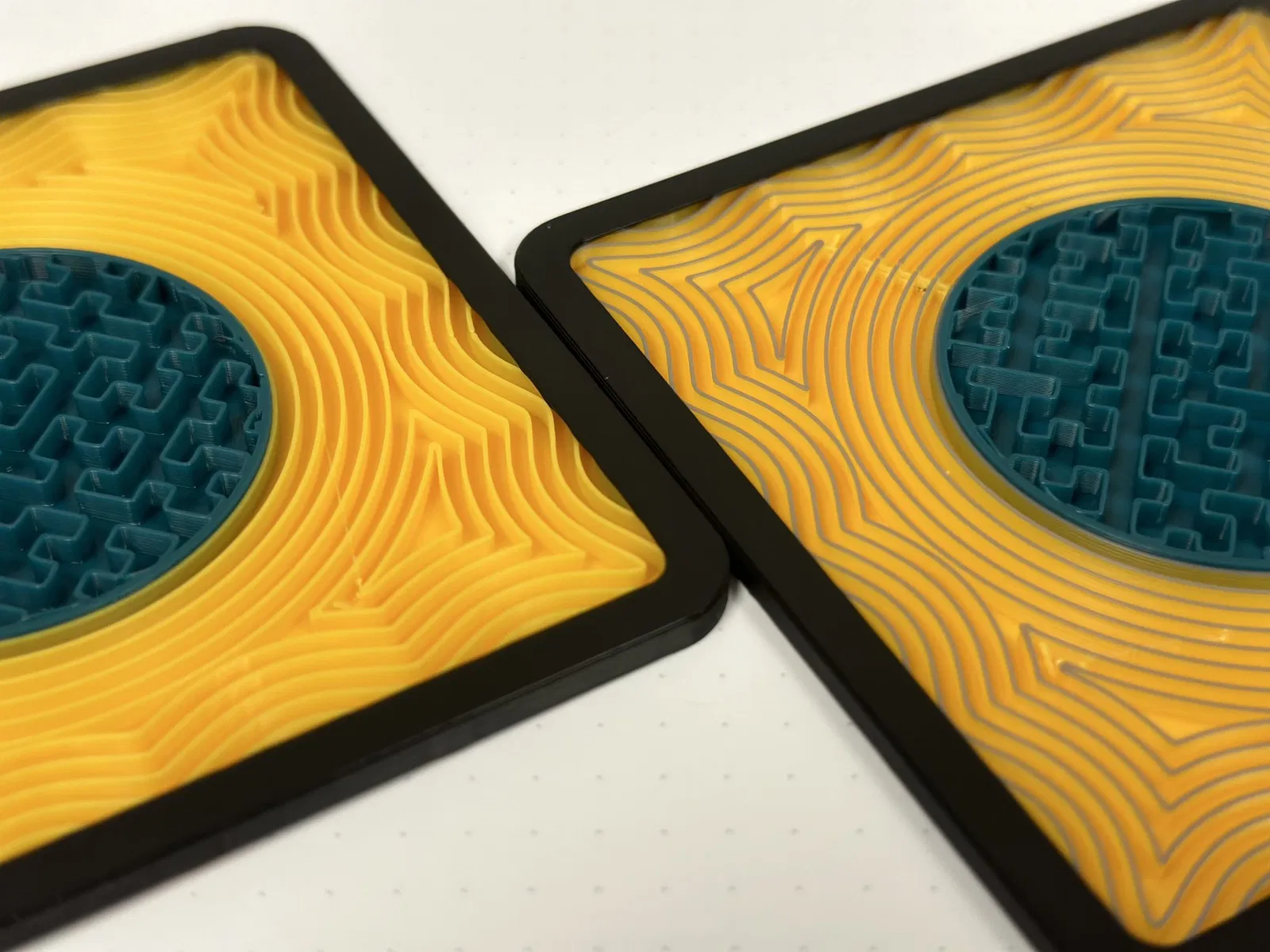
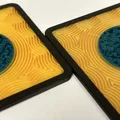
Note that the “second frame sand pattern” is 0.6mm below the frame and the inner patterns. This allows the concentric sand line pattern to be consistent throughout . 0.6mm hasn't been a problem for any cups/cans/mugs/glasses I tried. If you scale, be aware that scaling the z-height up or down will add/remove height/layers from that.
Settings to create the various scenes if you are printing separately and gluing, or recreating in another slicer:
-
Which STL to grab:
- The “combined” stl has zero clearance and is for use with an MMU/AMS. My designs used “split to objects”. It may or may not work if split to parts.
- The “separate” stls have clearance (on each side) and will require CA glue to assemble there are two options 0.2 clearance (on each side) and 0.1 clearance (on each side).
-
General Settings:
- All Objects:
- 0.2mm layer height
- All Objects:
-
External Frame:
- Filament Color: Black, Dark Brown, Dark Grey
- Seam Position: Back
- If Printing with AMS/MMU:
- Ironing: Rectilinear
- Infill/Wall Overlap: 0% (this seems to help prevent square reflections in the sand pattern)
- If Printing without the AMS/MMU this prints on its face so the Bottom Surface Pattern will be what you see, a textured PEI plate looks quite nice.
-
Second Frame - Sand Pattern:
- Filament Color: Tan, Beige, Light Brown, or Gold
- Infill type: Concentric
- Wall generator: Classic
- Sparse Infill Density: 20%
- Internal Solid Infill Pattern: Rectilinear (with Concentric, there are gaps at the intersection of the patterns that aren't beautiful)
- If you get "square reflections”, try the following (in order of most to least reliable):
- Set “slice gap closing radius” to 0.01
- Change the number of walls 0, 1, 2, 3 and 4 sometimes work
- Increase the infill percent
- Set the infill/wall overlap to 0%
- Set the outer object infill/wall overlap to 0%
- It takes some tweaking. Why the square reflections sometimes happen is beyond my understanding.
-
Center Circle Patterns:
- Wall Loops: 2
- Top Shell Layers: 0
- Internal Solid Infill Pattern: Concentric
- Infill/Wall Overlap: 0% (This prevents excess smudging and makes the pattern cleaner)
- Earth/Stone:
- Filament Color: Grey
- Sparse Infill pattern: Line
- Air:
- Filament Color: Clear or white
- Bottom Shell Layers: 0
- Sparse Infill density: 10%
- Sparse Infill pattern: Triangles
- Fire:
- Filament color: Red
- Sparse Infill density: 20%
- Sparse Infill pattern: Octagram Spiral
- (Alternately, Gyroid at 20%, Lightning at 35% too)
- Water:
- Filament Color: Blue (I used Overture Digital Blue)
- Sparse Infill Density: 15% (though 10% and 20% create different and cool effects too)
- Sparse Infill Pattern: Gyroid
- Internal Sand Circle:
- Filament Color: Tan, Beige, Light Brown, or Gold
- Sparse Infill Density: 20%
- Sparse Infill Pattern: Concentric
- The internal object shouldn't need much if any tweaking given that its just a circle.
- Plants:
- Filament Color: Green
- Sparse Infill Pattern: Hilbert Curve
Other things to try:
- Solid Tops:
- Earth/Stone:
- Filament Color: Grey
- Top Surface Pattern: Octagram Spiral
- Bottom Surface Pattern: Octagram Spiral
- Top Shell Layers: 3
- Plants:
- Filament Color: Green
- Top Surface Pattern: Hilbert Curve
- Bottom Surface Pattern: Hilbert Curve
- Top Shell Layers: 3
- Earth/Stone:
- Gravel Sand
- Split top parts at 1.8, 2.2, 2.6 mm
- Set top part to grey, bottom to tan
Giấy phép
Tác phẩm này được cấp phép theo
Creative Commons — Attribution — Noncommercial — Share AlikeCC-BY-NC-SA

File mô hình


Chưa có bản in nào được khoe. Hãy là người đầu tiên!


Chưa có bình luận nào. Hãy là người đầu tiên!