

Tiêu đề Xóa móc khóa trước chuyến bay Tóm tắt Lại thêm mộ

Tuy nhiên, một khóa "loại bỏ trước khi bay" khi bạn cần thêm một chút nhắc nhở.
Mô tả
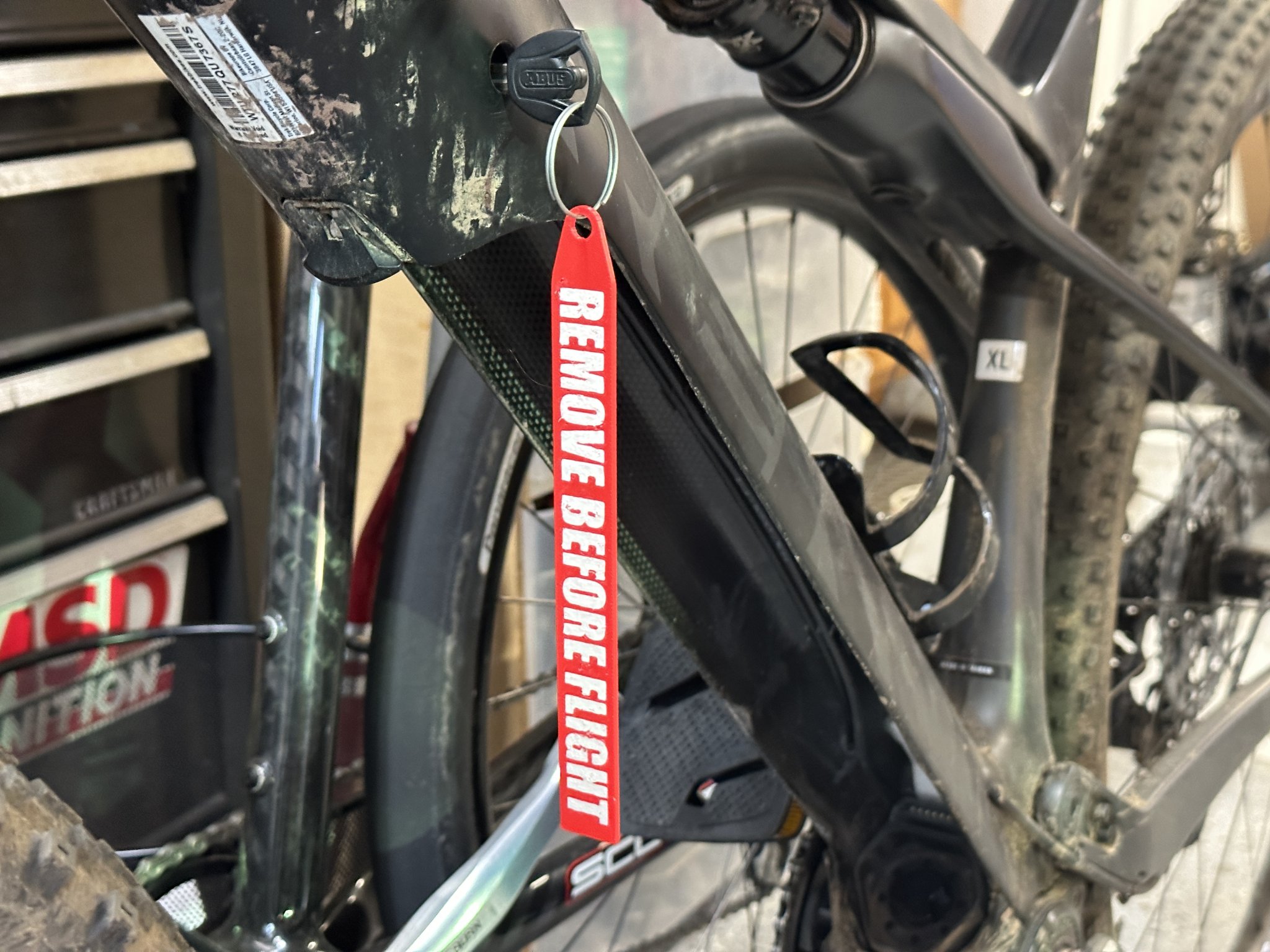
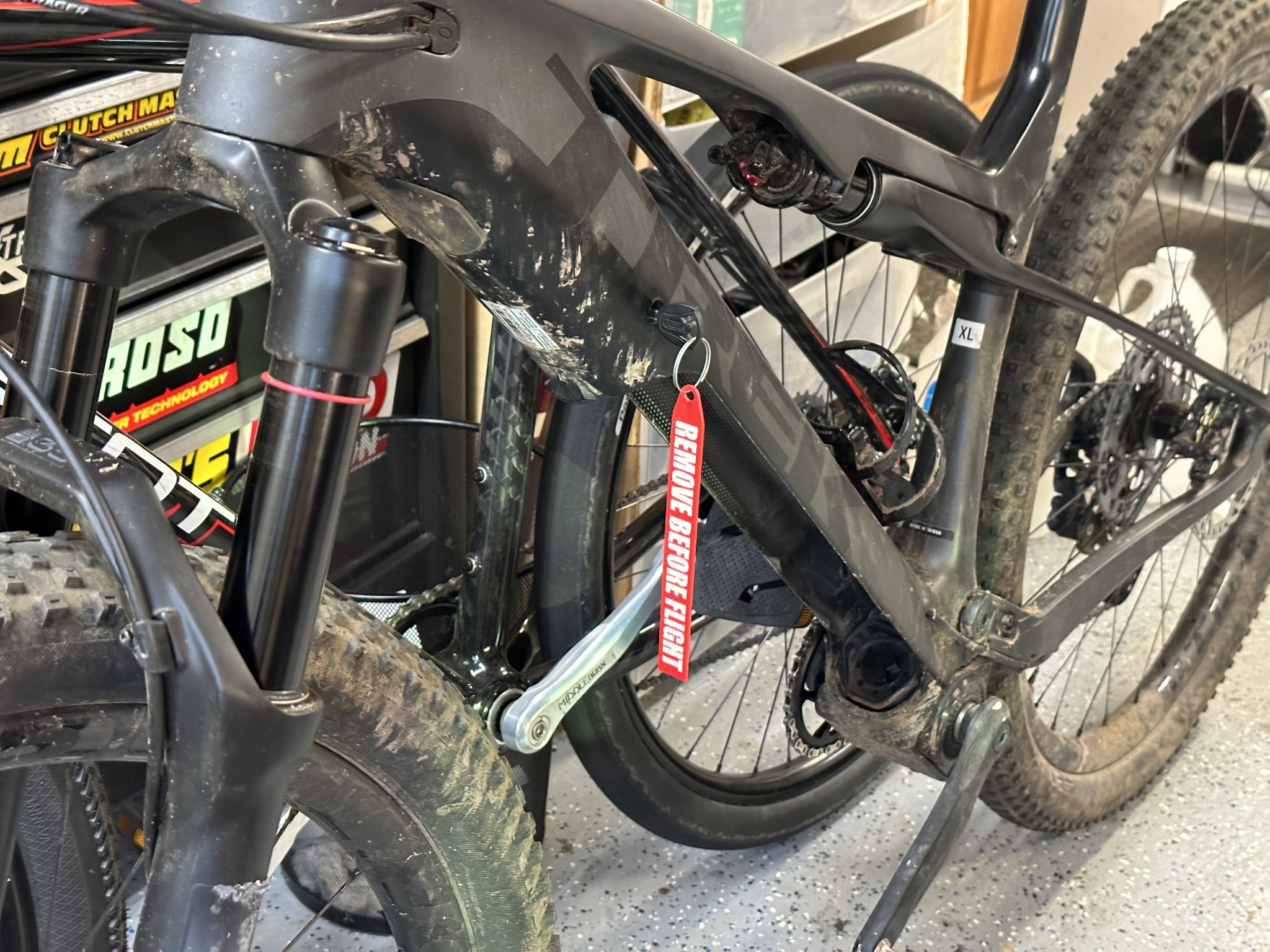
Yet another “REMOVE BEFORE FLIGHT” tag. I used mine to remind me where I left the key to my eMTB.
I'm not saying I spent a bit too much time searching for the key before I realized it was in the bike and decided to make something to make it a bit more obvious. That would be silly.
Plenty of others available here, but I didn't like them quite enough so as always decided to make my own. Text is impact at a 12.5mm height which makes the whole thing about 167mm (6.5") long, so it's pretty sizeable. Originally I did 15mm but that was kinda huge, almost 200mm. If anyone wanted, I could size it up or down, but this size is good, plenty visible but not too big.
I've included three variations, all based on a 0.2mm layer height:
- REMOVE BEFORE FLIGHT layerchange This is the one I'd use if I was doing layer change multicolor. (such as inserting an M600 gcode command) The text is 0.4mm deep, so start with red, change to white at layer 3 (if using 0.2mm layer height) and then change back to red for the top two layers. This will also work well for monochrome printing although it'll be much harder to read the text.
- REMOVE BEFORE FLIGHT multicolor This is for conventional multicolor printing, the letters are 0.6mm deep and you can use the associated “RBF fill text” for the text. Load up both together as a multicolor part, or add the fill text after, however you want to do it, and then mark the fill text as white.
- REMOVE BEFORE FLIGHT Bambu Bambu Studio allows you to create multicolor by painting the letters with the fill tool. The letters here are 0.05mm deep so are too shallow to show up in a normal print, but if you paint the letters, you'll get the proper color change. I've also uploaded the Bambu Studio 3MF file with the letters pre-painted.
Note about printing
This isn't structural, the print settings are pretty much up to you, but I will say that I used a coarse layer height and few top/bottom layers, so I didn't have any solid layers underneath the text, and wound up breaking the tag due to weaknesses in the letter layers. If you print this - make sure you have at least one or two solid layers that don't contain the letters. This will give it the strength that mine was missing.
You could print it at 100% infill but that would probably be more wasteful than necessary.
Giấy phép
Tác phẩm này được cấp phép theo
Creative Commons Attribution-NonCommercial-ShareAlike 4.0 InternationalAttribution-NonCommercial-ShareAlike
