

Nắp che pump Lithophane lục giác (Hex) cho Cooler Master AIO

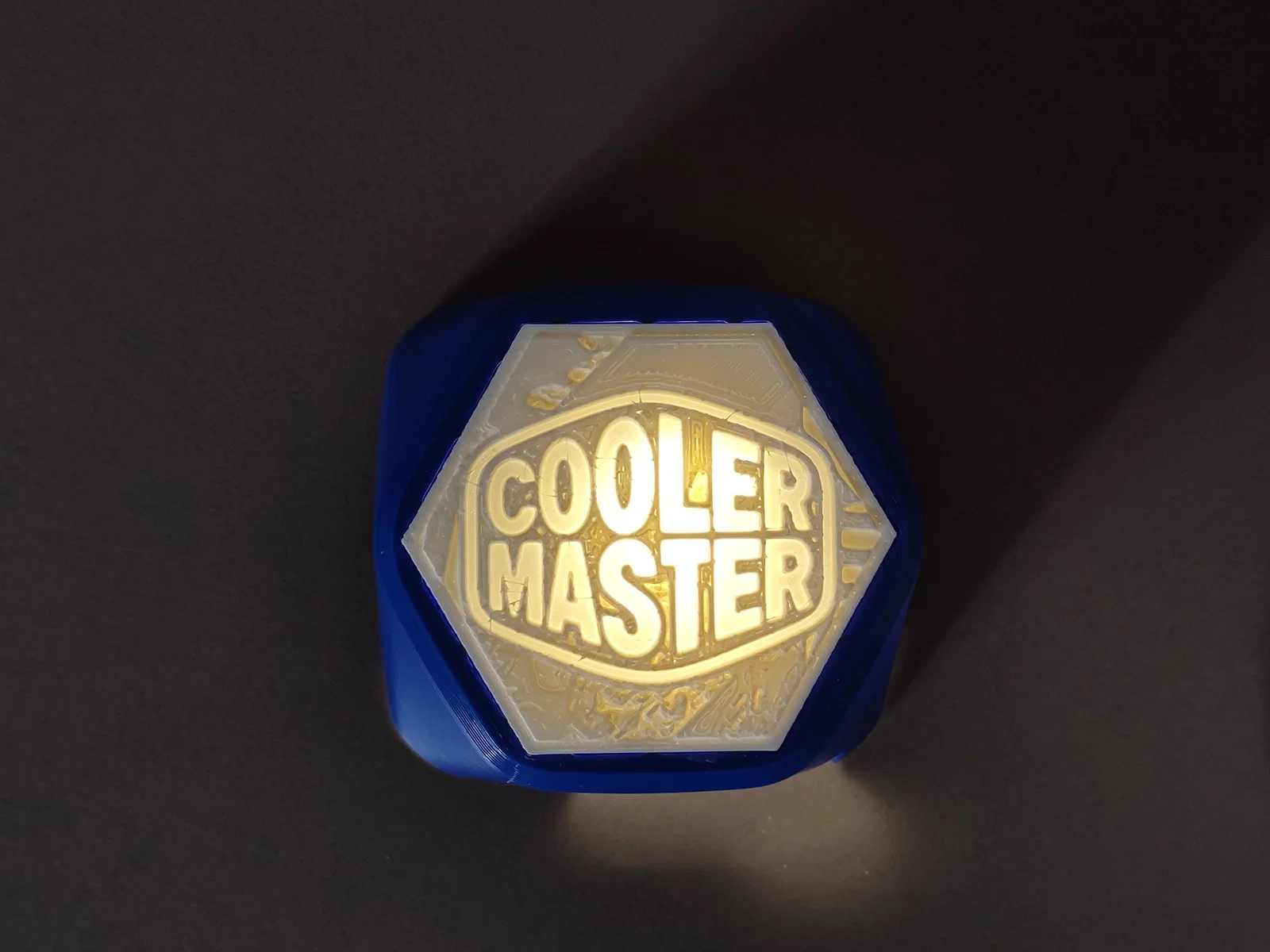
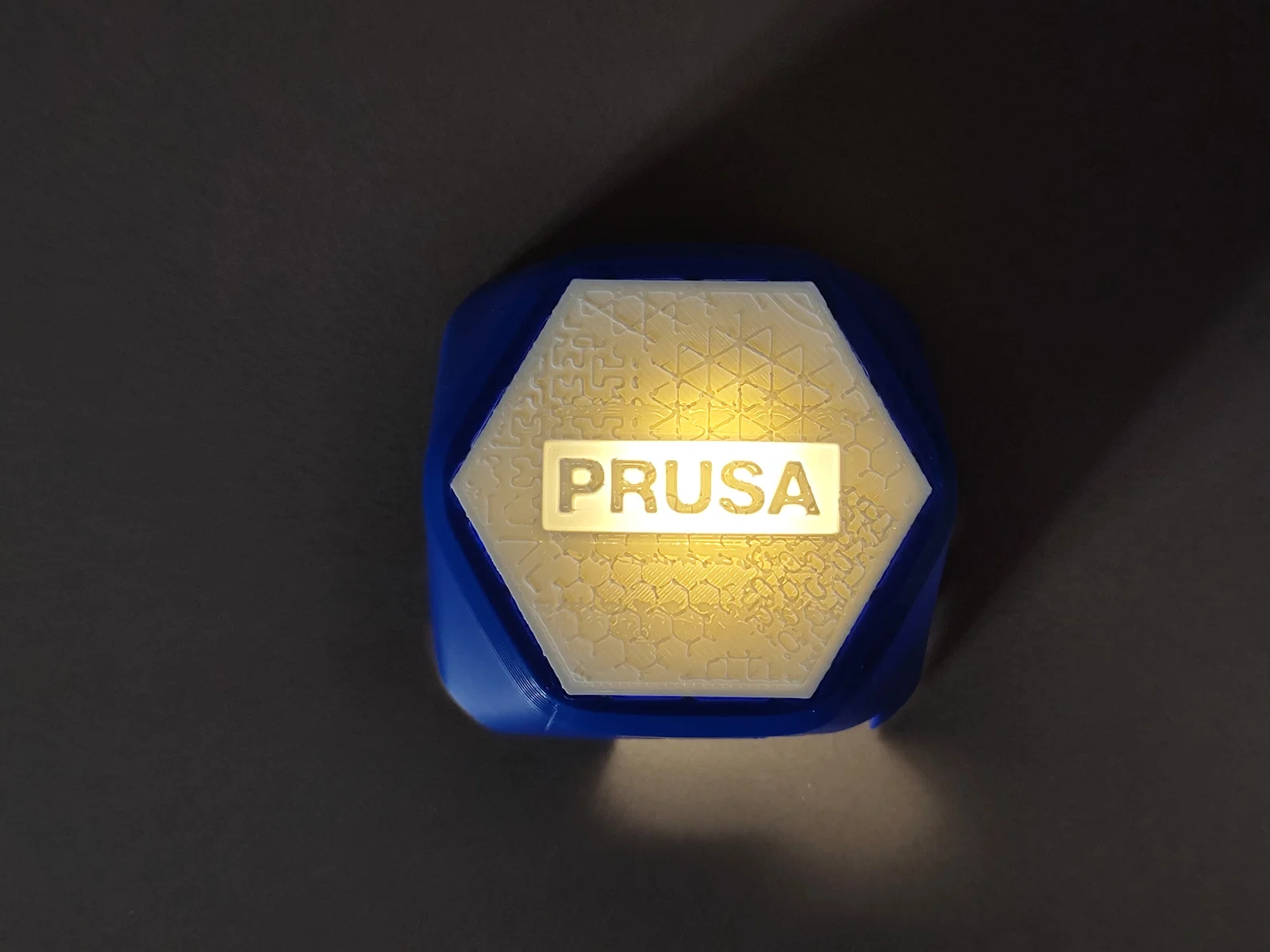
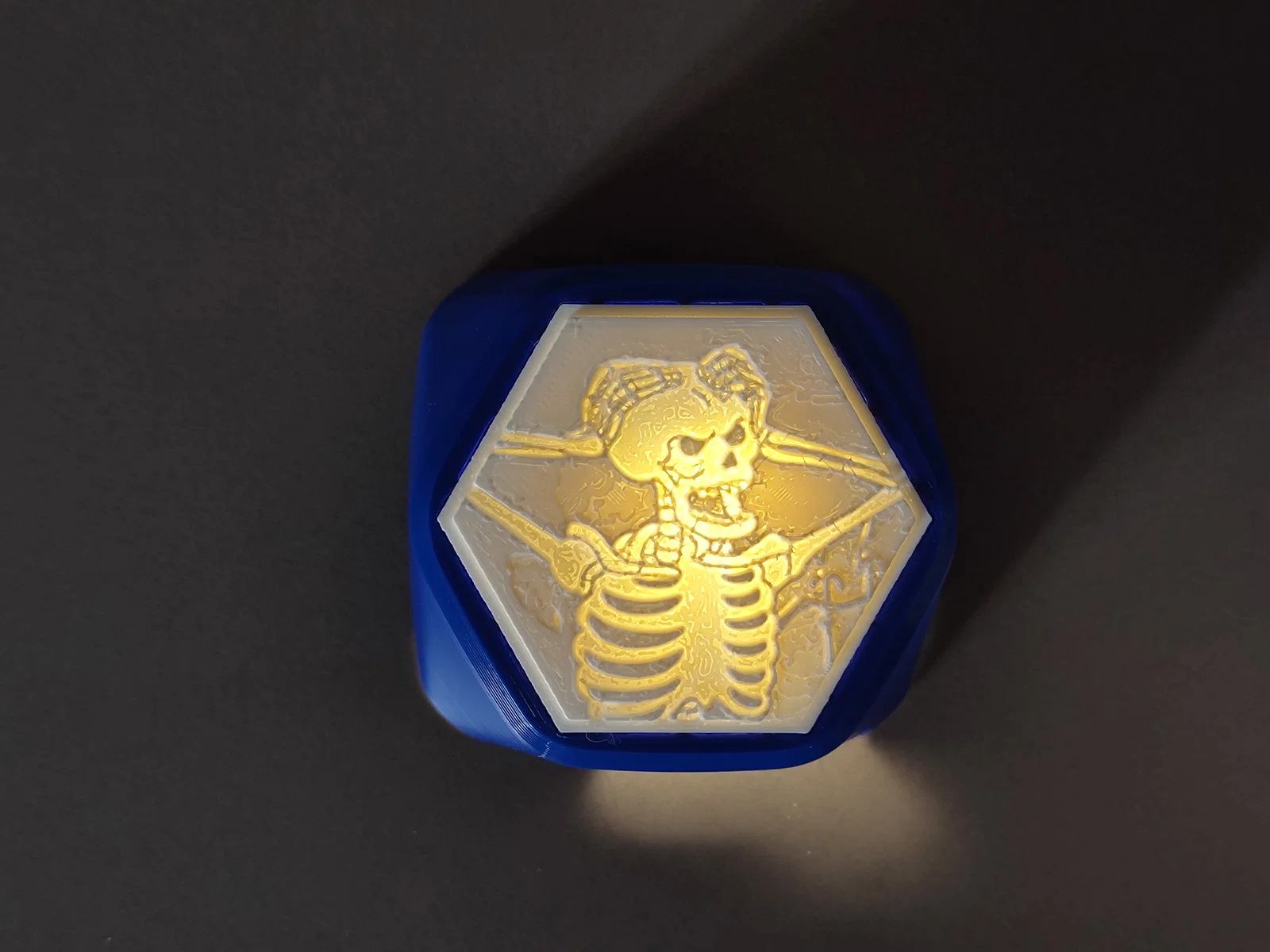
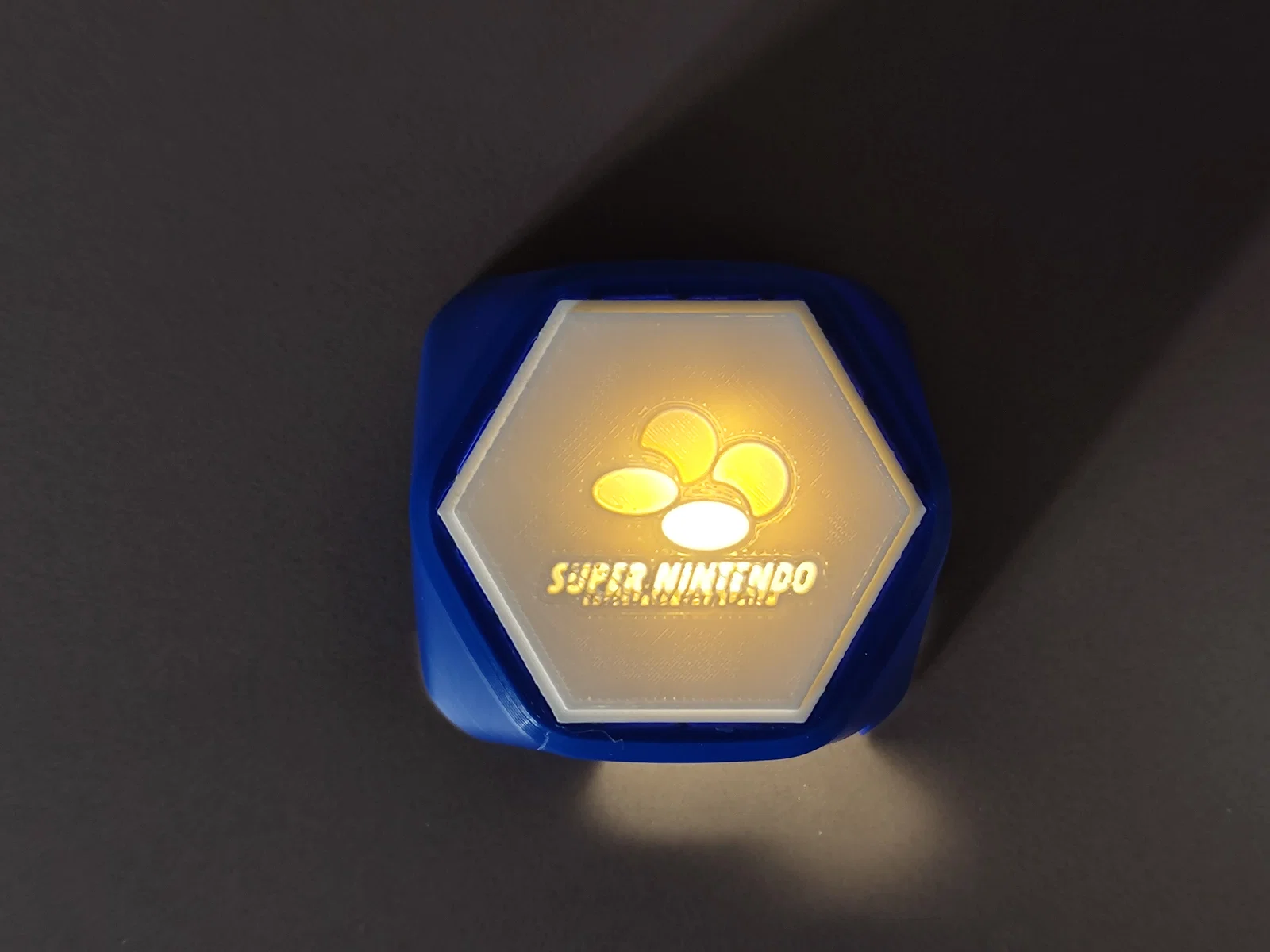
Nắp che pump dạng lục giác cho Cooler Master AIO, có khe gắn lithophane insert tuỳ chỉnh. Kèm script Python để tạo lithophane đúng kích thước ô khoét: tạo ảnh, in ra, rồi lắp vào nắp.
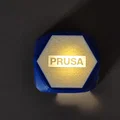
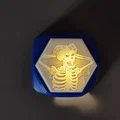
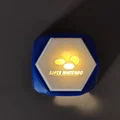
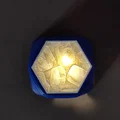
Mô tả
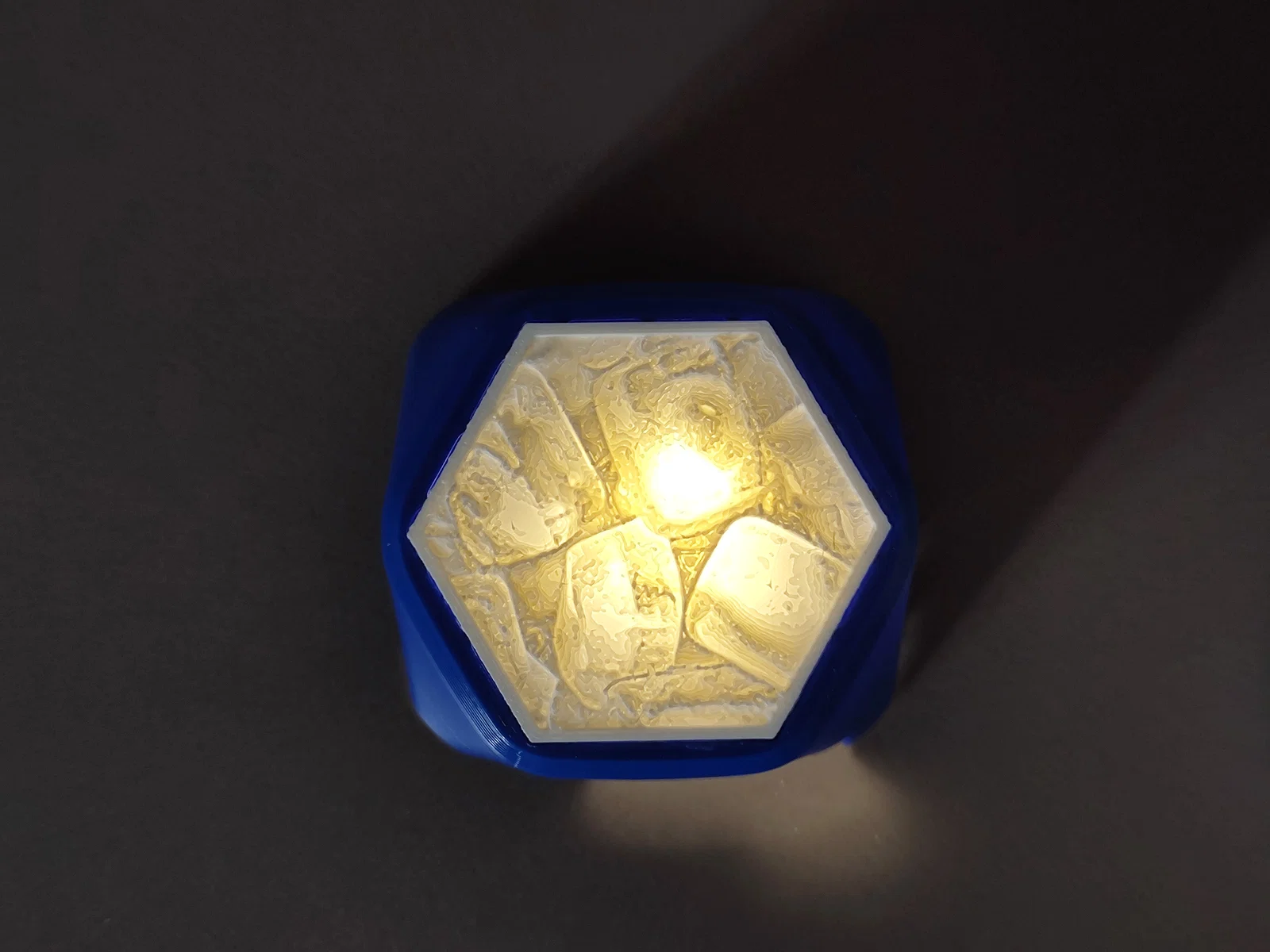
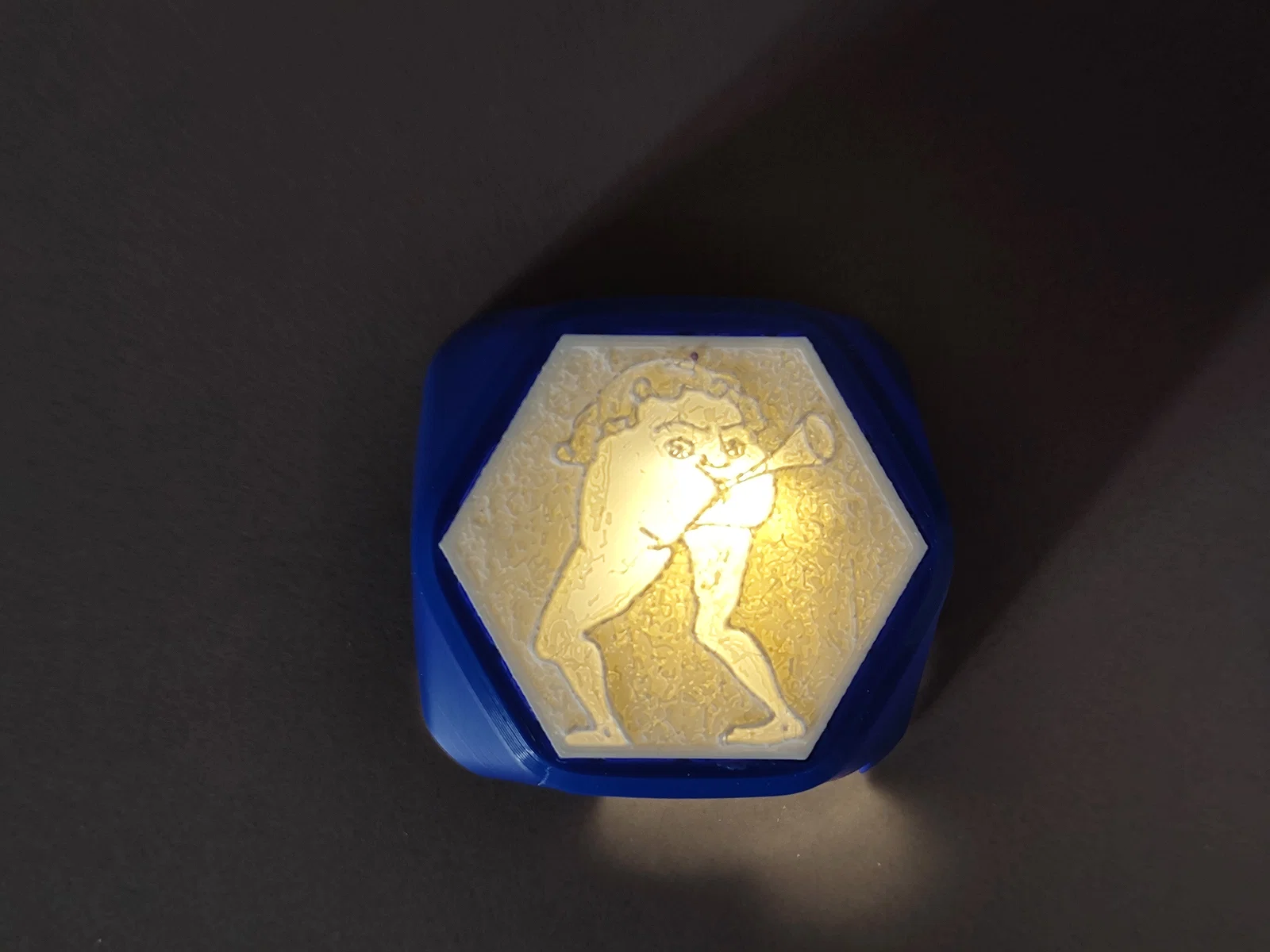
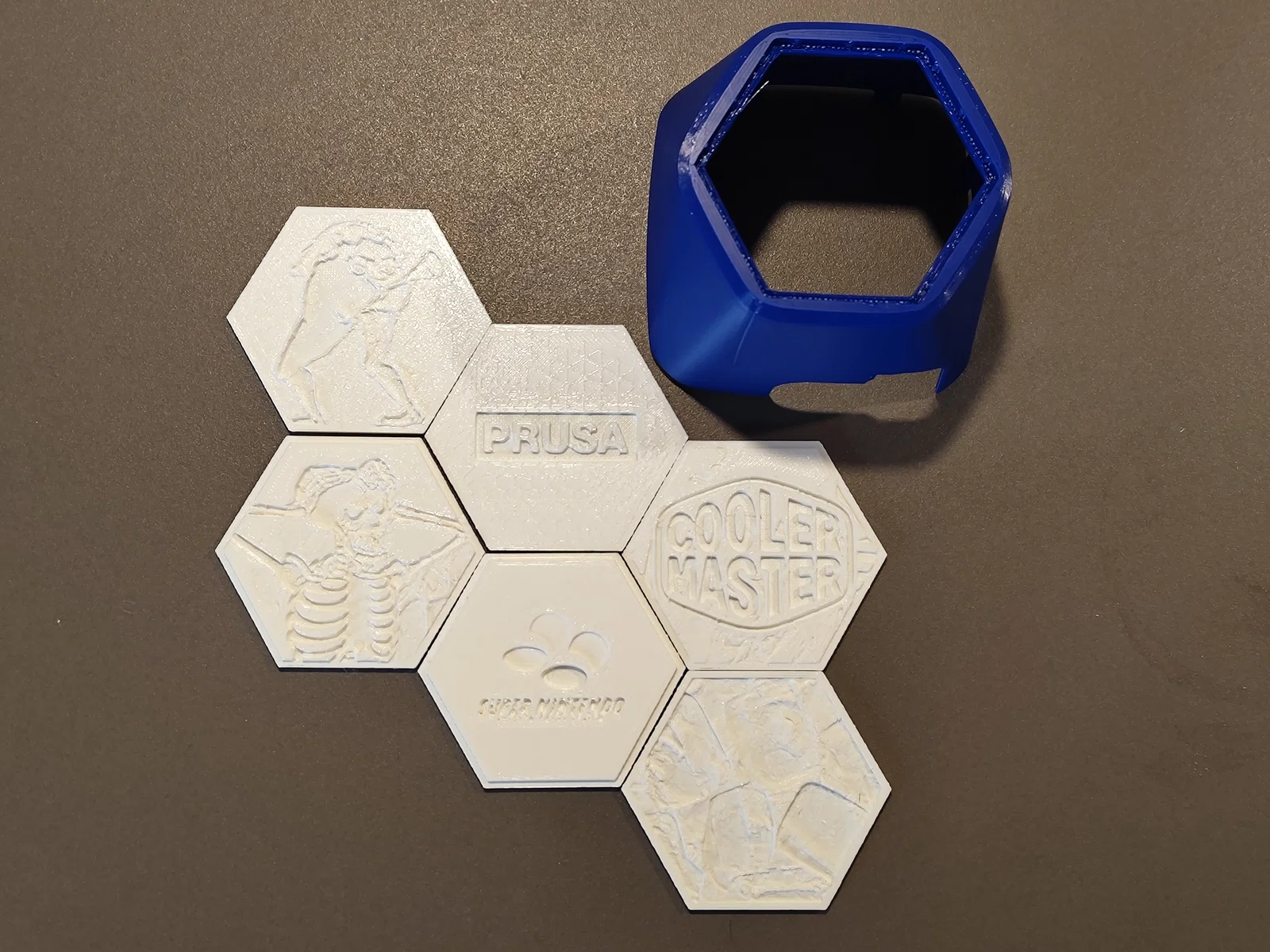
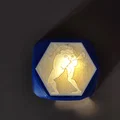
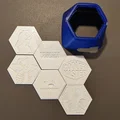
Đây là nắp che pump kiểu lục giác (hex-style) cho Cooler Master AIO, có khe để gắn lithophane insert tuỳ chỉnh.
Nắp có một ô khoét gọn gàng, thiết kế để giữ một tấm lithophane.
Có kèm một script Python để tạo lithophane khớp chính xác với phần khoét này.
Quy trình rất đơn giản: tạo hình từ ảnh của bạn, in ra, rồi lắp vào nắp.
Trình tạo Lithophane (Python)
Bạn có thể tạo lithophane bằng Thonny và script Python đi kèm.
Thư viện cần có:
-
PIL
-
numpy
-
numpy-stl
Script:
# Spring 2026 – Hydrolith Generator (Hex Smooth Version)

import tkinter as tk
from tkinter import filedialog, messagebox, ttk
from PIL import Image, ImageOps, ImageDraw, ImageTk
import numpy as np
from stl import mesh
import os

#********************** HEX PARAMETERS **********************************#

SIDE_LENGTH_MM = 28.28434
WIDTH_MM = 2 * SIDE_LENGTH_MM
HEIGHT_MM = np.sqrt(3) * SIDE_LENGTH_MM
BORDER_WIDTH_MM = 2.0

#********************** SMOOTH HEX MASK *********************************#

def hex_mask_mm(w_px, h_px, resolution, side_length_mm, scale=1.0, upscale=16):
    up_w = w_px * upscale
    up_h = h_px * upscale

    mask_img = Image.new("L", (up_w, up_h), 0)
    draw = ImageDraw.Draw(mask_img)

    cx, cy = up_w / 2, up_h / 2

    s_px = (side_length_mm * scale) / resolution * upscale
    R = s_px

    # Flat-top Hexagon
    points = [
        (
            cx + R * np.cos(i * np.pi/3),
            cy + R * np.sin(i * np.pi/3)
        )
        for i in range(6)
    ]

    draw.polygon(points, fill=255)

    # Anti-aliased downscale
    mask = mask_img.resize((w_px, h_px), resample=Image.LANCZOS)

    return np.array(mask) / 255.0  # smooth mask

#********************** Lithophane generation ***************************#

def create_lithophane(image_path, output_path, min_thick, max_thick, resolution, border_height, invert=False, progress_callback=None):
    px_per_mm = 1 / resolution
    size_px = (int(WIDTH_MM * px_per_mm), int(HEIGHT_MM * px_per_mm))

    img_raw = Image.open(image_path).convert("L")
    img = ImageOps.fit(img_raw, size_px, method=Image.LANCZOS, centering=(0.5, 0.5))
    img = img.transpose(Image.Transpose.FLIP_TOP_BOTTOM)

    grayscale = np.asarray(img) / 255.0
    if invert:
        grayscale = 1.0 - grayscale

    height_map = min_thick + (1.0 - grayscale) * (max_thick - min_thick)

    h, w = height_map.shape

    outer_mask = hex_mask_mm(w, h, resolution, SIDE_LENGTH_MM, scale=1.0)
    inner_scale = 1.0 - (BORDER_WIDTH_MM / SIDE_LENGTH_MM)
    inner_mask = hex_mask_mm(w, h, resolution, SIDE_LENGTH_MM, scale=inner_scale)

    mask = outer_mask
    rim_mask = outer_mask * (1.0 - inner_mask)

    # weiche Kante → physisch glatter Übergang
    height_map = min_thick + (height_map - min_thick) * mask

    vertices = []
    faces = []
    vertex_index = {}

    def get_index(x, y, ztype):
        key = (x, y, ztype)
        if key not in vertex_index:
            if ztype == 'top':
                z = height_map[y, x]
            elif ztype == 'rim':
                z = border_height
            else:
                z = 0.0
            vertices.append([x * resolution, y * resolution, z])
            vertex_index[key] = len(vertices) - 1
        return vertex_index[key]

    threshold = 0.5

    for y in range(h - 1):
        for x in range(w - 1):

            if not (mask[y, x] > threshold and
                    mask[y, x+1] > threshold and
                    mask[y+1, x] > threshold and
                    mask[y+1, x+1] > threshold):
                continue

            def ztype(ix, iy):
                return 'rim' if rim_mask[iy, ix] > threshold else 'top'

            i0 = get_index(x, y, ztype(x, y))
            i1 = get_index(x + 1, y, ztype(x + 1, y))
            i2 = get_index(x, y + 1, ztype(x, y + 1))
            i3 = get_index(x + 1, y + 1, ztype(x + 1, y + 1))

            b0 = get_index(x, y, 'bottom')
            b1 = get_index(x + 1, y, 'bottom')
            b2 = get_index(x, y + 1, 'bottom')
            b3 = get_index(x + 1, y + 1, 'bottom')

            faces += [[i0, i1, i2], [i1, i3, i2]]
            faces += [[b2, b1, b0], [b2, b3, b1]]
            faces += [
                [i0, b0, i1], [i1, b0, b1],
                [i1, b1, i3], [i3, b1, b3],
                [i3, b3, i2], [i2, b3, b2],
                [i2, b2, i0], [i0, b2, b0]
            ]

        if progress_callback and y % 10 == 0:
            progress_callback(y / (h - 1))

    vertices_np = np.array(vertices)
    faces_np = np.array(faces)

    litho = mesh.Mesh(np.zeros(faces_np.shape[0], dtype=mesh.Mesh.dtype))
    for i, f in enumerate(faces_np):
        for j in range(3):
            litho.vectors[i][j] = vertices_np[f[j], :]

    litho.save(output_path)

#****************************** GUI **************************************#

class LithopaneApp:
    def __init__(self, root):
        self.root = root
        self.root.title("Hydrolith Hex Smooth")

        self.image_path = ""

        tk.Button(root, text="Select Image", command=self.load_image).grid(row=0, column=0, columnspan=2, pady=10)

        self.entries = {}
        labels = [
            ("Min. Thickness (mm)", "0.8"),
            ("Max. Thickness (mm)", "3.2"),
            ("Resolution (mm/px)", "0.3"),
            ("Border Height (mm)", "2.0")
        ]

        for i, (label, default) in enumerate(labels, start=1):
            tk.Label(root, text=label).grid(row=i, column=0, sticky="e")
            entry = tk.Entry(root)
            entry.insert(0, default)
            entry.grid(row=i, column=1)
            self.entries[label] = entry

        self.invert_var = tk.BooleanVar()
        tk.Checkbutton(root, text="Invert colors (negative)", variable=self.invert_var).grid(row=5, column=0, columnspan=2)

        self.status = tk.Label(root, text="", fg="blue")
        self.status.grid(row=6, column=0, sticky="e")

        self.progress = ttk.Progressbar(root, orient="horizontal", length=200, mode="determinate")
        self.progress.grid(row=6, column=1, sticky="w")

        tk.Button(root, text="Export STL", command=self.export_stl).grid(row=7, column=0, columnspan=2, pady=10)
        tk.Button(root, text="Show Preview", command=self.show_preview).grid(row=8, column=0, columnspan=2)

    def load_image(self):
        file_path = filedialog.askopenfilename(filetypes=[("Image files", "*.jpg *.png *.bmp")])
        if file_path:
            self.image_path = file_path
            self.status.config(text=os.path.basename(file_path))

    def update_progress(self, fraction):
        self.progress["value"] = int(fraction * 100)
        self.root.update_idletasks()

    def export_stl(self):
        if not self.image_path:
            messagebox.showwarning("Warning", "Please select an image first.")
            return

        try:
            min_thick = float(self.entries["Min. Thickness (mm)"].get())
            max_thick = float(self.entries["Max. Thickness (mm)"].get())
            resolution = float(self.entries["Resolution (mm/px)"].get())
            border_height = float(self.entries["Border Height (mm)"].get())
        except ValueError:
            messagebox.showerror("Error", "Invalid input.")
            return

        output_path = filedialog.asksaveasfilename(defaultextension=".stl")
        if not output_path:
            return

        create_lithophane(
            self.image_path,
            output_path,
            min_thick,
            max_thick,
            resolution,
            border_height,
            invert=self.invert_var.get(),
            progress_callback=self.update_progress
        )

        self.status.config(text="Done.")

    def show_preview(self):
        if not self.image_path:
            return

        resolution = float(self.entries["Resolution (mm/px)"].get())
        px_per_mm = 1 / resolution
        size_px = (int(WIDTH_MM * px_per_mm), int(HEIGHT_MM * px_per_mm))

        img = ImageOps.fit(Image.open(self.image_path).convert("L"), size_px)
        grayscale = np.asarray(img) / 255.0

        mask = hex_mask_mm(size_px[0], size_px[1], resolution, SIDE_LENGTH_MM)

        preview = Image.fromarray((grayscale * mask * 255).astype(np.uint8))
        preview = preview.resize((300, 300))

        win = tk.Toplevel(self.root)
        tk_img = ImageTk.PhotoImage(preview)
        tk.Label(win, image=tk_img).pack()
        win.image = tk_img

# Run
if __name__ == "__main__":
    root = tk.Tk()
    app = LithopaneApp(root)
    root.mainloop()
Để in Lithophane đẹp nhất:
-
Dùng 100% infill
-
Dùng layer height thấp nhất có thể
Cách này giúp ánh sáng tán đều hơn và hình nhìn rõ, nét hơn.
Giấy phép

File mô hình


Chưa có bản in nào được khoe. Hãy là người đầu tiên!


Chưa có bình luận nào. Hãy là người đầu tiên!