

Ngăn Kéo Nhãn & Ống Sleeves cho Seed Dryer (Seed Dryer Label Drawer & Sleeves)

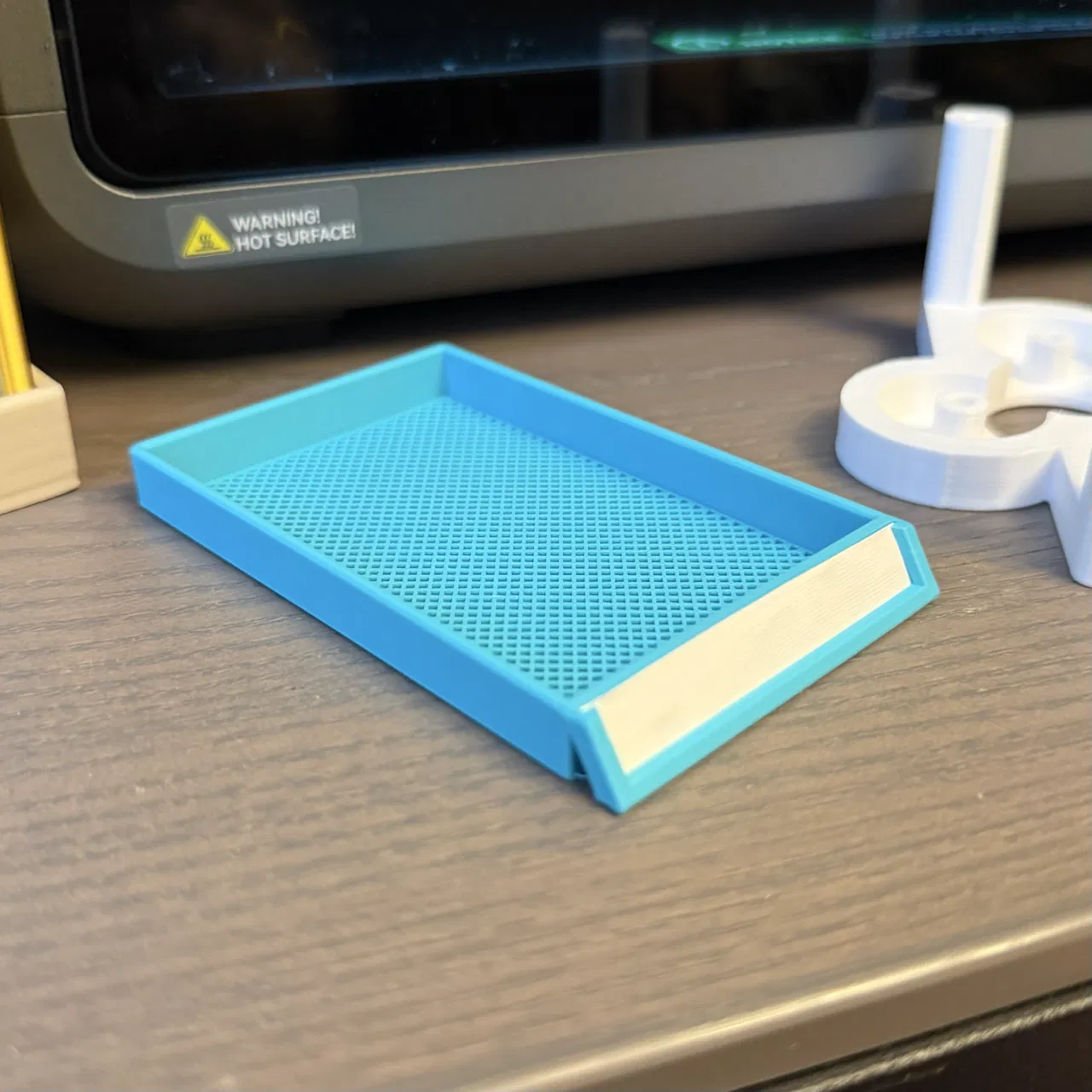
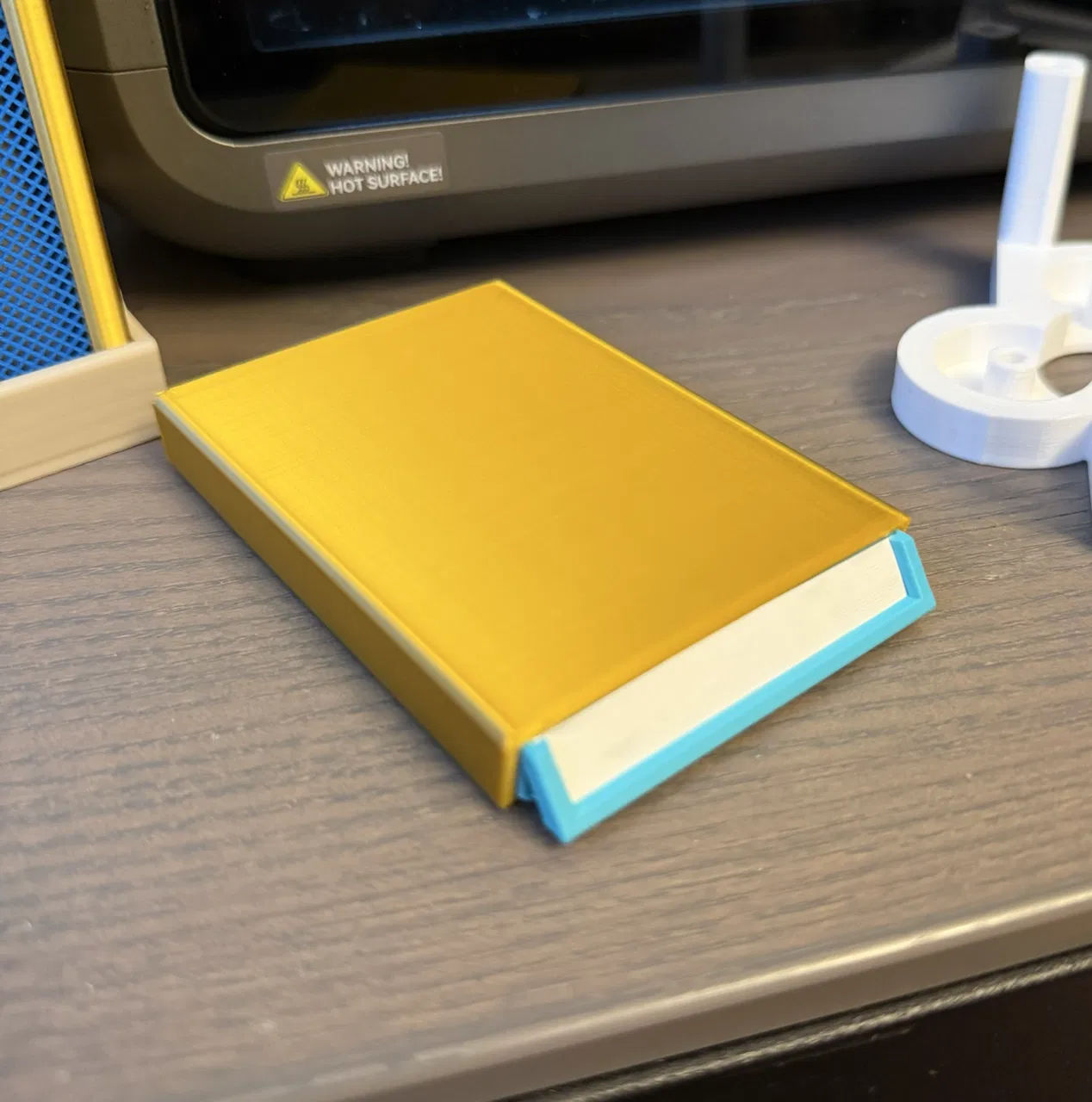
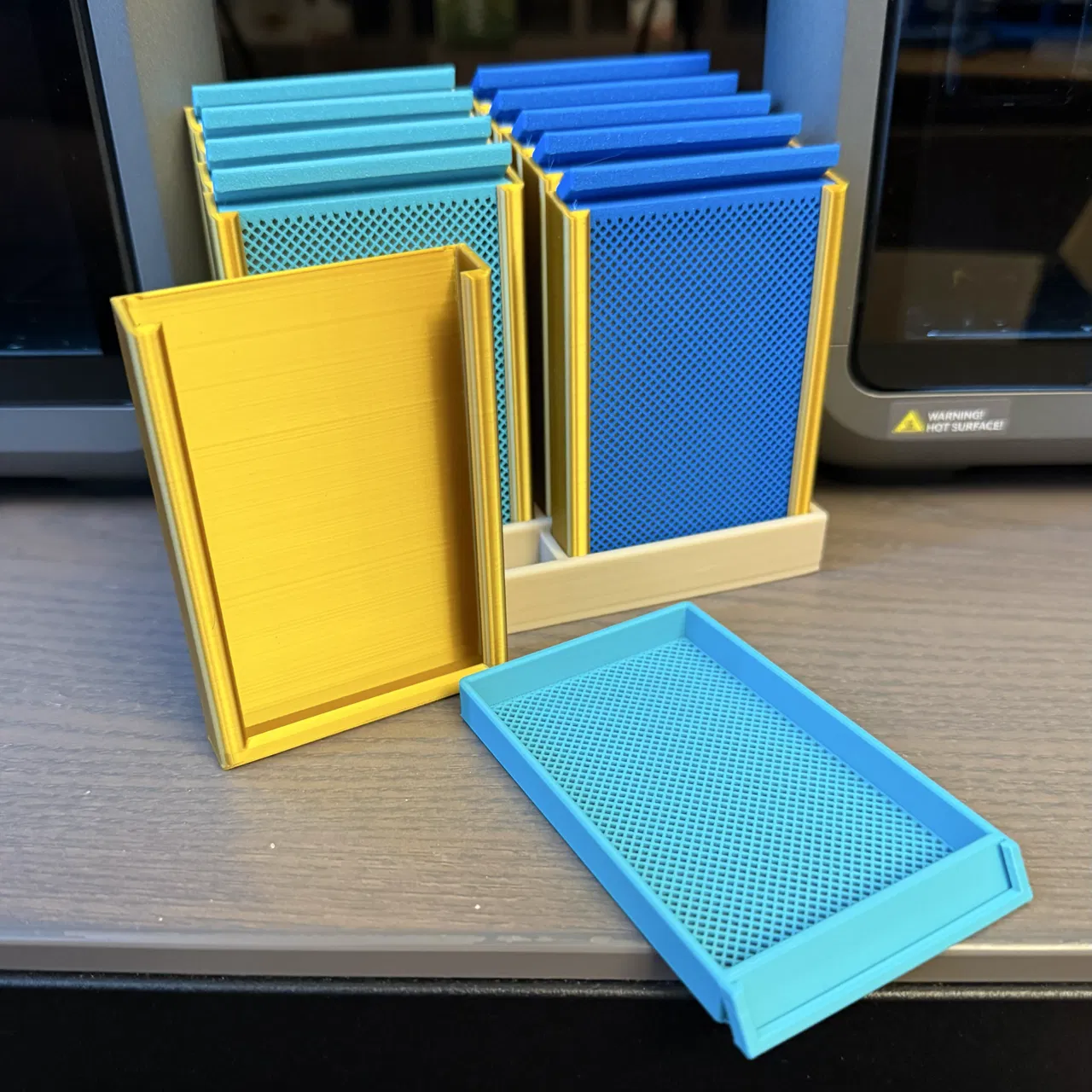
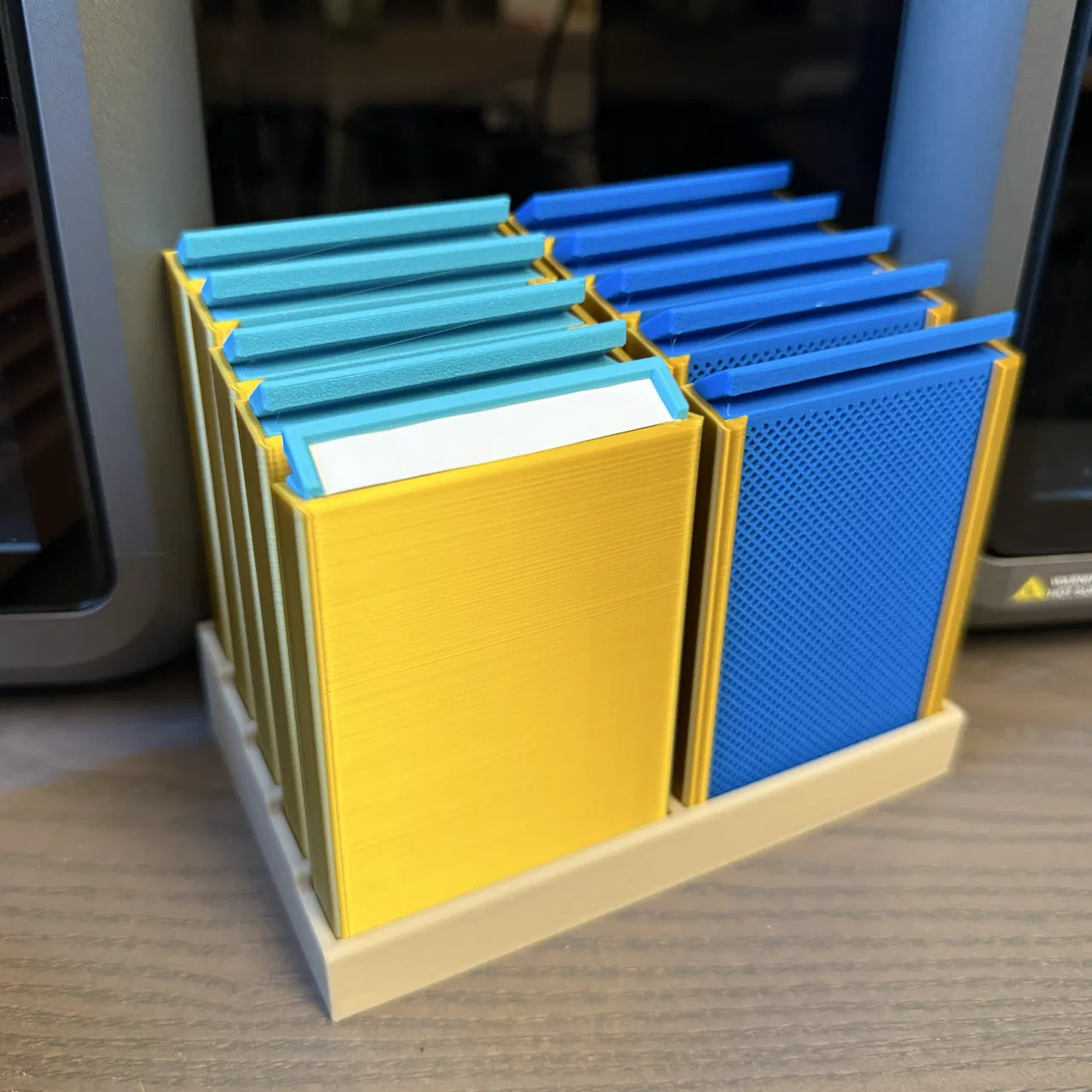
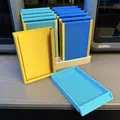
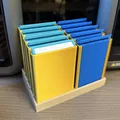
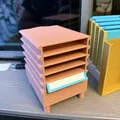
Bộ khay ngăn kéo cập nhật cho Seed Dryer dạng modular của Alex Ward, giúp dán/đổi nhãn bằng giấy dễ hơn. Kèm sleeves giữ hạt mà vẫn thoáng khí và rack lưu trữ tối đa 10 khay.
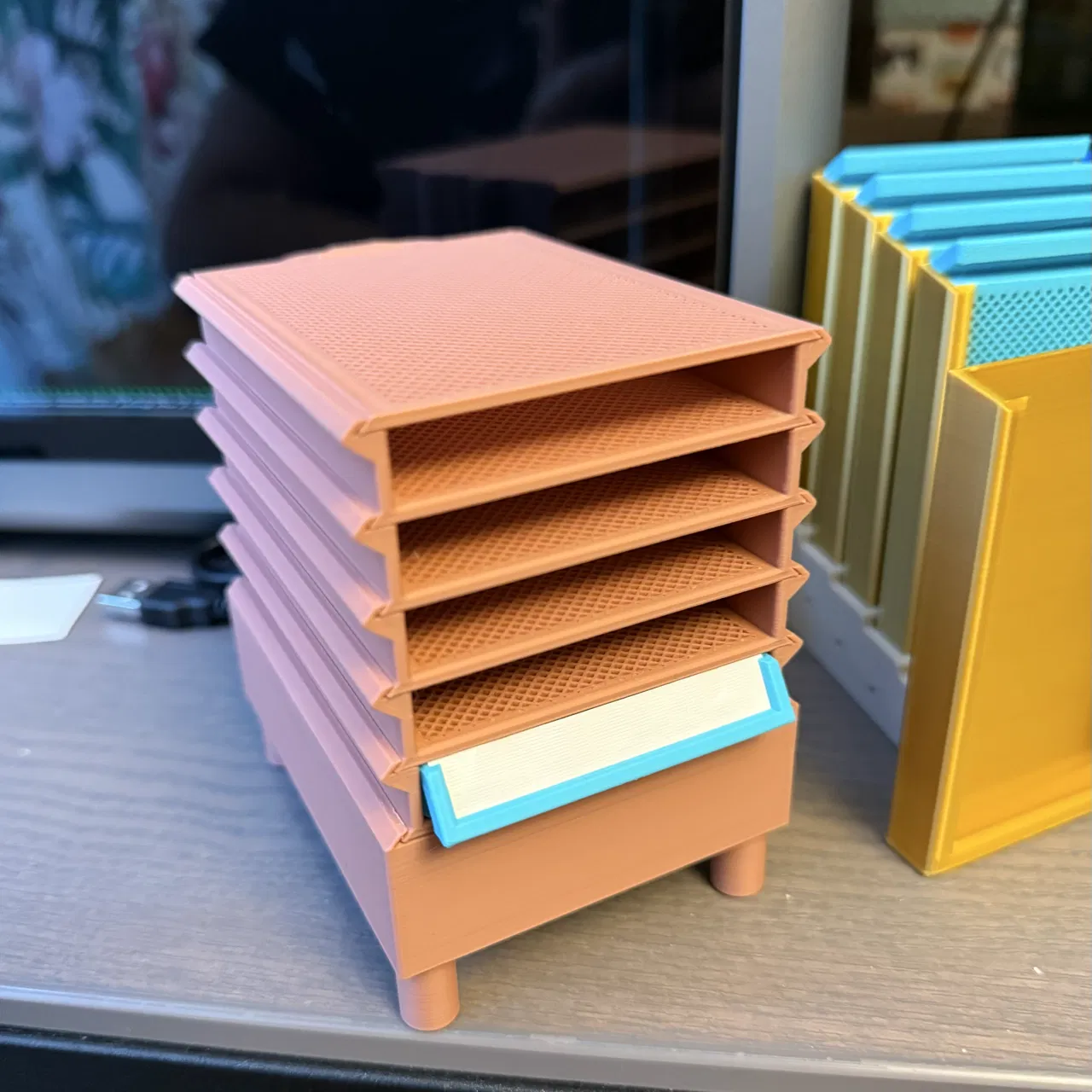
Mô tả
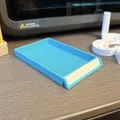
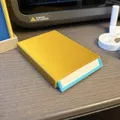
Khi mình in mẫu Seed Dryer gốc của Alex Ward cho một người bạn không có máy in 3D, mình chợt nghĩ nếu có cách dán nhãn và đổi nhãn cho các ngăn kéo một cách dễ dàng thì sẽ tiện hơn nhiều. Vì vậy mình remix lại các khay/ngăn kéo của Seed Dryer để có thể dùng nhãn giấy. Sau đó mình nghĩ thêm về chuyện lưu trữ, nên mình tạo ra các ống sleeves cho phép không khí lưu thông nhưng vẫn giữ hạt giống bên trong, và thêm một rack để chứa tối đa 10 khay.
Để tạo phần mesh cho ngăn kéo, bạn cần dùng đúng file Seed_Dryer_Drawer_Modifier.stl giống như trong model của Alex Ward; mình dán lại phần hướng dẫn ở đây chỉ để tiện tham khảo:
2nd Method: (my preferred one) this one is slightly more complex but the result is having the mesh just where its needed. Load the part into your slicer (don't move it) then use the load Modifier function and select the modifier file i have provided for the part you are printing (it should automatically load into the correct place) You should then be able to select and set the top & bottom layer as well as infill density separately for the modifier. Again uses 0 top & bottom layer and i use grid infill at 40% You might also need to play with you infill anchor setting to make sure you get good anchors to the rest of the model.
Mình in tất cả các phần còn lại với các thông số sau bằng PLA trên Creality K2 Combo:
-
Layer Height: 0.1 mm
-
Sparse Infill Density: 35%
-
Sparse Infill Pattern: Gyroid
Riêng phần mesh modifier thì mình đổi các thông số sau:
-
Top Shell Layers: 0
-
Bottom Shell Layers: 0
-
Sparse Infill Density: 50%
-
Sparse Info Pattern: Grid
Giấy phép

File mô hình


Chưa có bản in nào được khoe. Hãy là người đầu tiên!


Chưa có bình luận nào. Hãy là người đầu tiên!