
F3D
Hệ Thống Giá Đỡ Bitaxe / Bitaxe Ultra 1

2 images

DIY

Hệ Thống Giá Đỡ Bitaxe / Bitaxe Ultra

By LordAchoo

Downloads
36
Likes
2
Views
827

Files 4 2.8 MB

  • M2.5_Bolt_Spacers_2MMHeight_1765737429.stlSTL · 169 KB
  • BitAxe_Ultra_Single_Tray_1765737430.stlSTL · 459.3 KB
  • BitAxe_Ultra_Dual_Tray_1765737431.stlSTL · 892.3 KB
  • Main_Tray_1765737432.stlSTL · 1.3 MB

Make a variant with AI

Build another version of this model.

Open Studio

Description

Bitaxe / Bitaxe Ultra Mount System

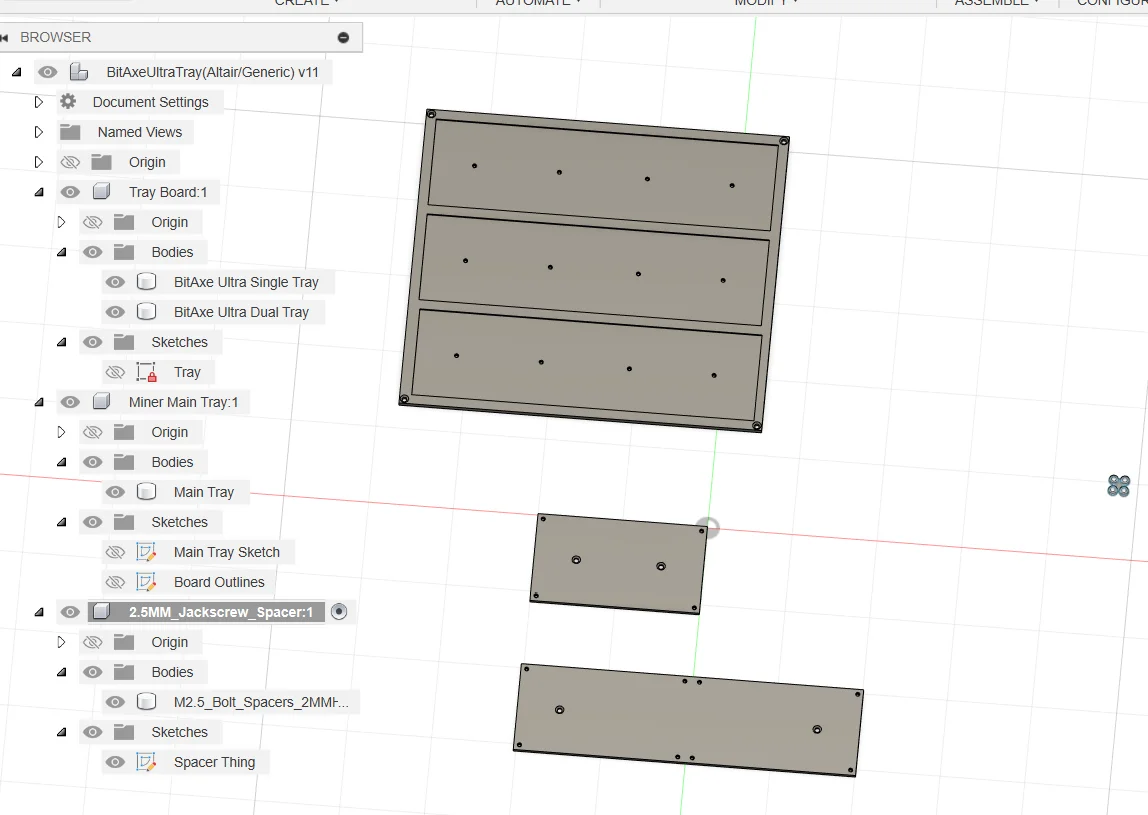
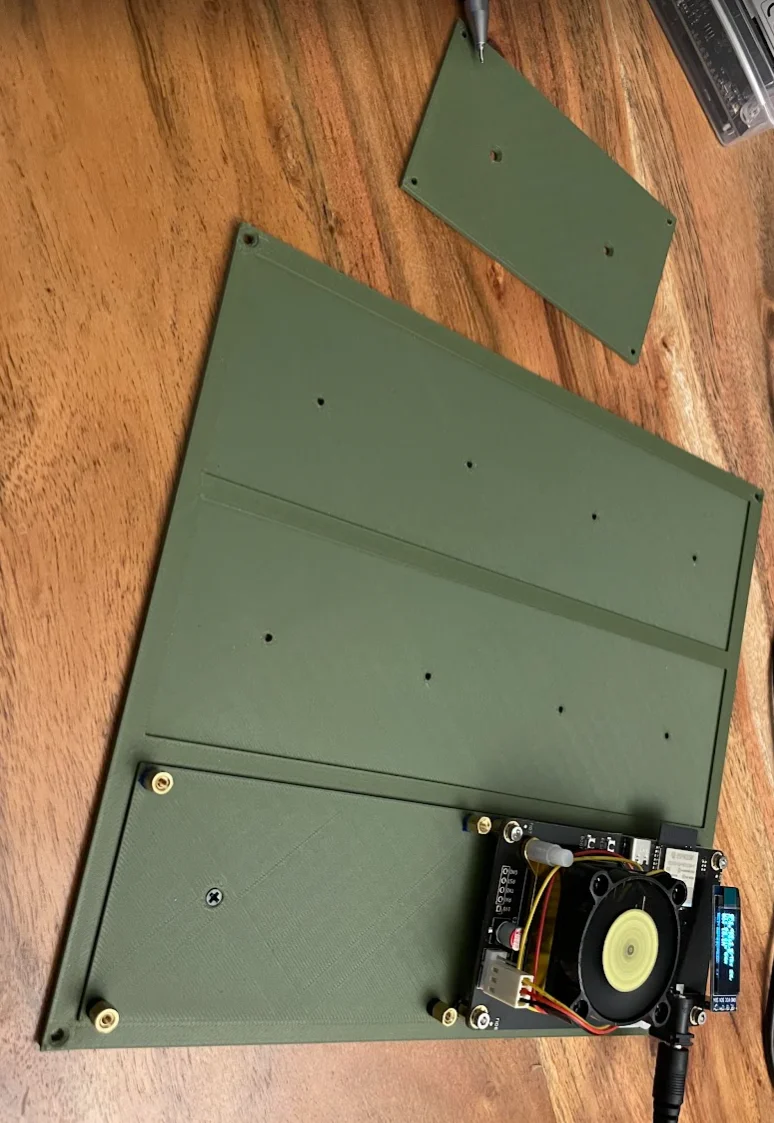
  • BitAxe/Bitaxe Ultra Single Tray - For mounting a single Bitaxe / Bitaxe Ultra - can be mounted to the main tray or to any surface using M2.5 flat head bolts. 
  • BitAxe/Bitaxe Ultra Dual Tray - For mounting two Bitaxe / Bitaxe Ultra - can be mounted to the main tray or to any surface using M2.5 flat head bolts. 
  • Main Tray - This can handle 3x Dual Tray or 6x Single Trays or any combination mounted with M2.5x3 bolts
  • M2.5_Bolt_Spacers_2MMHeight - Used for M2.5 jackscrews if they are longer than 2mm to space out the jackscrew threads so they don't go through the board.
    • Cut or break them out of the support piece they are attached to by default 

Both Single/Dual trays use M2.5 jackscrews to mount the Bitaxe boards to them. You can use the provided spacer to make sure the jackscrew doesn't go through the tray board into the mounting surface.

Read more Show less

Print spec

Formats
stl
Model files
4
Total size
2.8 MB
Largest file
1.3 MB

0 comments

See all