




Kẹp giữ sợi Filament
 Bytinx_1344834Likes1.2KDownloads6K
Build another version of this model.
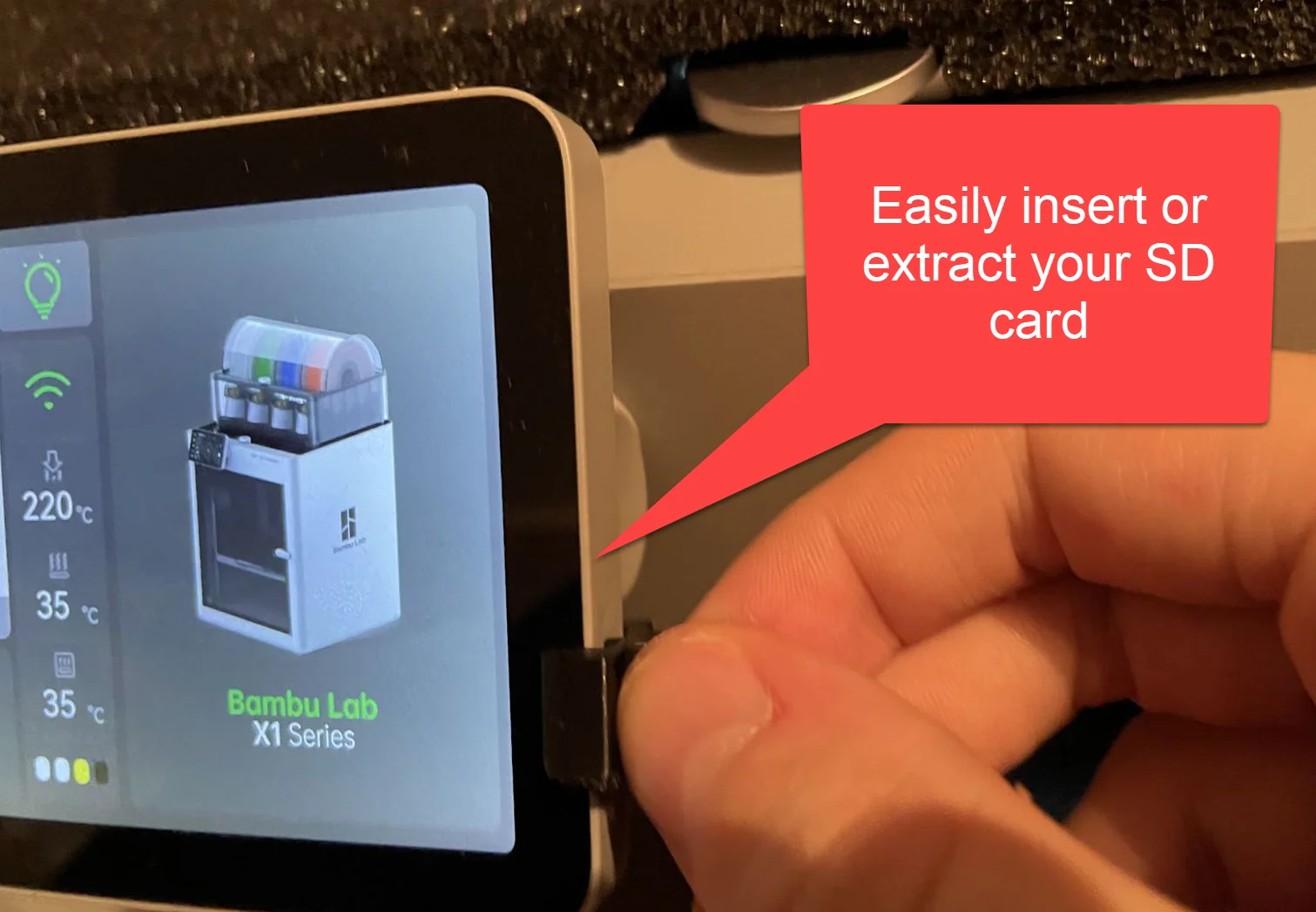
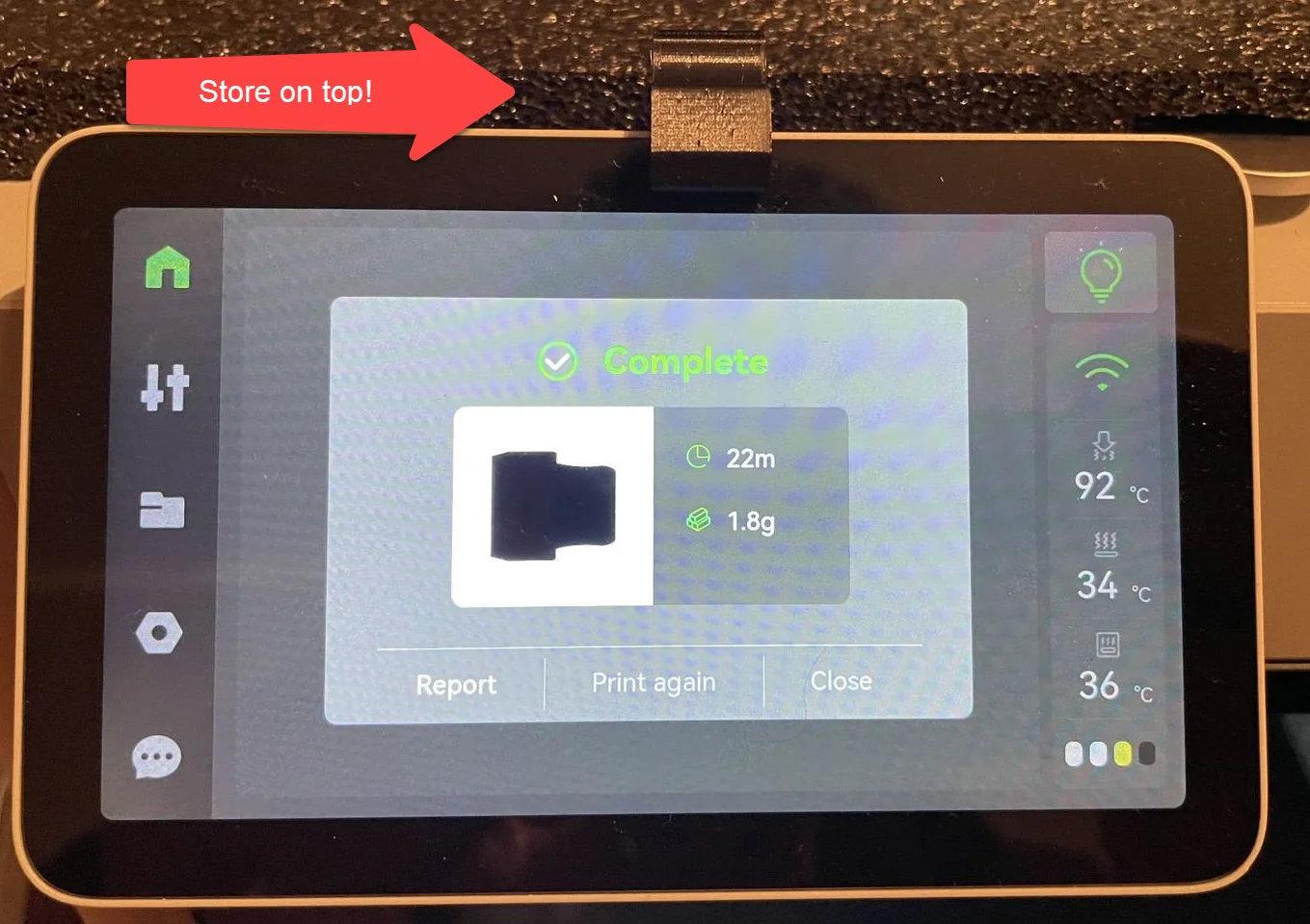
The microSD card of the Bambu Lab X1 is a bit too deep inside the touchscreen; this tool eases extraction and insertion of the microSD card. I don't want to risk damaging the device by messing around with a sharp object or a scraper attempting to insert or extract the SD card.
There are two variants:
Included files should be directly loadable in Bambu Studio.
Otherwise I recommend 0.12mm layer height so the chamfers are printed right. Use a slow first layer speed for proper adhesion.
Bytinx_1344834Likes1.2KDownloads6K

 Byprusa-researchLikes0Downloads2.7K

 Bydet-manLikes0Downloads176

 Bygummiegecko8477Likes0Downloads168

 Bychukwufumnanya-arinzechukwuLikes0Downloads153

 BydalleLikes0Downloads151

 ByhumebeamLikes0Downloads133

 BynasikLikes0Downloads122

 Byarhi_585078Likes64Downloads547

 ByHanzo3dLikes155Downloads417

 BydarienLikes0Downloads1K

 ByGeek5DLikes147Downloads491