



Kẹp giữ sợi Filament
 Bytinx_1344834Likes1.2KDownloads6K
Remix of Chuỗi cáp cho Prusa Mini và Mini+ (trục X, bộ phận gia nhiệt) By Subtle3D
Build another version of this model.
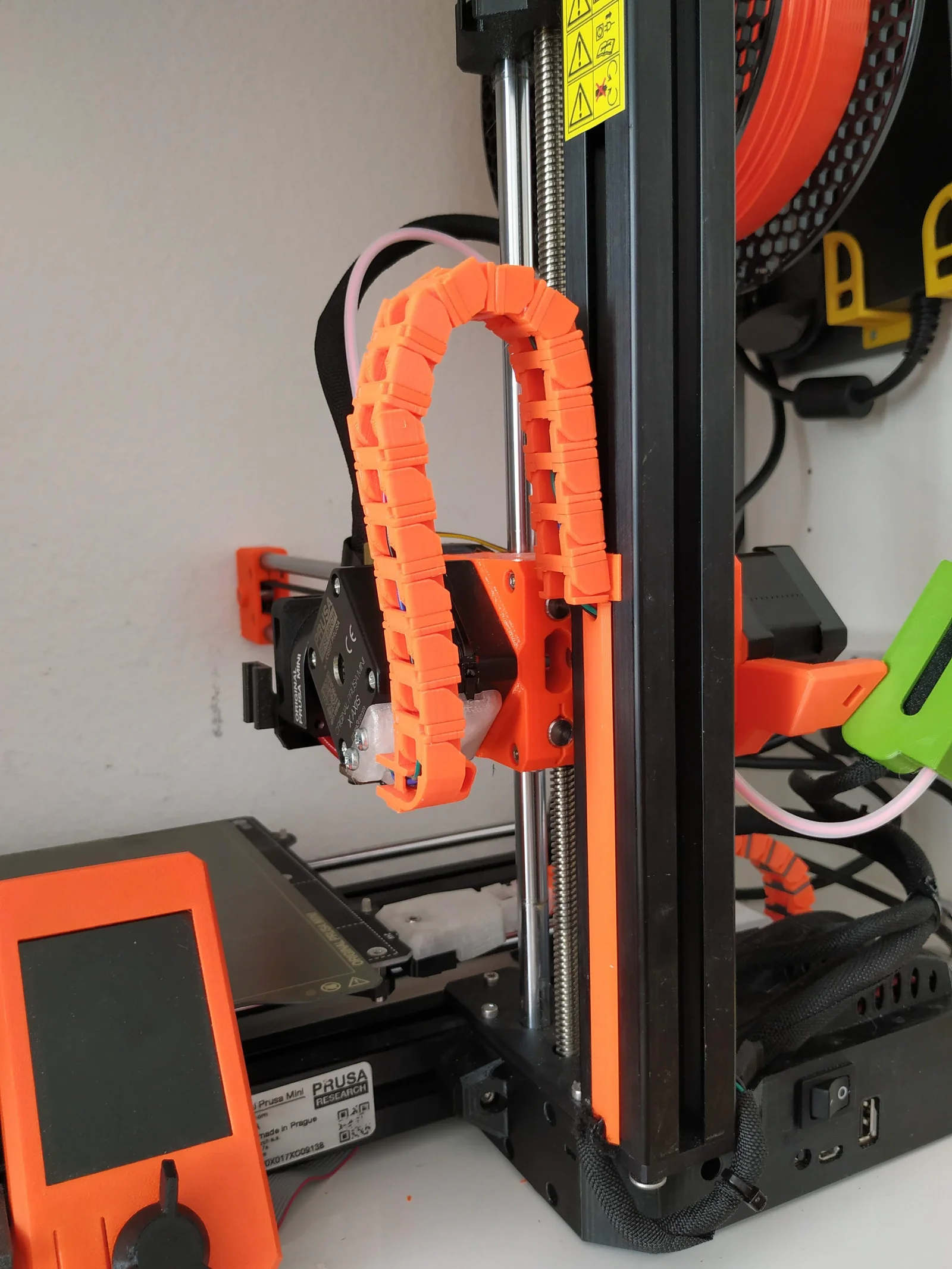
Remix of https://www.prusaprinters.org/prints/27742. I needed a compact solution for the X-arm chain because my printer sits in a very tight space.
The heatbed part worked perfectly for me and is unchanged.
Remove electronics covers on the MINI and reroute x-axis wires under the Z extrusion. I had to cut a little the electronic box to achieve that.
Place 3 nuts into part 1.
Ziptie part 1 to the x-axis motor.
Bolt part 3 to part 1 with the cable between them.
Place part 2 against part 1, route cable and ziptie part 2 and cable to part 1.
Place nut in t-nut, loosely bolt part 4 to T-nut. slide into side channel of z-axis extrusion, towards the control panel, above midway.
Route Z-axis wires in the channel ( i removed the black wrapping around the cables ) and cover them with part 11 that clips in the slot below part 4. slide part 4 downwards against part 11, tighten screw.
Add x-axis Chain and clip parts starting from the motor side. Tighten
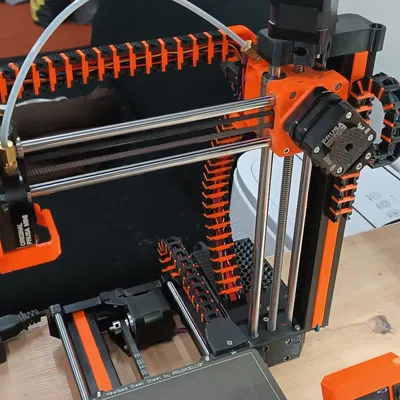
(copied from the original design.)
Replace bed cover with part 6.
Unplug heatbed wires and reroute through y-axis wire hole.
Add 15 chain and clip pieces starting from the headbed side.
Place part 8 Adapter on heatbed cables and snap into part 7
Mount with the adapter open end Up. Some finagling may be necessary to get the cable length correct.
Attach part 7 mount to frame with the y-axis motor cables between the mount and the frame.
Reconnect heatbed and replace electronics cover.
Bytinx_1344834Likes1.2KDownloads6K

 ByreddLikes216Downloads2.1K

 ByJasonOlliff_519145Likes241Downloads2K

 Byarhi_585078Likes64Downloads535

 ByHanzo3dLikes155Downloads410

 ByGeek5DLikes147Downloads480

 ByBrokentooth_designsLikes23Downloads401

 By3DSourcererLikes48Downloads372

 ByWyomingWolf_261196Likes52Downloads422

 Bytopronix_2170418Likes41Downloads292

 ByBlackky98Likes25Downloads204

 ByAnthonyDouri_1604724Likes24Downloads213