



Khuôn Vẽ Sơ Đồ Mạch Điện Tử (Kích Thước Thẻ ATM)
 ByBoonby_1059917Likes659Downloads1.2K
Build another version of this model.
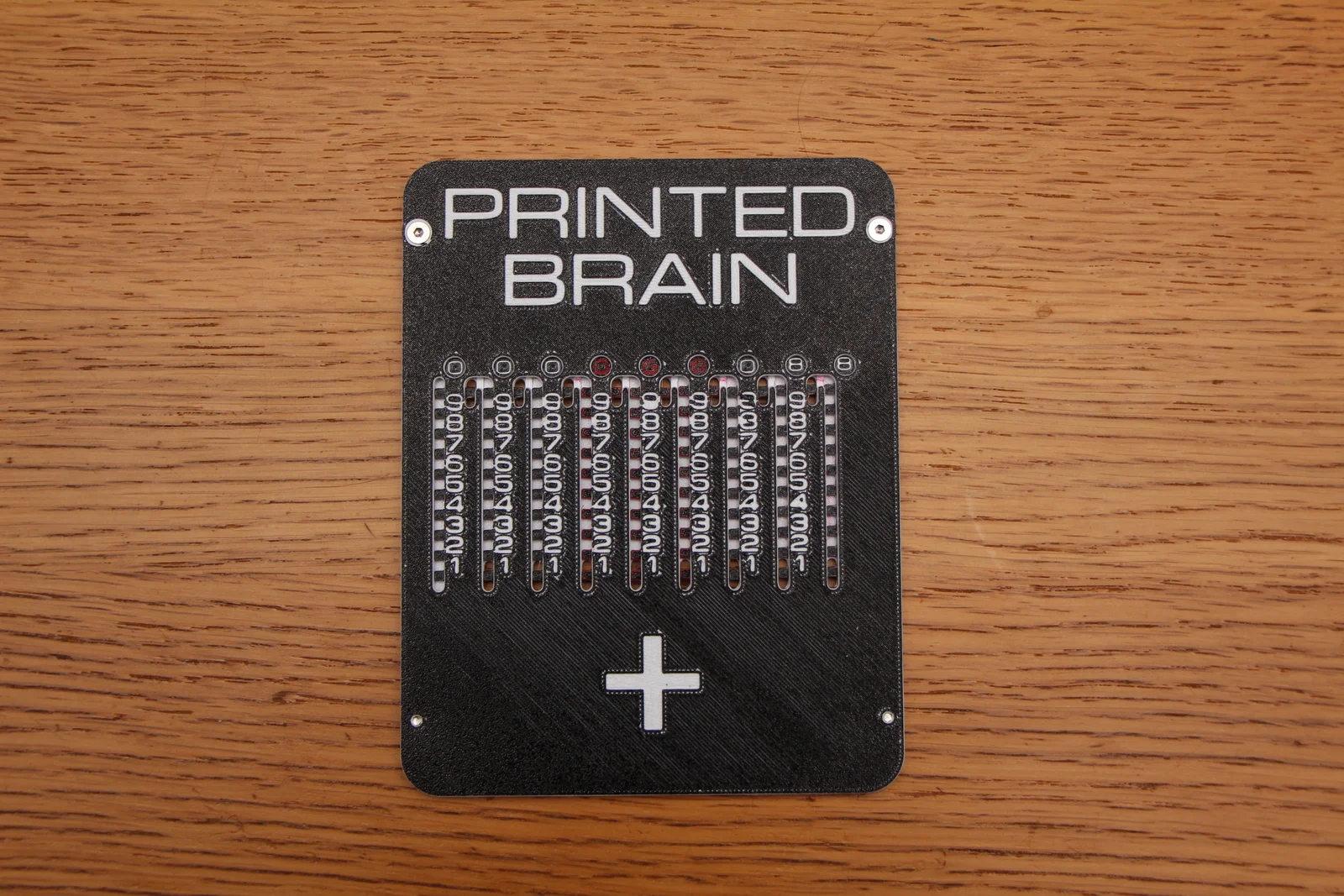
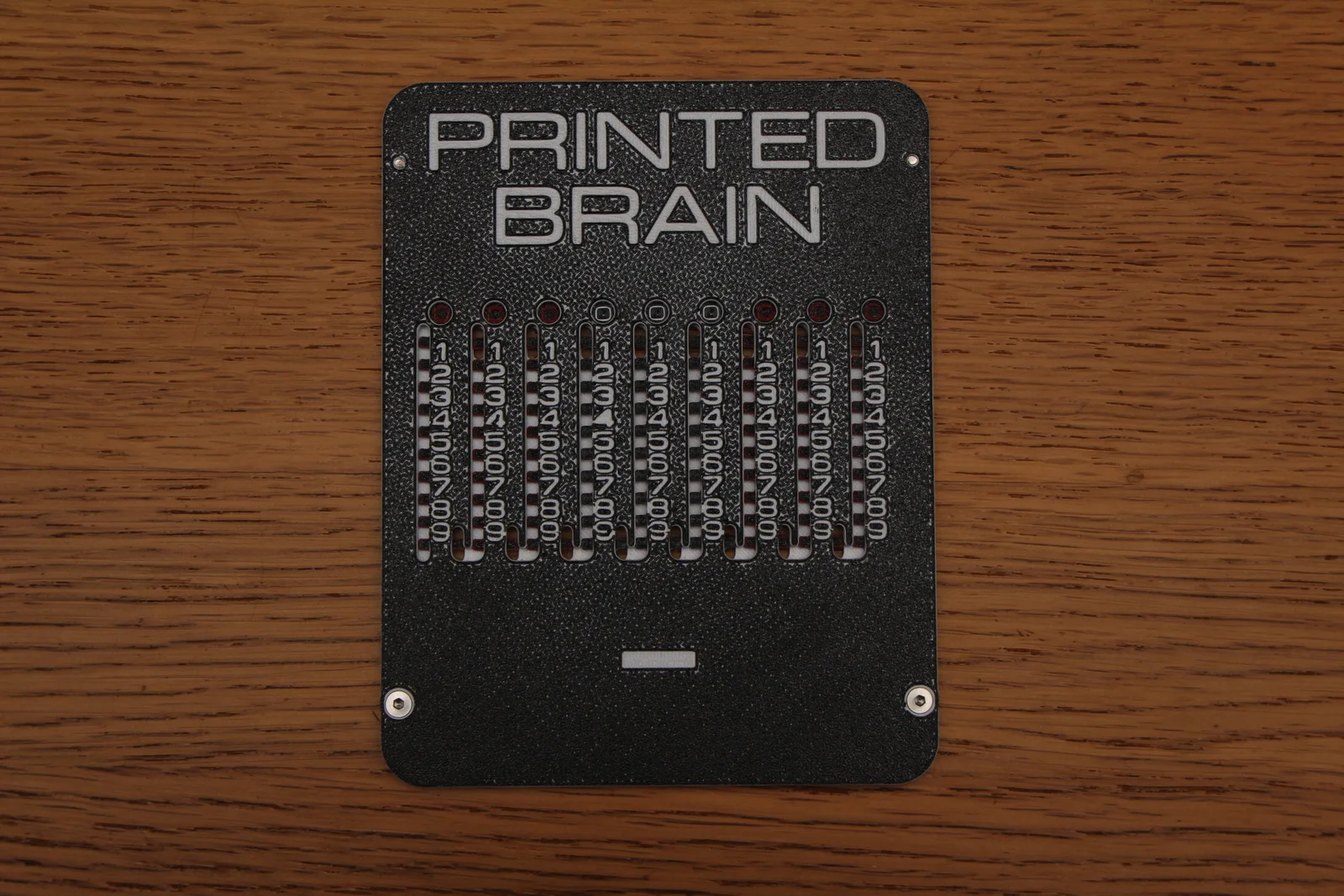
Before digital electronic calculator there was many genius mechanical calculators, one of the simpler is the sliding calculator, also known as Addiator (specific brand) and Magic Brain.
I recommend getting some countersunk 5mm M3 screws so put this together, but if you don't want, glue or tape should work as well.
Customize it on Onshape: https://cad.onshape.com/documents/2c1e1e41af824f44070417e2/w/825cc559e6e41afb90ddb9fd/e/7e3f1d24644b28f1d5aff32d
Designed to work with 0.2mm layer height, but the ones i printed the pats at 0.1mm seems to work a little bit smoother, could be other factors as well. Change filament colors to make text easy to read. Use the color change at leyer function in the slicer and change filament manually or use MMU.
Print both fronts with the front side down, do color change after 0.2 mm to make text easy to read.
Print 9 of these. You can do color changes in a bit different ways to get the look you want. I tried doing dual color with black - red - white - black. That way one side of the sliders have white, and the other red numbers. The contrast between red and black is a bit harder to read but you can do interesting things like grouping numbers with different colors.
Bend the sliders a little bit, that way they won't slide around freely in their tracks, making it less likely you loose your calculation from just a little bump.
Put the sliders in the track of one of the fronts.
Put the other front on top.
Screw (countersunk M3 5 mm) or glue the fronts together, make sure no glue gets the sliders stuck in their tracks.
You can use a ball point pen, or a pointy tool as a stylus.
The round holes will show the current value.
Clear the calculator by pulling each digit from the bottom until the round windows shows 0.
The calculator can only do subtraction on positive numbers.
You may want pen and paper for this. Lets do 123 x 456.
We will do this as 3 x 456 + 20 x 456 + 100 x 456.
Lets start from the right digit and add numbers 6, 5, 4; 3 times each. Essentially you do each step as single digit multiplications.
You just shift left as there is 0's in your numbers. 3x6 = 0 steps, 3x50 = 1 step, 20x6 = 1 step, 100x400 = 4 steps.
If you need to do something like 7x1, instead of pulling 1 7 times you can do 1x7 and pull 7 once. You can also do head multiplication on small numbers like 3x3 = 1x9 as long as the result is 9 or less.
Step
operation, in column
Accumulated
Clear
000000000
Add 3x6
3x6, 9
000000018
Add 3x50
3x5, 8
000000168
Add 3x400
3x4, 7
000001368
Add 20x6
2x6, 8
000001488
Add 20x50
2x5, 7
000002488
Add 20x400
2x4, 6
000010488
Add 100x6
1x6, 7
000011088
Add 100x50
1x5, 6
000016088
Add 100x400
1x4, 5
000056088
Sorry, haven't gotten in to that so i can't help you (yet). I'm sure you can find it on other places on the internet.
ByBoonby_1059917Likes659Downloads1.2K

 ByFabianVeileLikes414Downloads1.5K

 BygillisLikes121Downloads2.1K

 ByMarciLikes87Downloads296

 Bystrifu_4061046Likes151Downloads1.3K

 ByfifindrLikes11Downloads125


 ByzoltanfLikes73Downloads278

 Byleizerdesign_249154Likes62Downloads802

 ByHonzalLikes246Downloads181

 ByactualnameLikes0Downloads381

 BynleinadLikes56Downloads185