



Ốp lưng cho Samsung S22 Ultra
 ByckthLikes148Downloads2.4K
Build another version of this model.
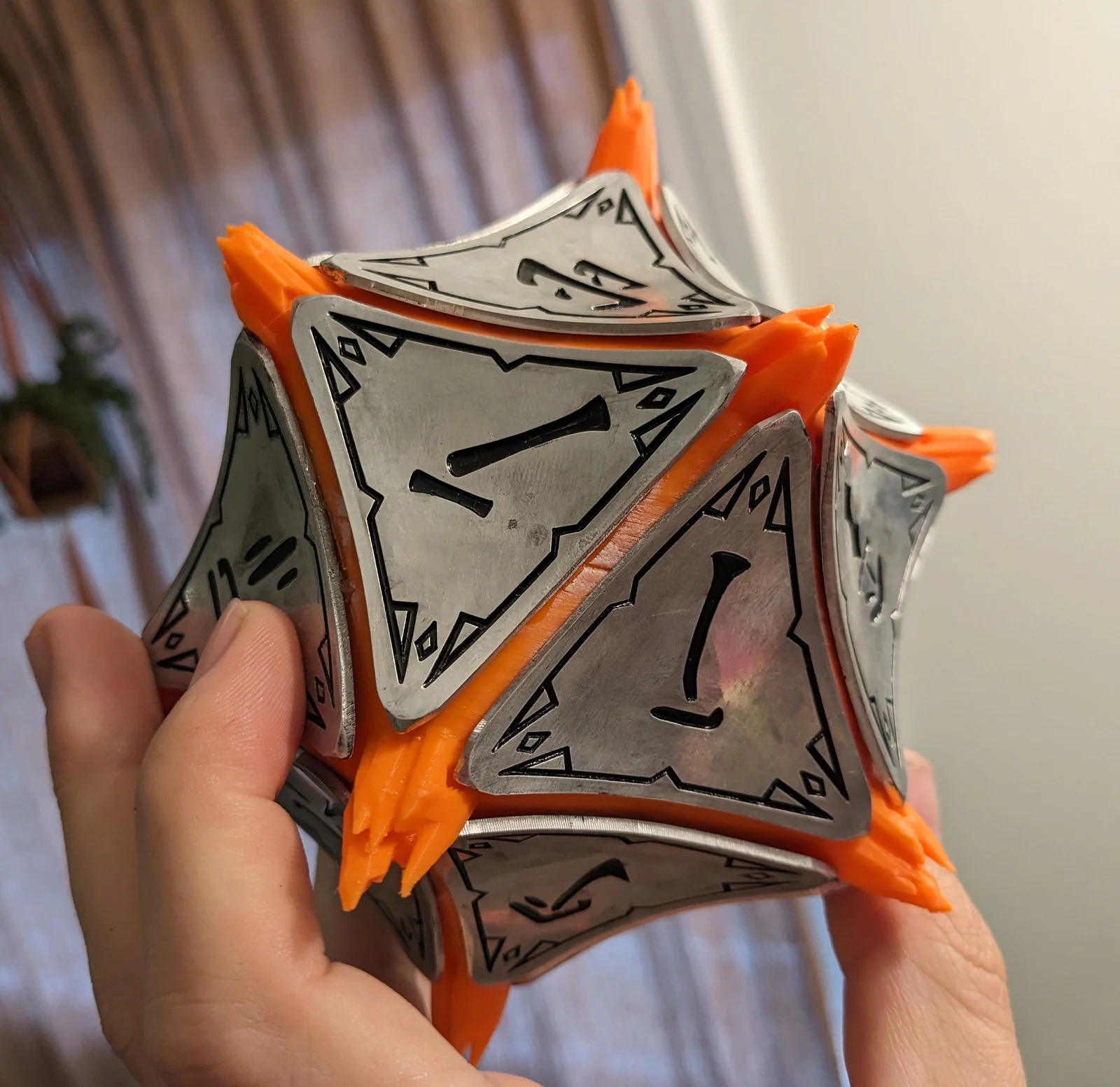
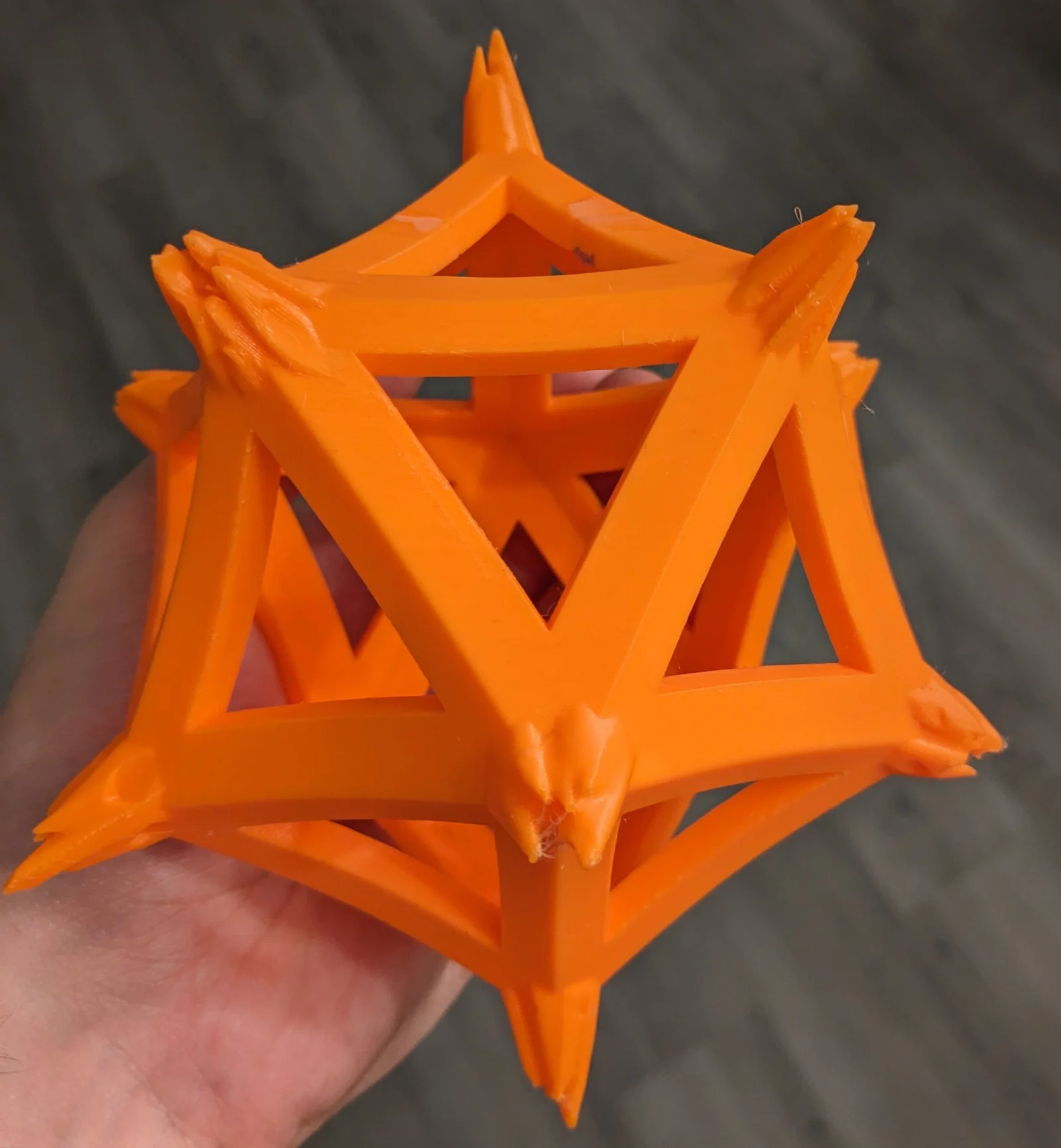
For printing, download base1.stl and base2.stl. The model can be joined using 1.75mm filament as pins.
I recommend a translucent dark orange filament. However orange or dark red work too.
To make the tiles, you will need a CNC router/engraver with the following bits:
You will also need the following material:
I have included the design files to make the tiles. I recommend the following cutting operations:
After cutting:
If you don't have access to a CNC, the 3D models of the tiles can be found elsewhere and printed (I recommend https://wirefram3d.com/products/baldurs-gate-3-mysterious-artifact but am not affiliated or sponsored in any way).
Tiles can be glued onto the base. I used superglue. Apply the glue near the edge of the tiles and stick to the printed base. Avoid getting superglue on the visible parts of the model, as the superglue can whiten and discolor the model.
All files are aligned so that the icosahedron's center is at (0,0,0) and it is oriented in a clean way. I extracted the corners from the thingiverse model, and include them in their raw form. I created an icosahedron mesh and ran the included python code to warp it into the correct shape. Then, the corners and warped icosahedron were combined together to create the full base. To remix, the intermediate files I generated in the process are available too.
ByckthLikes148Downloads2.4K

 ByJac2307_889487Likes36Downloads256

 ByvladtheinhalerLikes64Downloads254

 ByUpcrid3D_1585693Likes48Downloads210

 ByJaronLikes310Downloads1K

 ByprogoonLikes0Downloads265

 Byw3rN42Likes127Downloads935

 BywallartmaniaLikes0Downloads172

 Bycapivara-3d-rsLikes0Downloads108

 ByTomDDLikes89Downloads574

 Byvitals78_1747561Likes43Downloads71

 Byrorys3DLikes0Downloads324