



Trình tạo Puzzle Trượt tùy biến (Print-In-Place)
 BykriswillcodeLikes102Downloads515
Build another version of this model.
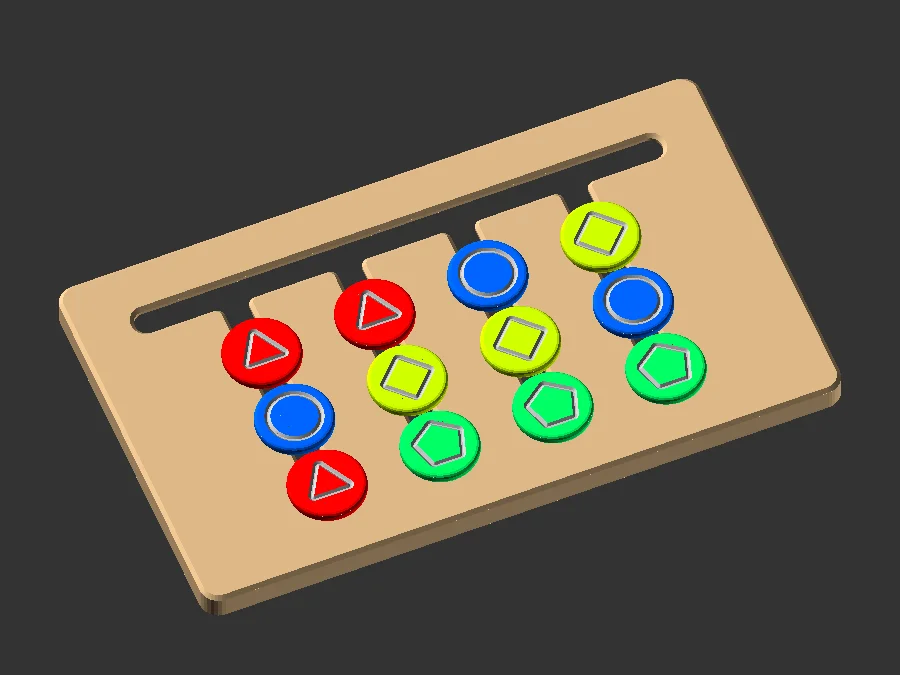
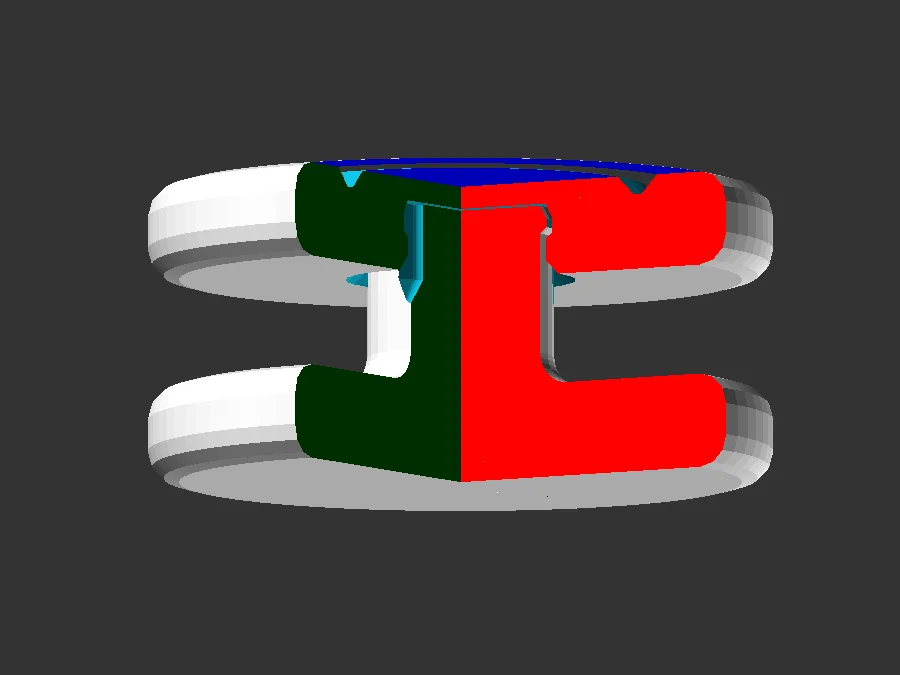
The rim will give clearance to move the pieces freely while on a desk - so you may want the symbol side to be visible. Or just use color coding and the plain side on top.
There are Two possibilities.
The First is easier as it doesn't matter if you sort by color or symbol (this is also how the cards are made).
The Second will give you an additional difficulty level and may be a bit more confusing as now you can sort symbols vertical and colors horizontally - or even try to match columns and rows at the same time. As you still can use the plain side without symbols you can change difficulty by turning it around ( but sliding experience will not be as good without the desk clearance).
You can paint the grooves after printing and clean/sand the surface to remove surplus color. Or you change filament after the first two layers so the bottom of the groove get a different filament color.
Using a 3D-doodler Pen to fill the grooves with color is another option.
BykriswillcodeLikes102Downloads515

 Bylightner_49962Likes61Downloads1.5K

 ByShawnGano_12404Likes917Downloads4.7K

 By3DPrintyLikes510Downloads2.9K

 ByBowedFurballLikes141Downloads2.5K

 ByBTR3DLikes737Downloads2.7K

 Byahaque_263851Likes411Downloads2K

 ByStickyRibLikes229Downloads2.1K

 By2viewsLikes256Downloads2.2K

 BySpike_MixLikes525Downloads1.7K

 ByWimVLikes314Downloads6.7K

 ByRadDesign_587291Likes194Downloads1.4K