




Những người bánh gừng (Gingerbread people)
 By3DxDTLikes229Downloads794
Build another version of this model.
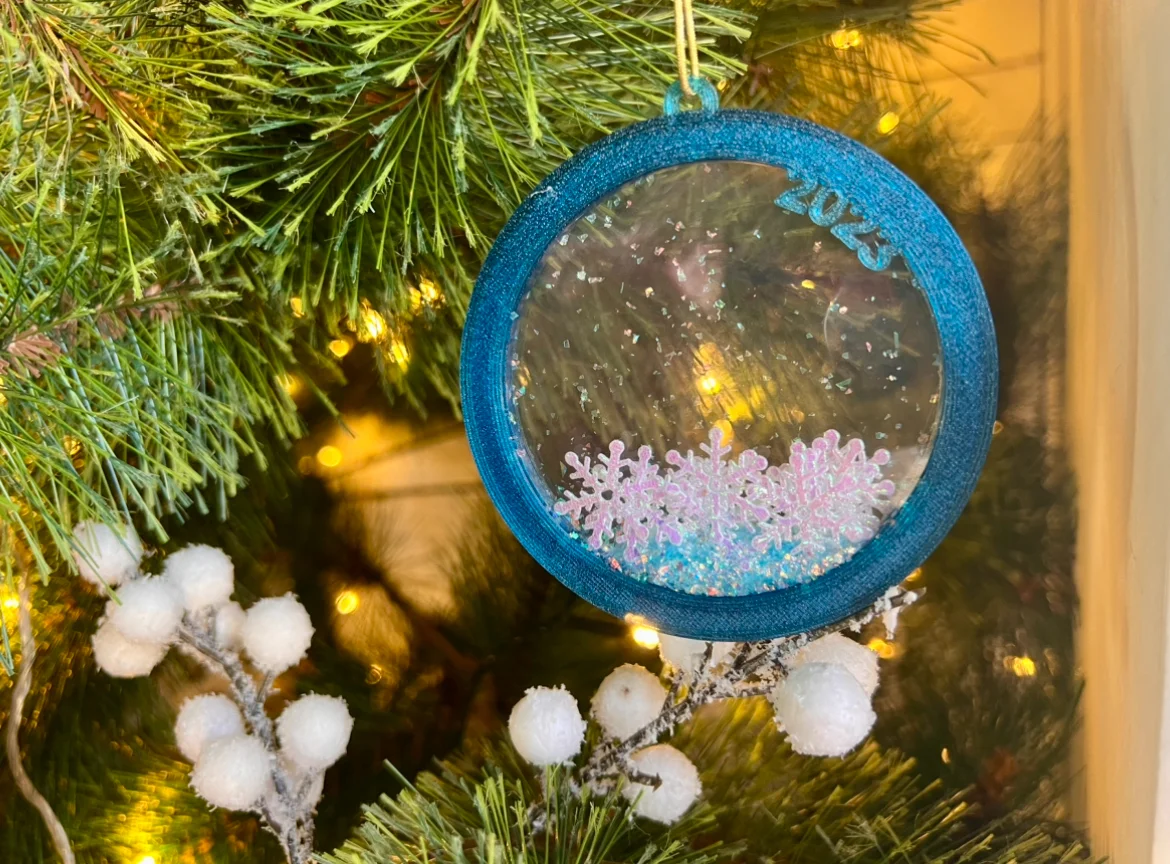
Warning! This is a crafts project! You will need glue, acetate (or some transparent plastic) and whatever your heart desires (glitter, color paper, fake snow, etc).
Steps:
The “spacer” is not technically necessary, but might be useful to avoid losing things being hidden by the ornament shell.
If you're feeling adventurous, you can customize the project to have whatever you want written in there.
How to customize:
By3DxDTLikes229Downloads794

 ByCraftswomanczLikes3.8KDownloads15.7K

 ByKamilWiniszew_352975Likes282Downloads1.4K

 ByERiK004Likes185Downloads1K

 Bymijo11Likes41Downloads220

 ByErasingLikes74Downloads206

 ByTripleGWorkshopLikes49Downloads195

 Byzzazzulin_410035Likes27Downloads160

 ByanalogicparadoxLikes177Downloads696

 ByAmalthea_559742Likes125Downloads960

 By4kicks_546777Likes57Downloads121

 ByTomekLikes189Downloads507