



Kẹp giữ sợi Filament
 Bytinx_1344834Likes1.2KDownloads6K
Build another version of this model.
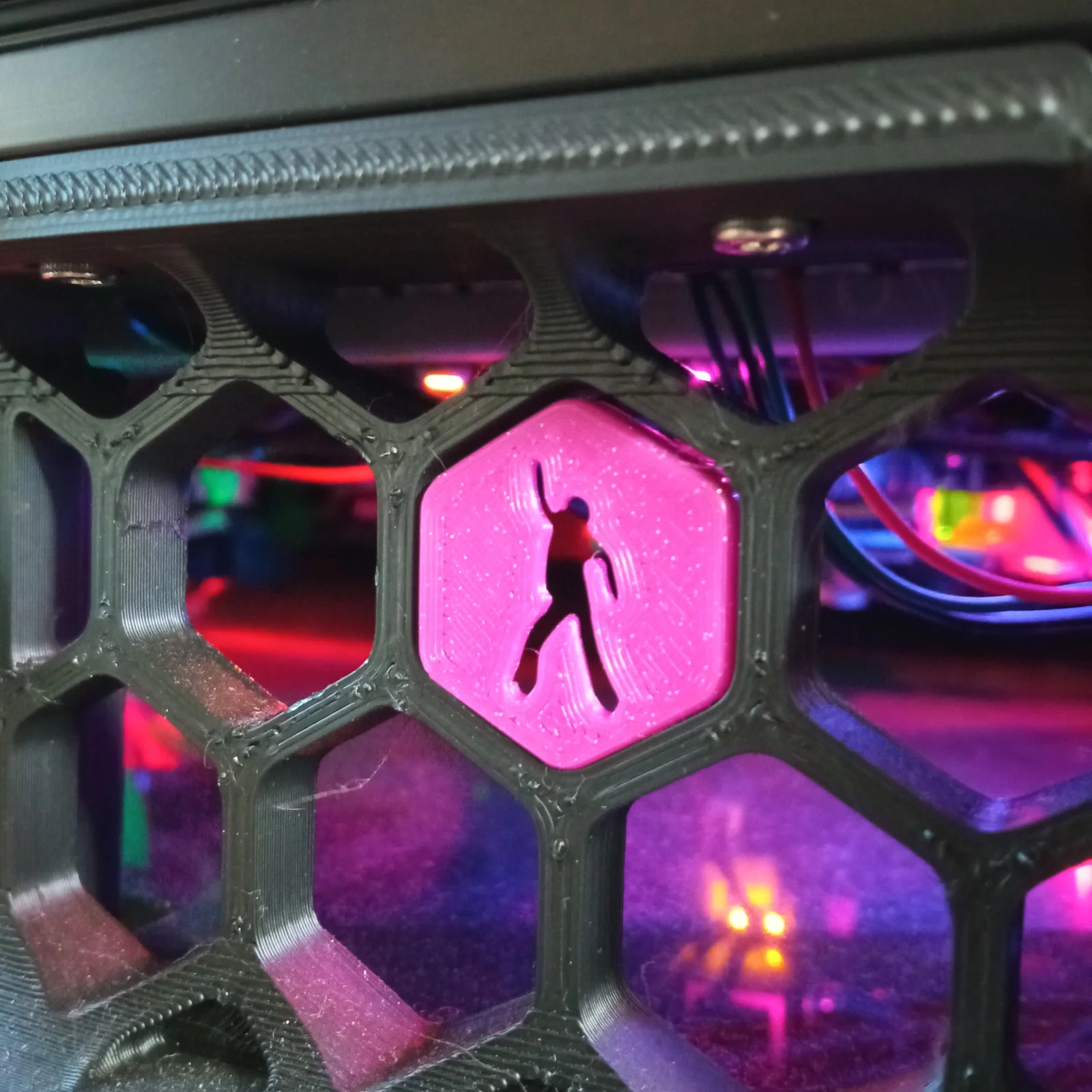
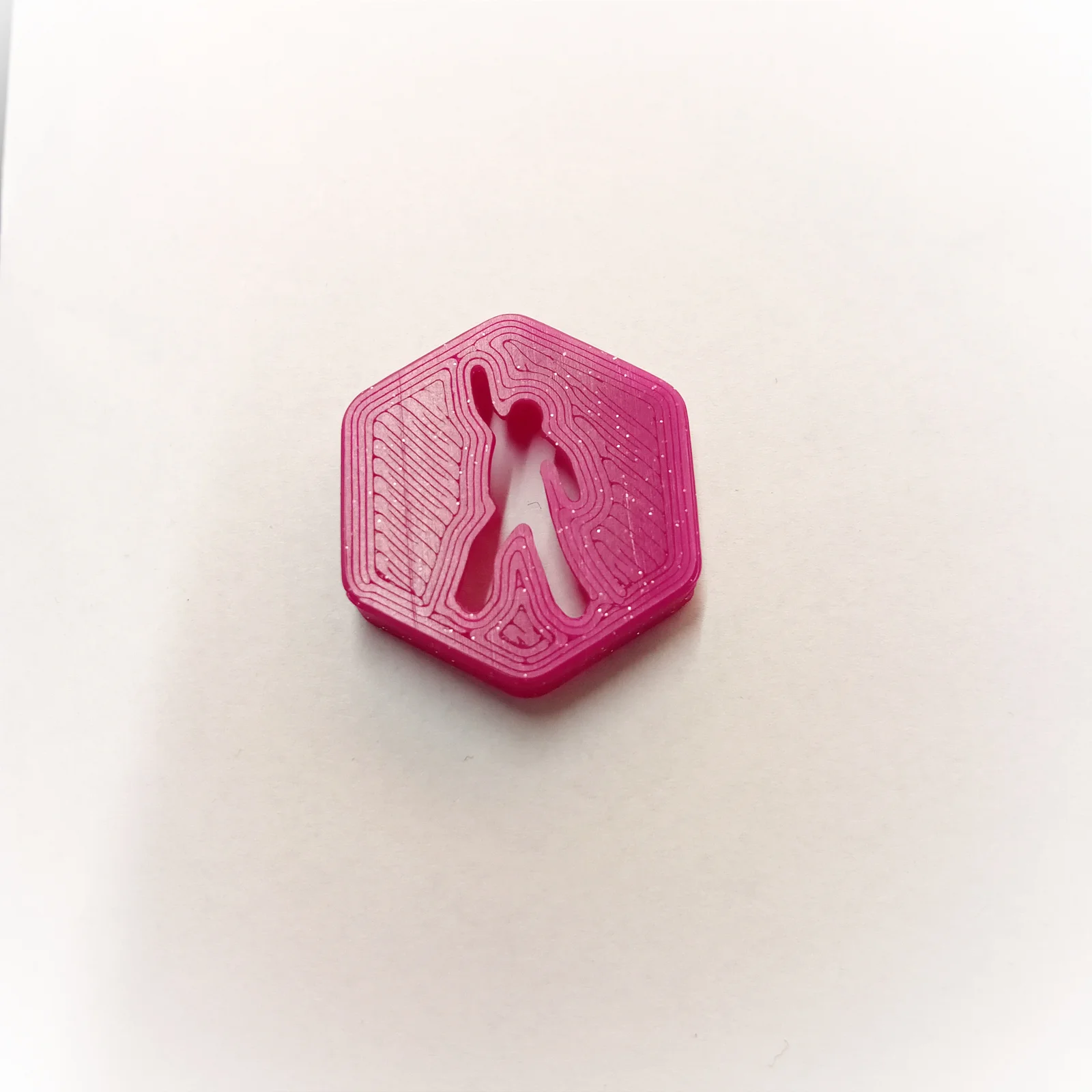
My entry to the Fysetc hot key button competition. More info in the Fysetc Discord Server - https://discord.gg/TxYd7ZSdjw
This model is the button top for the Fysetc hot key board (affiliate link) - https://s.click.aliexpress.com/e/_DBYnQyB
You can use the below gcode macro's if you have WLED setup (Create a Disco preset in the #1 slot) or if you have LED Effects setup.
WLED:
In your moonraker.conf place the below code (Adjust as needed):
[wled lights]
type: http
address: "Your IP"
initial_red: 0.5
initial_green: 0.5
initial_blue: 0.5
chain_count: "Your Chain Count"
Then use the below gcode in a new button macro:
{% set strip = params.STRIP|default('lights')|string %}
{% set preset = params.PRESET|default('1')|int %}
{action_call_remote_method("set_wled_state",
strip=strip,
state=True,
preset=preset)}
LED Effects - https://github.com/julianschill/klipper-led_effect
In your printer.cfg, you need the following (adjust as needed):
[neopixel case_leds]
pin: PA9
chain_count: 8
Either in your printer.cfg or macros.cfg you need:
[led_effect disco]
leds:
neopixel:case_leds
autostart: false
frame_rate: 24
layers:
gradient 0.3 1 add (0.3, 0.0, 0.0),(0.0, 0.3, 0.0),(0.0, 0.0, 0.3)
Then use the below gcode in a new button macro:
SET_LED_EFFECT EFFECT=disco
Example button macro for the Fysetc Hotkey:
[mcu hotkey]
serial: /dev/serial/by-id/"YOUR ID"
restart_method: command
[gcode_macro _BUTTON_B1]
# DISCO
gcode:
_status_button_busy BUTTON=1
SET_LED_EFFECT EFFECT=disco
_status_button_ready BUTTON=1
[gcode_button b1]
pin: ^!hotkey: gpio2
press_gcode: _BUTTON_B1
Bytinx_1344834Likes1.2KDownloads6K

 Byprusa-researchLikes0Downloads2.7K

 ByRyanLikes0Downloads230

 Bydet-manLikes0Downloads181

 Bygummiegecko8477Likes0Downloads177

 Bychukwufumnanya-arinzechukwuLikes0Downloads157

 Bychris-barwickLikes0Downloads138

 BydalleLikes0Downloads156


 BynasikLikes0Downloads127

 Byarhi_585078Likes64Downloads547

 ByHanzo3dLikes155Downloads418