



Kẹp giữ sợi Filament
 Bytinx_1344834Likes1.2KDownloads6K
Build another version of this model.
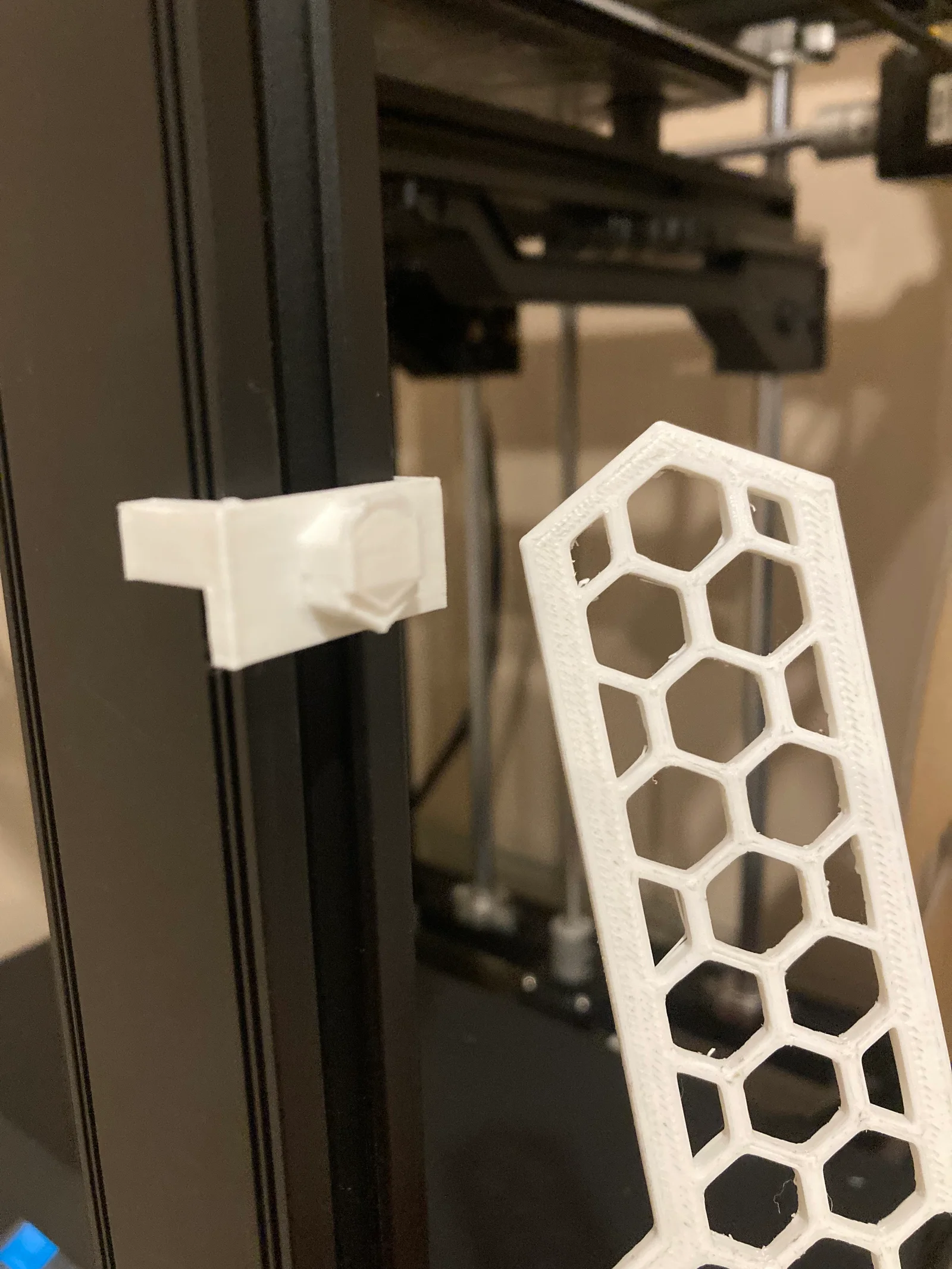
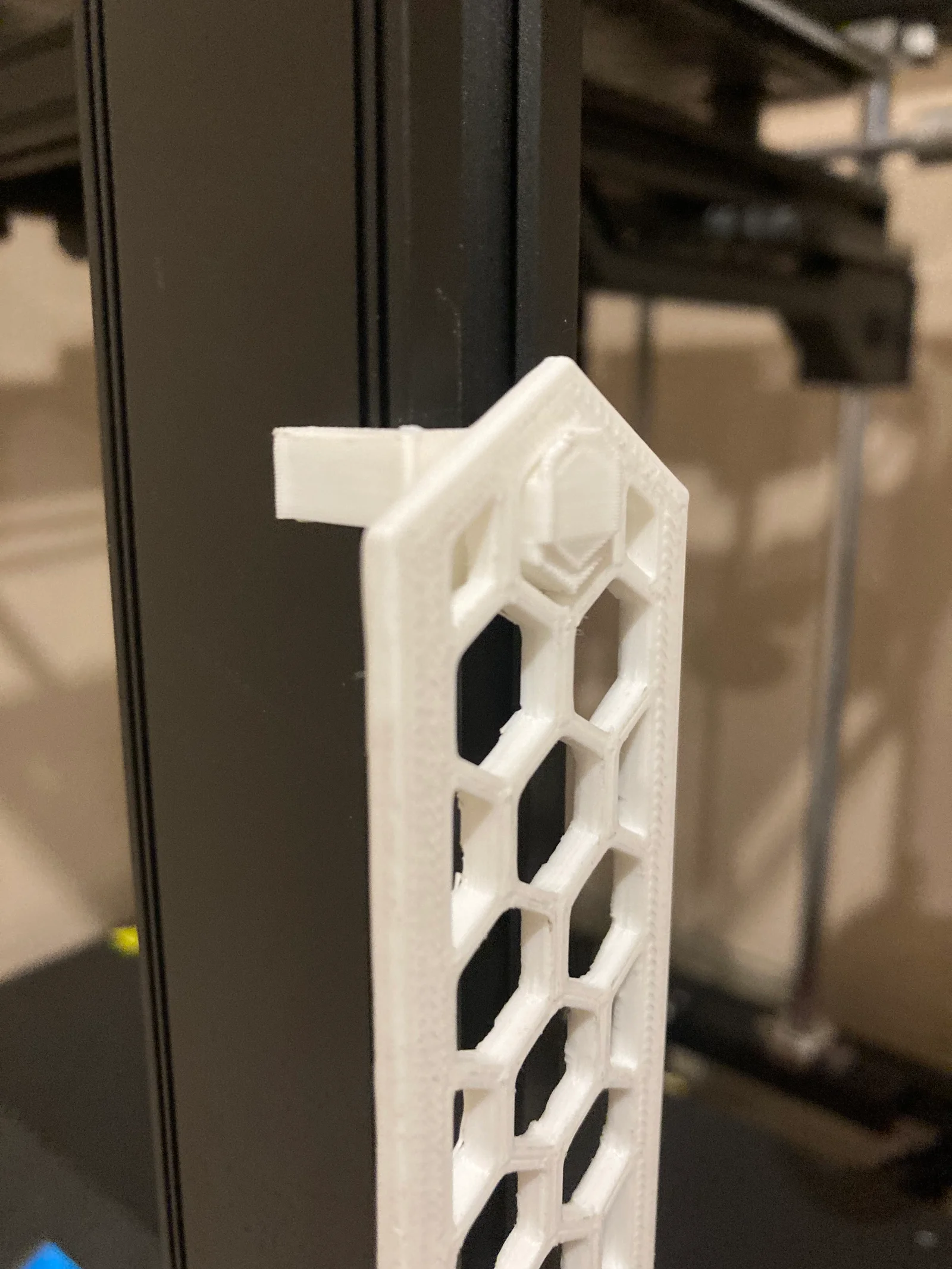
I have designed this to simply clip onto a sidebar of an Ender 5 s1. I don't know if this will fit onto any other Creality printers.
INSTALLMENT:
Now you can easily put your Hexagon Scraper tool in a quick convenient place next to your printbed. This is a quick print, no support is necessary, and it doesn't need much filament. if necessary the model print sizes are in an image shown. This model has taken me 4 total versions to make on Onshape.
Bytinx_1344834Likes1.2KDownloads6K

 Byprusa-researchLikes0Downloads2.7K

 Bydet-manLikes0Downloads179

 Bygummiegecko8477Likes0Downloads173

 Bychukwufumnanya-arinzechukwuLikes0Downloads155

 Bybane-fpLikes0Downloads380

 BydalleLikes0Downloads155

 Bychris-barwickLikes0Downloads134

 ByBrokentooth_designsLikes17Downloads161

 ByRyanLikes0Downloads122


 BynasikLikes0Downloads125