

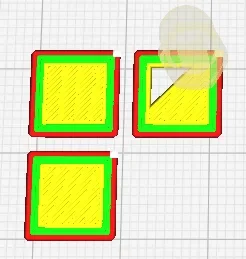
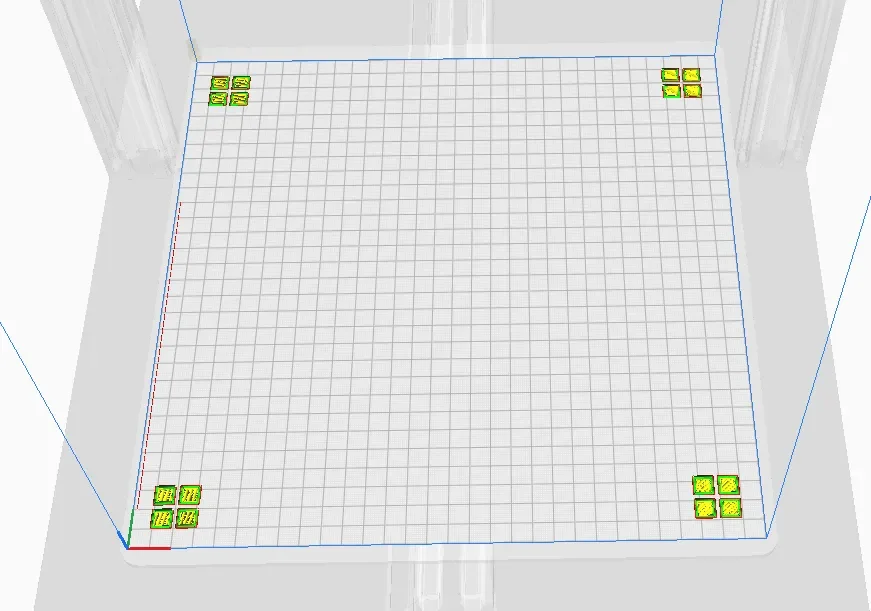


Ender 3 Bed level test
 Bygafyx3dLikes0Downloads127
Build another version of this model.
IMPORTANT:
USE THE ZIP FILE! THE STL DOES NOT WORK!
It should be found under other files
Steps:
Bygafyx3dLikes0Downloads127

 Bytinx_1344834Likes1.2KDownloads6K

 Byprusa-researchLikes0Downloads2.7K

 ByRyanLikes0Downloads235

 Bychukwufumnanya-arinzechukwuLikes0Downloads189

 Bycrawler-4460618Likes0Downloads173

 Byemmanuel-garciaLikes0Downloads170

 Bydet-manLikes0Downloads184

 Bygummiegecko8477Likes0Downloads178

 Bypjs37Likes0Downloads163

 BydalleLikes0Downloads161

 Bychris-barwickLikes0Downloads140