Sự Kiện - Lễ Hội
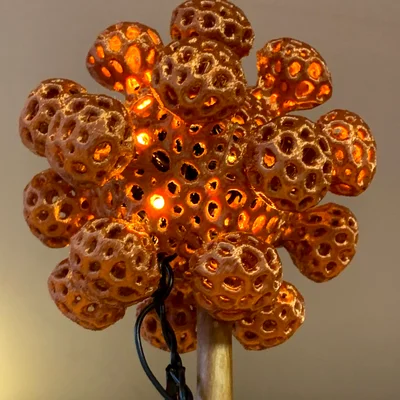
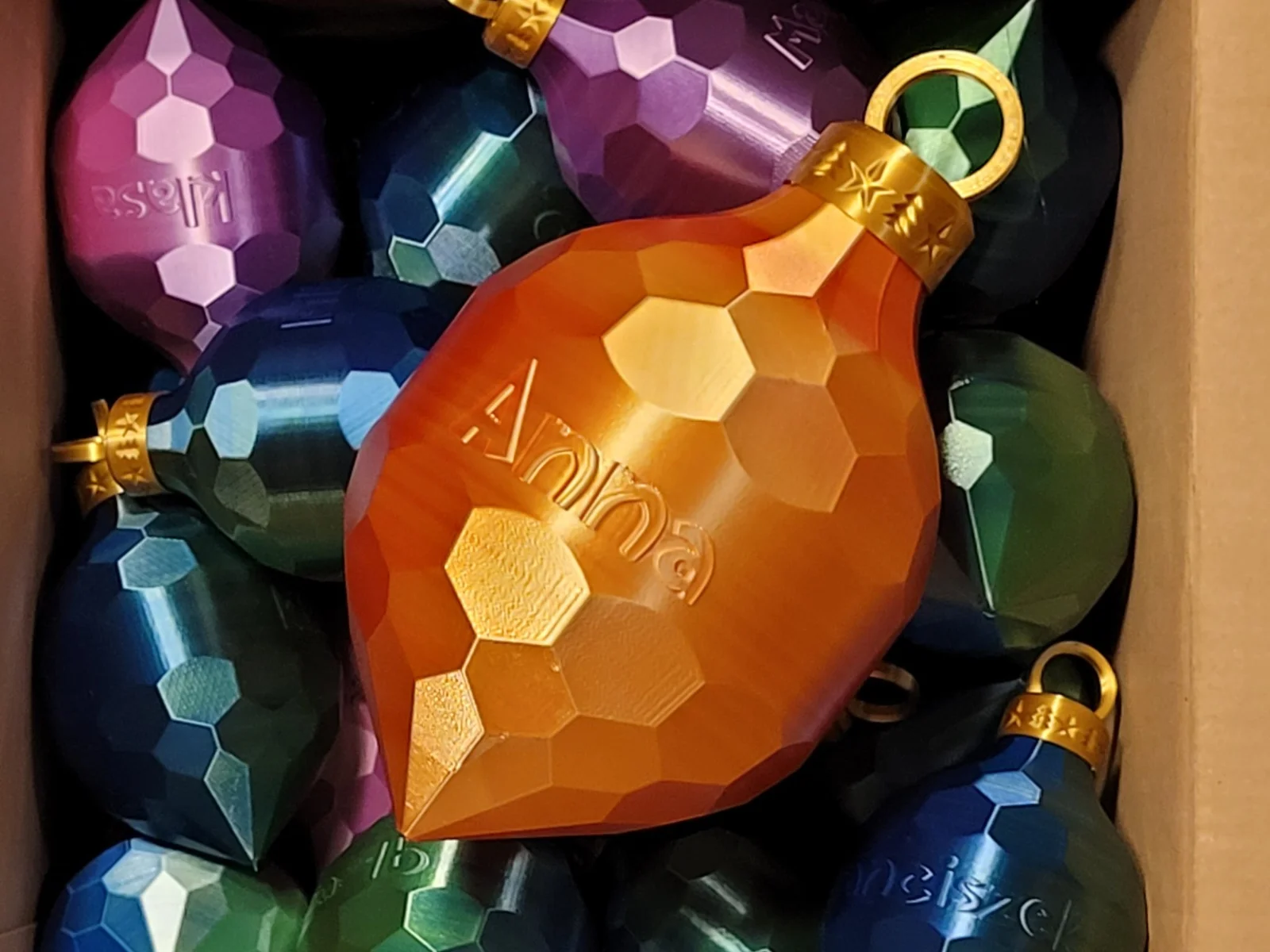
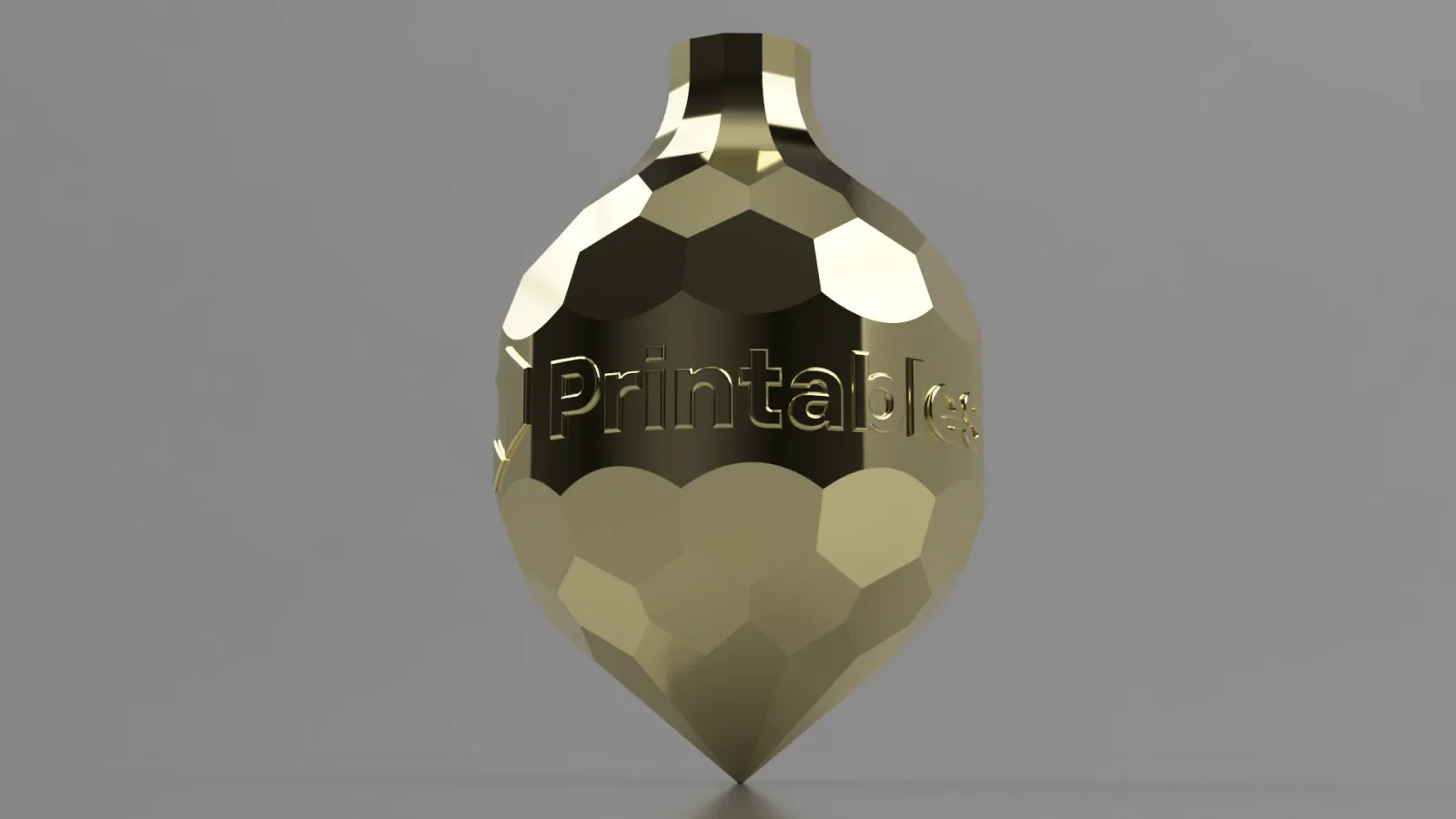
Customizable ornament with Your logo/name (vase mode)
- Downloads
- 116
- Likes
- 41
- Views
- 671
- Remixes
- 0
- Comments
- 4
Files 6 2.8 MB
- bombka-tomek_0.15mm_PLA_I3MEGAS_1h30m_1765485789.gcodeGCODE · 1.1 MB
- bombka-blank_1765485785.stlSTL · 107.7 KB
- bombka-top-and-bottom_1765485786.stlSTL · 144.8 KB
- bombka-bottom_1765485787.stlSTL · 84.1 KB
Make a variant with AI
Build another version of this model.
Details
- Model ID
- #74308
- Category
- Sự Kiện - Lễ Hội
- Published
- License
- Creative Commons — Public Domain
Description
Ornament You can customize.
How to customize with Fusion360
- Just download bombka.f3dfile and edit sketch with logo.
How to customize without Fusion 360
- In Your favorite editing software create a cylinder with diameter 100mm and height 26mm (height may vary).
- Add logo to this cylinder.
- Place cylinder between bombka-top.stl and bombka-bottom.stl in slicer and merge before printing.
- Alternatively You can merge it in mesh editing software like Meshmixer.
Tips
- If Your logo is narrow - make the ornament higher or repeat logo several times.
- You can scale model for your needs (example gcode is at 60% scale)
- If You want to see how it looks without designing logo - just print bombka-blank.stl
- You can use my Universal ornament hanger to hang it on the tree
- And You can use my treble clef clip to make it more interesting
Print spec
- Formats
- f3dgcodestl
- Model files
- 6
- Total size
- 2.8 MB
- Largest file
- 1.4 MB