



Steam Machine Companion Cube / Vỏ đựng Weighted Storage Cube
 ByJaronLikes310Downloads1K
Build another version of this model.
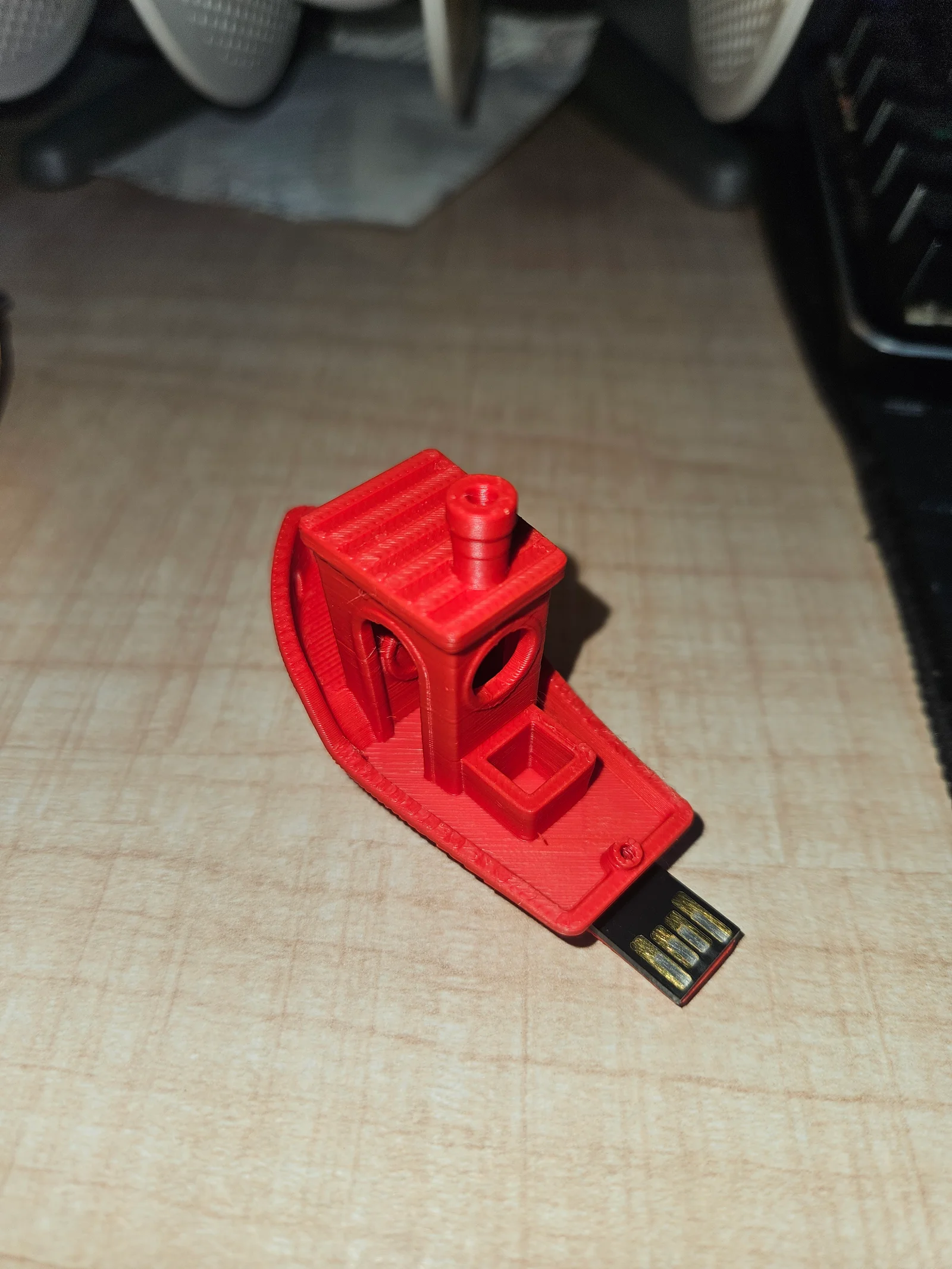
The Project If you have a monolith USB drive with a cracked casing, or just want your data to travel in style, this modified Benchy is the perfect housing. The bottom hull even features embossed text (like "16GB") so you can keep track of your storage capacity.
The Magic (Print-in-Place) This isn't a snap-fit case; the USB chip is embedded directly inside the boat during the printing process. By adding a simple pause command in your slicer, the printer will stop mid-print. You drop the monolith chip into the custom-fit cavity, hit resume, and the printer seals the drive permanently inside the hull!
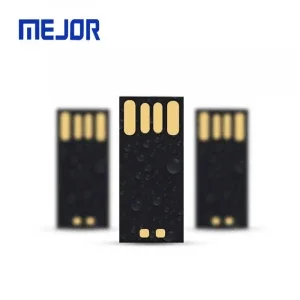
Hardware Required
Whether you are slicing this for a Bambu Lab A1, an Ender 3 V3 KE, or any other machine, the key is getting the pause command right.
Layer Height: 0.20 mm
Infill: 15% (Standard is fine, just ensure there is enough top-layer support over the chip cavity).
Supports: None needed! It is a Benchy, after all.
How to Embed the Chip:
Slice the model in your preferred software.
Preview the layers and find the exact layer just before the printer starts bridging over the top of the USB cavity.
Insert a "Pause at Height" or "Pause" command at this specific layer.
Start the print.
When the printer pauses and moves the toolhead out of the way, carefully drop your USB chip into the slot. Make sure it sits perfectly flush so the nozzle doesn't strike it on the next pass.
Resume the print and watch your USB drive get permanently sealed inside!
ByJaronLikes310Downloads1K

 Byw3rN42Likes127Downloads935

 ByTomDDLikes89Downloads574

 ByJwidessLikes34Downloads375

 ByBroBuilds3D_4455044Likes32Downloads454

 ByckthLikes148Downloads2.4K

 Bynexgen-3d-printingLikes0Downloads394

 ByVikingptty_1943738Likes50Downloads234

 ByBrokentooth_designsLikes30Downloads226

 Byslava-kuzminLikes0Downloads284

 ByJKMCZLikes11Downloads178

 Byjodinskylab_3390035Likes144Downloads168