



Giá đỡ laptop tối giản, tản nhiệt hiệu quả - Dễ dàng in 3D
 ByJKMCZLikes11Downloads176
Build another version of this model.
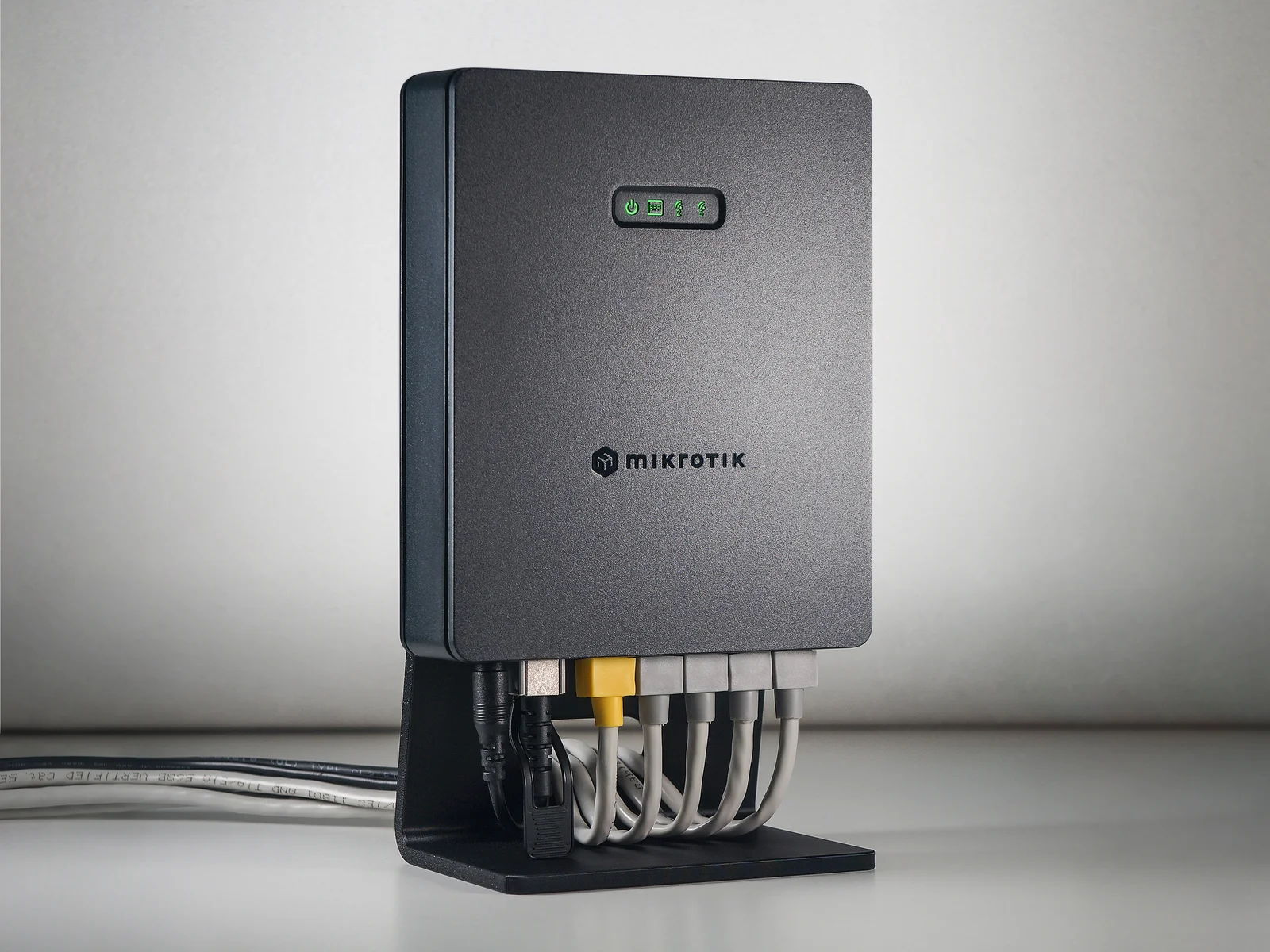
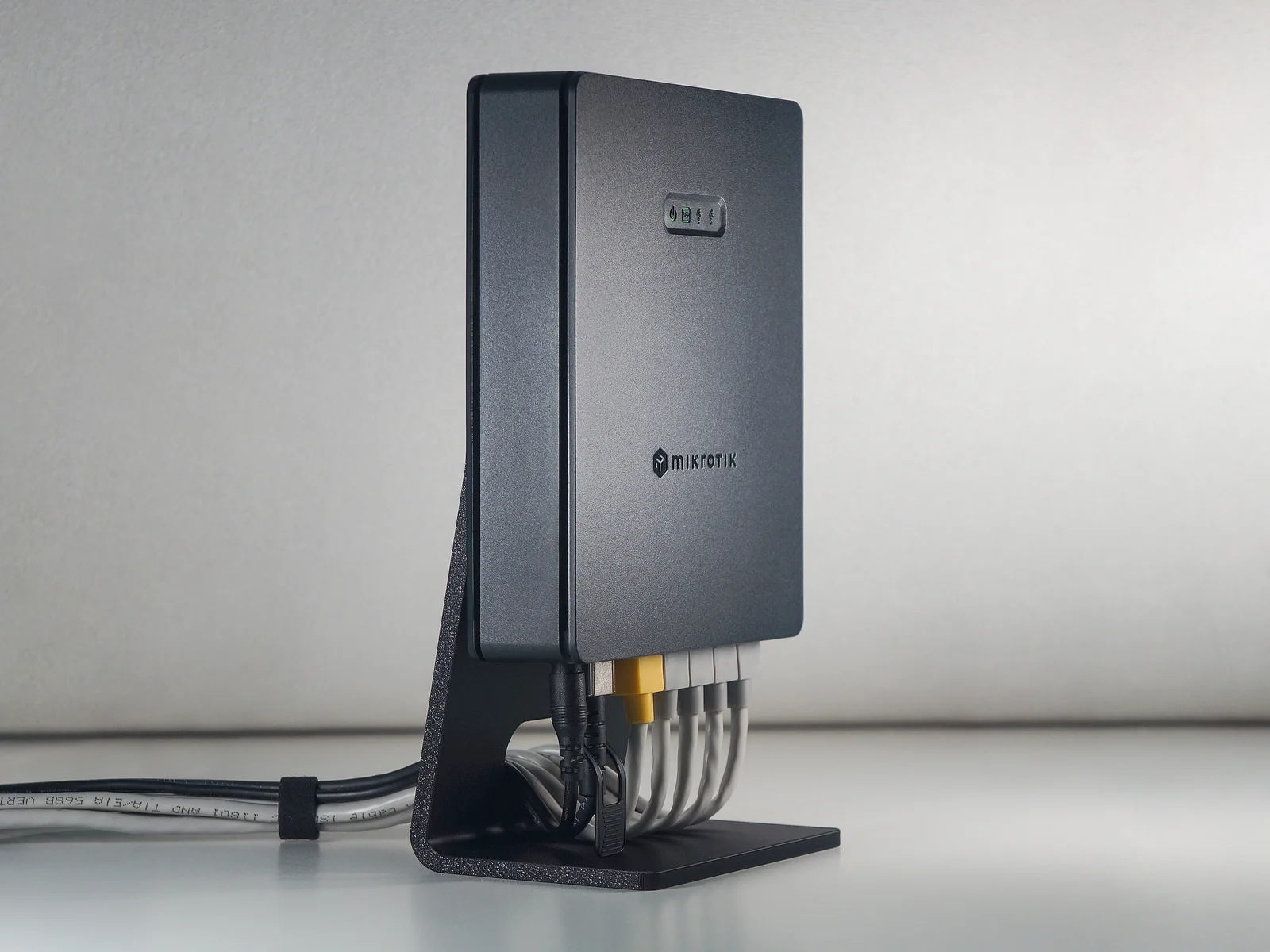
Mounting the router vertically on the stand saves space and improves airflow.
It is suitable for use as a mesh Wi-Fi AP on a desk or shelf.
In such cases, only one or two PoE UTP cables are typically connected; accordingly, the stand is designed with a low height and a small cable hole.
Suitable for general use.
Designed for use with DC jack, UTP cables, and DAC (Direct Attach Copper) cables.
Suitable for use with fiber cables.
This model is approximately 28mm taller than the standard model to allow connecting fiber optic cables to SFP modules.
Align the hook on the stand with the screw mounting hole on the router.
Slide the router from right to left to secure it.
This model is designed to be printed even with supports disabled, but the cable hole overhang quality may be degraded.
Use supports. Printing is possible without supports, but curling will occur in the overhangs.
Lower the outer wall speed to 90 mm/s or less. (The recommended speed for the outer wall is 80 mm/s.)
Also, increase the values for the 75% and 100% items in the Slow down for overhangs option to 20 mm/s.
ⓒ 2026 klayf (HONG-SIK WON) / [email protected]
For non-commercial and personal / Internal use only.
Models and prints may not be sold or used for commercial purposes.
ByJKMCZLikes11Downloads176

 ByJaronLikes310Downloads1K

 Byw3rN42Likes127Downloads934

 ByTomDDLikes89Downloads574

 ByJwidessLikes34Downloads375

 ByBroBuilds3D_4455044Likes32Downloads453

 ByckthLikes148Downloads2.4K

 Bynexgen-3d-printingLikes0Downloads392

 ByVikingptty_1943738Likes50Downloads233

 BykukulinLikes77Downloads517

 ByBrokentooth_designsLikes30Downloads225

 Byslava-kuzminLikes0Downloads282