


Thùng rác in Vase Mode
 BybobmakesLikes2.5KDownloads17.5K
Build another version of this model.
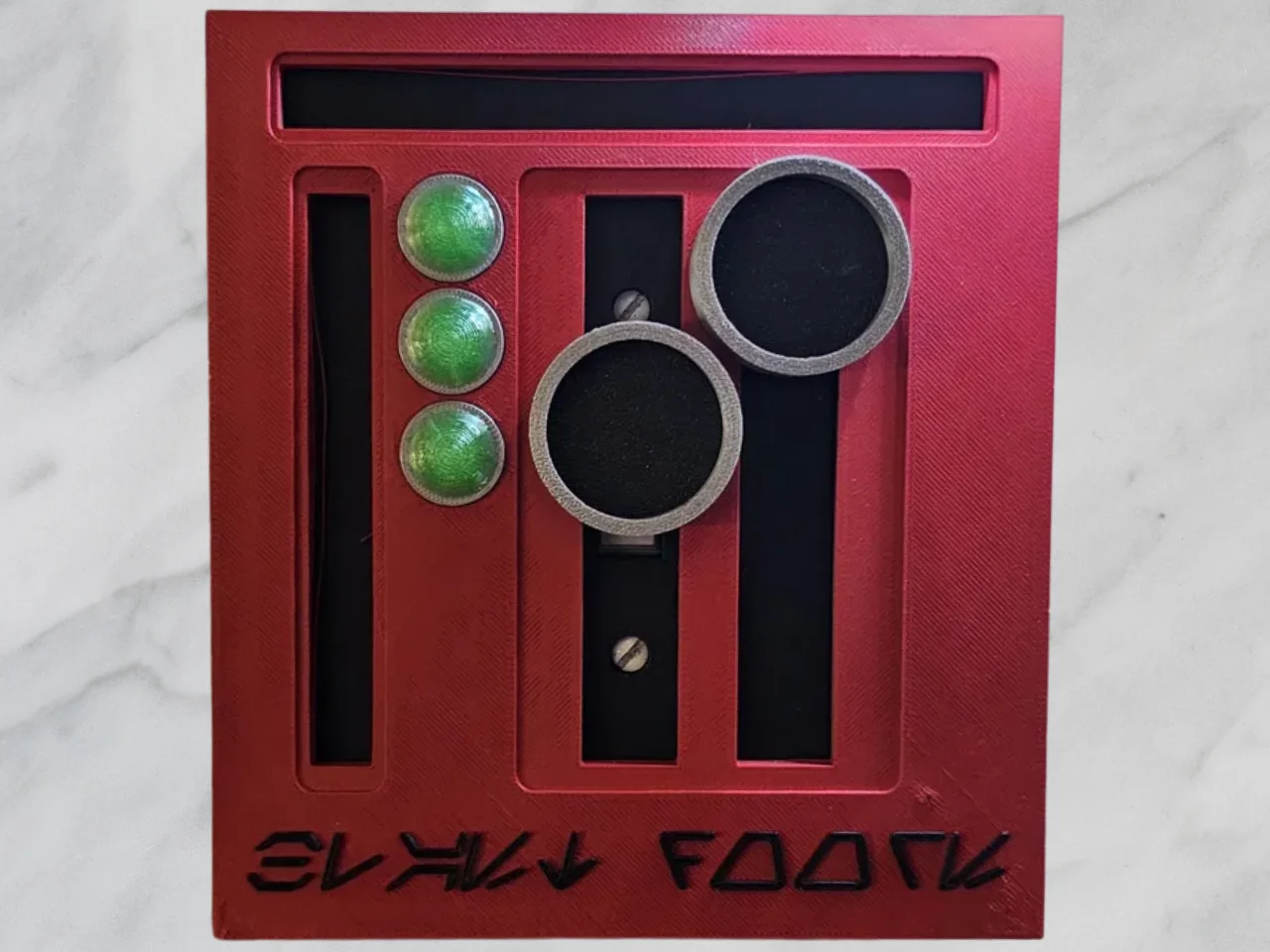
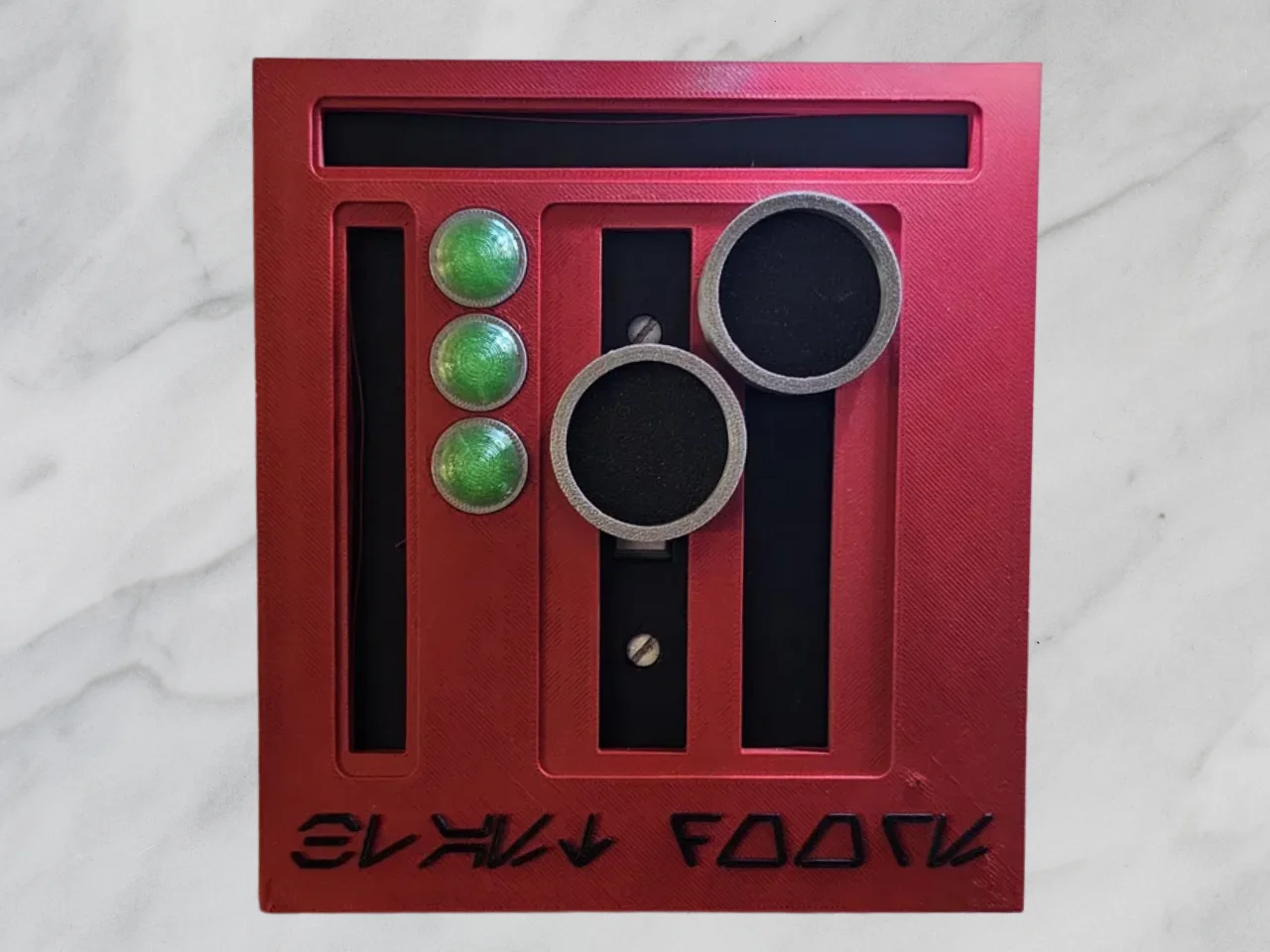
Straight out of a corridor on the Death Star, this red control-panel faceplate brings some Imperial flair to any wall. Designed to dress up an otherwise boring fixture and disguise it as a piece of galactic hardware, it features recessed slots, dual circular ports, a trio of "status" buttons, and Aurebesh lettering across the bottom that translates to "Blast Doors"
Print Notes
AMS is not required for this print
Designed as a multi-part print for color separation (body, button inserts, port rings)
No supports needed on the main faceplate when printed face-down
Easy to recolor for Rebel, Mandalorian, or First Order schemes
Great first multicolor or AMS/painted project
I printed this in a simple .20 layer height with 2 walls, 3 bottom, and 3 top.
Base: Printed in black. Remove your existing switch plate. Mount the Base directly over the switch using the original screws through the two screw holes.
SwitchesInner: Printed in black. One is slotted to fit right on the light switch and still allow it to be flipped up or down. The other switch will be stationary.
SwitchOuter: Printed in silver. Fits around the SwitchesInner file.
Red Panel: Starts in red. If printing at .2 layer height, make the switch to black at layer 60.
Buttons: Starts in silver. If printing at .2 layer height, make the switch to transparent green or just green at layer 6.
BybobmakesLikes2.5KDownloads17.5K

 By178222178222_2484344Likes449Downloads1.7K

 BymakerxLikes0Downloads356

 Byquibeck_3353173Likes1.5KDownloads11.5K

 ByVaclav_ZahradkaLikes181Downloads1.2K

 ByowlartLikes527Downloads1.3K

 Bytjfenwick_306961Likes385Downloads1K

 ByAWSWLikes148Downloads584

 ByfifindrLikes216Downloads609

 Bymatus158Likes0Downloads111

 Bym-collectableLikes0Downloads3.9K

 Byskloter_271869Likes147Downloads428