



Kẹp giữ sợi Filament
 Bytinx_1344834Likes1.2KDownloads6K
Build another version of this model.
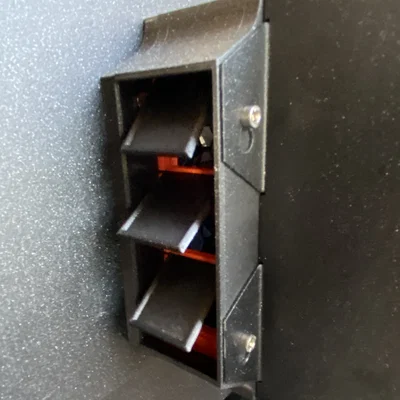 Core One - Thiết kế cải tiến Bypass bộ lọc Advanced filtration V2aByAlperayKaram_4623184 · 08/11/2026
 Nâng cấp bộ lọc khí Prusa Core One/+/L (Advanced Filtration v2)Byernesto_783231 · 06/03/2026
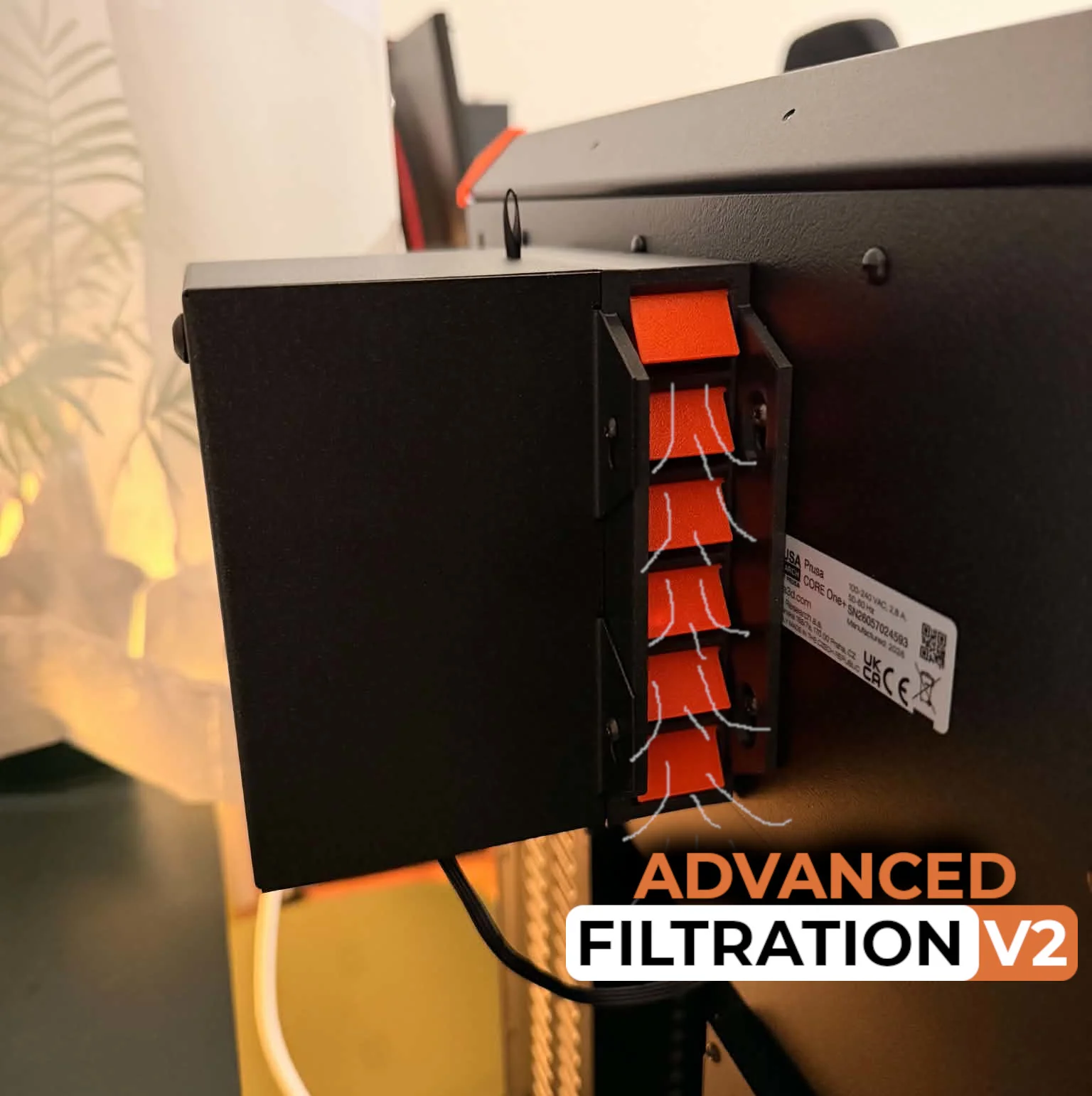
I created this system because I didn’t like using advanced filtration while printing safer materials like PETG and PLA.
When you use the advanced filtration fans, the flaps are closed by negative pressure and gravity.
When you switch to the built-in fans, the flaps lift up and let the airflow bypass the filter, extending its lifespan.
Material: PETG or something better.
Screws: 4x M3x4rT + additional 4x M3 from spare parts.
I recommend printing the flaps and the case separately. However, I also uploaded a full 3MF file with everything together if you want to save some time.
Print flaps with 0.15mm or 0.1mm profile.
Print the case with a 0.2 mm balanced or structural profile. You can also try 0.25 mm, but I haven’t tested it yet (share your results!)
Please add automatic supports when printing the case (adapter). You really don’t want to print in mid-air — it will end badly. I’ve only tested organic supports because they seem easier to remove, but you can also try snug supports.
If you want to save some material, you can try printing it vertically. It uses less support material at the cost of a worse upper wall finish. Just paint supports on the rivet cutout.
*I am uploading step files if someone will make some adjustments. Folder "StepFiles".
Happy printing! :)
Bytinx_1344834Likes1.2KDownloads6K

 BynasikLikes0Downloads123

 By3DSourcererLikes48Downloads382

 Byprusa-researchLikes0Downloads2.7K

 ByAlperayKaram_4623184Likes17Downloads42

 Bydet-manLikes0Downloads177

 Bygummiegecko8477Likes0Downloads168

 Bychukwufumnanya-arinzechukwuLikes0Downloads154

 BydalleLikes0Downloads152

 ByBrokentooth_designsLikes17Downloads159

 Bypeter-van-der-waalLikes0Downloads260

 ByashurexmLikes0Downloads122