



Tay nắm cửa cho bộ khung Prusa IKEA LACK V2 từ 3D Sourcerer
 By3DSourcererLikes48Downloads383
Build another version of this model.
With the LED/filtration system comes a power adapter with 3 ports:
LED
fan (filtration system)
"Extension"
The third port is unused but can be used e.g. to power a camera. It contains 4 wires and provides up to 3 24V ports:
one switched on always
one switched on whenever LED is switched on
one switched on whenever the filtration system is switched on
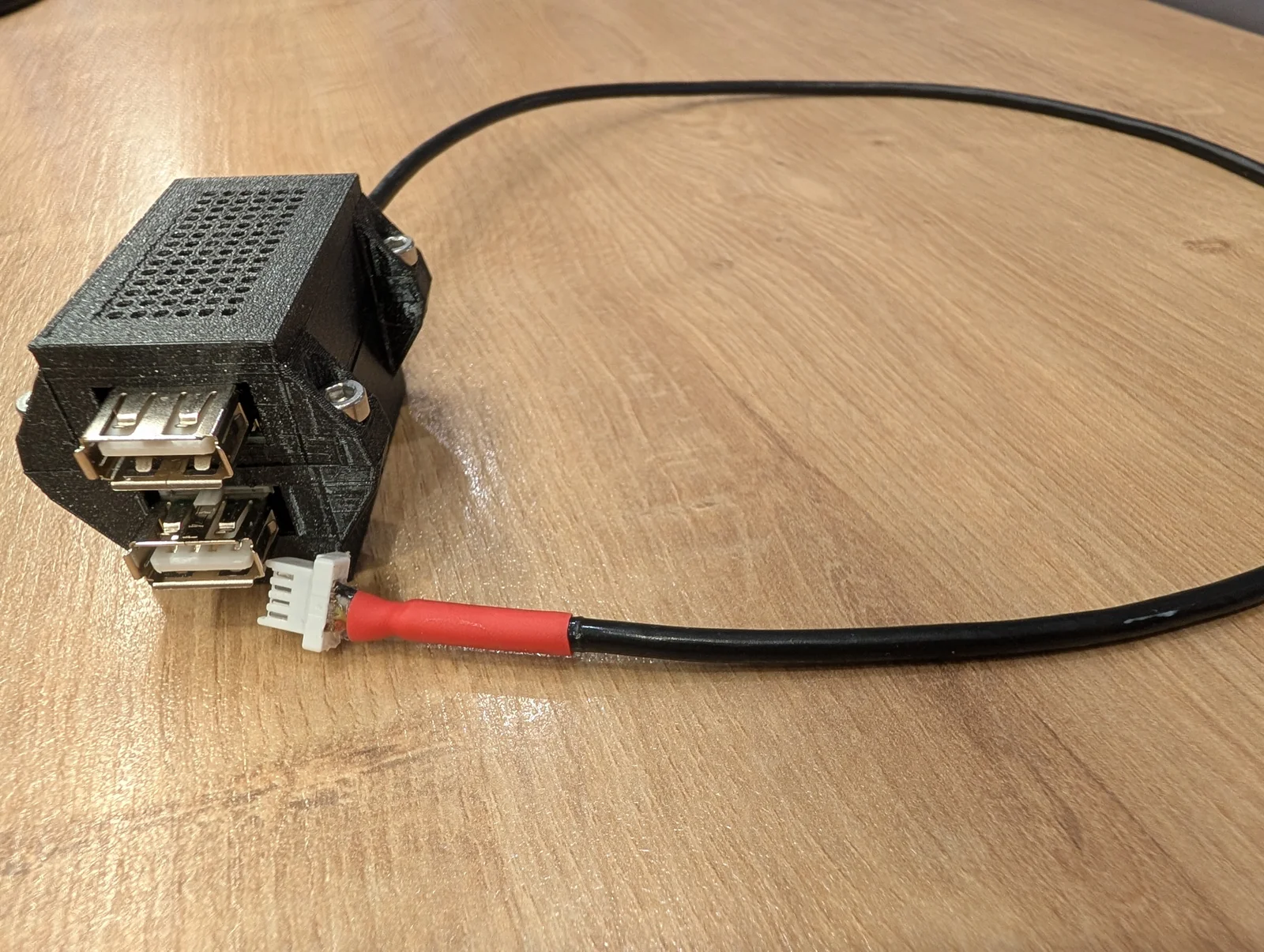
The only problem is that it provides 24V but devices powered by USB need 5V. Therefore I made a housing to contain two 5V bucks with a USB socket. One socket will be always on, one will be on whenever the LED lighting is on (but you can connect both of them to be always on or both of them to be controlled by LED or Fan).
The assembly would need the following materials:
24V -> 5V USB buck (e.g. this one)
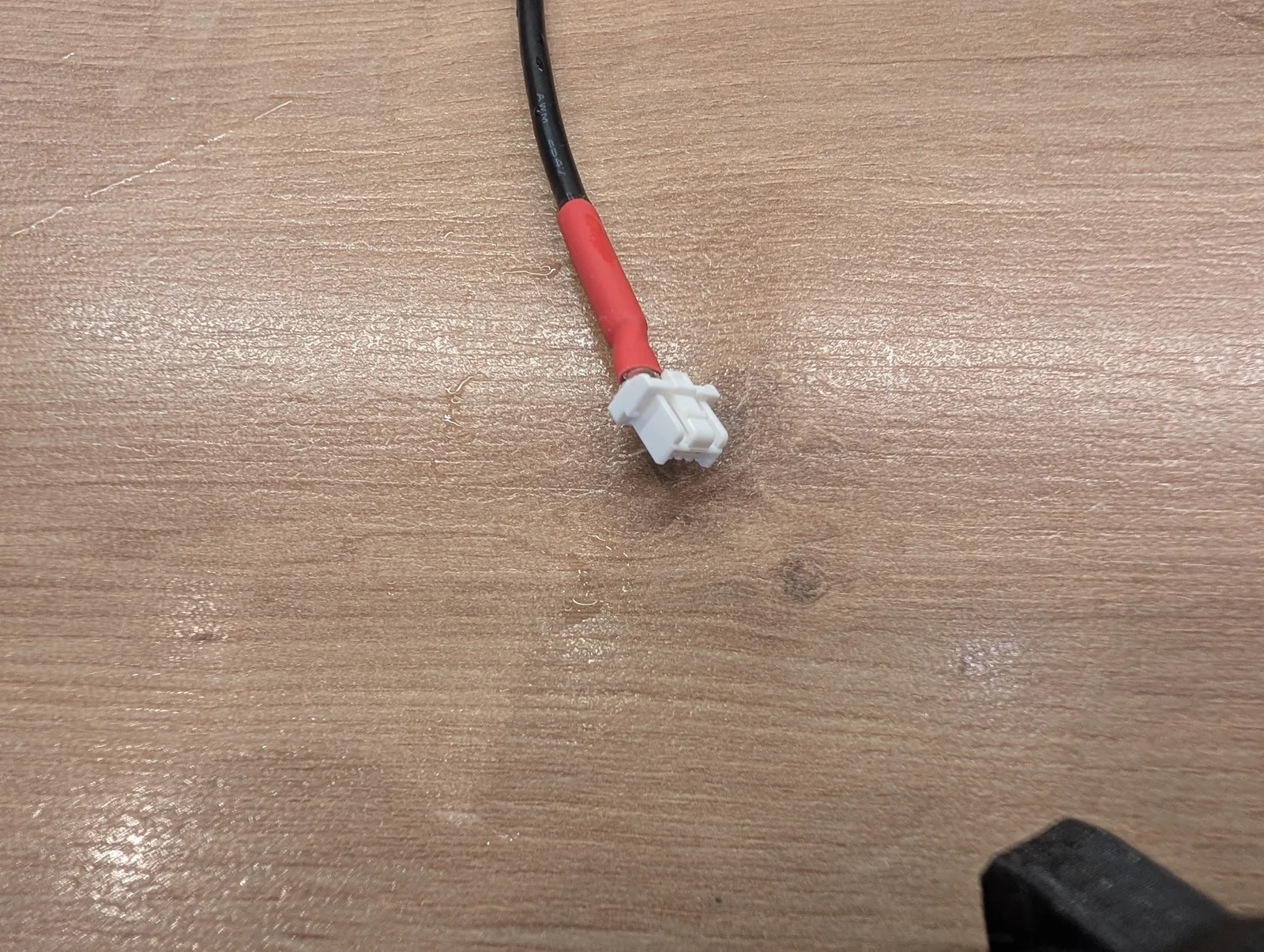
Molex CLIK-Mate 1,5mm 4-pin connector
cable with at least 4 wires (alternatively could be just 2)
4x heated M3 short inserts (M3x3x4.2)
4x M3x6 screws
soldering tools
The only real dependency is the USB buck, the cable should be identical to some of the cables. e.g the fan cable and can probably just be cut and soldered to the USB buck.
The connections from the connector should be (starting from the left-most pin):
GND - connect to the -IN contact on the "always on" USB buck
24V - connect to the +IN contact on both USB bucks
GND switched by the FAN button - not connected (or can be connected if you want to control the output by the FAN button)
GND switched by the LED button - connect to the -IN contact on the "fan-controlled" USB buck
The bottom part can be connected to the inside of the enclosure by a M3 screw.
By3DSourcererLikes48Downloads383

 Bytinx_1344834Likes1.2KDownloads6K

 Byprusa-researchLikes0Downloads2.7K

 ByAnthonyDouri_1604724Likes24Downloads224

 Bydet-manLikes0Downloads179

 Bygummiegecko8477Likes0Downloads174

 Bychukwufumnanya-arinzechukwuLikes0Downloads155

 BydalleLikes0Downloads156

 Bychris-barwickLikes0Downloads135

 ByRyanLikes0Downloads125


 BynasikLikes0Downloads125