



Vải In 3D Cấu Trúc Hình Bát Giác (Octagon Fabric)
 ByDrewmundLikes833Downloads4.6K
Build another version of this model.
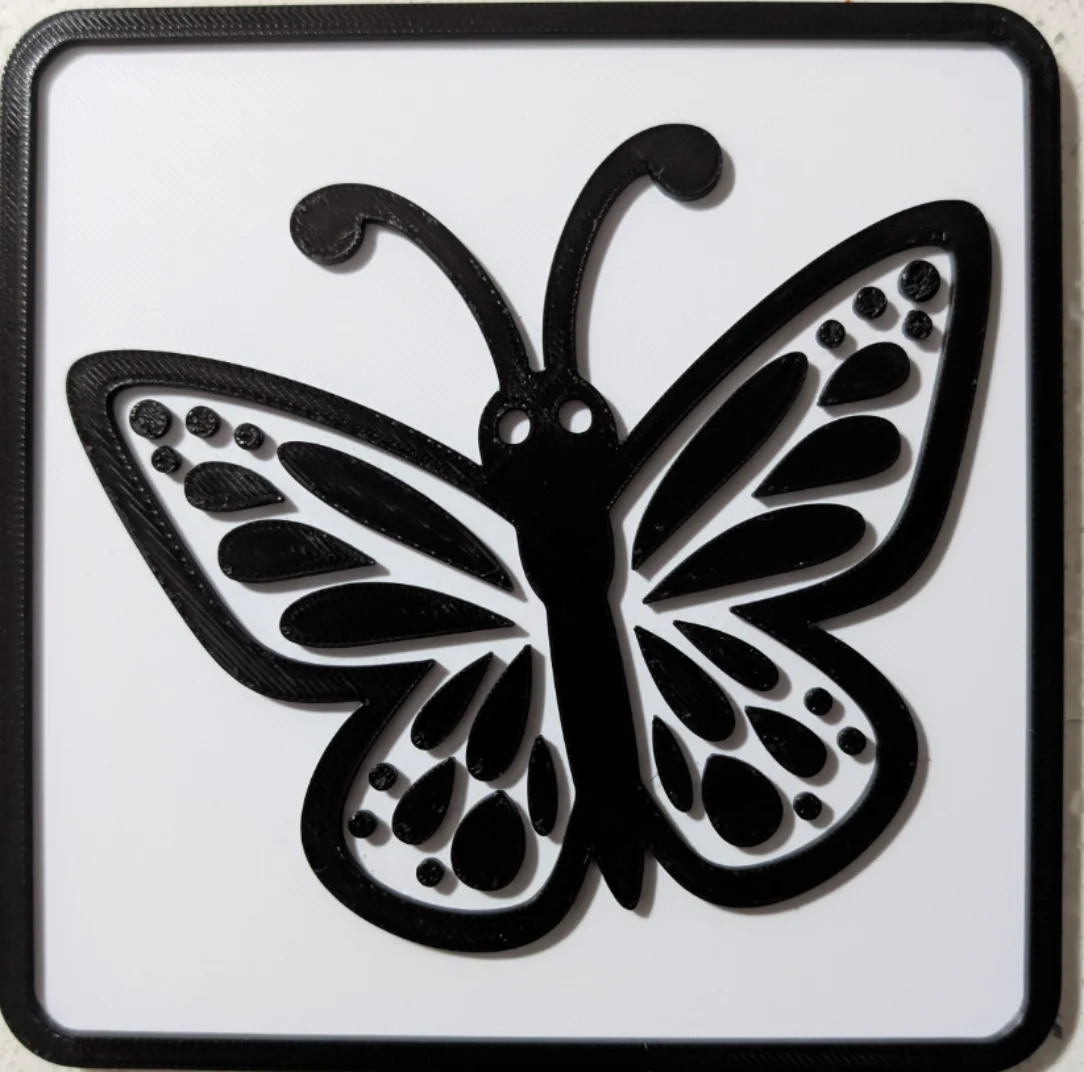
Hello everyone, my wife and I welcomed a newborn to our family about two weeks ago. While learning all there is to learn about newborns and babies, I learned that newborns don't see very well. In fact, their vision is mostly blurry, and they only see in blacks, whites, and grays. Because of this a lot of people recommend high contrast cards for them to help with their vision development. I noticed a lack of these cards on Makerworld so I decided to make some for my baby. I also wanted some kind of texture for her to explore, so I made the symbols and border approximately 2MM tall, that way as she learns to hold and touch things she can feel the texture and work on motor skills.
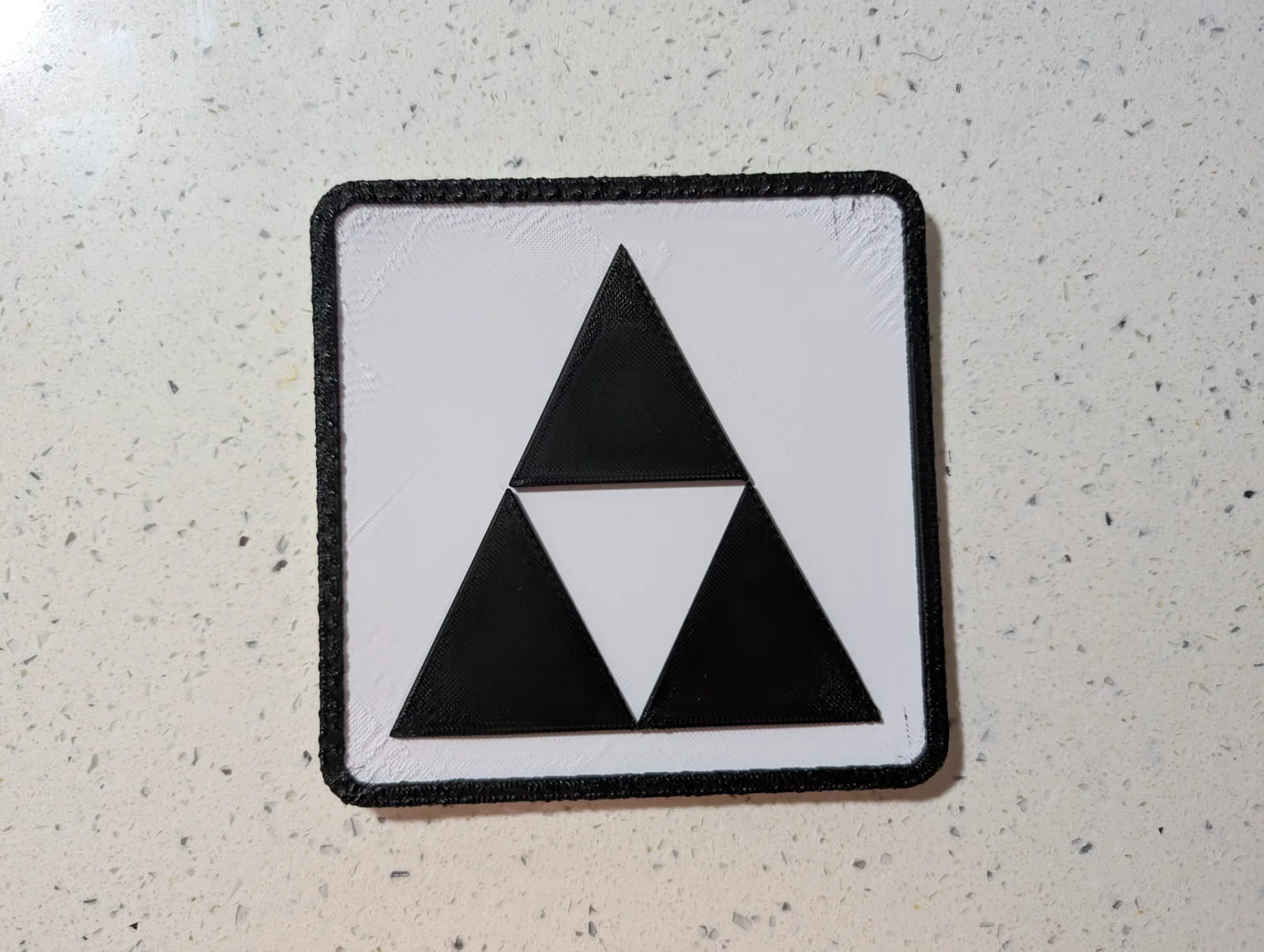
These should be relatively easy to print, however my first print didn't go so well (I attached the photo, it's the triforce one). Due to this I added some mouse ears to them to help hold them down, and the mouse ears remove pretty easy, and it came out perfect (the butterfly in the main picture). If you print one and still have problems with the corners peeling or warping, try reducing your cooling fan speed, as well as disabling it for the first 5-10 layers. If you have any issues let me know and I'll try to help.
Also, this doesn't need an AMS to print. If you don't have an AMS, all you need to do is insert a pause on layer 11, then switch from white to black and resume printing.
If you need any help or want different animals or shapes let me know! Currently there are 16 of them and they take a little over an hour each to print. They are about 127MM x 127MM (Or 5" x 5"). If you want them a different size you can scale them as you wish!
Also the multicolor is easy if you don't have an MMU or AMS, just add a pause on the layer the black begins and switch your filament.
ByDrewmundLikes833Downloads4.6K

 ByFastRaccoon_718321Likes461Downloads1.5K

 By3dcraftLikes0Downloads291

 ByvexanixLikes168Downloads1.3K


 ByIvoLikes196Downloads1.1K

 ByshoheiyLikes0Downloads220

 Bynonoobybut_3307010Likes364Downloads1K

 ByvojtagrecLikes289Downloads905

 BylunexLikes0Downloads163

 ByCodyMeyer_2545340Likes163Downloads732

 Byelizabeth3dLikes0Downloads156