

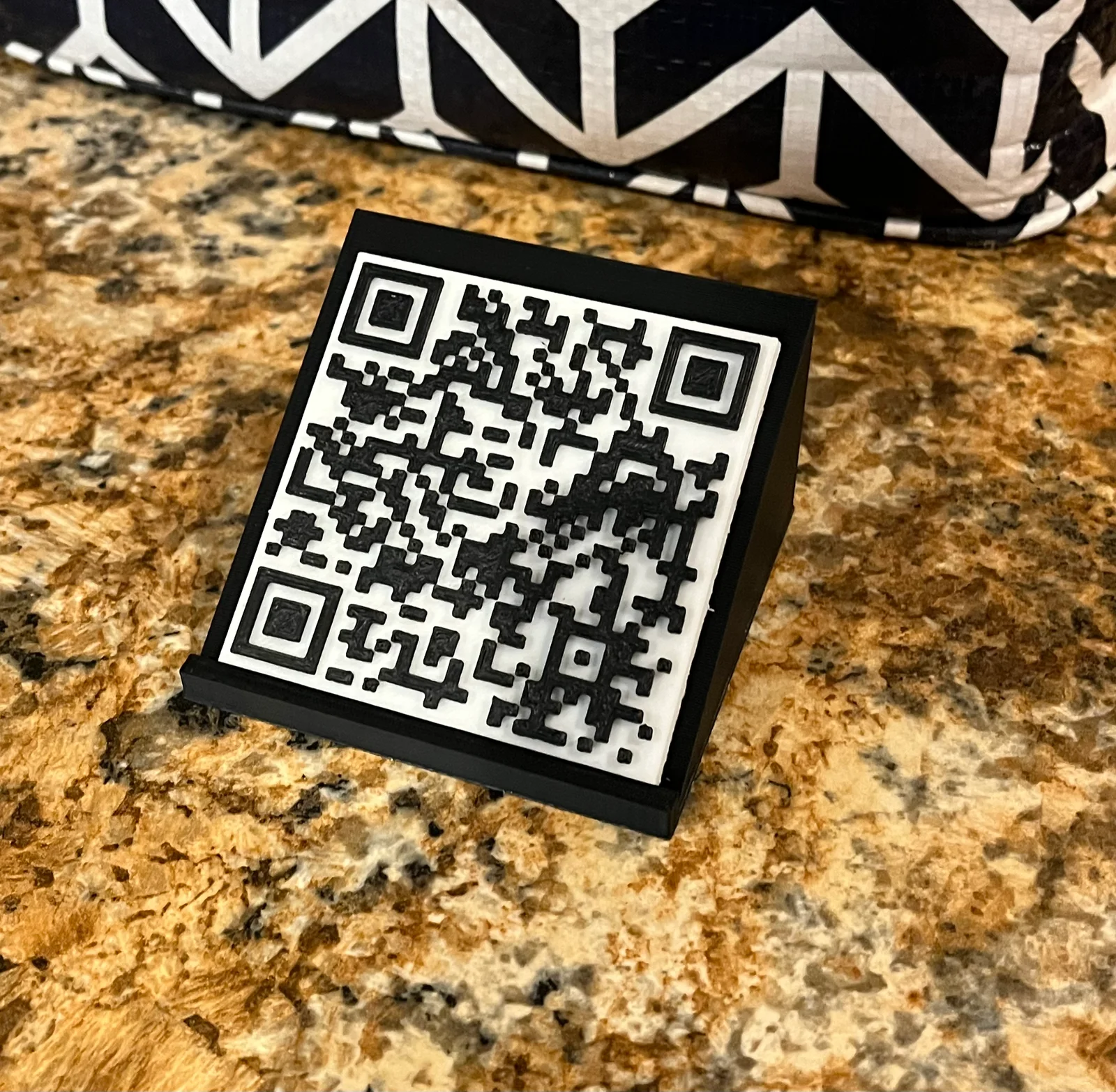
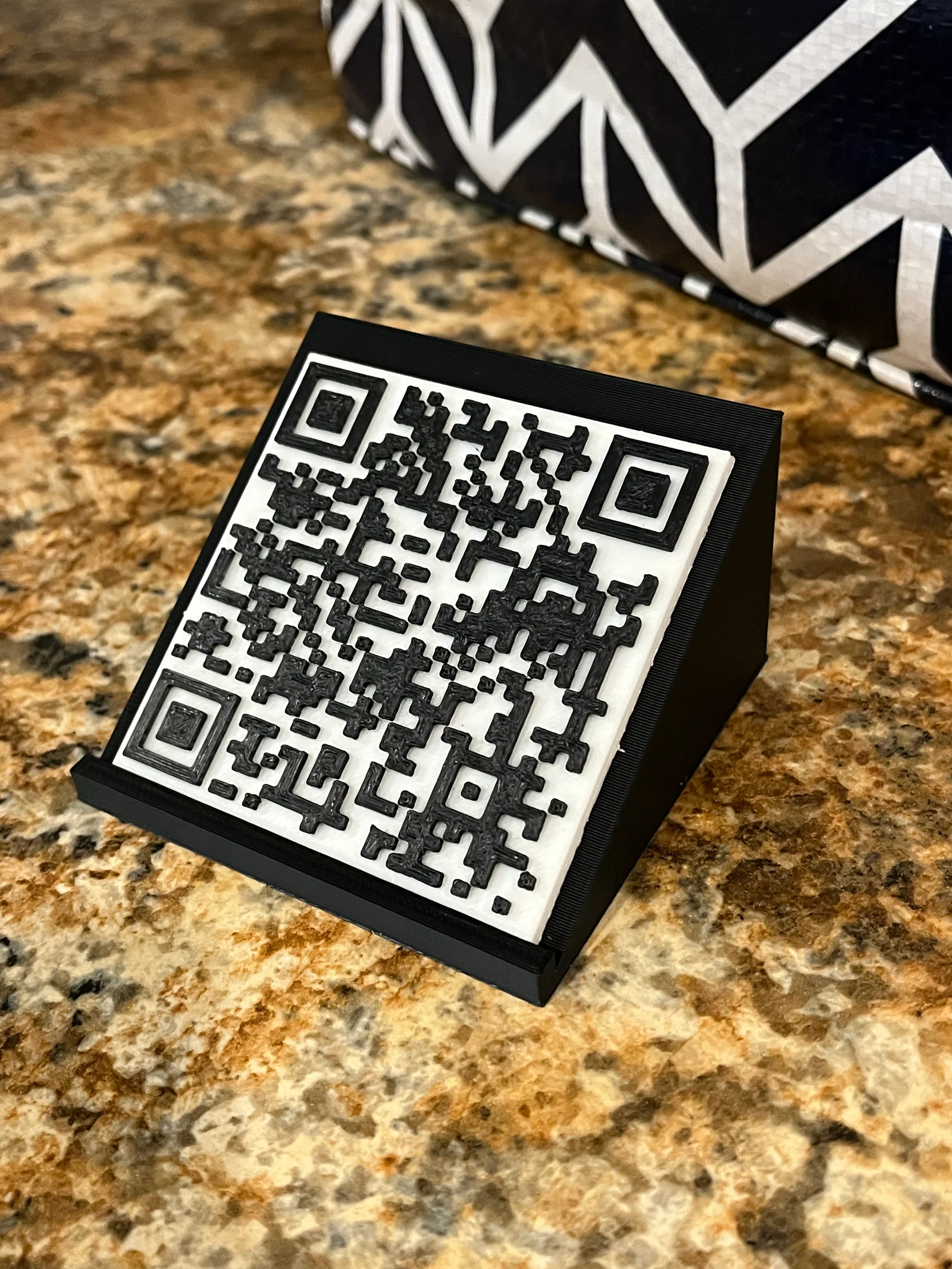


Mô hình Rick Roll QR Code Prank - Bảng mã QR troll bạn bè độc đáo
 ByvojtagrecLikes289Downloads899
Build another version of this model.
Import the flat box into Tinkercad
after you are done find the QR code, and to thinkercad space
then Select just the QR code object. In the Properties for the QR code object, enter your WiFi information into into the Text box using this format: WIFI:S:**ssid**;T:WPA;P:**password**;;where ssid is the SSID of your WiFi network and password is your network password.
Then put the flat box in the QR code together and export it as an STL
And then put in your slicer and print
and then print the stand, and set the QR code on the stand and then you are done
just set the QR code on top
ByvojtagrecLikes289Downloads899

 ByDrewmundLikes833Downloads4.6K

 ByHowler117Likes27Downloads343

 ByVojtechSkals_4144903Likes50Downloads245

 ByFastRaccoon_718321Likes461Downloads1.5K

 ByvexanixLikes168Downloads1.3K

 ByIvoLikes196Downloads1.1K

 Bynonoobybut_3307010Likes364Downloads1K

 ByawelshmanLikes74Downloads134

 ByDorn6_3545870Likes13Downloads115

 ByS1m3DLikes74Downloads113

 ByCodyMeyer_2545340Likes163Downloads722