

Kẹp giữ sợi Filament
 Bytinx_1344834Likes1.2KDownloads6K
Remix of Nắp che LCD cho Prusa Mini (Prusa Mini LCD Cover) By eloekset_2131124
Build another version of this model.
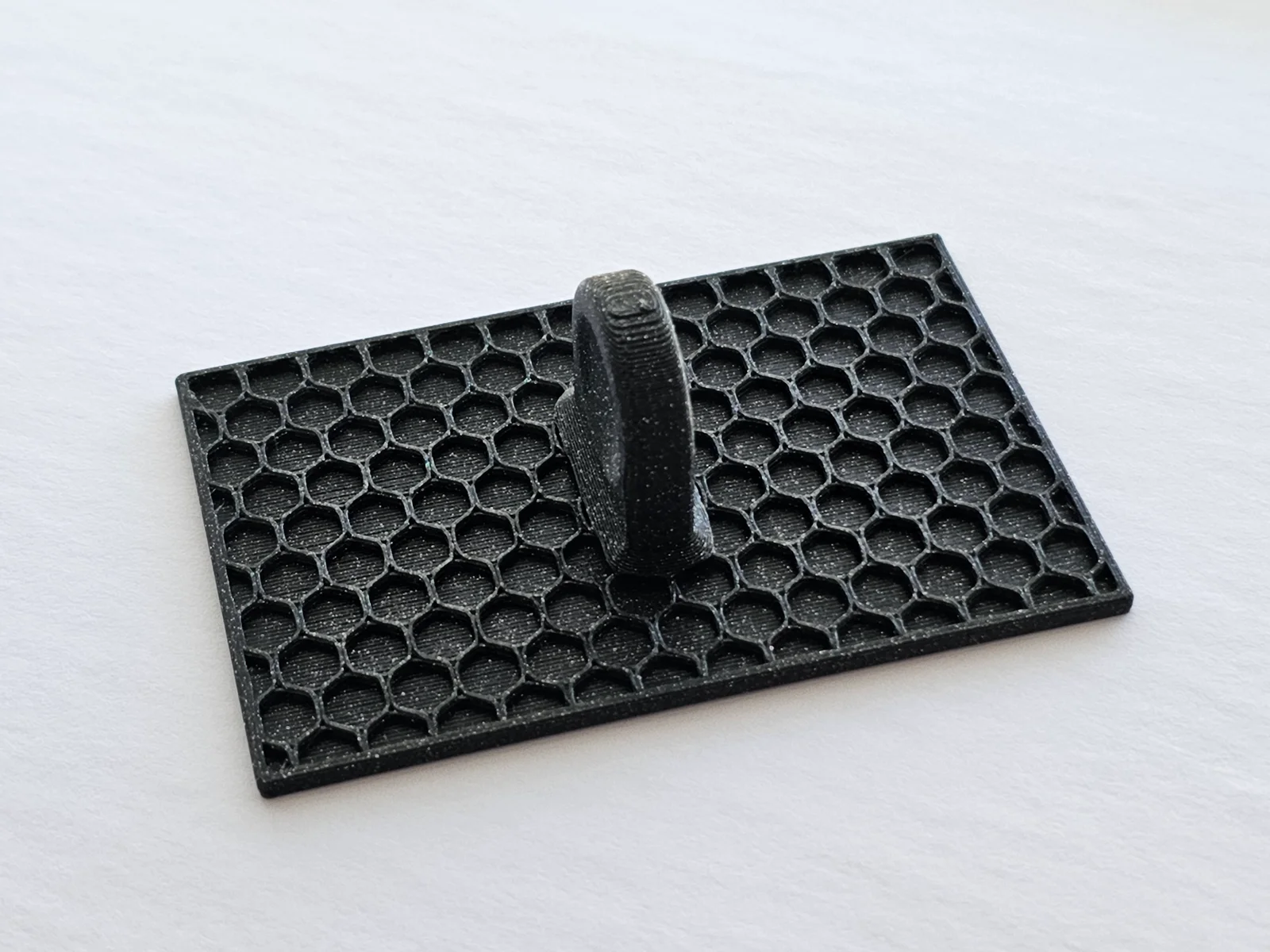
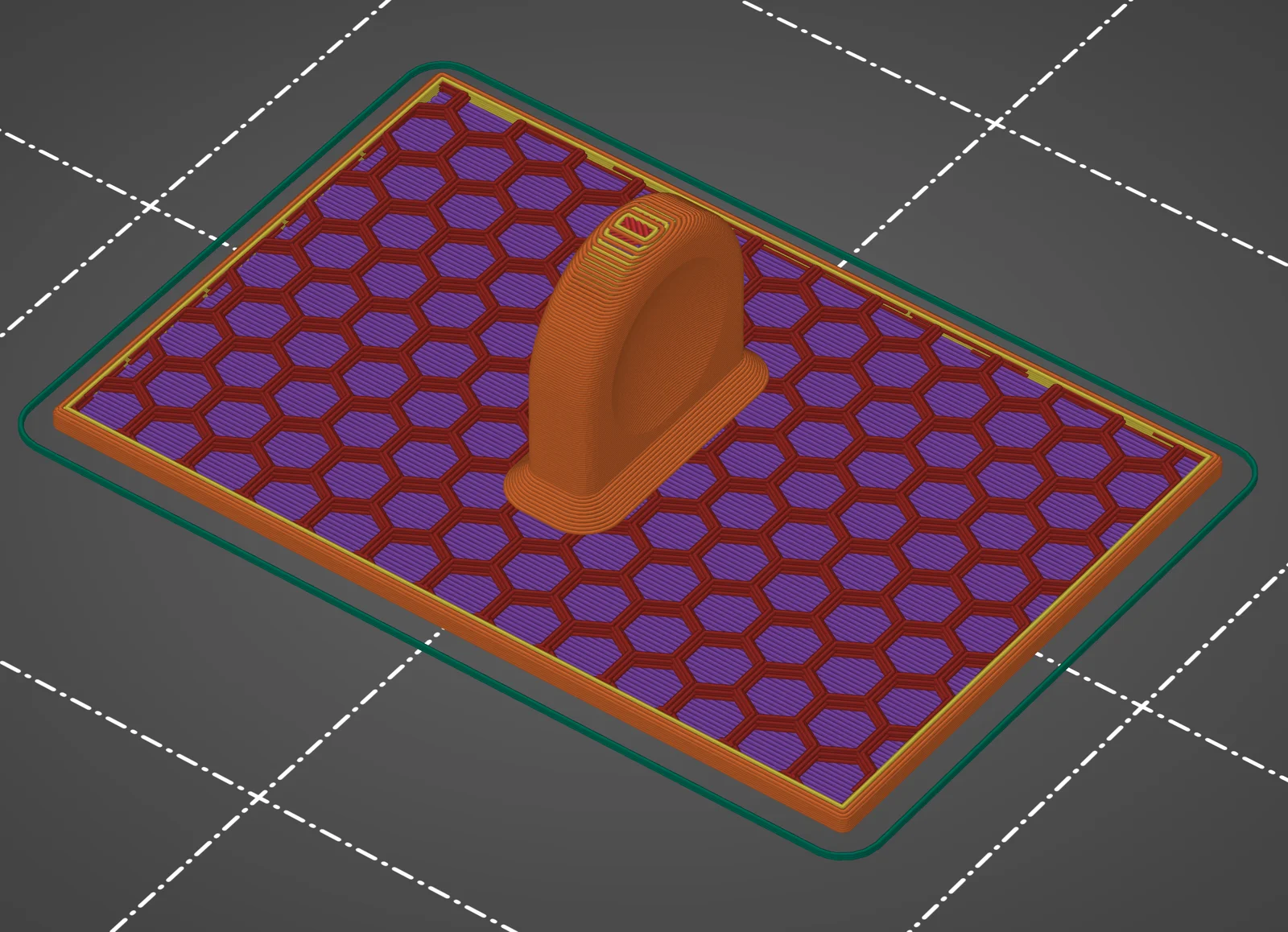
The “Visible Infil” 3MF has a modifier to remove the top layers to see the infill and to turn the infill pattern so it is symmetrical from left to right. There is also a Regular file without the modifiers if desired. Feel free to leave a comment on the size/fit, and I can update the file accordingly.
If you want to change the infill pattern being used, you can edit the modifier under “Fill pattern” (Figure 2). Similarly, if you would like to change the orientation of the infill, edit the “Fill angle” (0 - 90 degrees) (Figure 2).
The Standard Fit (formally the Tighter Fit) works for most (per reviews and testing). If you have trouble with the Standard Fit print the loose fit or tight fit version per your needs.
** See the pictures below for Prusa Slicer settings.
First, click on “ No Top Layer” (Figure 1) then the settings will appear (Figure 2)
Figure 1: Items/Settings tree
Figure 2: Modifier settings window (No Top Layer)
Bytinx_1344834Likes1.2KDownloads6K

 BynasikLikes0Downloads131


 By3DSourcererLikes48Downloads388

 ByRyanLikes0Downloads232

 Bycrawler-4460618Likes0Downloads172

 Byemmanuel-garciaLikes0Downloads169

 Bygummiegecko8477Likes0Downloads178

 Bychukwufumnanya-arinzechukwuLikes0Downloads162

 Byprusa-researchLikes0Downloads2.7K

 BydalleLikes0Downloads160

 Byarhi_585078Likes64Downloads548