


Thùng rác in Vase Mode
 BybobmakesLikes2.5KDownloads17.5K
Build another version of this model.
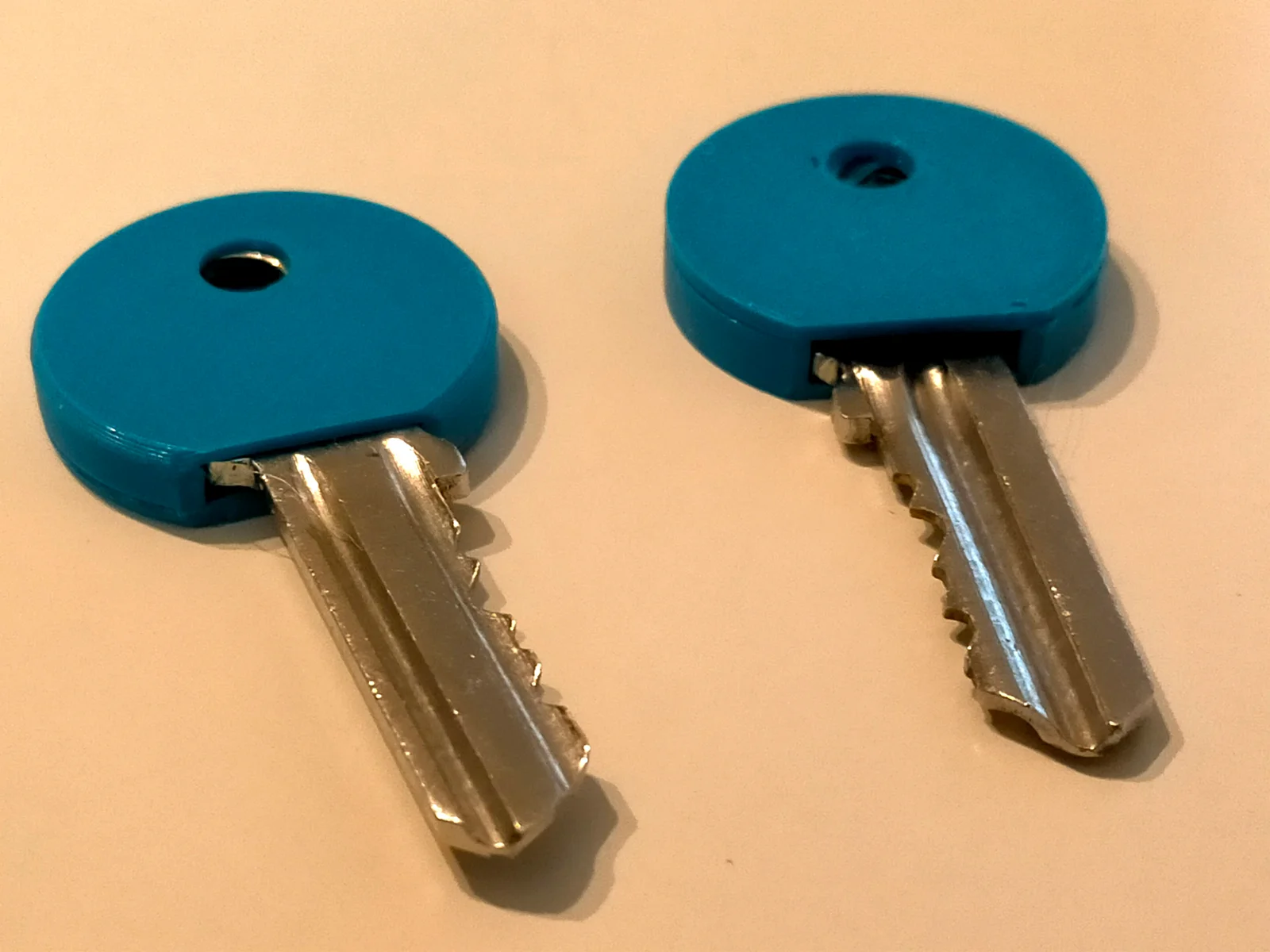
1 Mesurez les dimensions de votre clef.
2 reportez les dans les cases vertes du tableur du fichier freecad en vous aidant du dessin.
3 Exportez la forme en .obj.
4 Importez dans Prusaslicer.
5 Découpez et insérez une pause au niveau de la couche précédant la fermeture de la cage.
6 Lancez l'impression
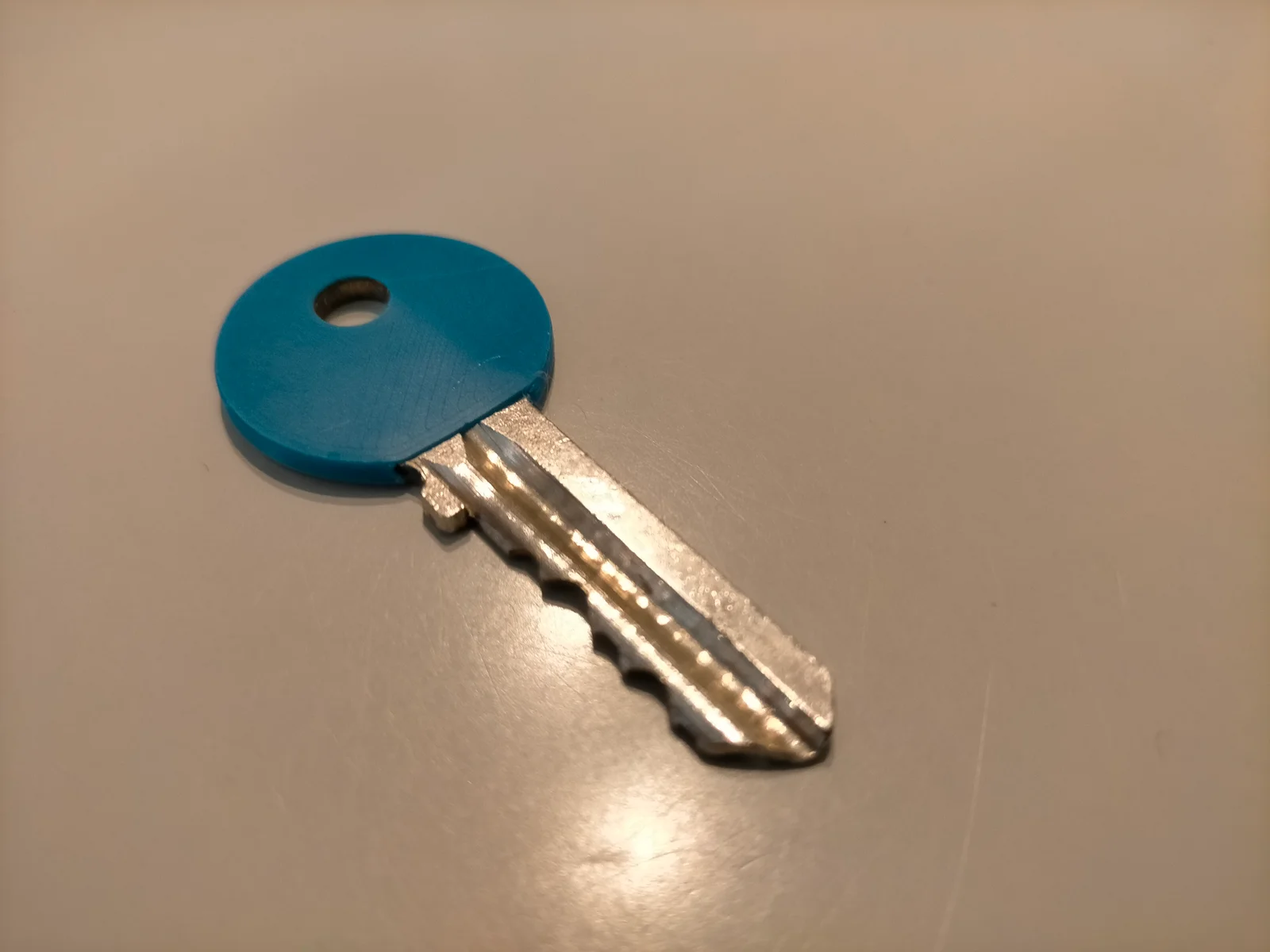
7 A la pause détachez le cache mettez le sur la clef et insérez le tout dans la cage.
8 Relancez l'impression.
Dans le fichier tableur vous pouvez éventuellement modifier les cases bleues mais ne touchez pas les cases jaunes.
Si vous voulez inscrire quelque chose sur la clef utilisez la fonction “ajouter une oièce” de prusaslicer.
------------------------------------------------------------------------------------------------------
1 Measure the dimensions of your key.
2 Transfer them to the green boxes in the Freecad spreadsheet file, using the drawing as a guide.
3 Export the shape as an .obj file.
4 Import into Prusaslicer.
5 Cut out and insert a pause in the layer before the cage closes.
6 Start printing.
7 At the pause, detach the cover, place it on the key and insert it into the cage.
8 Start printing again.
In the spreadsheet file, you may modify the blue boxes, but do not touch the yellow boxes.
If you want to write something on the key, use prusaslicer's “add part” function
BybobmakesLikes2.5KDownloads17.5K

 ByMRTWOLikes4Downloads23

 By178222178222_2484344Likes449Downloads1.7K

 Byquibeck_3353173Likes1.5KDownloads11.5K

 ByVaclav_ZahradkaLikes181Downloads1.2K

 ByowlartLikes527Downloads1.3K

 Bytjfenwick_306961Likes385Downloads1K

 ByAWSWLikes148Downloads580

 ByfifindrLikes216Downloads603

 Bym-collectableLikes0Downloads3.9K

 Byskloter_271869Likes147Downloads423

 Byelectric_pierogiLikes37Downloads385