



Kẹp giữ sợi Filament
 Bytinx_1344834Likes1.2KDownloads6K
Build another version of this model.
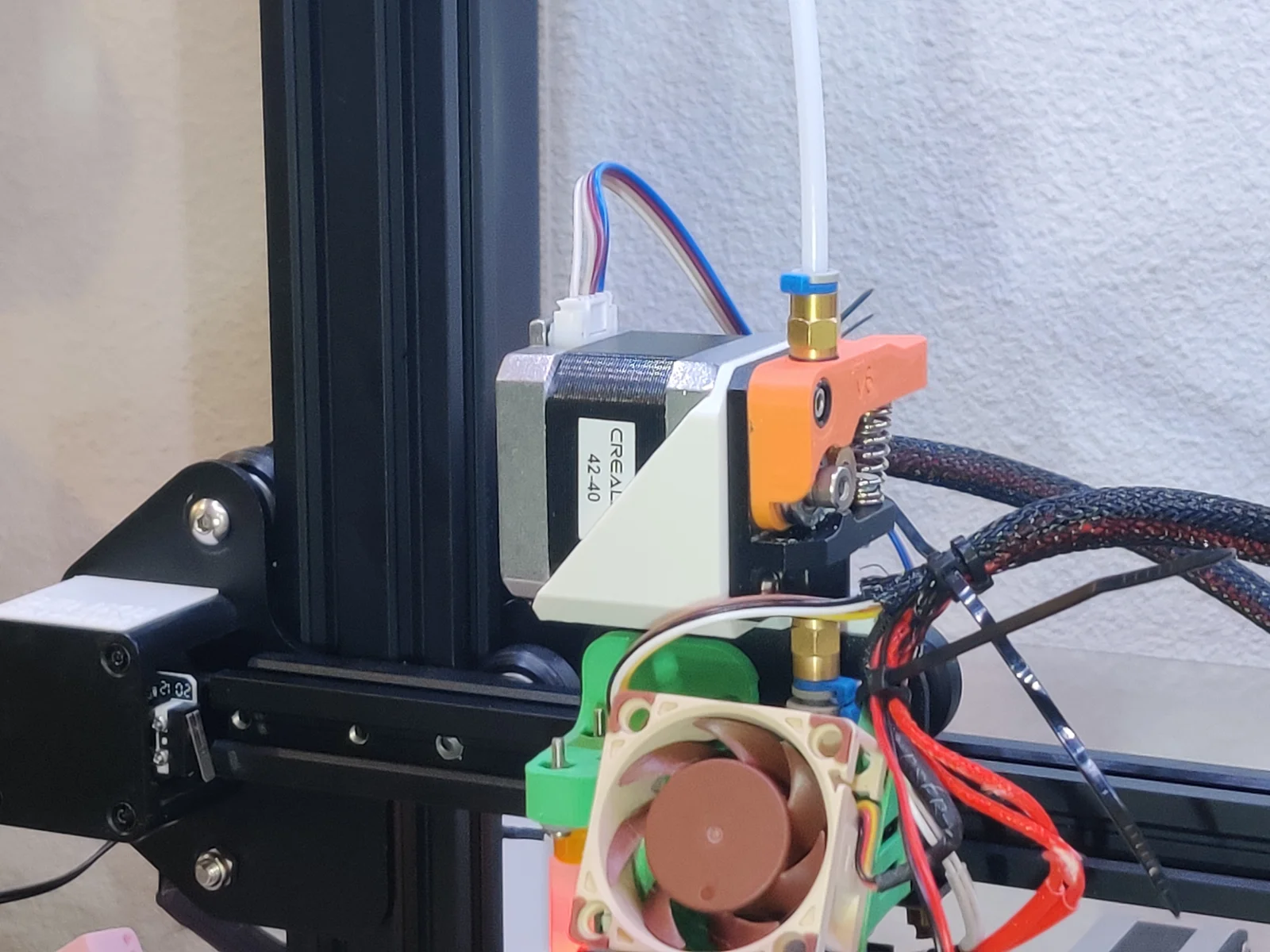
Turn your Ender 3 Pro extruder into a direct drive setup with a single print!
This upgrade requires no additional hardware, and uses the stock extruder and motor to give your Ender 3 Pro printer a direct drive setup. The extruder I use is one of the basic aluminium upgrade ones, with a custom printed handle to connect a piece of PTFE tube to the input side. This is, however, not required, and the stock extruder should work just fine too.
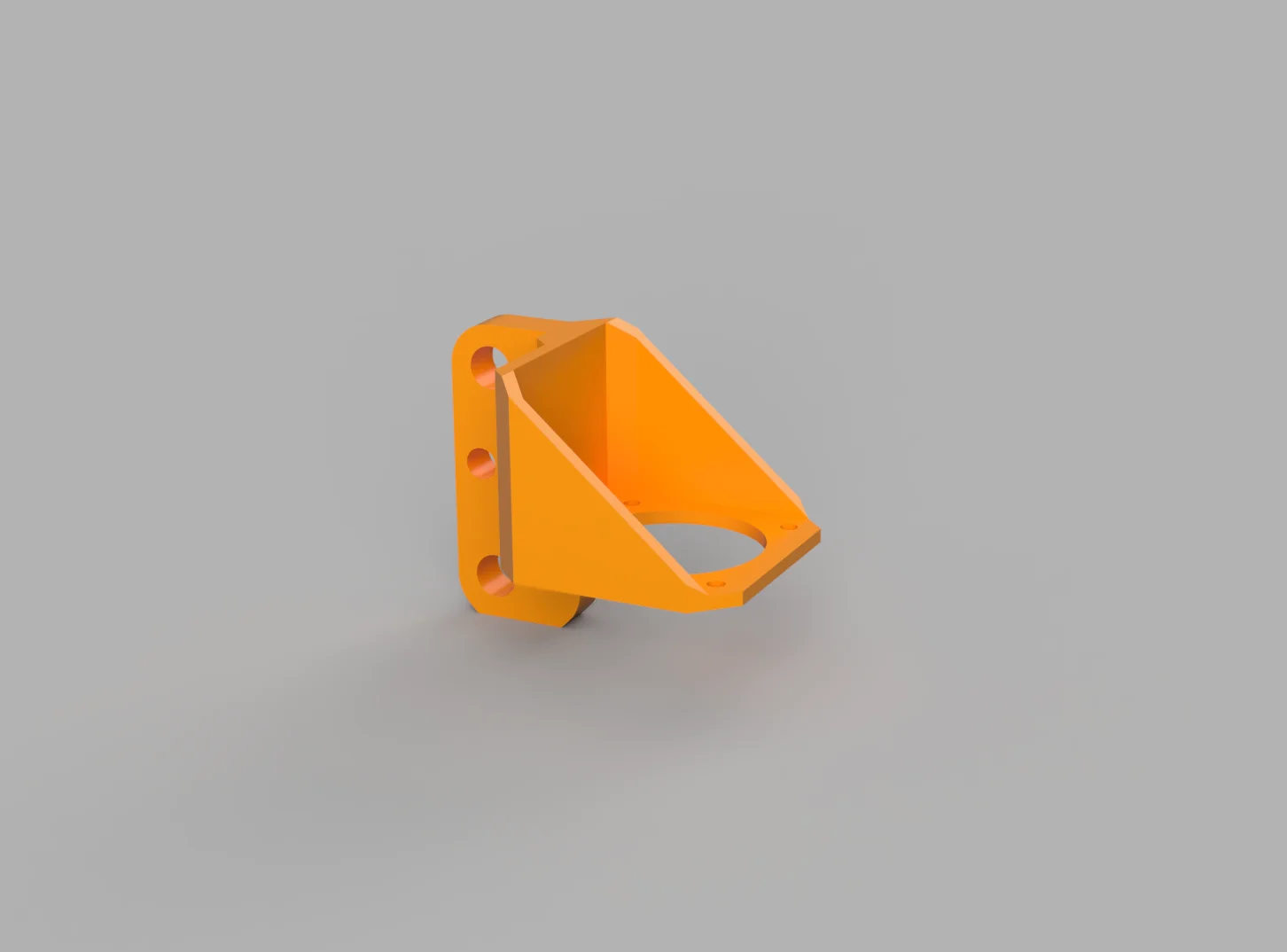
This extruder mount slides over the metal standoff tubes between the toolhead plate and the v-slot rollers.
This setup does require you to cut a short piece of PTFE tube (from the one that's normally between your extruder and hotend, for example). The length depends on the heatbreak you use, and how far it's inserted into the heatsink. If you have information on what works for your setup, please tell me in the comments.
I've printed mine out of PLA, but other materials should work fine too. Keep in mind my printer is not in a heated chamber.
Print in the orientation of the second picture!
Keep in mind that you'll have to adjust some print settings with a direct drive setup!
Your retraction settings, and if you use it, your linear/pressure advance settings will vary wildly when using a direct drive setup. Generally both of these will need to be significantly less aggressive, but have a look around online to see some guidelines on what would work for your firmware.
This print might work for the Ender 3 (non-Pro) too, though I do not have the option to try this. If you do, please let me know!
Bytinx_1344834Likes1.2KDownloads6K

 ByBrokentooth_designsLikes17Downloads148

 Byprusa-researchLikes0Downloads2.7K

 Bydet-manLikes0Downloads173

 Bygummiegecko8477Likes0Downloads164

 BydalleLikes0Downloads149

 Byarhi_585078Likes64Downloads545

 BykingnothingLikes0Downloads183

 BytimLikes0Downloads528

 Bygafyx3dLikes0Downloads122

 ByHanzo3dLikes155Downloads417

 BydarienLikes0Downloads1K