



Kẹp giữ sợi Filament
 Bytinx_1344834Likes1.2KDownloads6K
Build another version of this model.
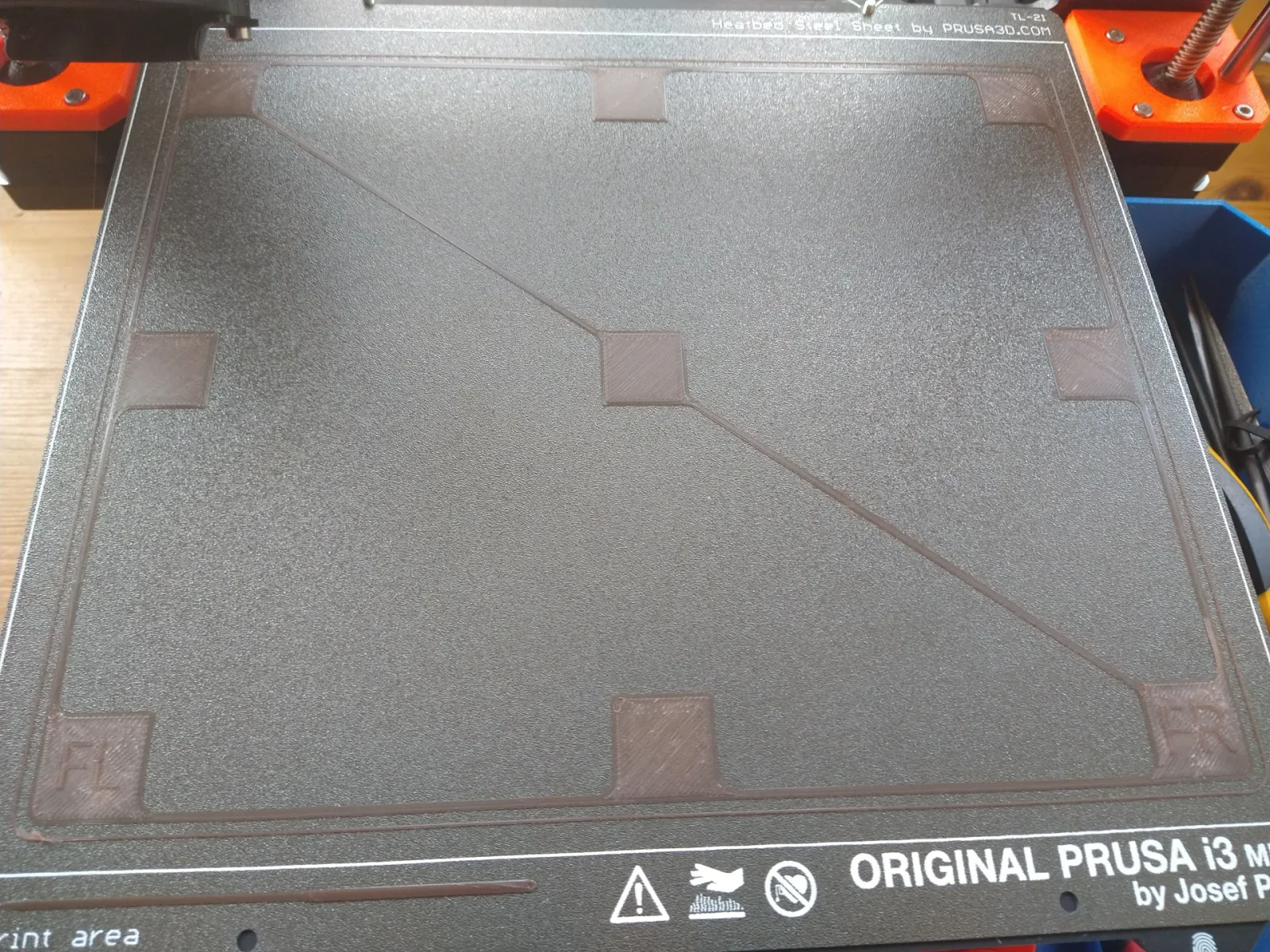
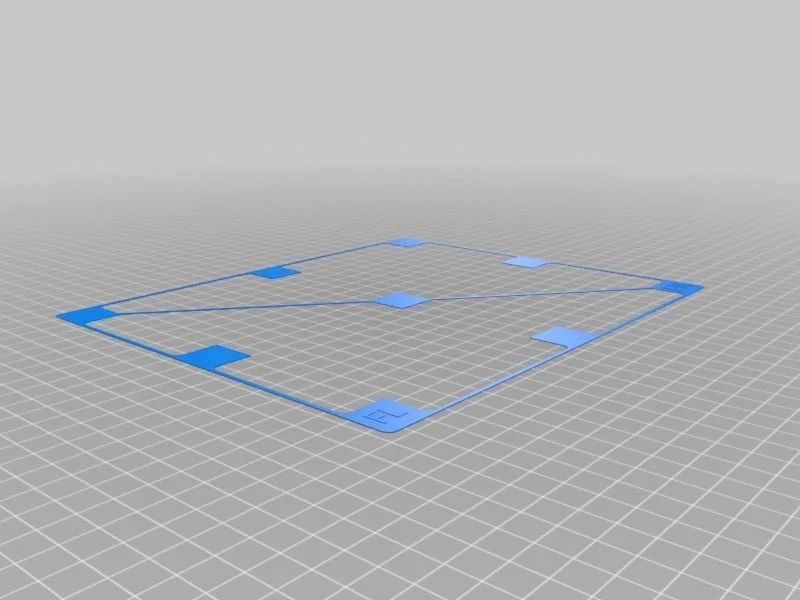
Use this Grid to help optimize first-layer adhesion. G-code file includes a warmup routine to improve accuracy of bed-leveling. The print will appear to do nothing for a minute or two as the PINDA probe warms up via close proximity to the heat bed. If printing fails to begin, ambient air temperature is too cold/drafty. Try insulating the PINDA from drafts with a folded sheet of paper or aluminum foil. Once printing begins, remove the insulation.
Let the print bed cool off, then gently lift the print at one corner and peel the whole print off.
Examine the underside of each square patch and observe differences in how closely squished the plastic lines are. Can you see daylight through the print? You shouldn't see much - maybe a tiny sliver here and there. And each square patch should have a similar texture. Measure the thickness of each patch to understand how accurate bed leveling is at each corner. Adjust the mechanicals or calibration parameters of your printer until all patches measure the same and have similar textures on the bottom.
Bytinx_1344834Likes1.2KDownloads6K

 ByBlackky98Likes25Downloads213

 Bygafyx3dLikes0Downloads125

 BylaserbaconLikes0Downloads176

 ByswimLikes0Downloads111

 By3d-mmakerLikes0Downloads121

 Bynadir-cn3dLikes0Downloads117

 ByKRYS_3DLikes8Downloads50

 BytheodorLikes0Downloads151

 Byprusa-researchLikes0Downloads2.7K

 ByteteomatLikes0Downloads140

 ByFonnPrintsLikes4Downloads26