



Bộ thiết bị làm việc Gridfinity dành cho kỹ sư
 ByslavikkopanovLikes3Downloads17
Build another version of this model.
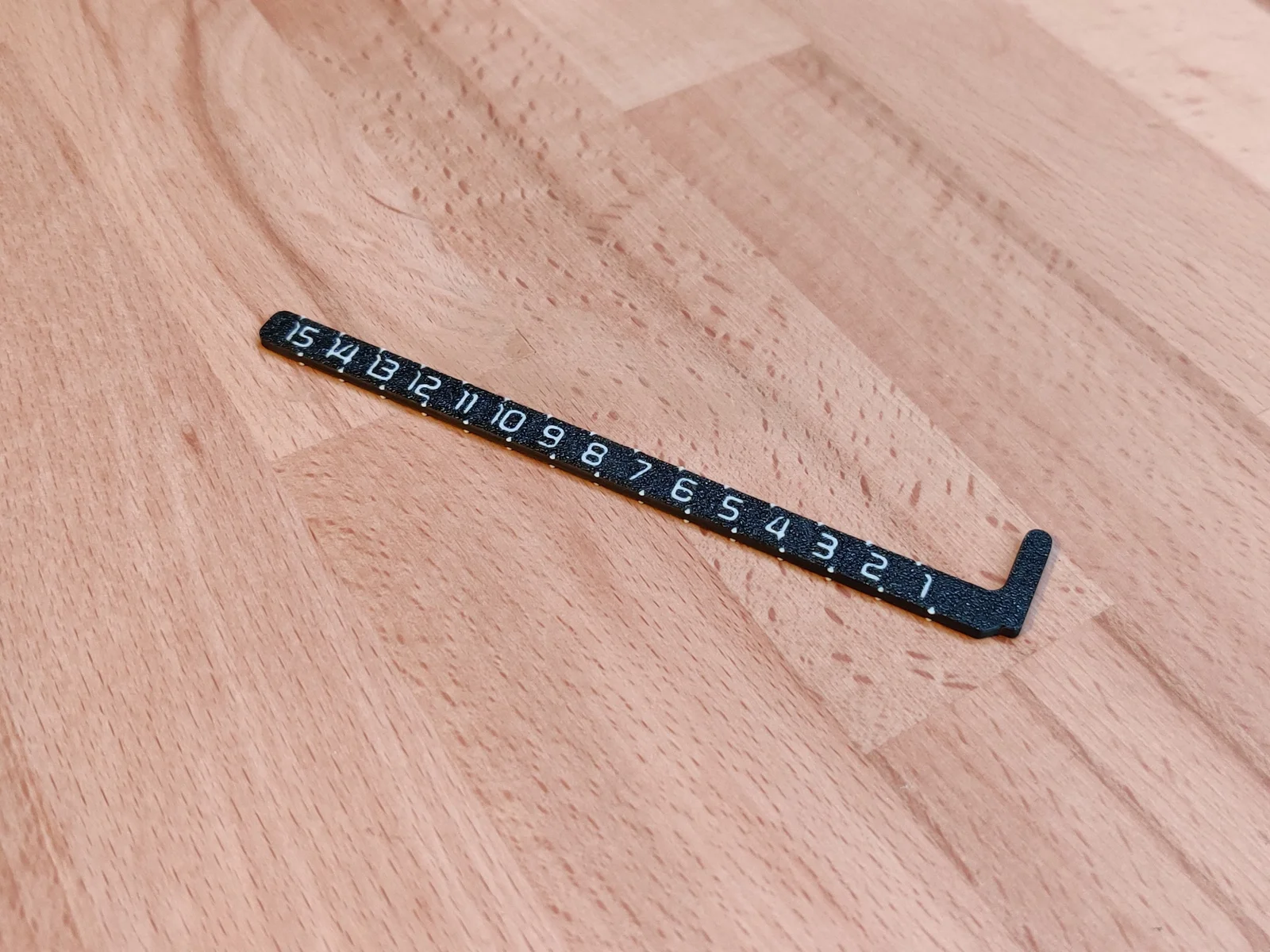
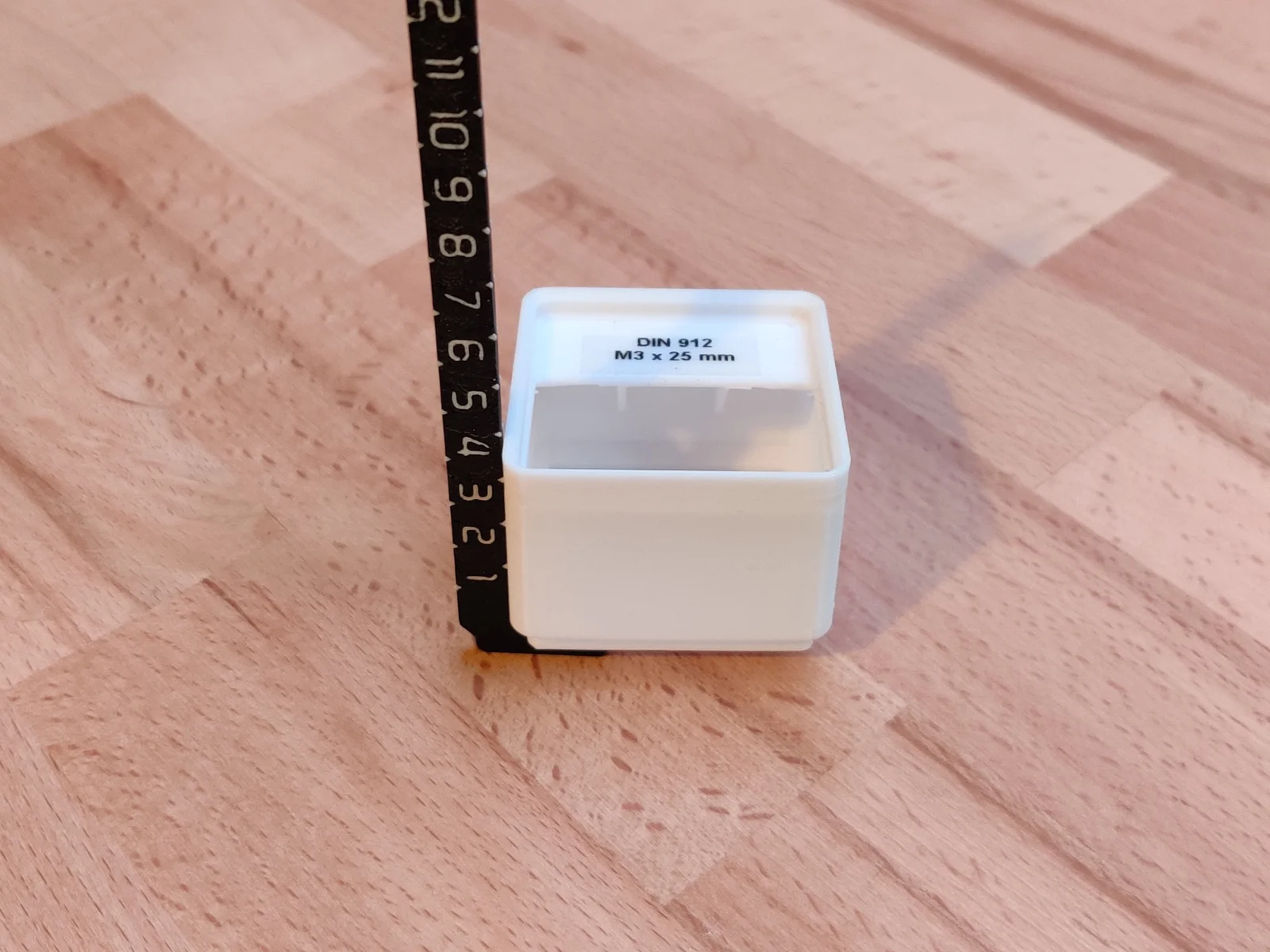
Here you have a ruler to mesure the hight of a Gridfinity bin or to mesure the possible bin height of a drawer etc.
For me it was circuitous to first measure the height of a drawer and then calculate the maximum possible bin height. With this ruler it's much faster and easyer.
Happy printing :)
Date
Version
Type
Comment
2024-03-12
V1.0
Release
ByslavikkopanovLikes3Downloads17

 ByExtrutimLikes0Downloads183

 Bydona3d_Likes456Downloads678

 ByVC_DesignLikes721Downloads2.9K

 ByfifindrLikes500Downloads4K

 ByUpcrid3D_1585693Likes808Downloads2.1K

 ByWilko_SLOLikes935Downloads2K

 ByRobertoGalloc_356815Likes549Downloads1.8K

 ByTater_364200Likes486Downloads1.6K

 Byvc-designLikes0Downloads3.2K

 Bywhilex_1739192Likes644Downloads1.1K

 ByGi_TLikes801Downloads1.3K