


Mô hình Rick Roll QR Code Prank - Bảng mã QR troll bạn bè độc đáo
 ByvojtagrecLikes289Downloads899
Build another version of this model.
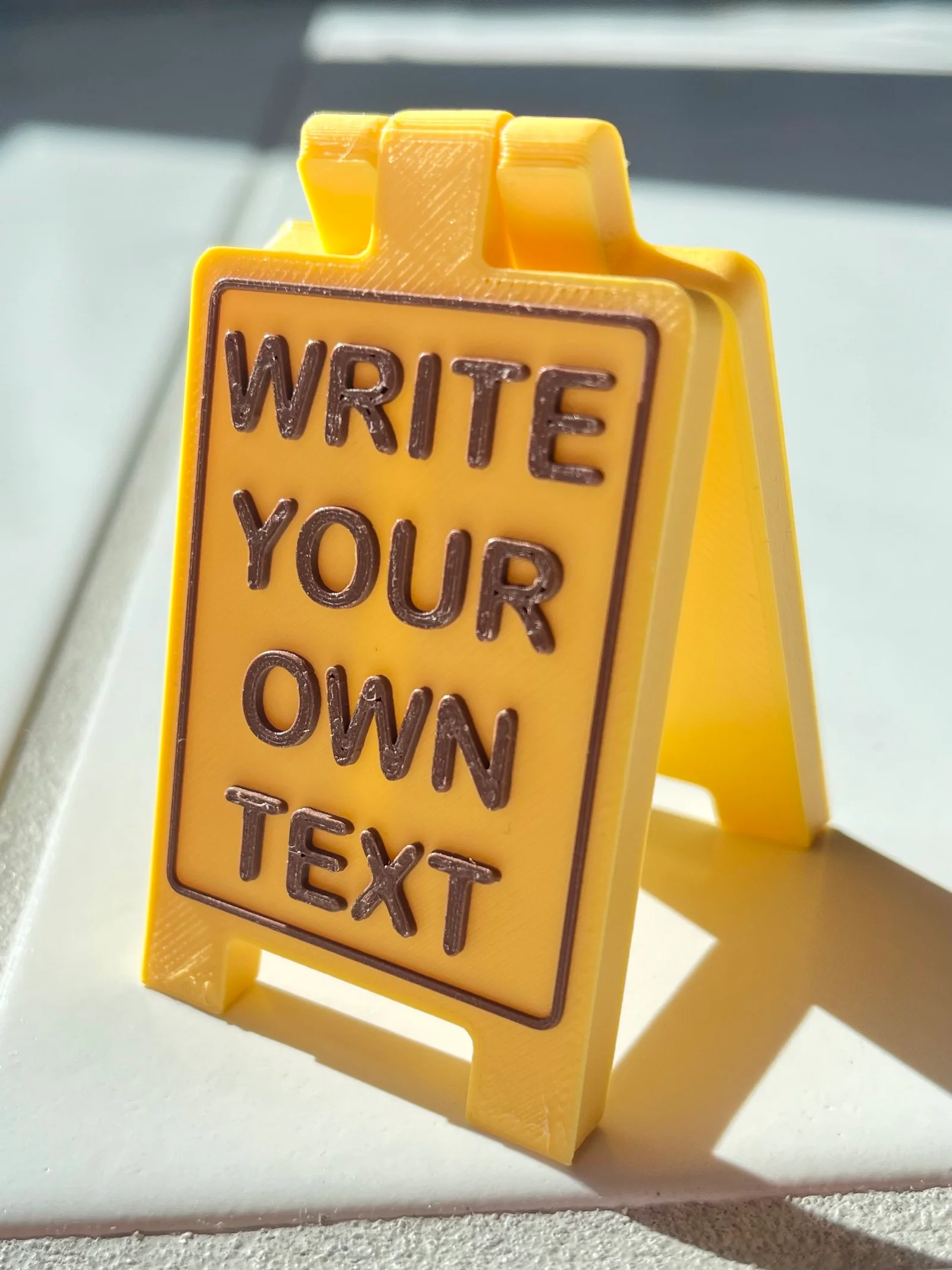
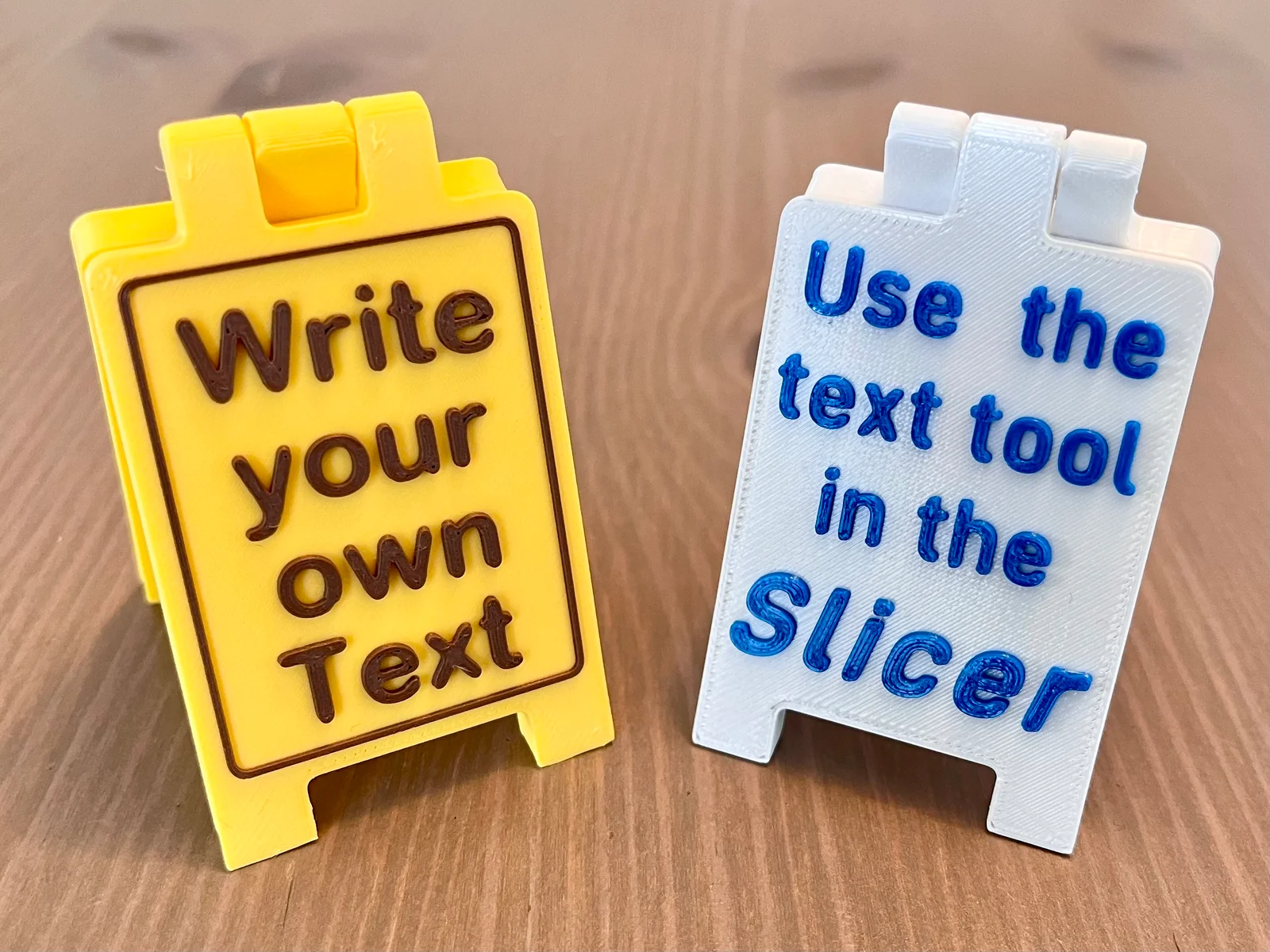
This model is heavily inspired by the amazing Mini Floor Stand by muzz64. It is not a remix however as I made the model from the ground up and came up with a simpler design that also has tighter clearances in the hinges for less wobble. The biggest change is that the model does not contain any text however.
Modern Slicers offer an easy way to emboss text onto a STL file. Use this function to write whatever you wish onto the sign (as long as space permits). Then add a color change and you're done.
Also check my Single Sided Sign, it can be folded better and has slightly more space for text.
How to emboss text in Prusa Slicer (Version 2.7.2):
Right click on the model, select Add part -> Text.
Write your text, choose a font and customize it. Drag the text to the desired location. Emboss the text with a height of 1mm. For the text on the back of the sign, rotate the text by 180°.
Slice the file with a layer height of 0.2mm. Right click the plus sign at the layer height of 5.20 and select Add color change. Select a color (this is just for visualization in the slicker) and click OK.
That's it. If you have good ideas for useful or funny text, please share a make. I would love to see it :-)
Recommended print settings:
ByvojtagrecLikes289Downloads899

 ByVojtechSkals_4144903Likes50Downloads245

 ByDrewmundLikes833Downloads4.6K

 ByawelshmanLikes74Downloads134

 ByS1m3DLikes74Downloads113

 ByCodyMeyer_2545340Likes163Downloads722

 ByIsaacHowardLikes16Downloads139

 ByHowler117Likes27Downloads343

 Bybrawl-starsLikes0Downloads140

 ByFastRaccoon_718321Likes461Downloads1.5K

 ByowlartLikes56Downloads370

 ByvexanixLikes168Downloads1.3K