



Bộ sưu tập 11 nhân vật mô hình Mecca Chameleon in 3D vui nhộn
 ByZED4EverLikes313Downloads5.2K
Build another version of this model.
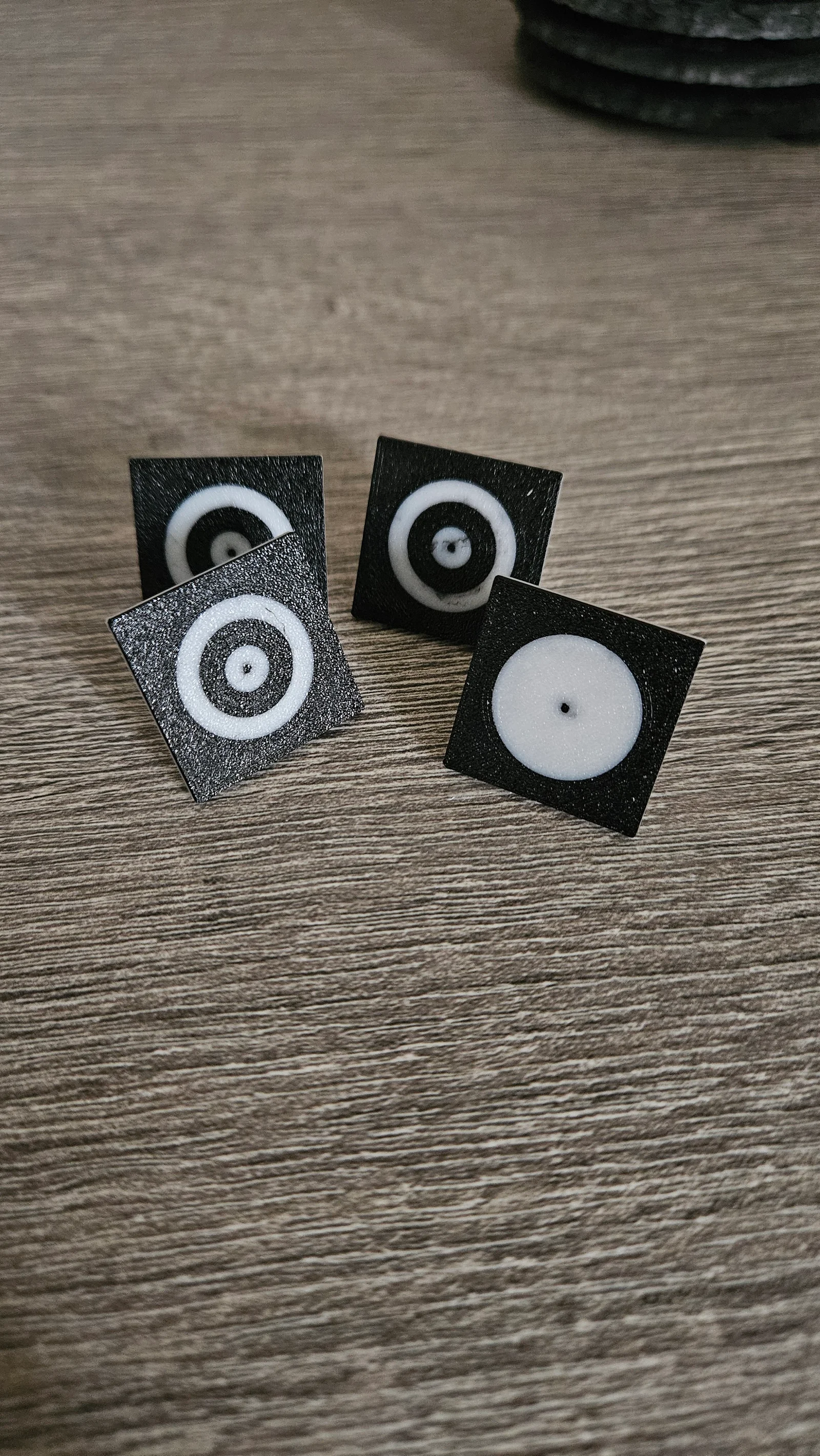
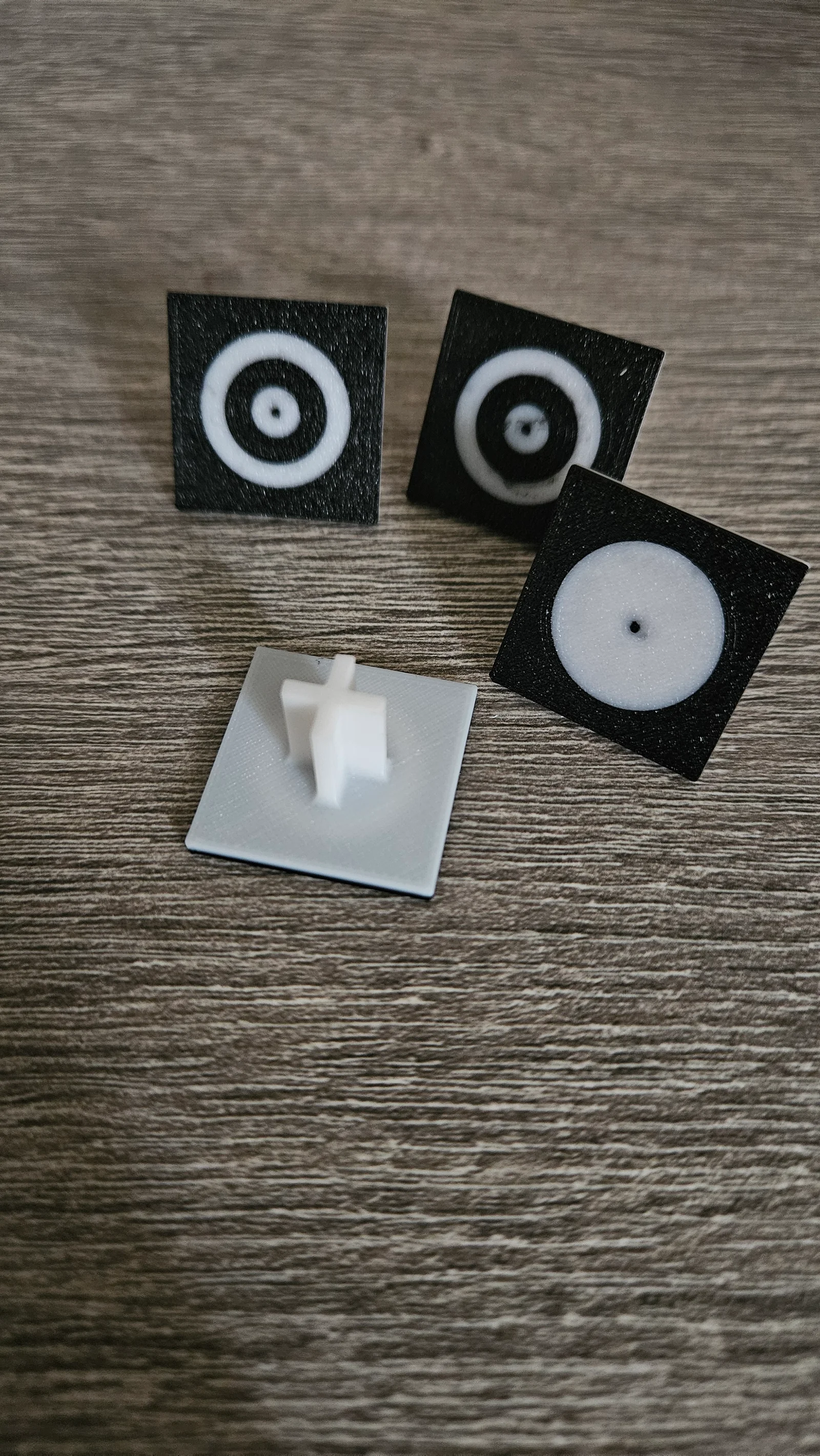
Die Pins kann man verwenden um die Funktion zur Ausrichtung mit dem Foto zu Nutzen.
Die Pins werden einfach auf die Bienenwabenplatte gesetzt und über die App von XCS kalibriert.
Danach kann man einfach alles über das Bild ausrichten und genaustens positionieren.
Ich habe es in PETG gedruckt mit Layerhöhe von 0,08mm da die kleinen Punkte nur 1mm Durchmesser haben.
Achtet darauf die Reihenfolge der Anfangsfarbe auf schwarz zu stellen sonst wird der Druck nicht klappen. In meinem Profil ist die bereits eingestellt.
Eine Anleitung wie alles eingerichtet wird findet Ihr auf den Support Seiten von xTool.
https://support.xtool.com/article/1299
English:
The pins can be used to use the function to align with the photo.
The pins are simply placed on the honeycomb plate and calibrated using the XCS app.
Then you can simply align everything about the image and position it precisely.
I printed it in PETG with a layer height of 0.08mm because the small dots are only 1mm in diameter.
Make sure to set the order of the initial color to black otherwise the printing will not work. It's already set up in my profile.
You can find instructions on how to set everything up on the xTool support pages.
ByZED4EverLikes313Downloads5.2K

 ByBasementLABLikes888Downloads1.5K

 Bydan-sabauLikes0Downloads2.5K

 ByfifindrLikes500Downloads4K

 ByVC_DesignLikes679Downloads3.6K

 ByDan Schwartz SchwartzLikes744Downloads3.4K

 Byvc-designLikes0Downloads3.2K

 ByUpcrid3D_1585693Likes808Downloads2.1K

 ByWilko_SLOLikes935Downloads2K

 Bychubbs8697_2027893Likes585Downloads1.7K

 Byquibeck_3353173Likes965Downloads1.9K

 BySeppoTakaloLikes960Downloads1.9K