



Kẹp giữ sợi Filament
 Bytinx_1344834Likes1.2KDownloads6K
Build another version of this model.
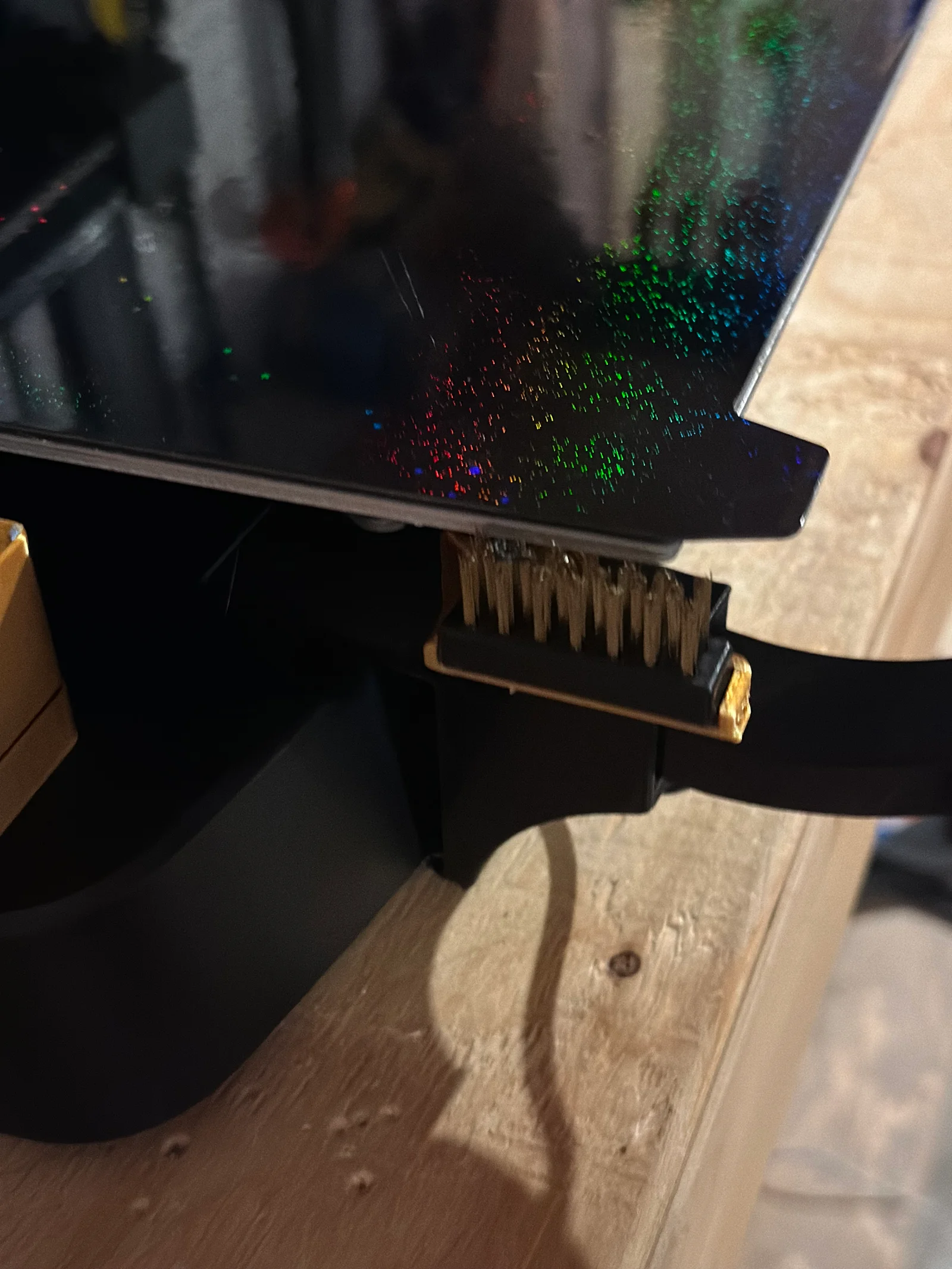
This is my version of an automatic nozzle cleaner set up. I tried the other models out there but none of them fit with the gridfinity side mounts or other side-storage style models.
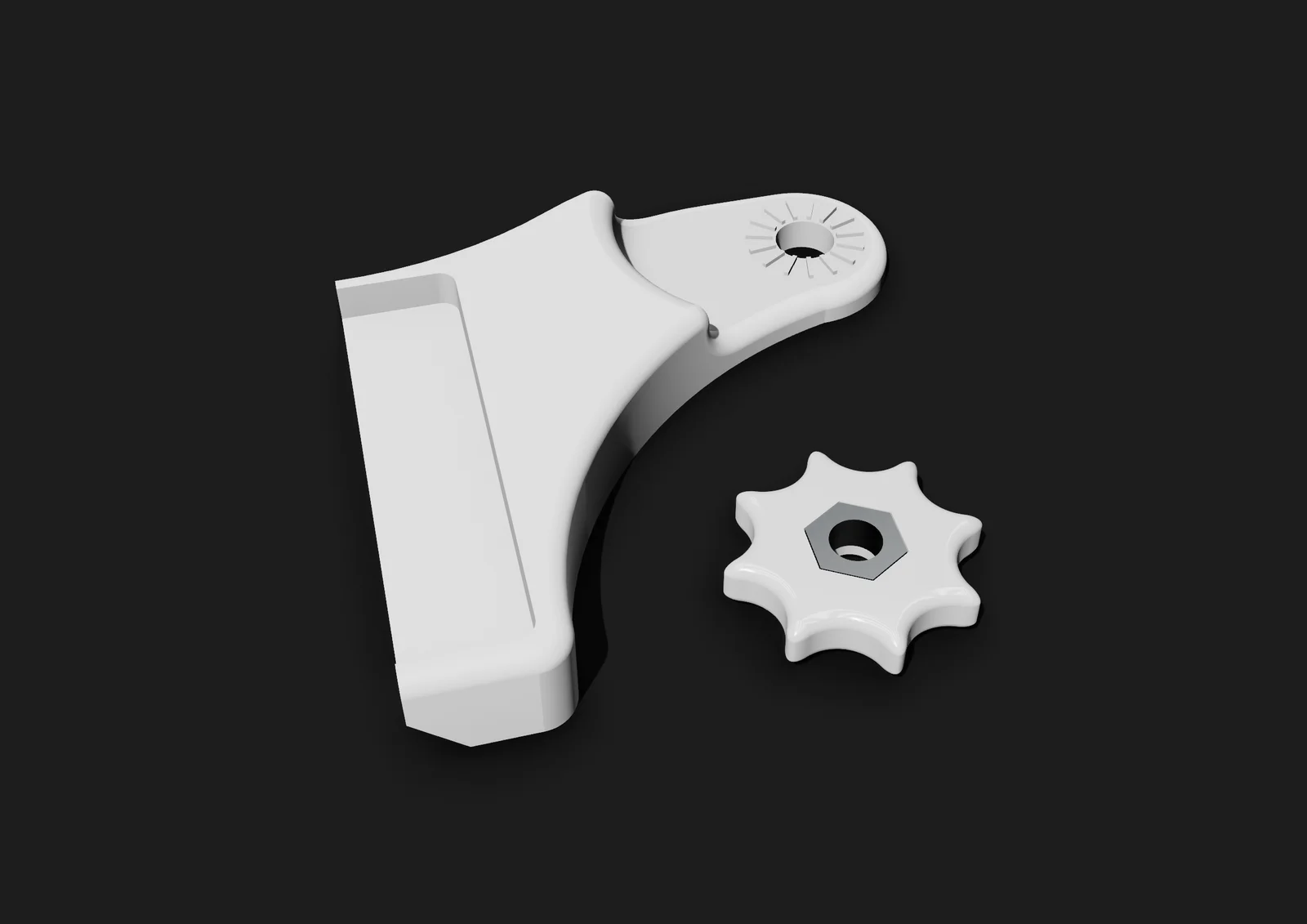
Install is really simple. Just chop off the end of a cheap aliexpress/amazon brush and hot glue it onto the mounting plate. It can be secured to your printer with the M4 nut. You can smoosh it into the nut holder for your convenience.
Join my discord! https://discord.gg/uYBuFXUmcU
Add this macro into your gcode_macro.cfg file.
[gcode_macro WIPE_NOZZLE]
gcode:
{% set TEMP = params.TEMP | default(200) | float %}
M104 S{TEMP} ; heat extruder
M109 S{TEMP} ; wait for extruder temp
{% if printer.toolhead.homed_axes != "xyz" %}
G28 ; home xyz if not already
{% endif %}
G1 Z10 X-12.0 Y30.0 F6000 ;Start position
G0 Z-2 F6000 ;Move to side position
G0 Y-19.000 F8000 ; Wipe down
G0 Y21.000 F8000 ; Wipe up
G0 Y-19.000 F8000 ; Wipe down
G0 Y21.000 F8000 ; Wipe up
G0 Y-19.000 F8000 ; Wipe down
G0 Y100 Z10 F6000 ; Swoosh back to safety
Then just call on this macro in your start g-code or wherever you need it like this:
WIPE_NOZZLE TEMP={EXTRUDER_TEMP} _; wipe nozzle macro_
Please note it's probably best to put this after your G28 (homing) command so that it doesn't run twice when starting a print.
Bytinx_1344834Likes1.2KDownloads6K

 Byprusa-researchLikes0Downloads2.7K

 Bydet-manLikes0Downloads177

 Bygummiegecko8477Likes0Downloads168

 Bychukwufumnanya-arinzechukwuLikes0Downloads154

 BydalleLikes0Downloads152

 ByBrokentooth_designsLikes17Downloads159

 BynasikLikes0Downloads123

 Byarhi_585078Likes64Downloads547

 ByHanzo3dLikes155Downloads417

 BydarienLikes0Downloads1K

 ByGeek5DLikes147Downloads491