



Chú Chó Dachshund Tí Hon - Bộ Sưu Tập Mini Animals
 ByRaisinCosplay_433034Likes260Downloads957
Build another version of this model.
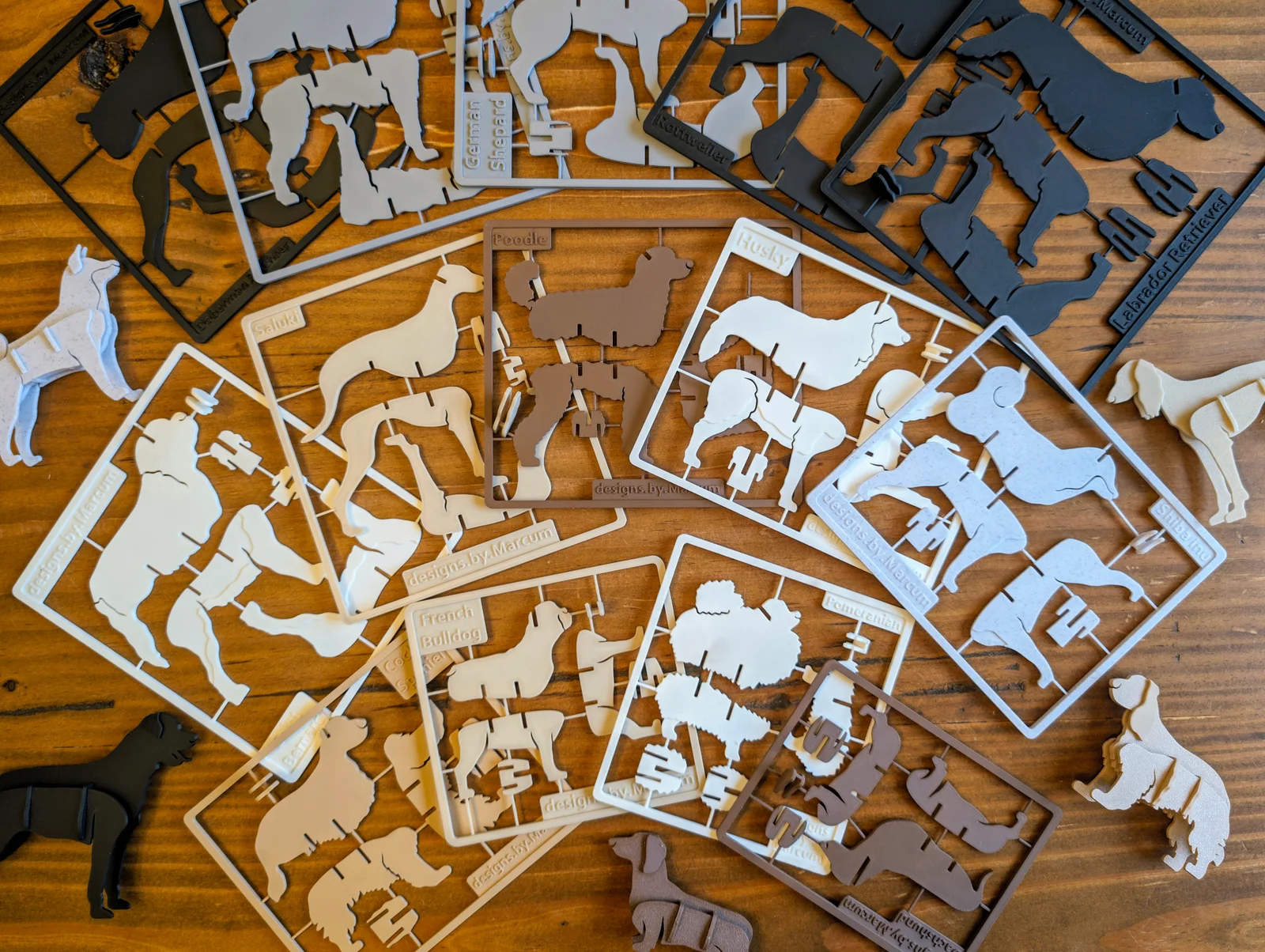
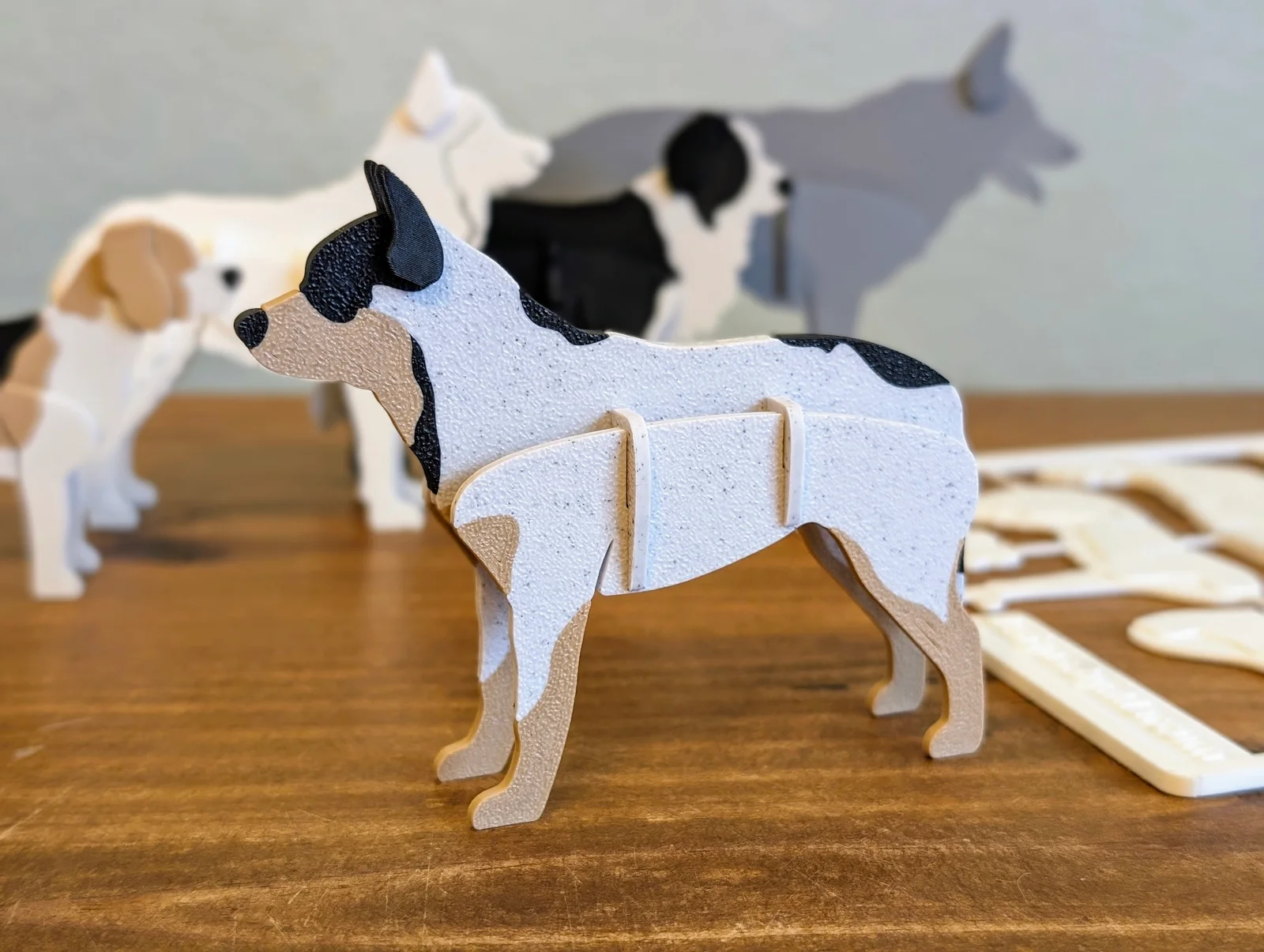
With these models I set out to do something that was both simple to print and assemble, but also instantly recognizable as your favorite furry friend. This simplicity makes them easy for even the youngest children to slide together, while also keeping a sophisticated look for display on your office / home desk.
Current breeds include:
Breeds above marked with “(P)” are located exclusively on Patreon, link below.
Multi-color project files on MakerWorld, link below.
The kit card connectors were designed to easily snap away, but for the cleanest finish it is recommended to use snips to remove them. Each dog may have a slightly different assembly due to shape and size, but the fundamentals will remain the same amongst all of them.
If you'd like access to a Commercial License and exclusive designs:
If you'd like ready to go 3mf files for multi-color printing:
Filament used in product photography:
I primarily use OrcaSlicer / Bambu Studio with my Bambu Lab P1S, so if something is not working as intended let me know how I can improve!
ByRaisinCosplay_433034Likes260Downloads957

 ByschiferlLikes70Downloads293

 ByPeterG_3243357Likes419Downloads2.2K

 ByClayRadeLikes84Downloads423

 By3d-magicLikes0Downloads227

 Byginkel3dLikes0Downloads275

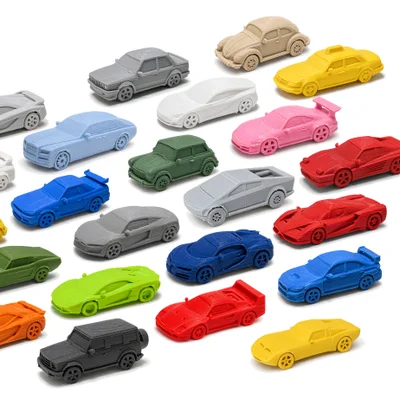 Bybazzar701Likes0Downloads327

 ByabbymathLikes214Downloads2.1K

 ByRean91_1007000Likes38Downloads226

 Byreal-printsLikes0Downloads202

 Byandparty77_4328832Likes2Downloads25

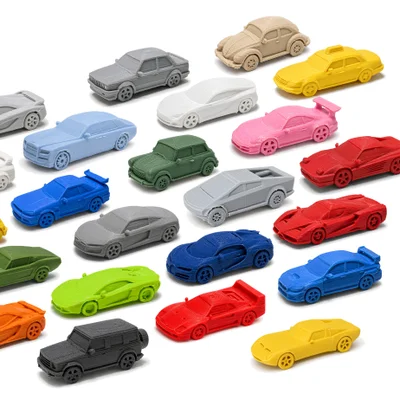 ByHeinerKrallm_2777937Likes120Downloads492