




Thùng rác in Vase Mode
 BybobmakesLikes2.5KDownloads17.5K
Build another version of this model.
I used the EUSOAR Spiral Lined Notebook, A5 6 packs 5.5"X8.3" as a basis, but I suspect most A5 notebooks (with the correct spiral would work). (hint: Look for 23 spiral holes)
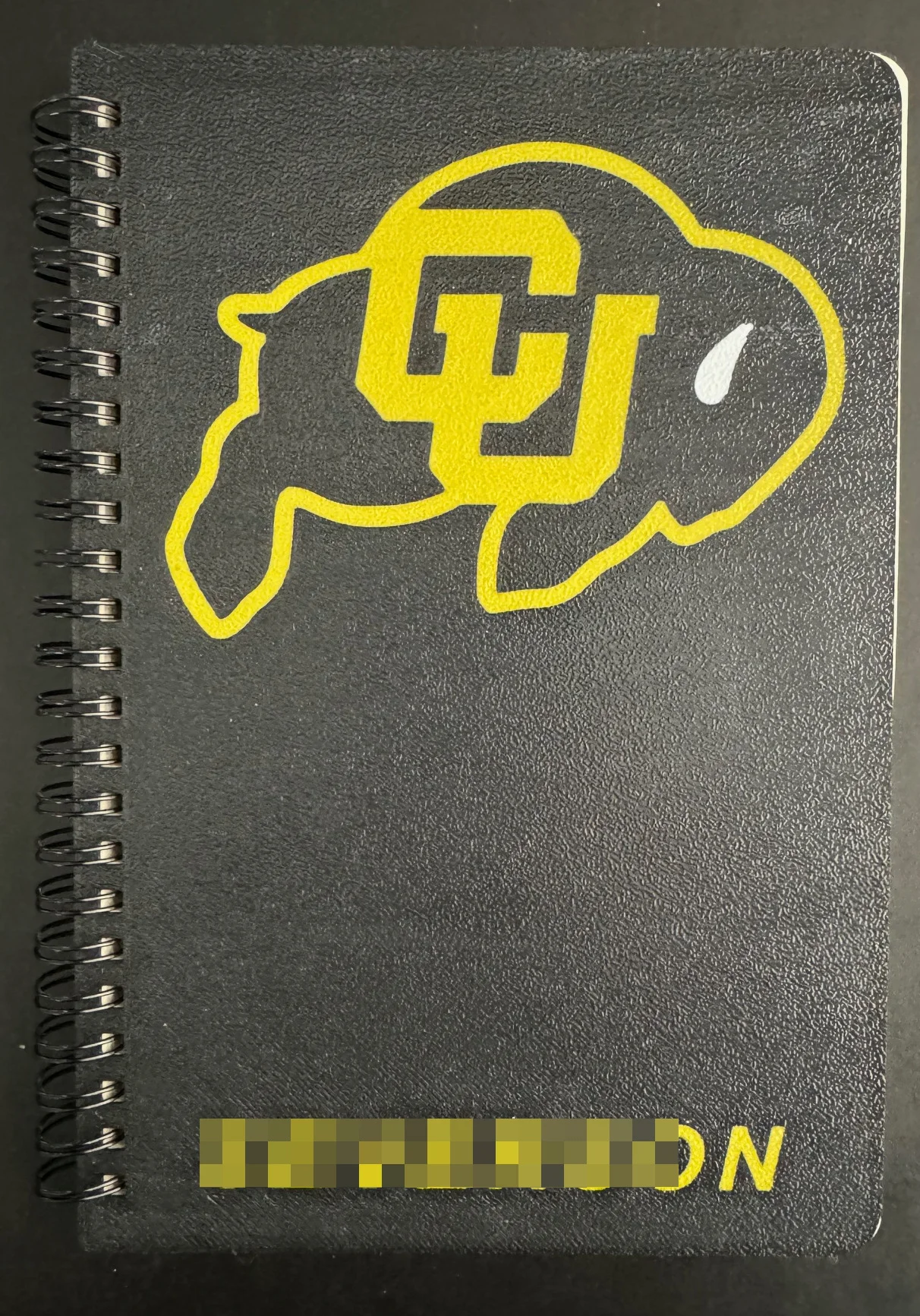
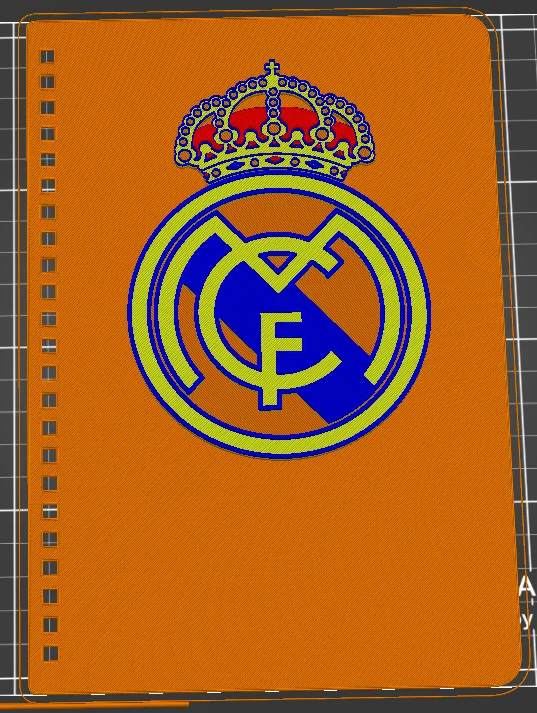
A quick an easy way to generate a notebook with your favorite team/brand is to simply combine the logo with the cover (you may have to merge them) and print it out. Some examples and links to the logos here on Printables:
And one of my favorites, Dunder Mifflin
Additionally most slicers allow you to add or subtract material to create an embossed or subtractive affect, use file to emboss or raise (see examples!), or use your own editing to create covers like the graphing one. For the cover photo I switched filaments a couple of times, a translucent filament so I had a solid backing, then a sparkling gray filament followed by a blue purple filament (It's super easy to switch filaments by layer, even without a MMU, just ask if you have questions). You can also use a stencil text to create traceable patterns, or a stencil like SVG (like with any stencil, you need to support any pieces in the middle, of course) Lots of options within the creative reach of even the most basic slicers. I've even embedded multi colored logos into the cover using my Bambu, creating a very professional looking notebook with company logos.
In order to replace the existing cover, open the book in half, rotate the spiral so the opening is in the middle and facing towards you, then slowly tug the covers from one end through the gap in the spiral. To insert the new ones, slip the new cover and backing back in the same slot. if you deform the spiral, like i did in the pics, it's easy to bend them back in to place.
For nice results lay the outside surface to the build plate (this won't work with the business card covers). You can still inset a name with another color but i think the bambu slicer makes you convert it to get the right height on it so that it sits flat on the surface. (once again, if people have trouble on this, let me know and i'll create a tutorial)
Printed in PLA, if you're keeping these in a hot car or somesuch, you'd want to use ABS, ASA or maybe PETG.
100% infill, though I imagine this is thin enough that most slicers would default to that anyway.
.4mm nozzle
BybobmakesLikes2.5KDownloads17.5K

 ByimanorangutanLikes0Downloads675

 BytsmccLikes0Downloads308

 Byquibeck_3353173Likes1.5KDownloads11.5K

 ByVinors3DLabLikes393Downloads1K

 Bycustom-3d-partsLikes0Downloads207

 ByHydratedMini_1690513Likes173Downloads724

 Byxtruderline-3dLikes0Downloads129

 Bym-collectableLikes0Downloads3.9K

 Bylayer-forgeLikes0Downloads596

 ByTommy3DLab_2023125Likes636Downloads2.5K

 Byaxis-prints-3dLikes0Downloads787