



Kẹp giữ sợi Filament
 Bytinx_1344834Likes1.2KDownloads6K
Build another version of this model.
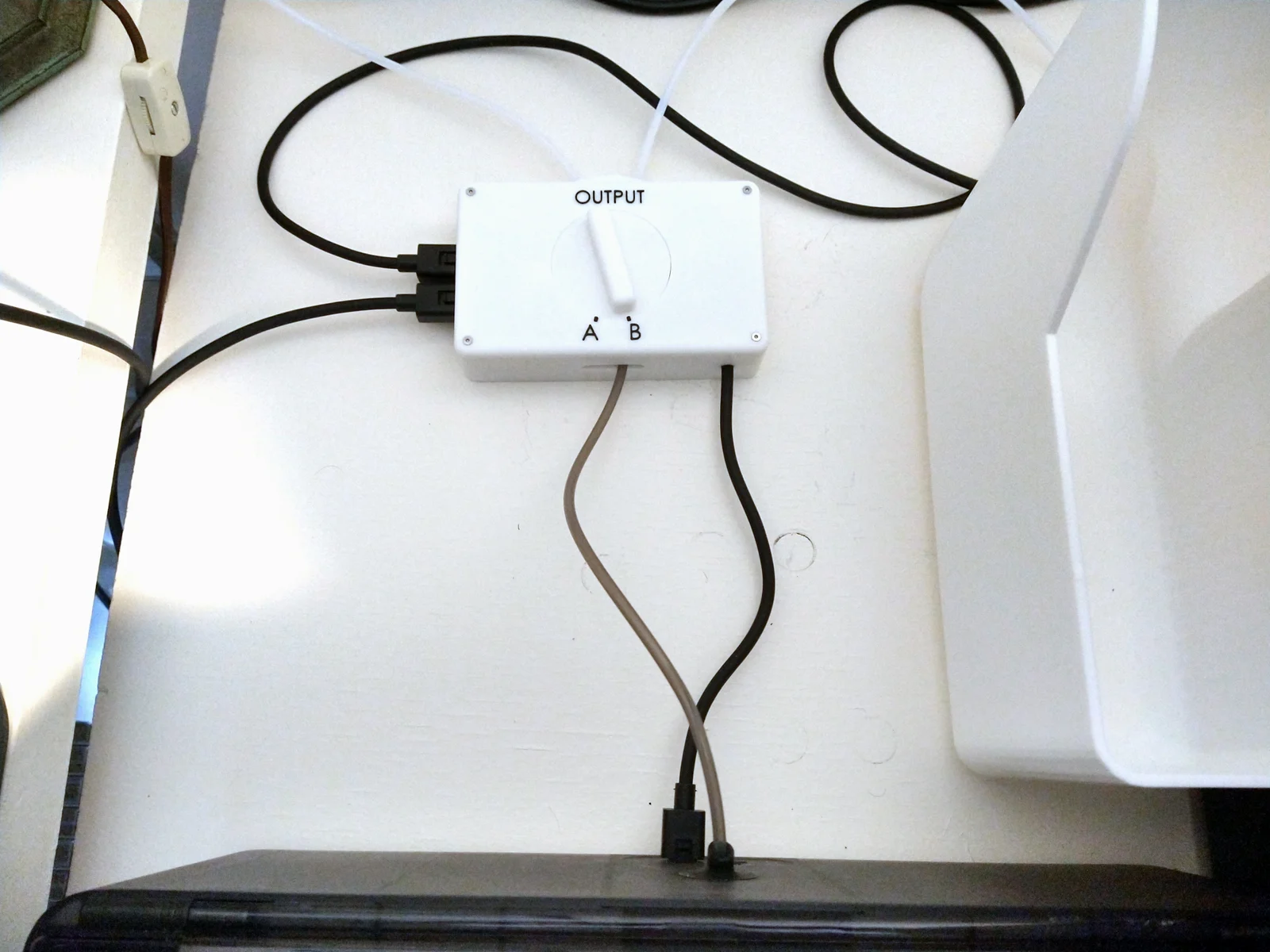
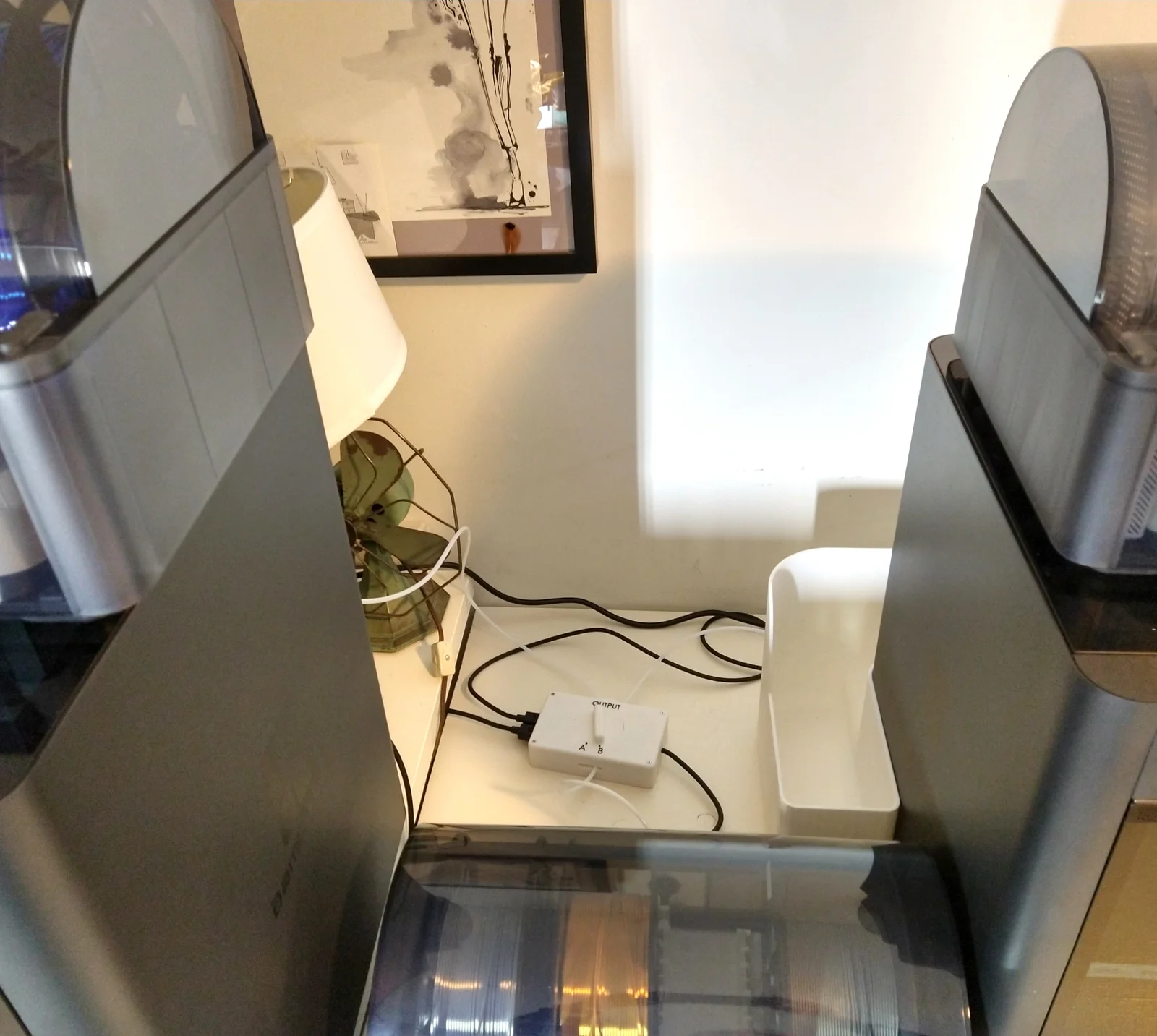
I have 3 AMS units and 2 printers. This A/B switch allows me to simply twist a knob to switch an AMS between the two printers. When I flip the switch, the target printer automatically detects the newly attached AMS, and scans its spools. Full assembly instructions are in the AMS A_B Switch Build Notes PDF file.
You cannot switch a shared AMS if either printer is printing. Disconnecting an AMS (even if it is not being used) from an active printer may kill a print, by corrupting the communications protocol between the printer and the AMS. And if the shared AMS is switched to a printer that is printing, it will not be recognized until after the print ends.
USE AT OWN RISK! Wiring this wrong can take out your printer! I've made 2 of them and both work great. Be sure to use a meter to check, then recheck, all connections before using.
A Bambu Studio .3MF file is included. It includes Plates, so it will generate errors when loaded by PrusaSlicer.
Supports are needed, but be sure to disable any supports in the 3 PTFE Clip holes. It is not needed in the holes and is really hard to get out.
Bytinx_1344834Likes1.2KDownloads6K

 Byprusa-researchLikes0Downloads2.7K

 Bydet-manLikes0Downloads175

 Bygummiegecko8477Likes0Downloads166

 BydalleLikes0Downloads149

 ByhumebeamLikes0Downloads131

 Byarhi_585078Likes64Downloads545

 ByHanzo3dLikes155Downloads417

 BydarienLikes0Downloads1K

 ByGeek5DLikes147Downloads490

 ByBrokentooth_designsLikes23Downloads412

 Byla-cave-au-chatLikes0Downloads969