



Kẹp giữ sợi Filament
 Bytinx_1344834Likes1.2KDownloads6K
Build another version of this model.
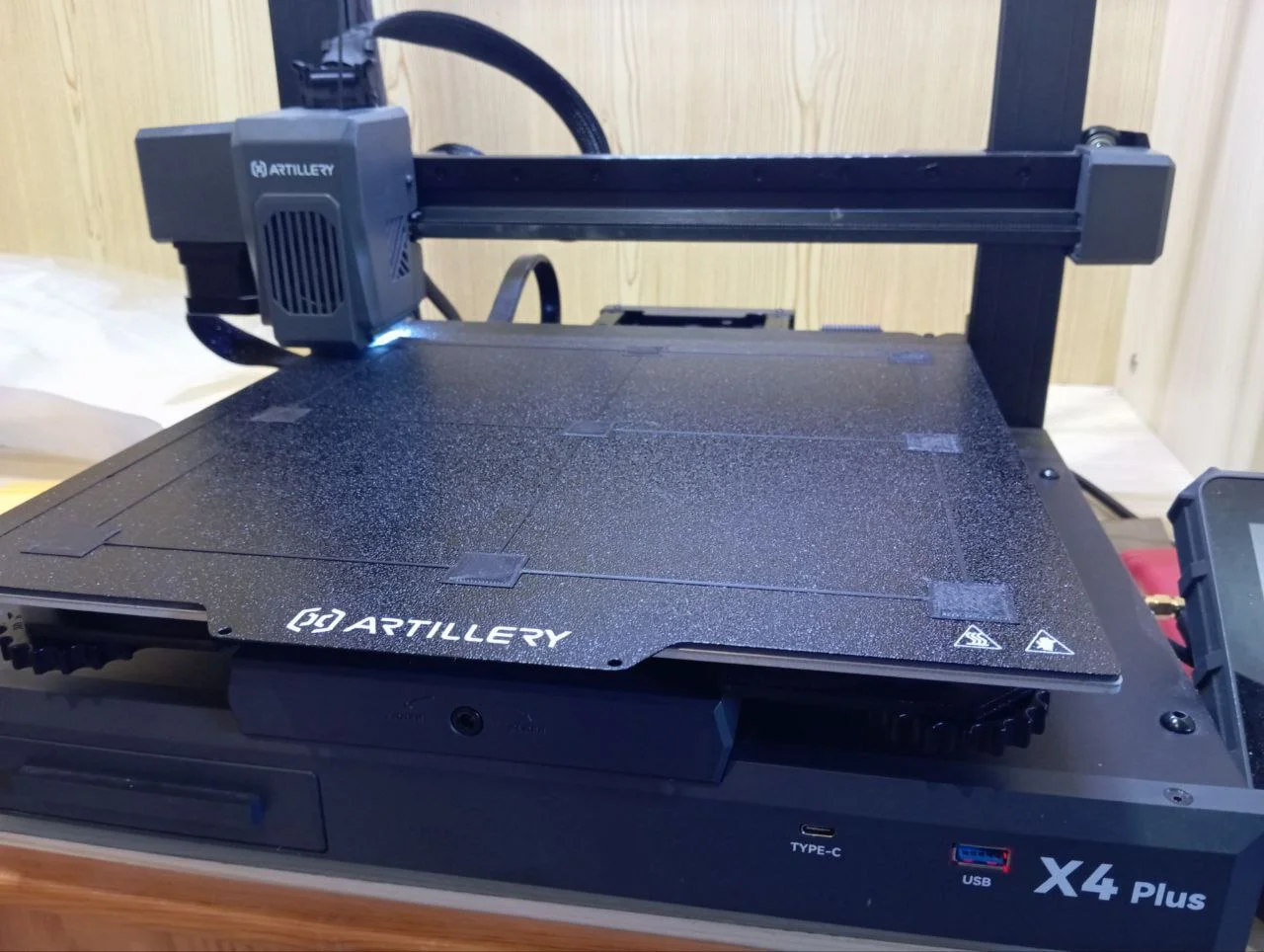
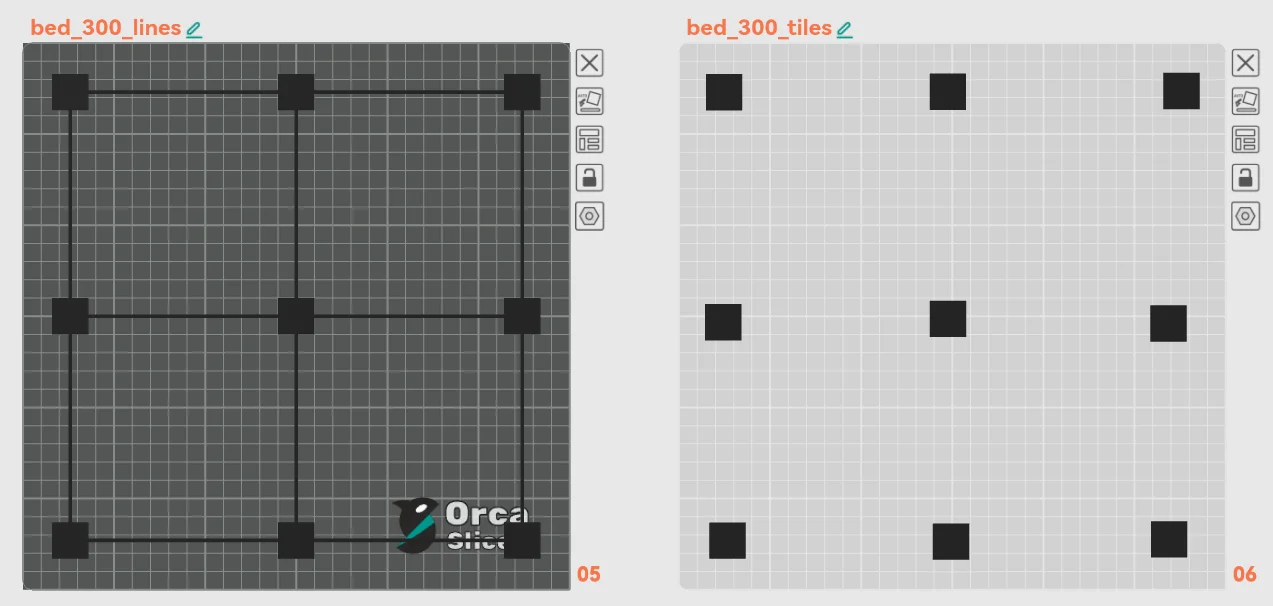
A pack of resources to check and test the bed calibration in 300x300 printers. Like the Artillery Sidewinder X4+, Artillery sidewinder X3+, Elegoo Plus, and others. It will print small squares of 20x0,4mm (two layers)
Recommendation: If you use the tiles version go to "Split > By Object" and set the order to “Print sequence by object”.
With the single tile (or removing from the tiles) you can create a NORT, SOUTH, WEST, etc print files when the problem is more evident in only one side of the bed to save material and time.
Note: I added the big tile in a single layer mode. Because with this printers, sometimes, the best thing to do is to micro adjust the wheels and z offset on the run. (cries in broken artillery 4 plus autolevel)
Settings:
Bytinx_1344834Likes1.2KDownloads6K

 Bygafyx3dLikes0Downloads120

 BylaserbaconLikes0Downloads171

 ByswimLikes0Downloads108

 By3d-mmakerLikes0Downloads114

 Bynadir-cn3dLikes0Downloads110

 Byprusa-researchLikes0Downloads2.7K

 ByKRYS_3DLikes8Downloads43

 Bypjs37Likes0Downloads155

 Byduo3dprintLikes0Downloads152

 ByFonnPrintsLikes4Downloads18

 Byarhi_585078Likes64Downloads540