

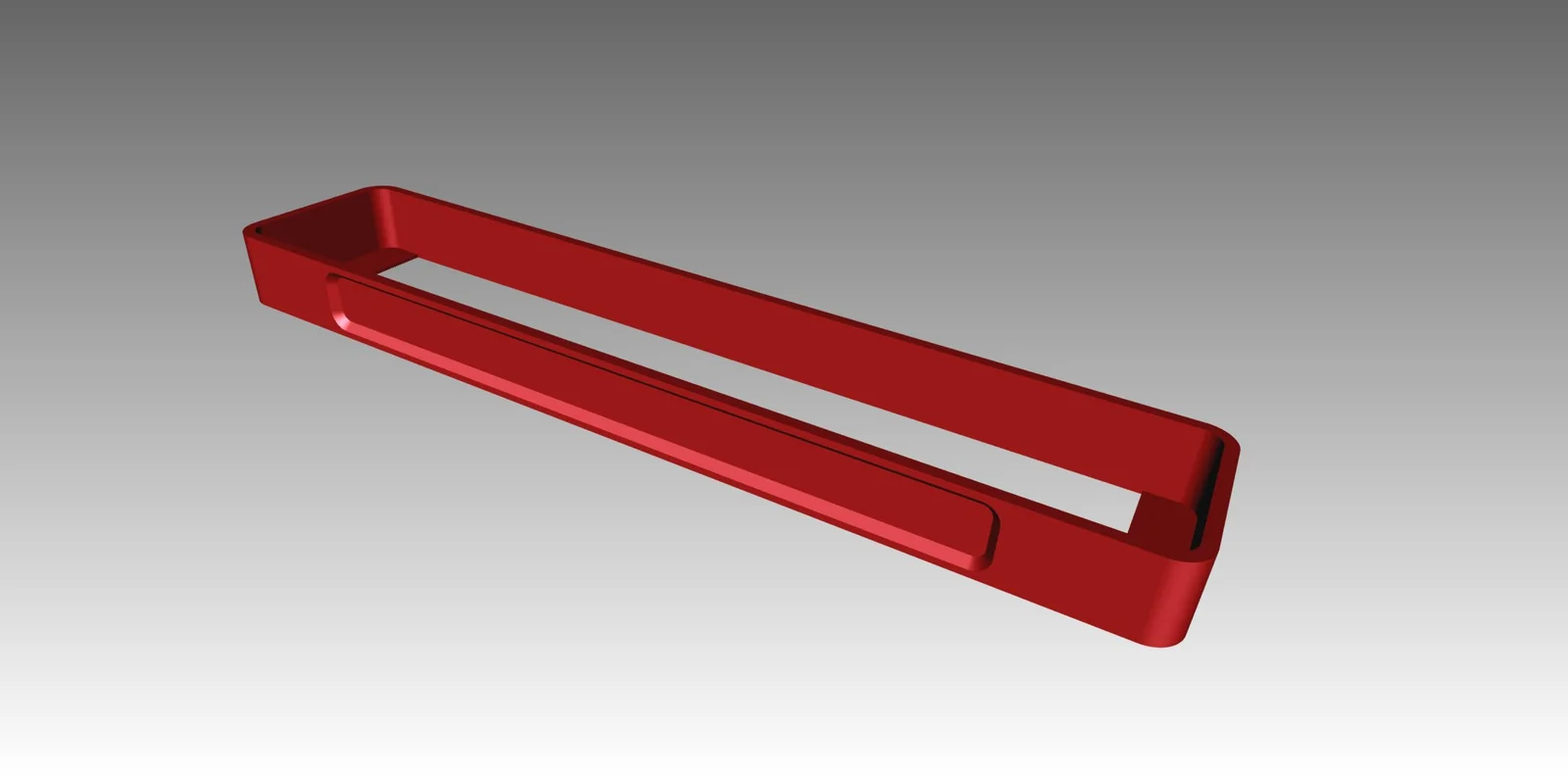


Kẹp giữ sợi Filament
 Bytinx_1344834Likes1.2KDownloads6K
Build another version of this model.
Each filament shrinks a bit after printing and then you don't have to be surprised if the dimensions are too small. You can do something about that...
With this model you can calculate the shrink factor of your filament and later create dimensionally accurate prints.
This model has a length of 100mm and only needs about 2gr filament.
Print this model, let it cool down, and then measure the exact length. It will certainly not be 100mm.
Theoretical value / measured value * momentary shrink factor
In this case:
100 / measured value * 100
This gives a value higher than 100. E.g. 100.56
You can enter this value in the slicer, in Cura there is a field for the "Horizontal Scaling Factor Shrinkage Compensation" here the calculated value can be entered. From now on, the scaling will always be set appropriately for this filament and your printed model will be dimensionally accurate.
In Cura, I use a separate profile with the appropriate shrink factor for each filament.
Other slicers probably also have a field in which you can enter the shrink factor, but I only use Cura, so I don't know exactly.
Hint:
In the small field on the side I write the filament used, so I don't get confused :) Happy calibrating!
Bytinx_1344834Likes1.2KDownloads6K

 ByswimLikes0Downloads110

 Bynadir-cn3dLikes0Downloads117

 Byprusa-researchLikes0Downloads2.7K

 Bydet-manLikes0Downloads176

 Bygummiegecko8477Likes0Downloads168

 Bychukwufumnanya-arinzechukwuLikes0Downloads153

 Bygafyx3dLikes0Downloads125

 Bypjs37Likes0Downloads159

 BydalleLikes0Downloads150

 Byduo3dprintLikes0Downloads156

 BylaserbaconLikes0Downloads175