



Kẹp giữ sợi Filament
 Bytinx_1344834Likes1.2KDownloads6K
Build another version of this model.
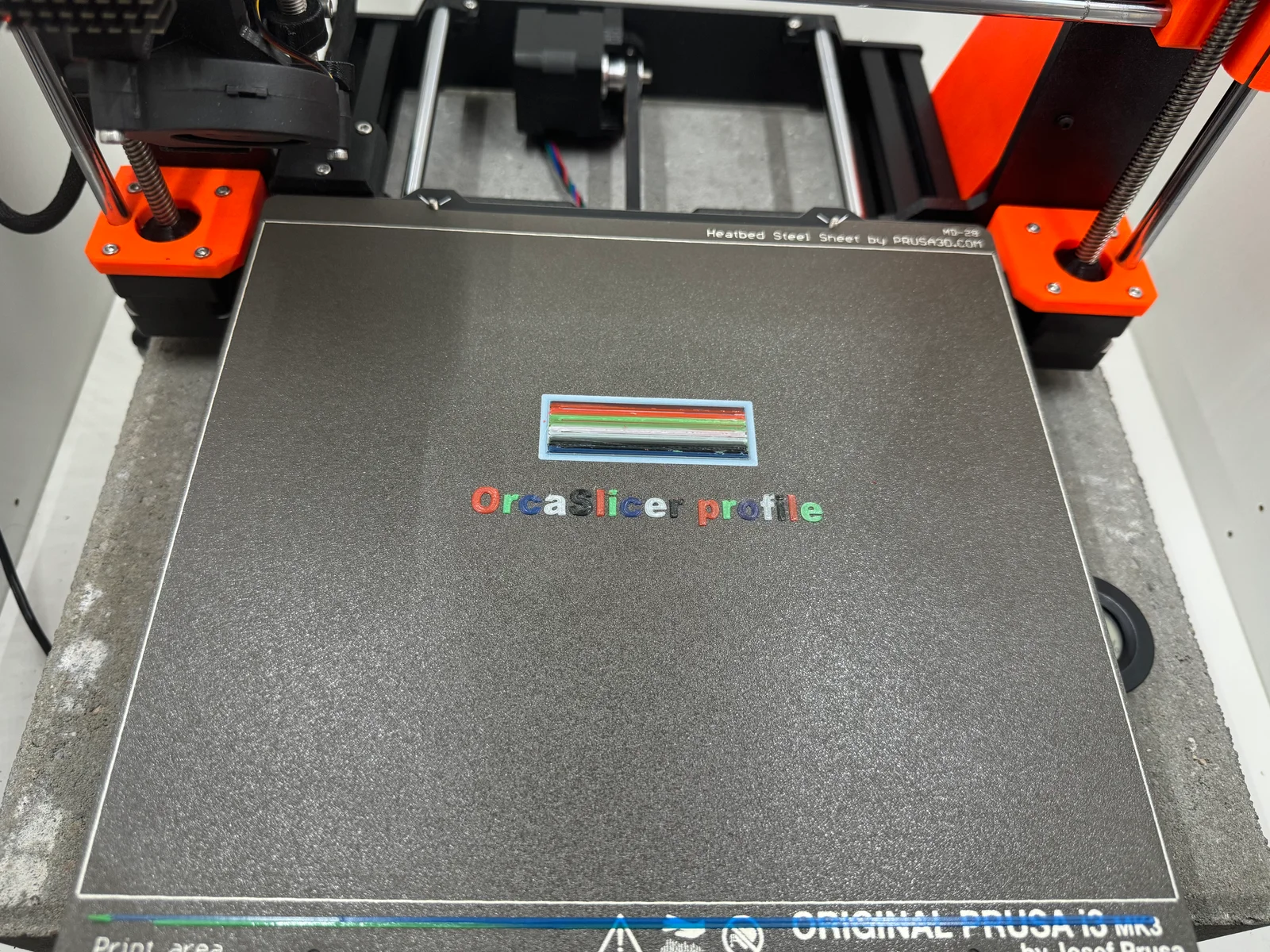
Working profile in Orca Slicer for a Prusa MK3s+ and MMU3.
Tested with 1000+ tool changes with no cloggs and only one user error :D
This is no longer getting updated since I sold my MMU3.
Video guide
Instructions to import the profile
Filament settings > Multimaterial
Filament settings > Multimaterial > Ramming settings
Change Log:
29/07/2024 - Toolchange parameters: Improves the time it takes to unload and load filament and the filament tip is more consistent
Bytinx_1344834Likes1.2KDownloads6K

 Bychris-barwickLikes0Downloads134

 Byprusa-researchLikes0Downloads2.7K

 Bydet-manLikes0Downloads178

 Bygummiegecko8477Likes0Downloads169

 Bychukwufumnanya-arinzechukwuLikes0Downloads155

 BydalleLikes0Downloads153


 BynasikLikes0Downloads125

 Byarhi_585078Likes64Downloads547

 ByltloweLikes26Downloads126

 ByHanzo3dLikes155Downloads417