



Minimalist Phone Stand | Charging Cable Hole
 Bymateusz-tokarzLikes0Downloads137
Build another version of this model.
Split the STL into objects in Prusaslicer to separate the parts.
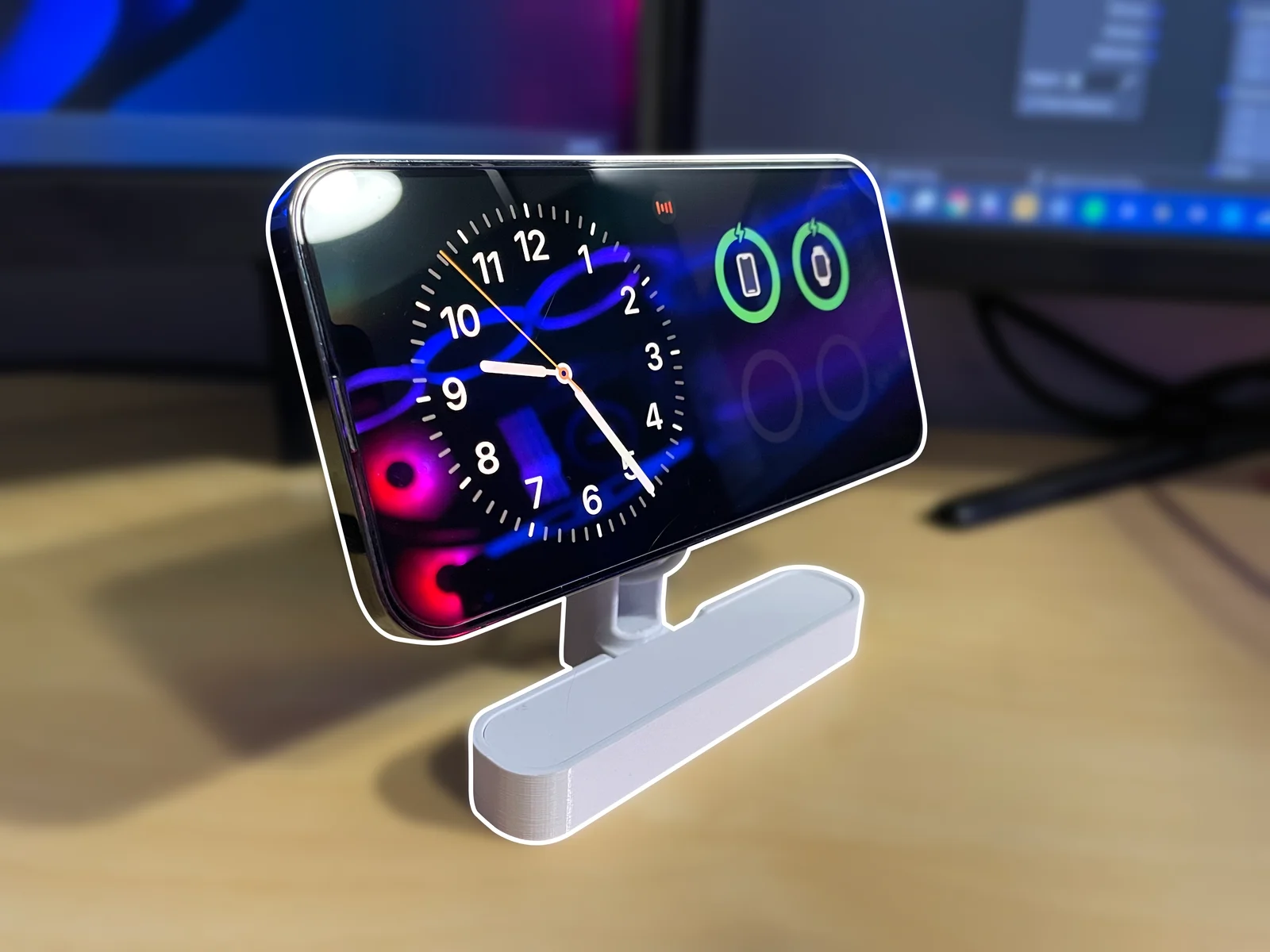
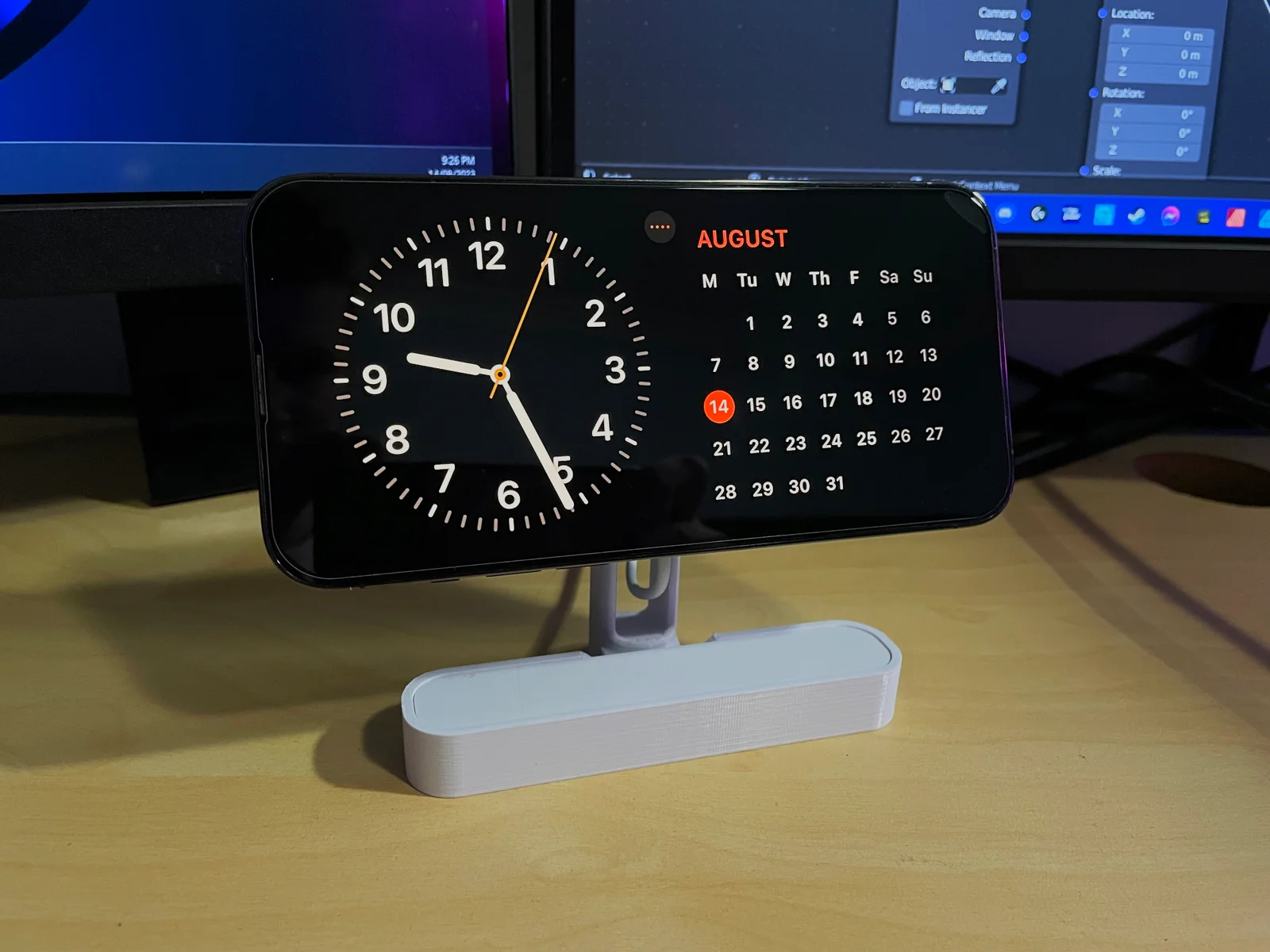
Apple's iOS 17 introduced StandBy mode, which automatically turns your phone into a smart display when charging and in a horizontal orientation. It can be used to show the time, photo slideshows, weather, battery levels, music, calender, etc.
The stand also works when the phone is in vertical orientation, and has enough clearance to rotate the phone while on the stand, even the Pro Max models.
You can print the parts in different colours for personalisation. No supports are required for printing and no glue for assembly: includes snap fits that easily snap the parts together (don't be afraid to use a little force to click them in, they're meant to be a tight fit).
Order of assembly:
The MagSafe puck is mounted rigidly via a tight fit but is easily removed and re-inserted if need-be. The cable for it neatly runs out from the back of the stand. If you have a phone case it must be MagSafe compatible to work with the stand or the phone won't stay up.
Print Settings: Any print settings should work with a calibrated printer, but I printed and tested with 0.15mm layers, 3 perimeters, 20% infill, and top layer ironing for aesthetics. See last picture for part print orientations.
Sep 24th 2023: I have discovered that variation of tolerances among different printers makes a snap fit system hard to design to work for everyone. I slightly loosened the tolerances for puck to mount snap fit, and added chamfers to help guide the clips into position. If you still have issues with this snap fit please let me know. I've also added a version of the stand part without the clip tabs so you can simply superglue it if the snap fit won't work for you.
Bymateusz-tokarzLikes0Downloads137

 ByckthLikes148Downloads2.4K

 ByFosphorLikes20Downloads237

 ByVfr750_266509Likes0Downloads4

 ByalexnotLikes0Downloads113

 BykukulinLikes77Downloads517

 ByftoerringLikes79Downloads184

 ByDiscotehkLikes35Downloads153

 ByCasamaMakerLikes6Downloads31

 ByJKMCZLikes11Downloads176

 ByJaronLikes310Downloads1K

 Byw3rN42Likes127Downloads934