



Kẹp giữ sợi Filament
 Bytinx_1344834Likes1.2KDownloads6K
Remix of Giải pháp làm sạch đầu phun Elegoo Neptune 4 Pro By Tom_208158
Build another version of this model.
Copied from the original model:
As the Z-offset measurement on the Elegoo Neptune 4 Pro occurs very close to the print bed surface, contaminants on the nozzle can quickly lead to inaccuracies in the system-measured Z-offset. Any existing material residue causes the bed to be pressed down during the offset measurement, resulting in a higher measured distance. This, in turn, positions the nozzle too close to the bed. The severity of this effect is influenced by the hardness and quantity of the residue.
Since I don't want to forgo automated bed leveling (KAMP) before each print, I've devised an approach for an automated cleaning system.
All you need is a brush, the macro, and an adjustment in your Start-Print-Macro. Additionally, I've created a No-Go-Area (Polygon) for the Orca Slicer to avoid its usage.
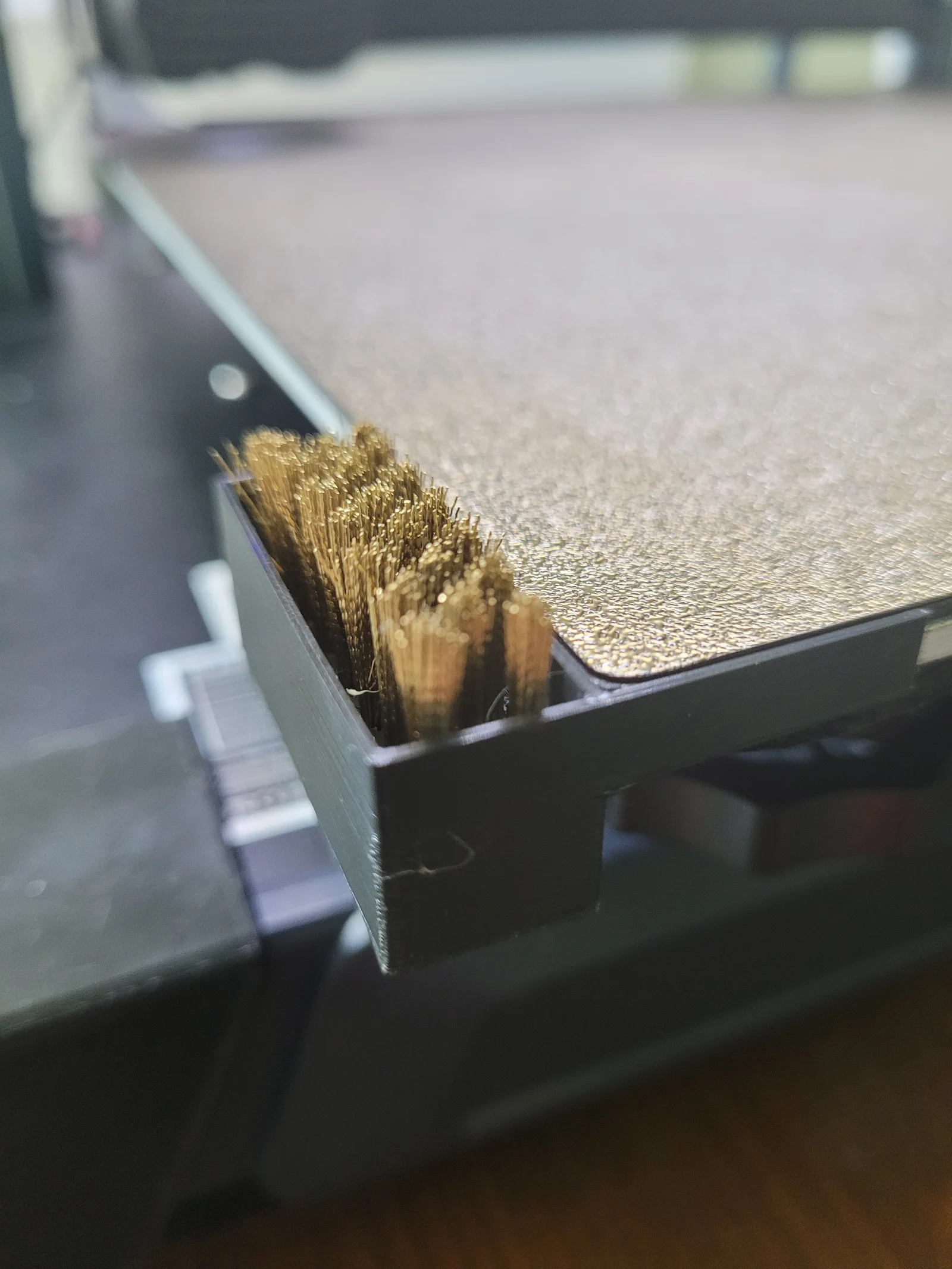
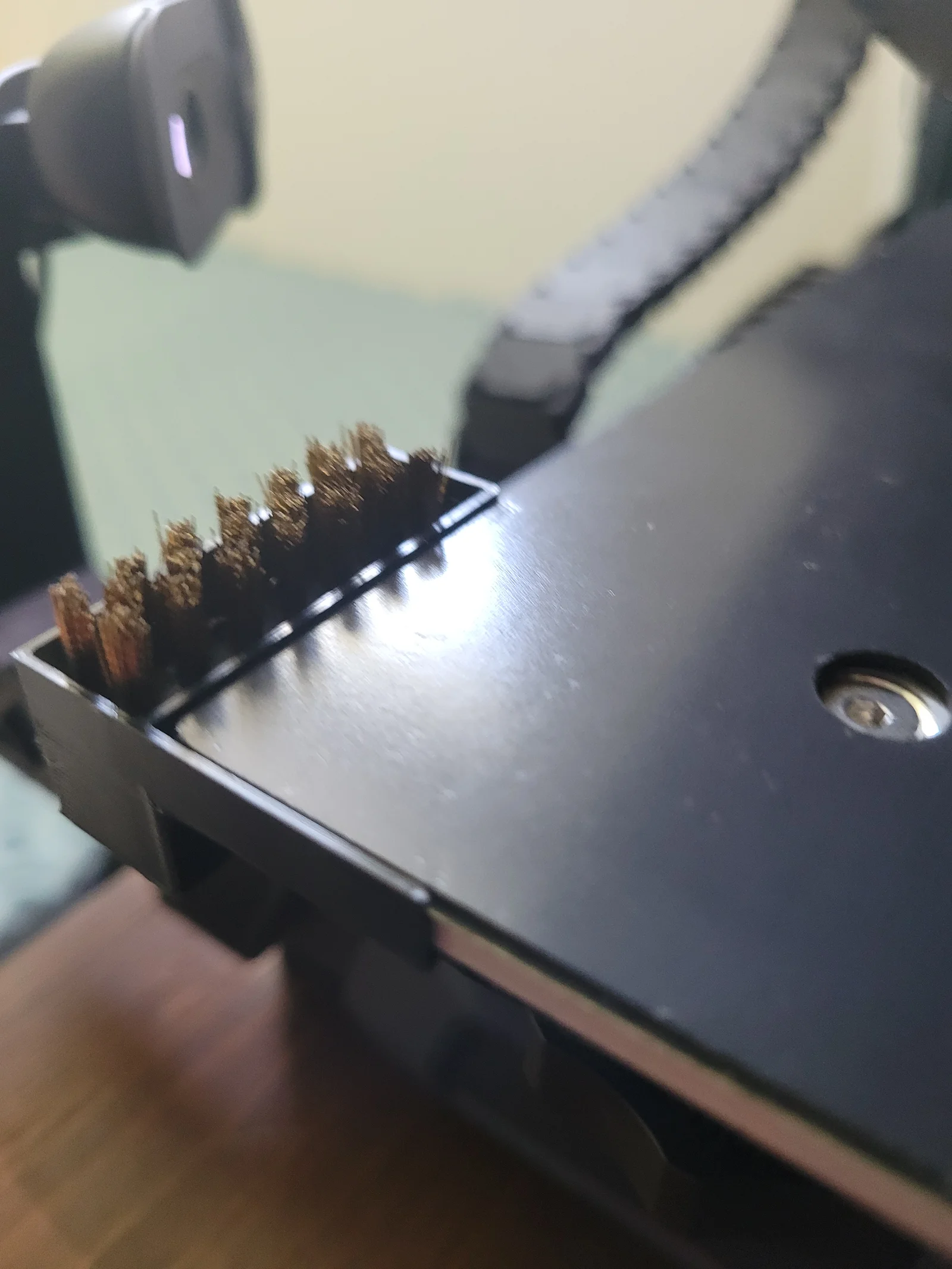
I sourced the brush from Amazon (https://www.amazon.de/dp/B0CHNZ458F) and cut the brush head after 40mm from the handle. You can also use any reasonably fitting alternative brush. The parameterized Fusion360 model, a Step file, and the STL file are provided.
Installation:
Print the holder in a heat-resistant material (ABS, ASA, ...). Insert the brush into the holder. Attach the holder to the front left corner of the print bed. Copy the macro (macro.txt) into your printer.cfg.
Add the following line to your Start-Macro after heating the bed and before bed leveling: CLEAN_NOZZLE EXTRUDER_TEMP={params.EXTRUDER_TEMP|default(200)|float} WIPES={10}. (Parameter WIPES: Number of cleaning movements (default = 10). Cleaning temperature = Extrusion temperature - 40°C.)
Optional: Add the following polygon under Printer Settings -> Excluded Print Bed Area in the Orca Slicer: 0x0,25x0,25x5,5x5,5x42,0x42.
Your N4P should now clean its nozzle before each bed leveling and hopefully deliver a correct Z-offset afterward.
Enjoy!
Bytinx_1344834Likes1.2KDownloads6K

 Byprusa-researchLikes0Downloads2.7K

 Bydet-manLikes0Downloads176

 Bygummiegecko8477Likes0Downloads168

 BydalleLikes0Downloads150

 Byarhi_585078Likes64Downloads546

 ByHanzo3dLikes155Downloads417

 BydarienLikes0Downloads1K

 ByGeek5DLikes147Downloads490

 ByBrokentooth_designsLikes23Downloads412

 Byla-cave-au-chatLikes0Downloads972

 Bycrawler-3903250Likes0Downloads909