



Kẹp nhựa mini (thêm một mẫu kẹp sợi filament khác)
 ByreddLikes216Downloads2.1K
Build another version of this model.
Greetings Printables community, I'm pleased to introduce my first model, developed while acquainting myself with the capabilities of the open-source 'FreeCAD' program.
Holder for a Spool Holder: Anycubic Kobra 2
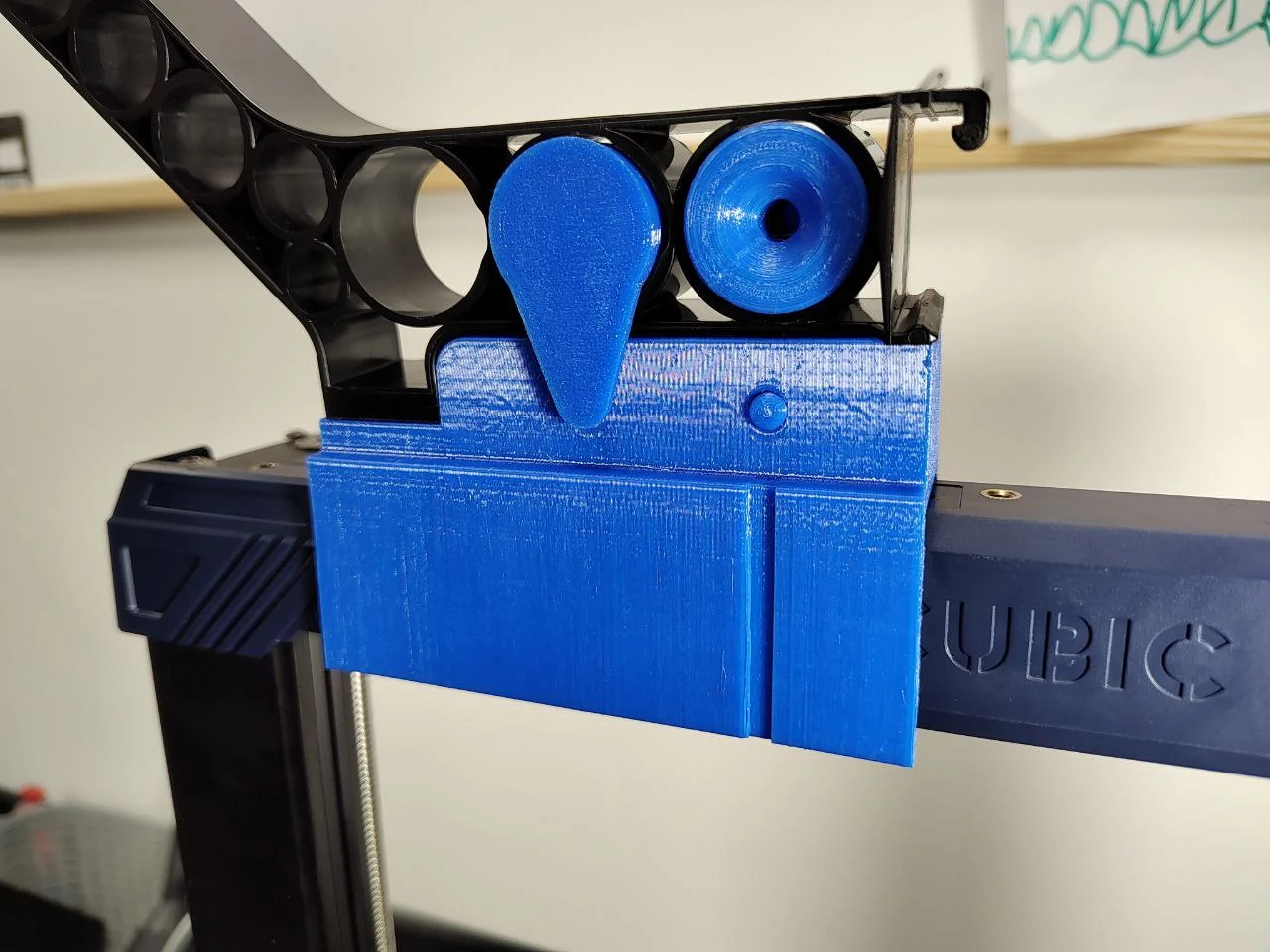
The design of the Anycubic Kobra 2 incorporates its spool holder on the lower left side. Some users have noted this placement is not ideal as it consumes considerable horizontal space. While there are alternative designs online that suggest entirely new spool holders positioned on the device's top, I've opted for a more streamlined solution. My design is intended to enhance the functionality of the Kobra 2's existing Spool Holder.
Advantages of this Design
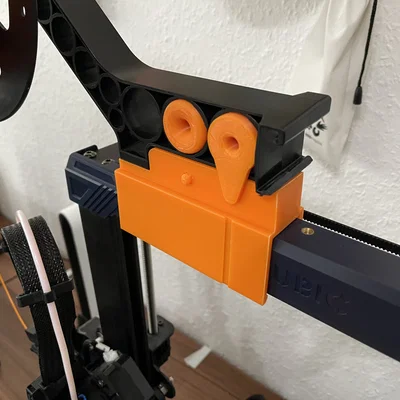
Primarily, it utilizes the existing holder from the original set, ensuring no components go to waste. Additionally, my design seamlessly integrates with the current holder. This means there's no mandatory requirement to modify the position of the filament sensor. Users have the flexibility to mount the spool holder either to the left or to the right, with filament access from the dedicated left-side conduit or directly from the top. When printed as shown in the pictures, the model doesn't need any printing supports.
Usage Guidelines
The holder model features a clip that securely attaches to the printer's frame. Two hook options are provided for varied fits: an extra tight diameter of 27mm and a slightly more relaxed yet secure 26.2mm. Additionally, there's a groove in the holder's body for those seeking an ultra-secure setup. But once you hear that satisfying "click", you'll realize there's genuinely no need for a zip tie ;)
Tips
The holder is designed to utilize the indent present in the frame. For optimal placement, please refer to the accompanying pictures. It's intended to align and remain perfectly horizontal on the frame for best results.
I recommend printing with PETG for added material flexibility, though PLA works well too. Note the rounded edges on the clip; they aid in easier placement on the printer's frame. The optimal method to position the holder is to slide it, back first, to the frame's middle, then click it into place using the indent as either the left or right edge, based on the side you're placing it on. For visual guidance, refer to the image below.
As this is my first attempt at 3D modelling, I appreciate your understanding and patience. I am introducing this project to all Anycubic Kobra 2 users and look forward to your feedback.
ByreddLikes216Downloads2.1K

 Bytinx_1344834Likes1.2KDownloads6K

 ByJasonOlliff_519145Likes241Downloads2K

 Byarhi_585078Likes64Downloads535

 ByHanzo3dLikes155Downloads410

 ByGeek5DLikes147Downloads480

 ByPengLordLikes32Downloads106

 ByBrokentooth_designsLikes23Downloads401

 By3DSourcererLikes48Downloads372

 ByWyomingWolf_261196Likes52Downloads422

 Bytopronix_2170418Likes41Downloads292

 ByAlex_3996727Likes29Downloads62