


New
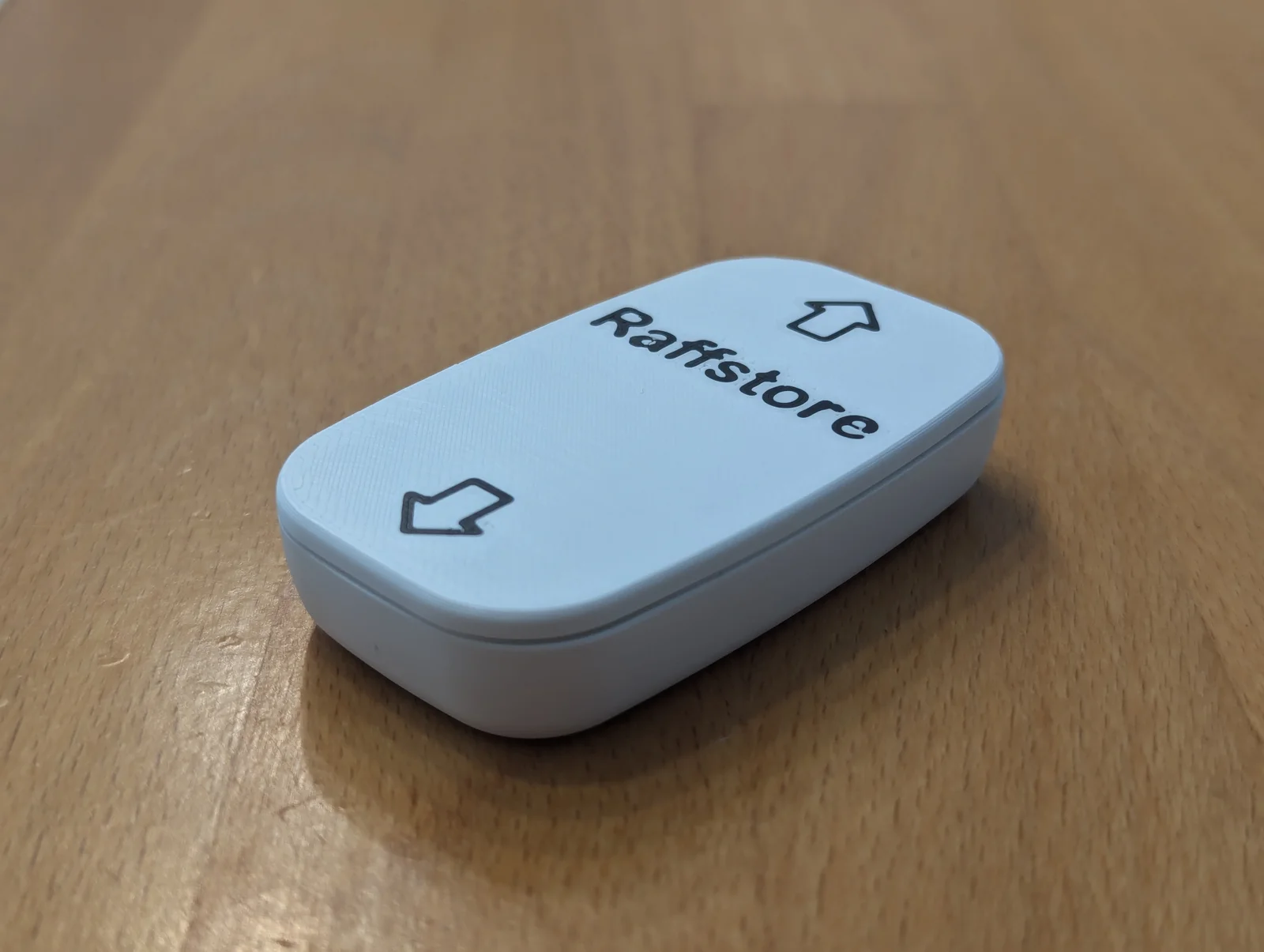
Pocket-Size Third Hand Mini Spring Loaded Vise
 ByrjunLikes0Downloads302
Build another version of this model.
Supports: Integrated, no extra supports needed.
Nozzle Size: Printed & tested with 0.25mm and 0.4mm.
Text / Symbols: Use PrusaSlicer to add text / symbols. Hint: Switch to “Object Coordinates” for exact positioning. You can easily get SVG icons from https://www.svgrepo.com/ to add as modifiers onto the faceplate.
In the examples, the symbols are placed at x=0, y=-26/+26 with 10mm width, text is placed at x=0, y=10 in Arial Rounded for better printability.
ByrjunLikes0Downloads302

 ByleonicLikes0Downloads1.4K

 ByZED4EverLikes313Downloads5.2K

 ByVC_DesignLikes271Downloads756

 ByfifindrLikes500Downloads4K

 Bymrfixit_324954Likes65Downloads477

 Bylab-96Likes0Downloads105

 ByDan Schwartz SchwartzLikes744Downloads3.4K

 ByBrokentooth_designsLikes83Downloads453

 Byvc-designLikes0Downloads3.2K

 Bythorin-oakenshieldLikes0Downloads530

 ByUpcrid3D_1585693Likes808Downloads2.1K