

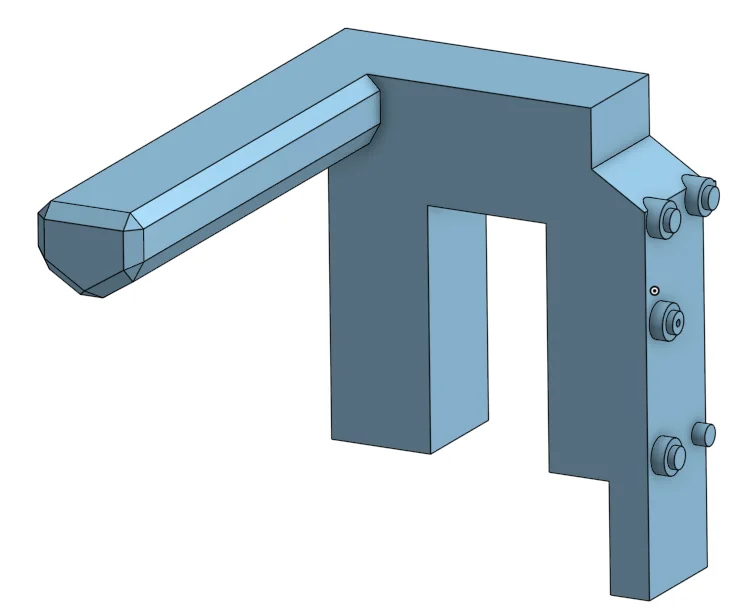
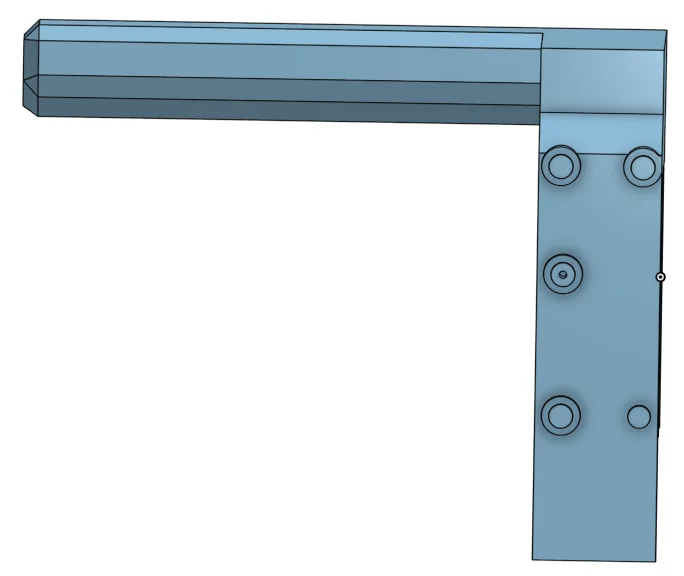


Kẹp giữ sợi Filament
 Bytinx_1344834Likes1.2KDownloads6K
Build another version of this model.
This is designed to activator the manual filament cutter and mount the switch for the 3dChameleon. It can also be used to activate the manual cutter using gcode and not use the 3dChameleon.
Orca Slicer Setup
Click on the printer settings button.
Click on Multimaterial. Tick single extruder multi material. Tick manual filament change.
Click on Machine G-Code. Scroll down to Filament Change GCode and type:
G0 X20 Y200 F2000
G0 X0 Y200 F500
G0 X0 Y240 F200
G0 X0 Y0 F2000
Save settings
If using with the 3dChameleon the switch location is X20 Y245
Bytinx_1344834Likes1.2KDownloads6K

 Byprusa-researchLikes0Downloads2.7K

 Bydet-manLikes0Downloads179

 Bygummiegecko8477Likes0Downloads172

 Bychukwufumnanya-arinzechukwuLikes0Downloads155

 BydalleLikes0Downloads154

 Bychris-barwickLikes0Downloads134


 BynasikLikes0Downloads125

 Byarhi_585078Likes64Downloads547


 ByHanzo3dLikes155Downloads417