


New
戒慎恐懼 票票入匭 錯視柵欄牌 | Every Ballot Into the Box — Illusion Fence Sign
 Byjeremy-linLikes0Downloads122
Build another version of this model.
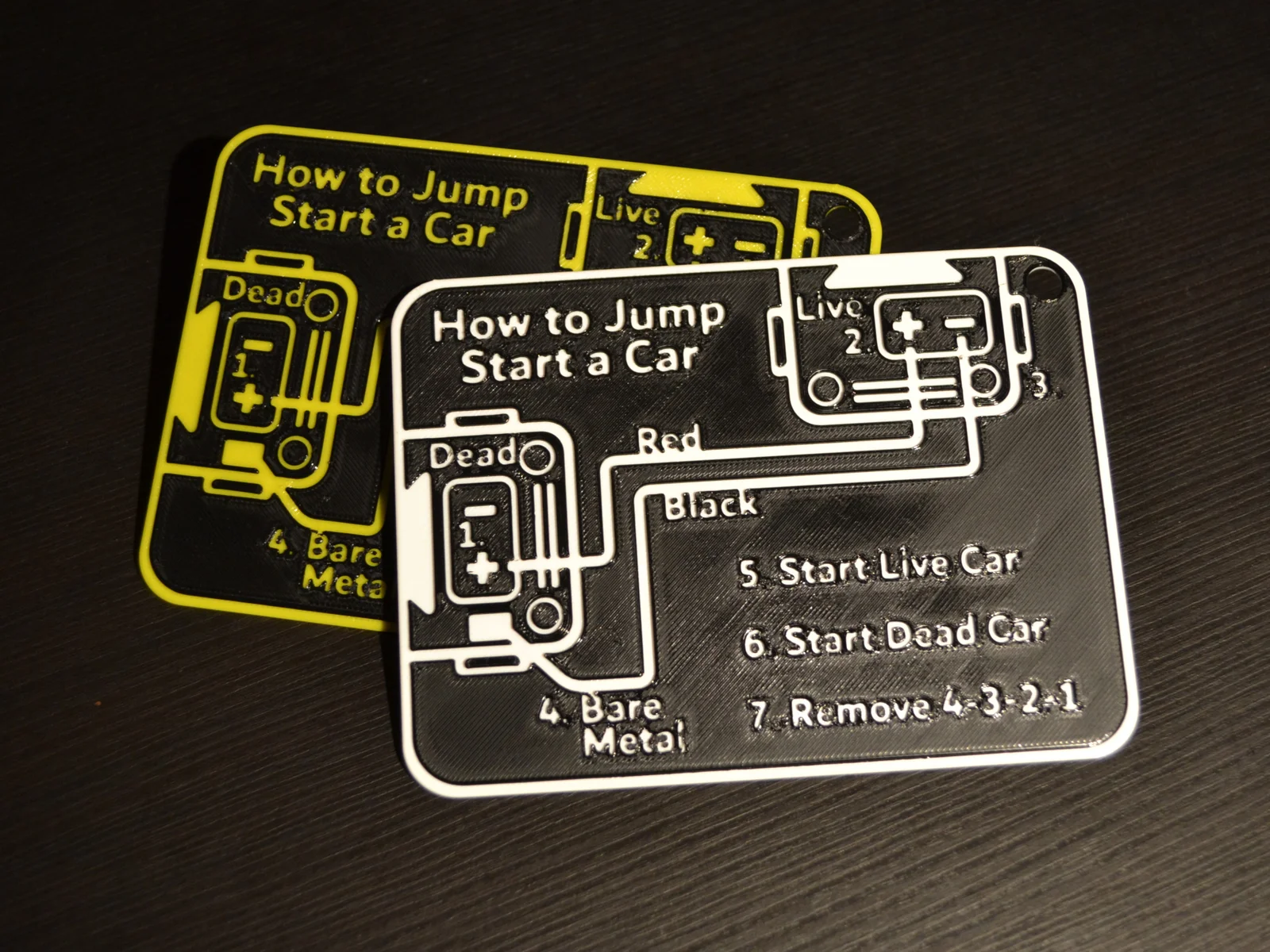
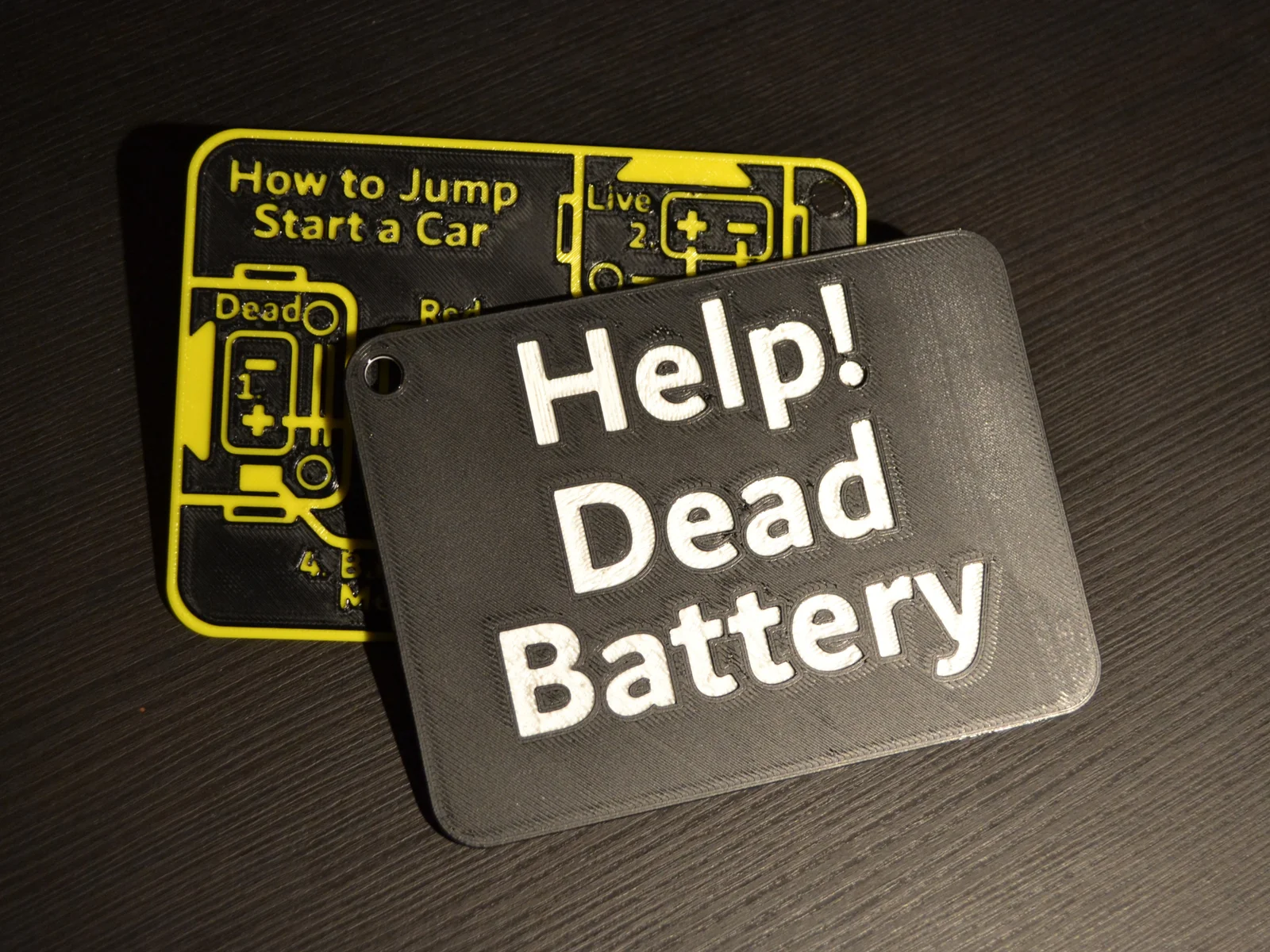
Important: It is recommended to use a battery booster over jumper cables. If you are unsure about participating in jumpstarting with your vehicle, consult a professional for help instead. In an emergency, use jumpstarting vehicles at your own risk.
[Updated 2024-10-14: released version “LARGE - Only Jump Start Sign” -179.56mm, added color change note to description for new version]
Notes:
Printing:
Byjeremy-linLikes0Downloads122

 ByvojtagrecLikes289Downloads903

 ByDrewmundLikes833Downloads4.6K

 ByawelshmanLikes74Downloads139

 ByS1m3DLikes74Downloads119

 ByHowler117Likes27Downloads351

 ByVojtechSkals_4144903Likes50Downloads251

 ByFastRaccoon_718321Likes461Downloads1.5K

 ByvexanixLikes168Downloads1.3K

 ByIvoLikes196Downloads1.1K


 ByshoheiyLikes0Downloads213