



Mẫu tranh treo tường nghệ thuật phong cảnh thiên nhiên Nature Decor
 ByCodyMeyer_2545340Likes163Downloads721
Build another version of this model.
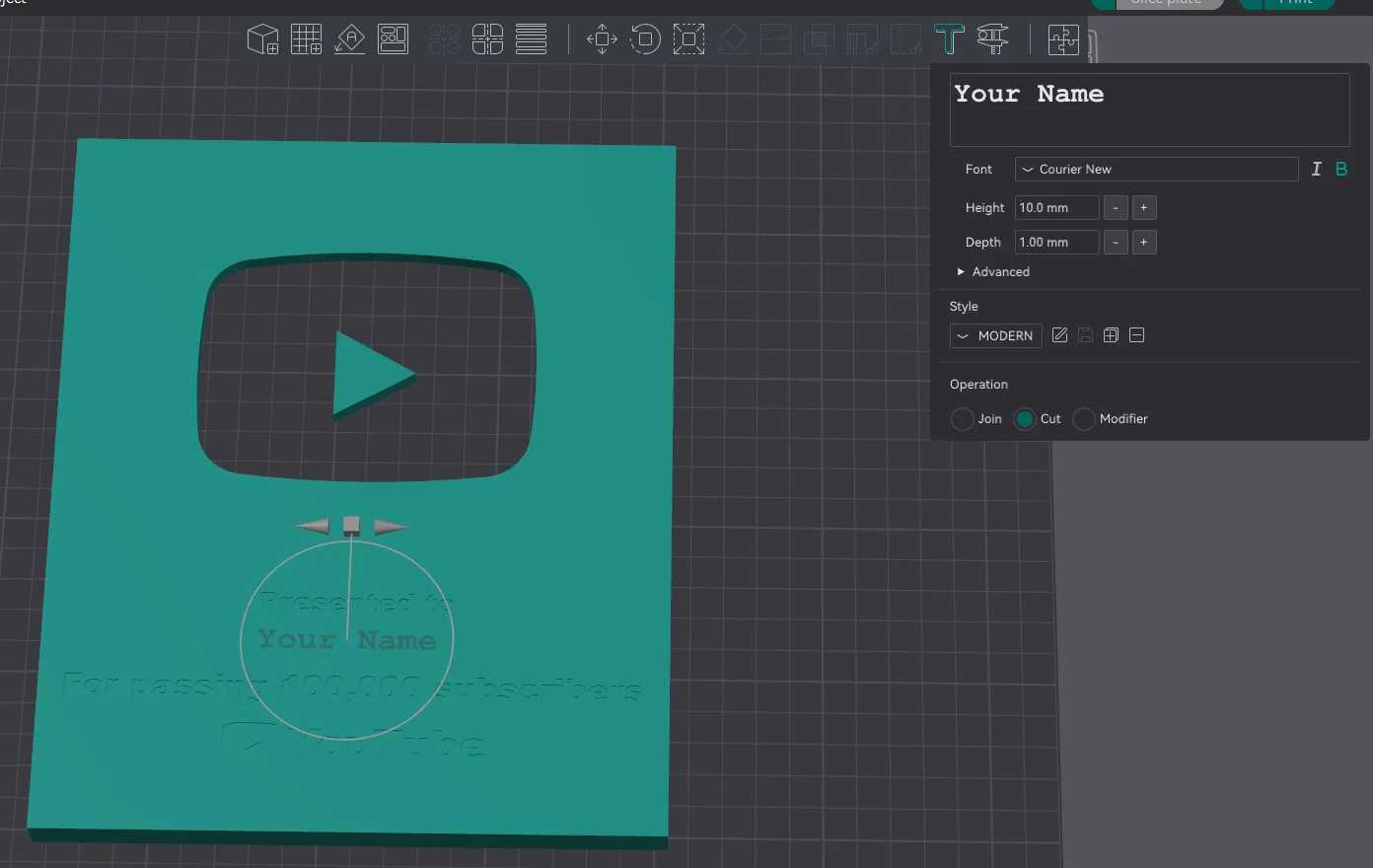
Please follow these steps:
Once these steps are complete, your project will be ready.
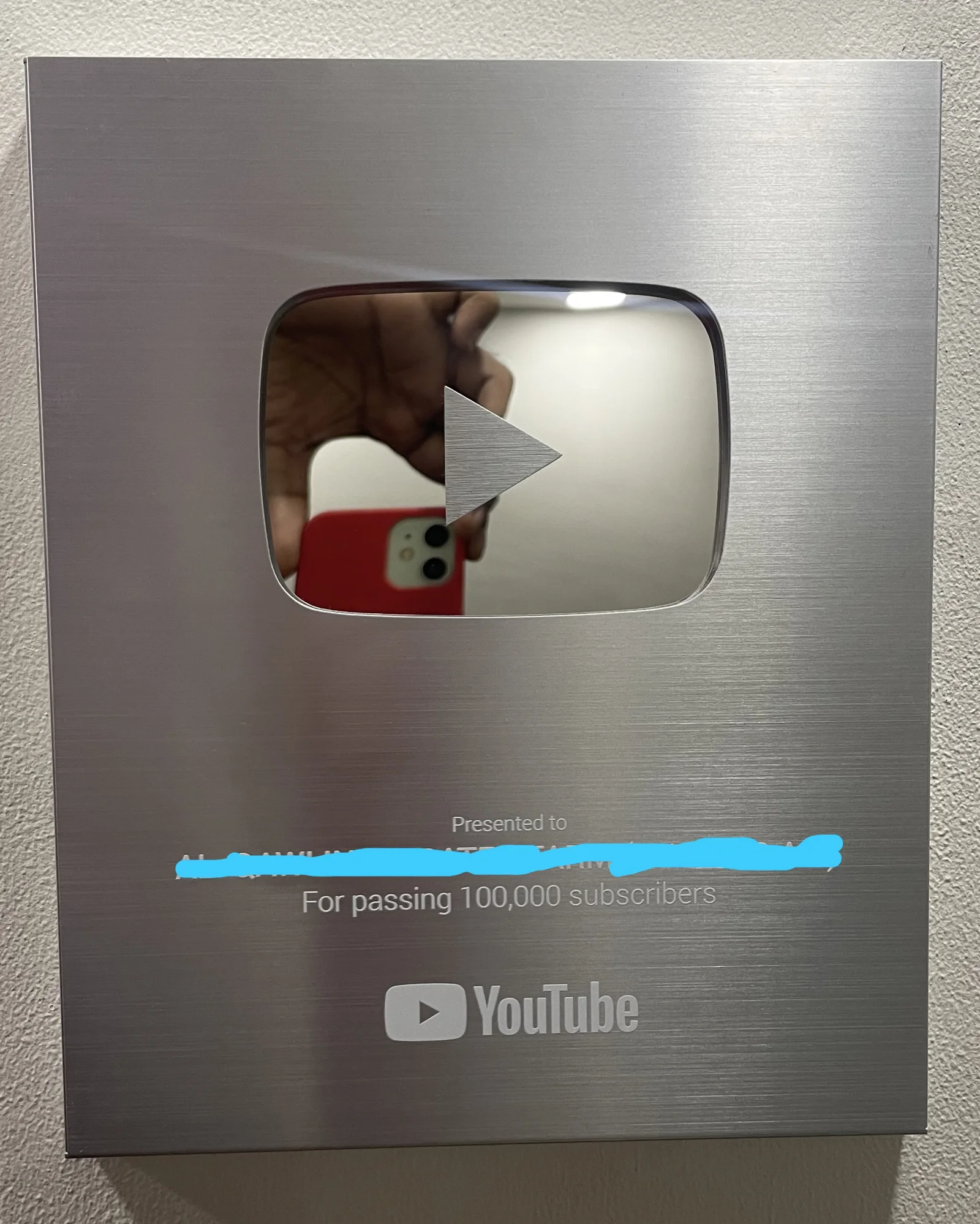
Alternatively you can use "Youtube_Button_No_Name.stl" file if you want to play with the font type.
ByCodyMeyer_2545340Likes163Downloads721

 ByDrewmundLikes833Downloads4.6K

 ByFastRaccoon_718321Likes461Downloads1.5K

 Bykallekubinsk_3569049Likes37Downloads184

 Byr_squared_1123188Likes89Downloads194

 ByMrCoolGaming_2947996Likes47Downloads170

 Bybychr1s_568275Likes243Downloads184

 ByTomYumLikes33Downloads157

 ByvexanixLikes168Downloads1.3K

 ByCederbLikes32Downloads179

 ByIvoLikes196Downloads1.1K

 Bynonoobybut_3307010Likes364Downloads1K