

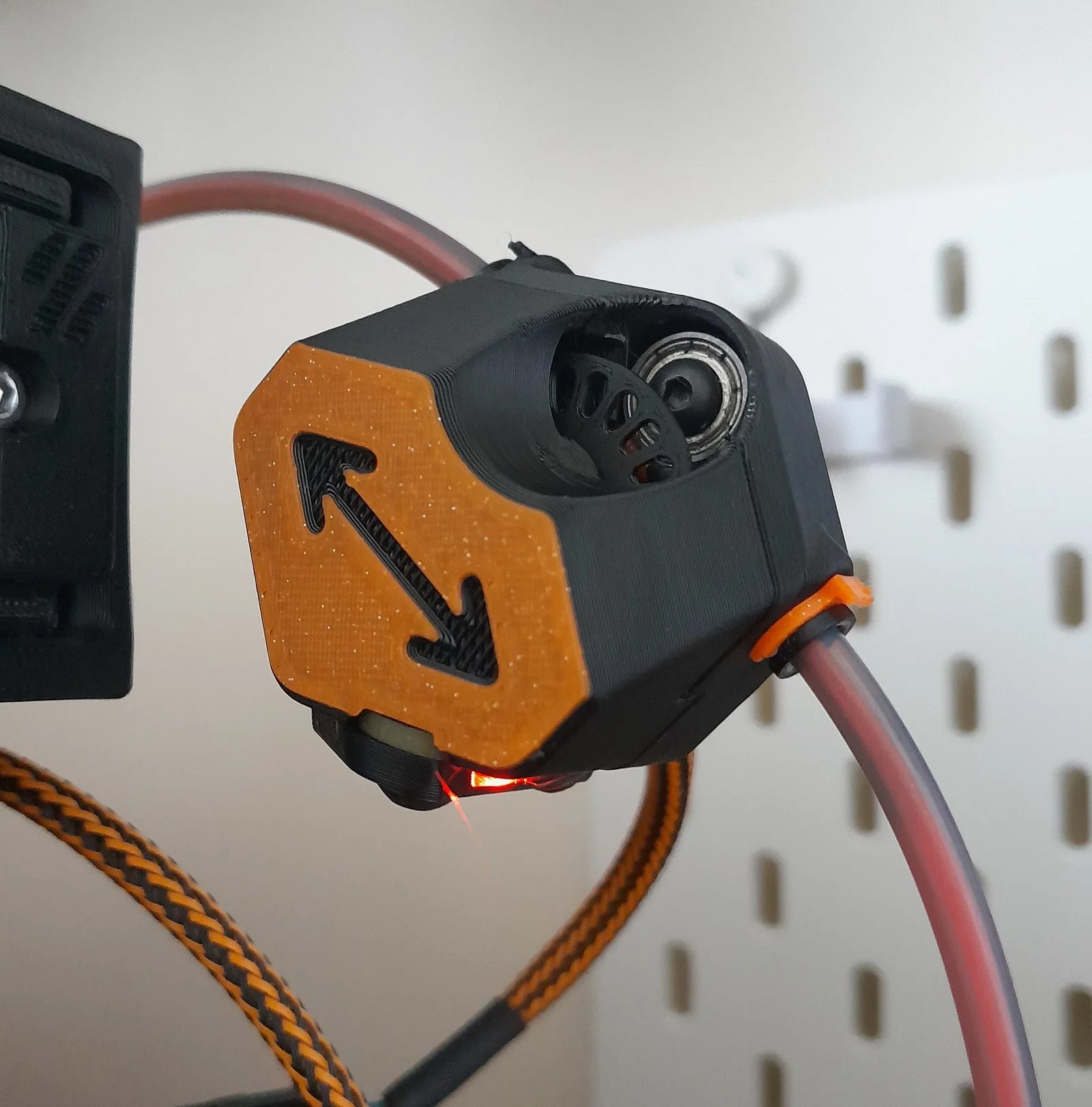
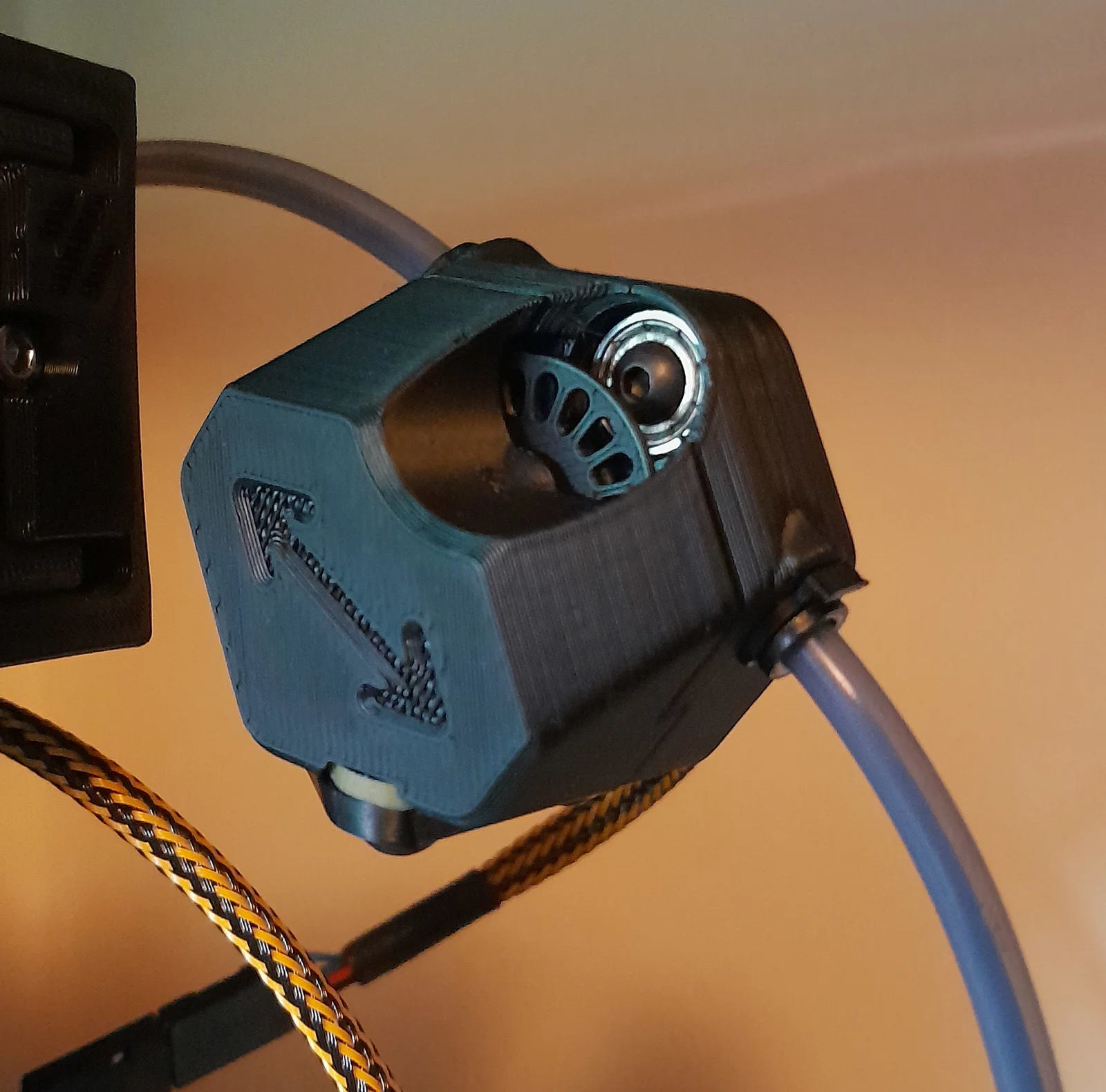


Kẹp giữ sợi Filament
 Bytinx_1344834Likes1.2KDownloads6K
Build another version of this model.
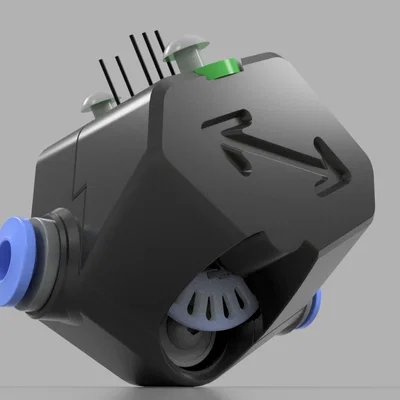
Upcycle your Optotap PCB building a 2 in 1 filament sensor. This mod combines a filament switch sensor and a filament motion sensor.
Hardware
qty
Notes
Optotap PCB 5v or 24 V
1
pin D3 20mm
1
e.g : 3.0x20mm BMG kit shaft
623zz bearing 3x10x4mm
1
Tx @S Mabar to remind me this
EPDM rubber O-ring #5 (5.7mm x 1.9mm)
2
Any OD10mm CS2mm should work, ! EPDM not Silicon
M3 x 8 BHCS
2
M3 x 10 BHCS
1
M3 x 16 if you wan't to screw it to the frame
Pushfit collet
2
Bondtech, UM2 or ECAS04
D2F microswith
1
M2 x 10 self tapping screw
2
JST-PH 2P header
1
Isopropylic Alcohol (IPA)
! Important : Clean o-rings with IPA to give enough grip
Parts are designed for ABS/ASA. Use Voron print settings (LW0.4, LH0.2, 40% infill, 4 perimeters, 5 top/bottom layers)
3 FMS_back are available. It depends of the collet used.
Nota : optotap_cover was designed for a V2.1 PCB, it is optional, if it doesn't fit your PCB, just do not use it and screw PBC with M3x8
Switch must be be wired NO to an endstop pin of the board.
Switch GND and Optotap GND can be shared.
Screw D2F microswitch in FMS_back.stl (Obviously, solder wires first. There's a room for JST-PH 2P header ).
Insert collets
Insert the shaft (tigh fit) . Attach the ball bearing with an M3x10.
Clean the O-rings with IPA. Put O-rings on the Sensor_wheel.stl
Sensor wheel must run smoothly. If not, clean hole with a 3mm drill bit.
place FMS_front and screws the optotap + cover whith M3x8 screws.
Check twice your wiring. Enjoy :)
Configure Microswitch as a filament_switch_sensor, Optotap as a filament_motion_sensor.
Tip : DangerKlipper offers some extra features for filament sensors. see Documentation
Configuration example, to adapt to your printer configuration :
### OPTOTAP_FILAMENT_SENSOR CONFIG ###
#########################################
[filament_switch_sensor optotap_fss]
switch_pin: !<switch_pin> # Use ! if revert ^ if pullup needed
runout_distance: 500 # Extra distance in mm after runout is detected.
# Note : This feature works only in DK
[filament_motion_sensor optotap_fms]
switch_pin: <optotap_pin> # Set optotap_pin
detection_length: 4.0
[gcode_macro _ofs_variables]
variable_enable_at_startup: False # Enable/disable filament sensor at Printer startup default is false
### DO NOT EDIT BELOW ###
#########################
## Useful variables
[gcode_macro _ofs_variables]
gcode:
## filament sensor settings
[filament_switch_sensor optotap_fss]
pause_on_runout: False
immediate_runout_gcode: # DK only
SET_FILAMENT_SENSOR SENSOR=optotap_fms ENABLE=0
RESPOND TYPE=error MSG="End of filament detected !"
RESPOND MSG="Printer will runout in {printer.configfile.settings['filament_switch_sensor optotap_fss'].runout_distance}mm"
runout_gcode:
PAUSE
RESPOND TYPE=error MSG="Differed filament runout occurs !"
RESPOND TYPE=command MSG="Printer pause until filament inserted"
insert_gcode:
SET_FILAMENT_SENSOR SENSOR=optotap_fss RESET=1
SET_FILAMENT_SENSOR SENSOR=optotap_fms ENABLE=1
RESPOND TYPE=command MSG="Filament inserted, be sure it reaches hotend before RESUME"
[filament_motion_sensor optotap_fms]
extruder: extruder
pause_on_runout: True
runout_gcode:
RESPOND TYPE=error MSG="Clog or tangle detected !"
## Optotap FS macros
[gcode_macro SET_OPTOTAP_FS]
description: Enable or disable Optotap_FS
gcode:
{% if params.ENABLE is defined %}
{% set enable=params.ENABLE|int %}
SET_FILAMENT_SENSOR SENSOR=optotap_fss ENABLE={enable}
SET_FILAMENT_SENSOR SENSOR=optotap_fms ENABLE={enable}
{% endif %}
{% if params.RUNOUT_DISTANCE is defined %}
{% set dist = params.RUNOUT_DISTANCE|float %}
SET_FILAMENT_SENSOR SENSOR=optotap_fss RUNOUT_DISTANCE={dist}
{% endif %}
# disable FS at startup
[delayed_gcode _ofs_startup]
initial_duration: 1
gcode:
{% set _vars=printer['gcode_macro _optotap_fs'] %}
{% if not _vars.enable_at_startup %}
SET_OPTOTAP_FS ENABLE=0
{% endif %}
Bytinx_1344834Likes1.2KDownloads6K

 ByRyanLikes0Downloads230

 Bygummiegecko8477Likes0Downloads177

 Bychukwufumnanya-arinzechukwuLikes0Downloads158

 BydalleLikes0Downloads157

 BynasikLikes0Downloads127

 Byarhi_585078Likes64Downloads547

 ByHanzo3dLikes155Downloads418

 ByGeek5DLikes147Downloads493

 ByBrokentooth_designsLikes23Downloads414

 Bycrawler-3903250Likes0Downloads913

 By3DSourcererLikes48Downloads388