

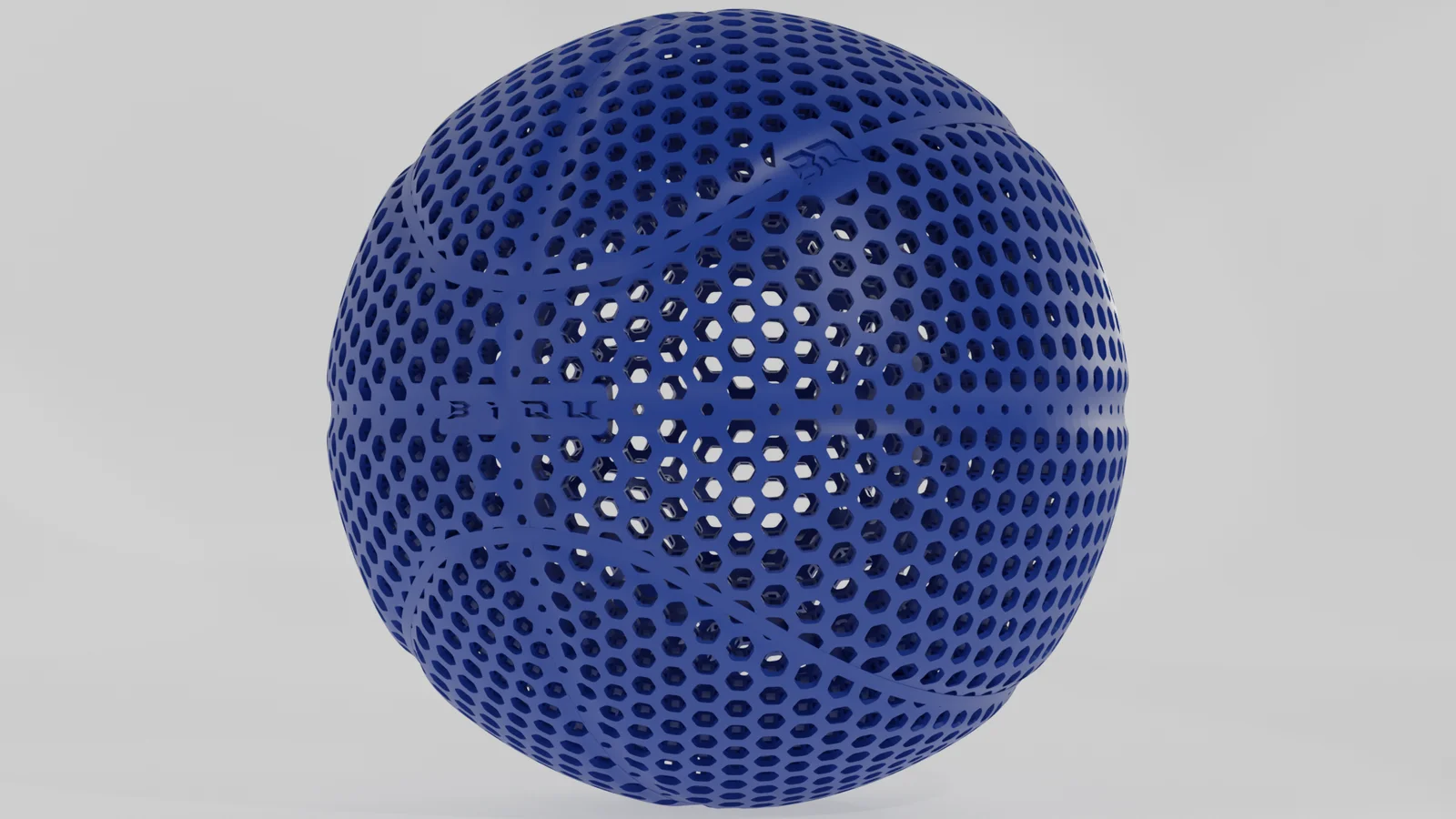
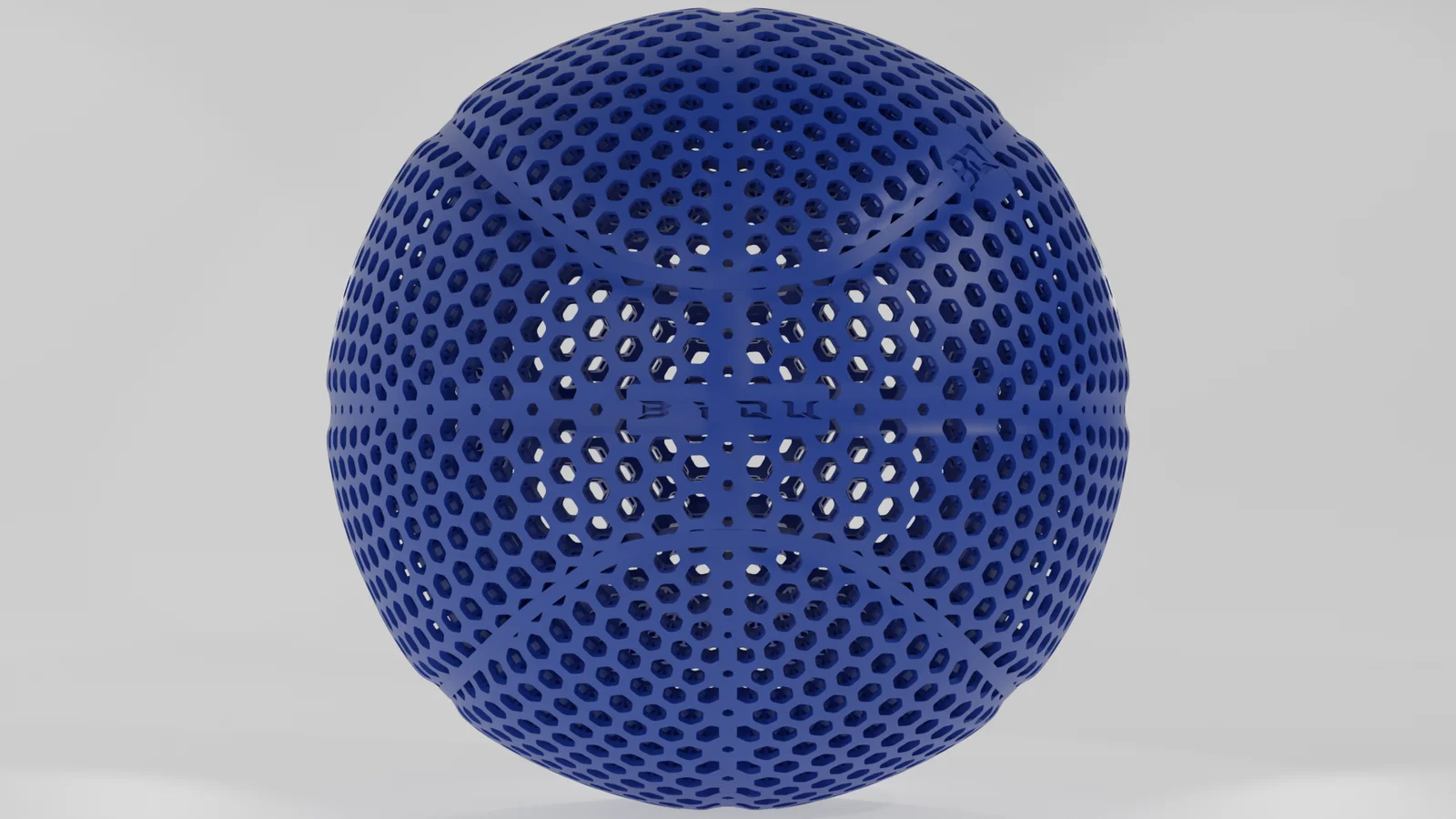


Airless ball
 ByanimatedheavenLikes0Downloads260
Build another version of this model.
This is the Airless Basketball in cooperation with Biqu. It is optimized for the Biqu PLA-HR Filament
i recommend to use the .3mf File. I know the thumbnail is a bit confusing but give it a try. Because in this file the supports are already prepared in the model. It is not necessary to paint the supports areas per hand. I have tested it with PrusaSlic3r and BambuSlicer.
Recommended settings:
Special tip:
Because it is a very long print and the filament is not that cheap it would be a good idea to additional fix that print on the bed (just for the case). Before you start printing you need a few magnets.
ByanimatedheavenLikes0Downloads260

 ByMachaki_1134160Likes36Downloads367

 ByCubaLibreee_2869176Likes125Downloads1K

 ByXDr4g0nXLikes198Downloads828

 ByGerhard_48223Likes240Downloads470

 ByJanTomasek_896550Likes7Downloads222

 ByBillRichardsLikes32Downloads385

 ByKorriLikes60Downloads615

 ByTarzLikes28Downloads580

 BySmokerJoker2020Likes9Downloads114

 ByMauroVanDerG_4110408Likes378Downloads2.7K

 By3DGearSupplyLikes26Downloads447