




Vải In 3D Cấu Trúc Hình Bát Giác (Octagon Fabric)
 ByDrewmundLikes833Downloads4.6K
Remix of Thay thế vòng cao su cho bánh xe cuộn Logitech MX Master By Bram
Build another version of this model.
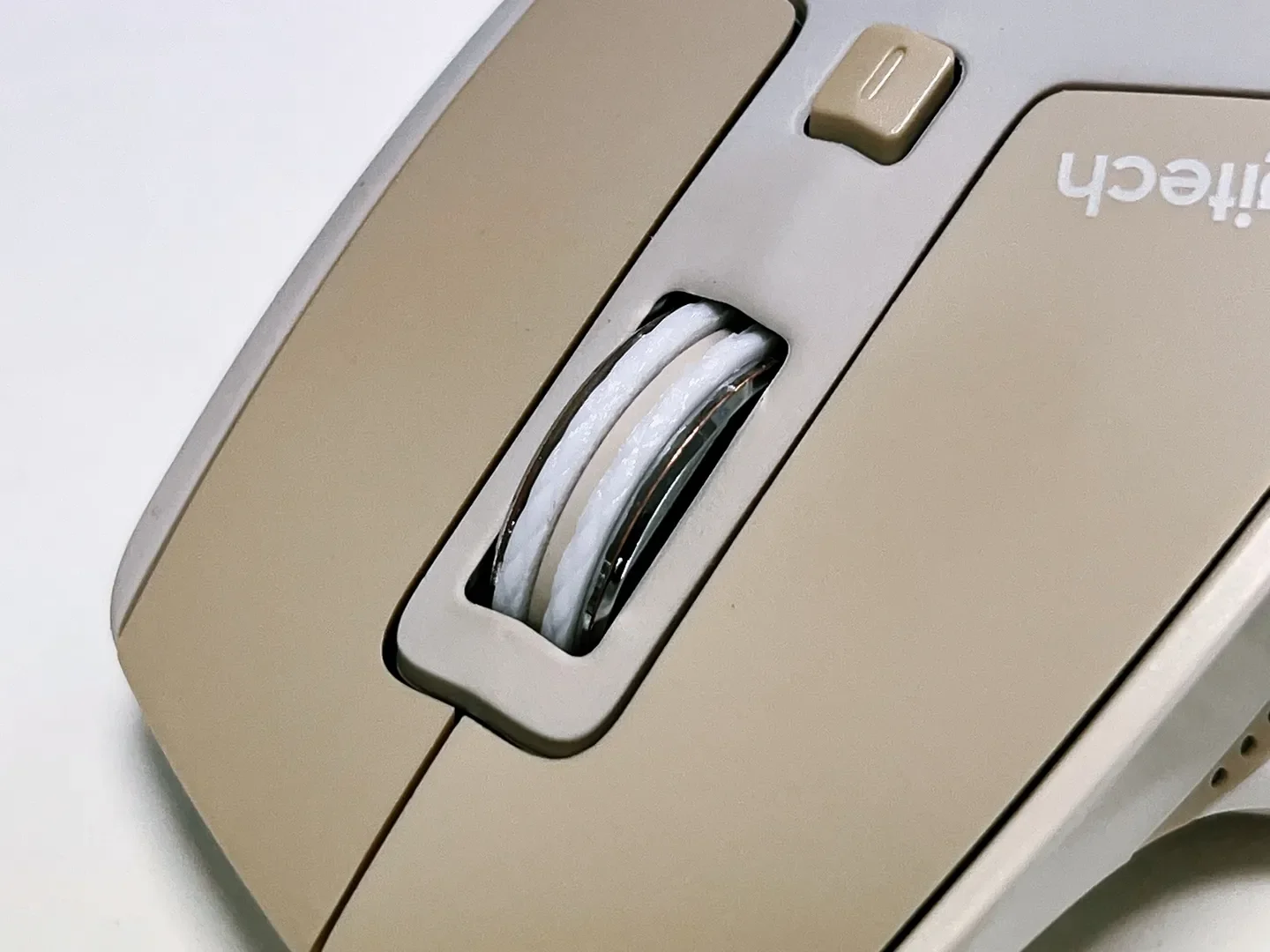
Doesn't require cutting or glueing for secure fit. Just remove crusty old rubber strips and snap on this instead!
This part is designed to be printed in TPU. Printed mine in 95A TPU, should probably work fine for softer material as well.
You'll need to print the part twice. I recommend printing them one at a time to minimize stringing.
My scroll wheel had a plastic bump under the rubber on one side. In case you've got one as well it's easy to remove with an x-acto knife.
Recommended layer height is 0.12mm (including first layer).
This part is a bit taller than the original so it can be printed with 4 walls to minimize travel and retraction. It feels great too!
ByDrewmundLikes833Downloads4.6K

 ByFastRaccoon_718321Likes461Downloads1.5K

 ByvexanixLikes168Downloads1.3K

 ByIvoLikes196Downloads1.1K


 ByshoheiyLikes0Downloads211

 Bynonoobybut_3307010Likes364Downloads1K

 ByvojtagrecLikes289Downloads902

 ByCodyMeyer_2545340Likes163Downloads728

 Bykarma-artLikes0Downloads156

 Byelizabeth3dLikes0Downloads152
