



Kẹp giữ sợi Filament
 Bytinx_1344834Likes1.2KDownloads6K
Build another version of this model.
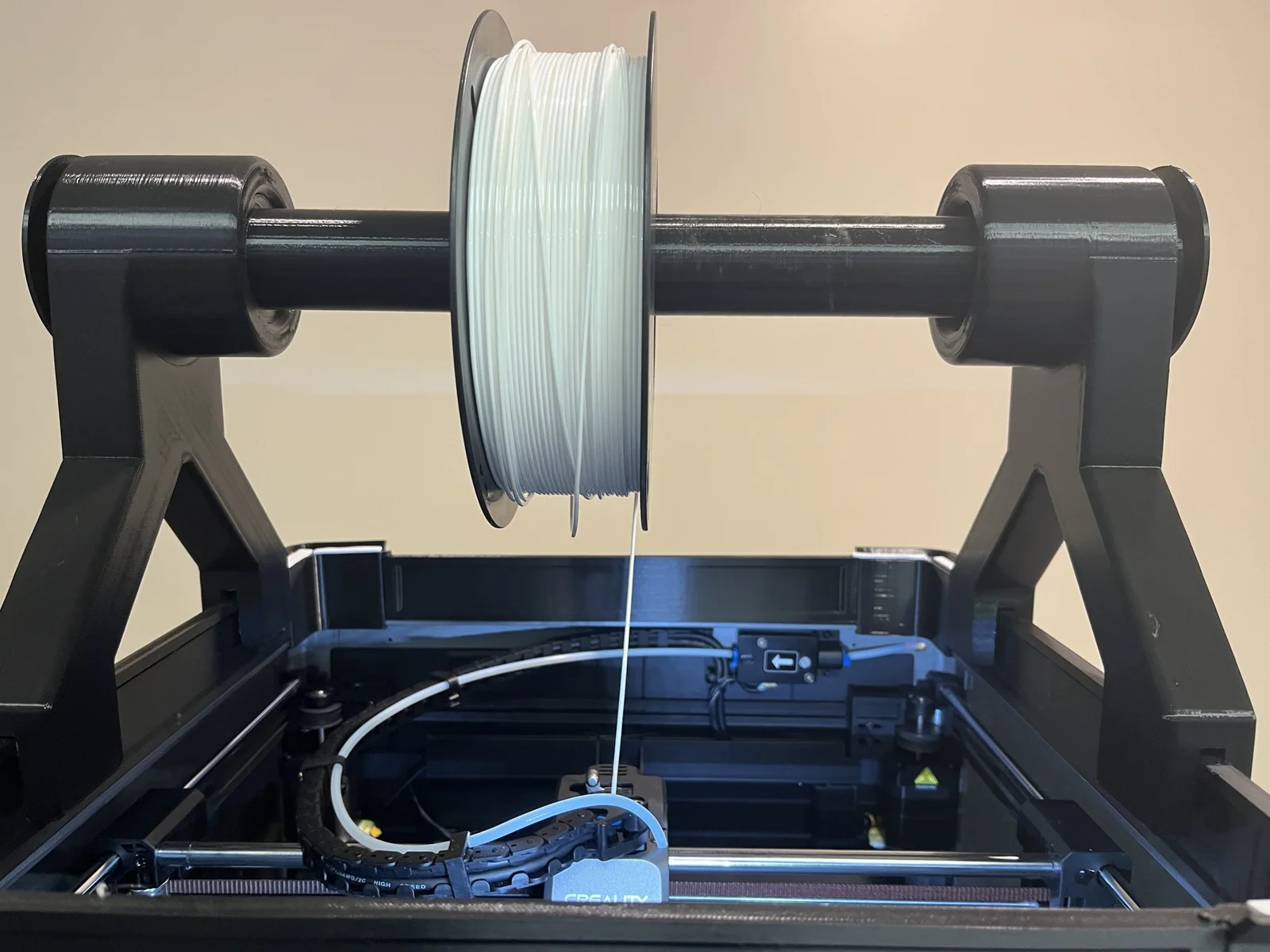
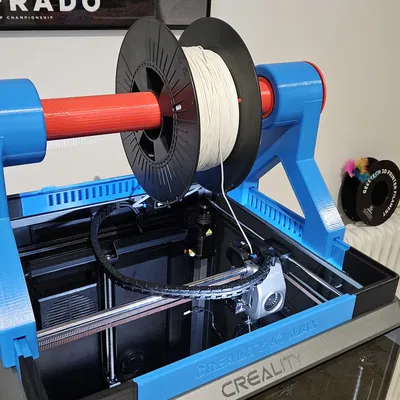
I have been having trouble printing TPU filament properly with K1 Max. TPU filament is soft and sticky, which causes filament feeding flow to be inconsistent. Building upon the “Creality K1 Max Riser", I made a spool holder that feeds the filament directly from the top of the machine, which leverages the help of gravity. Since then, I have finally been able to print TPU with much better quality.
Four things you need to know about this:
Print it with PLA, 15% infill, and support only for Part A.
To make it work, print 2 x Part A + Part B + Part C
Anyway, this is my first contribution to the community. Hopefully, it helps someone, and please let me know if you need me to modify it.
Bytinx_1344834Likes1.2KDownloads6K

 ByreddLikes216Downloads2.1K

 ByJasonOlliff_519145Likes241Downloads2K

 Byarhi_585078Likes64Downloads535

 ByHanzo3dLikes155Downloads410

 ByGeek5DLikes147Downloads480

 ByBrokentooth_designsLikes23Downloads401

 By3DSourcererLikes48Downloads372

 ByWyomingWolf_261196Likes52Downloads422

 Bytopronix_2170418Likes41Downloads292

 ByBlackky98Likes25Downloads204

 ByAnthonyDouri_1604724Likes24Downloads213